Browse AI video tools for upscaling, background removal, talking photos and lip sync, alongside clip extraction and screen recording. Find a focused video workflow.
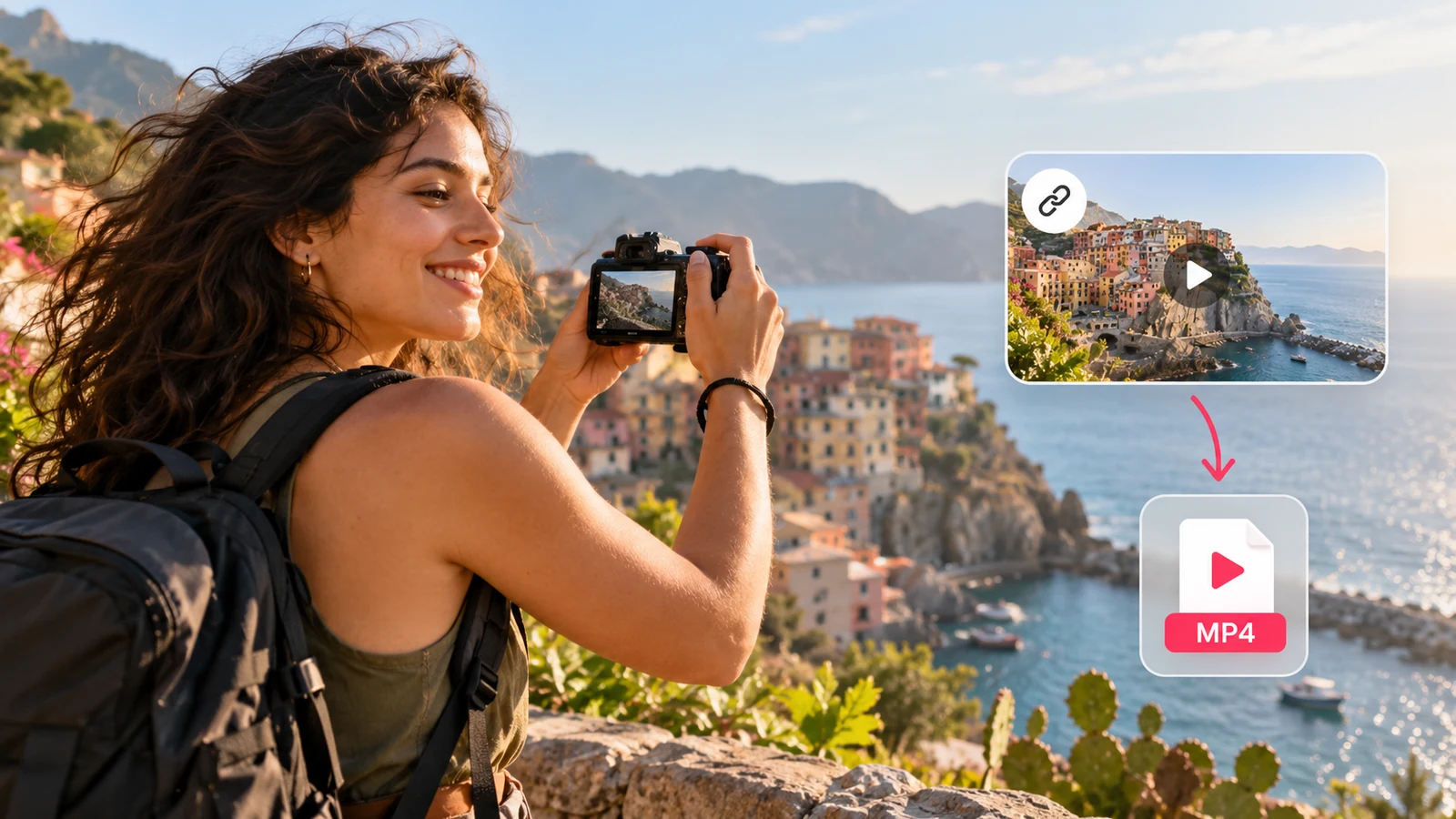
Save a public video as an MP4 from its link.
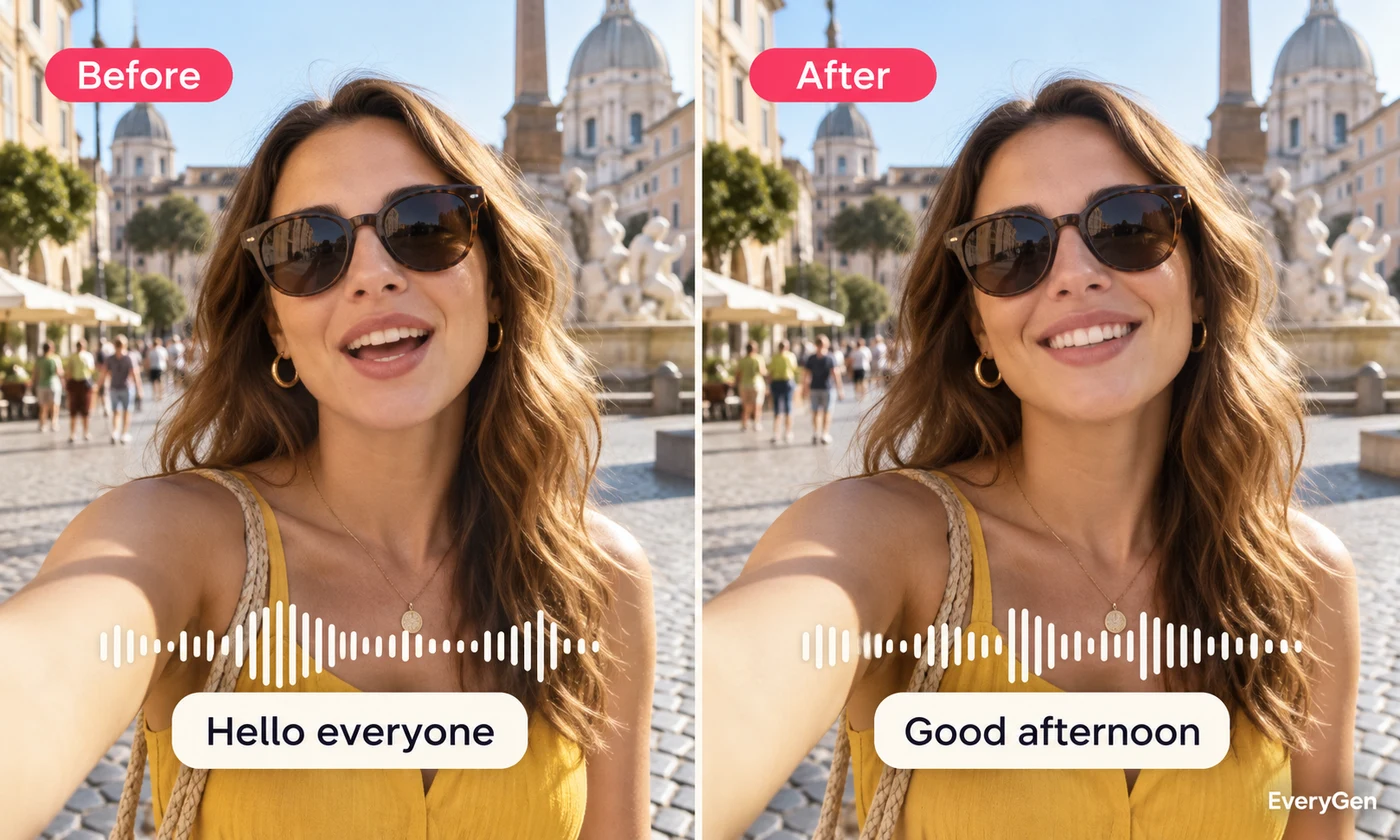
Match a video’s mouth movements to your audio.
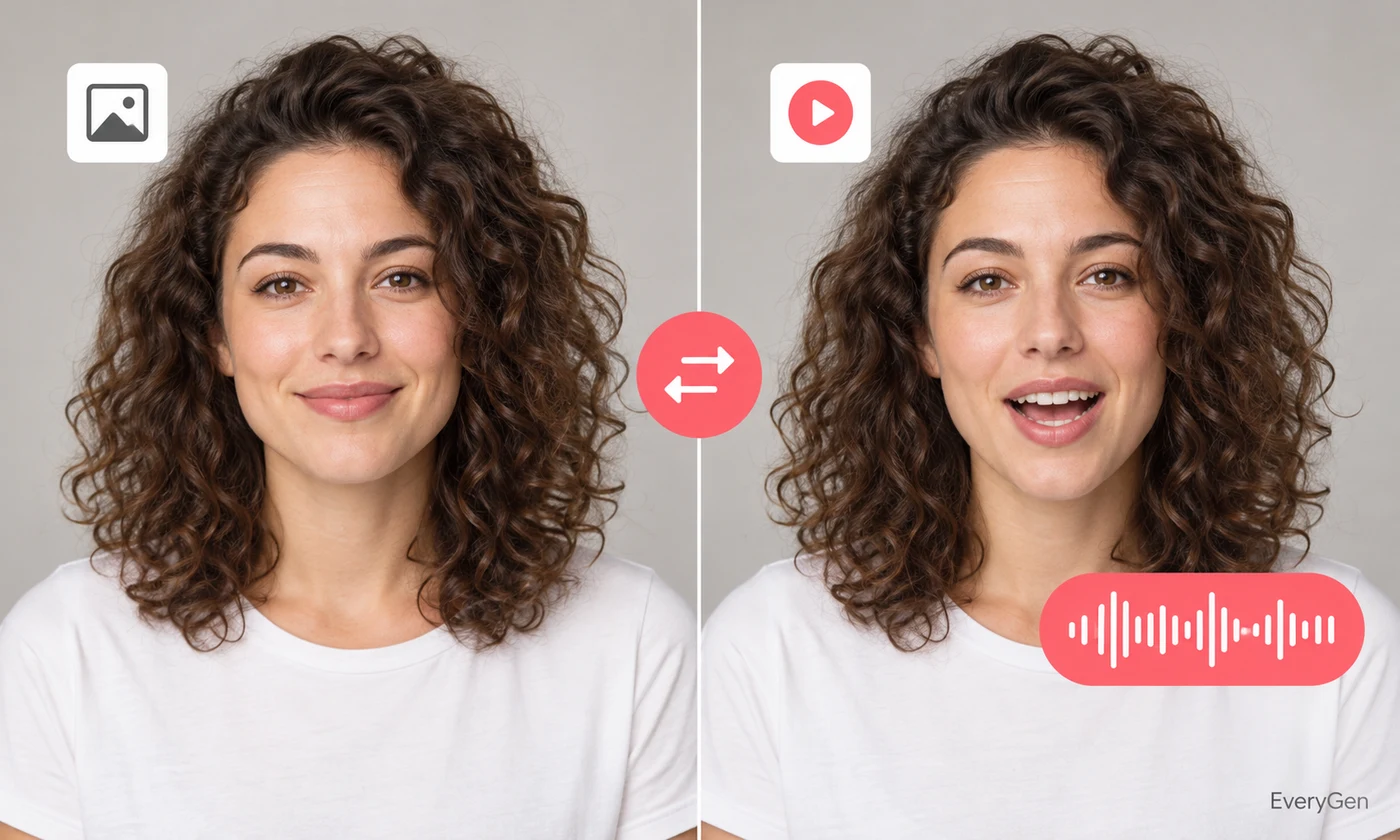
Animate a portrait with an uploaded voice recording.
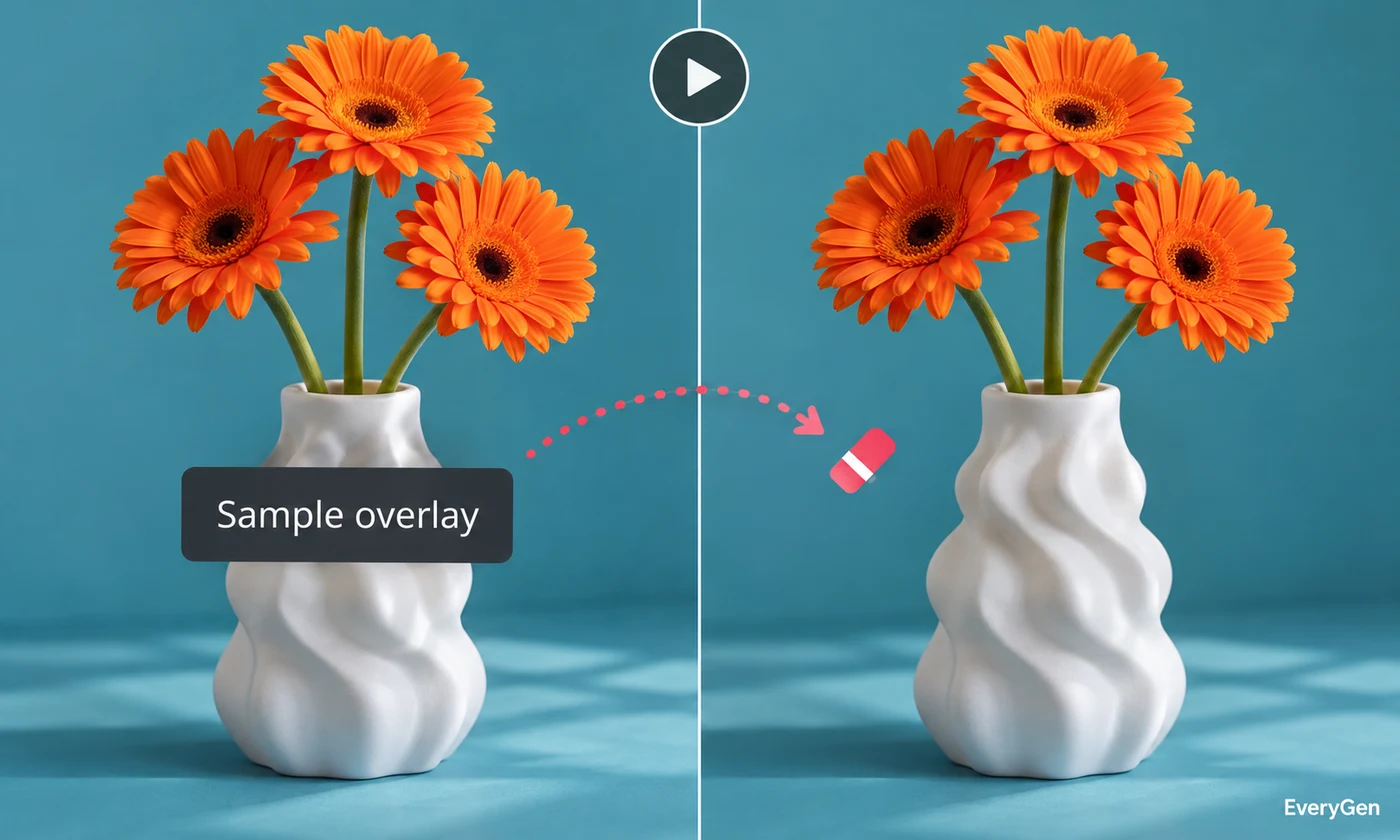
Describe an object to remove from a short video.
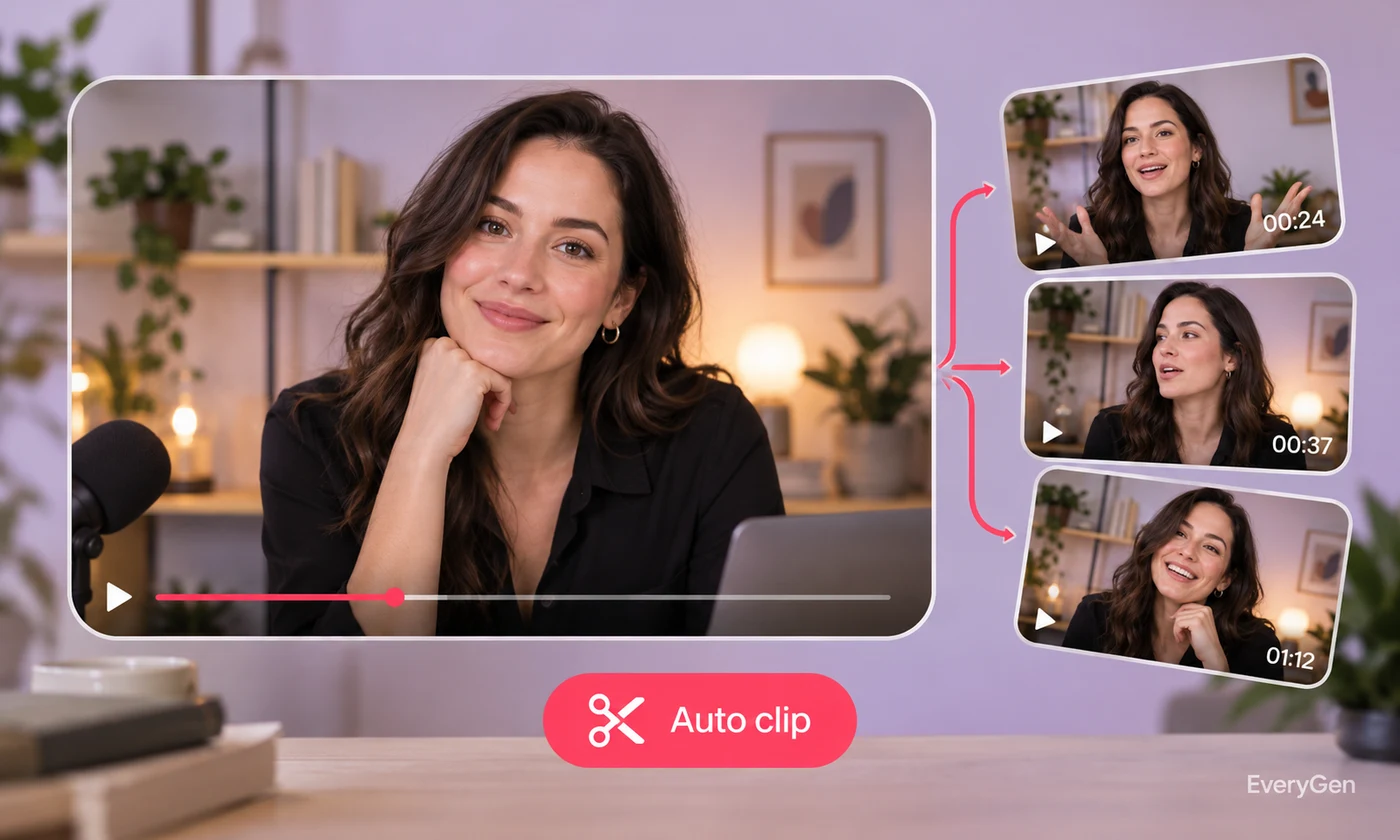
Create a short clip from a selected time range.

Build a compact montage from a longer source.
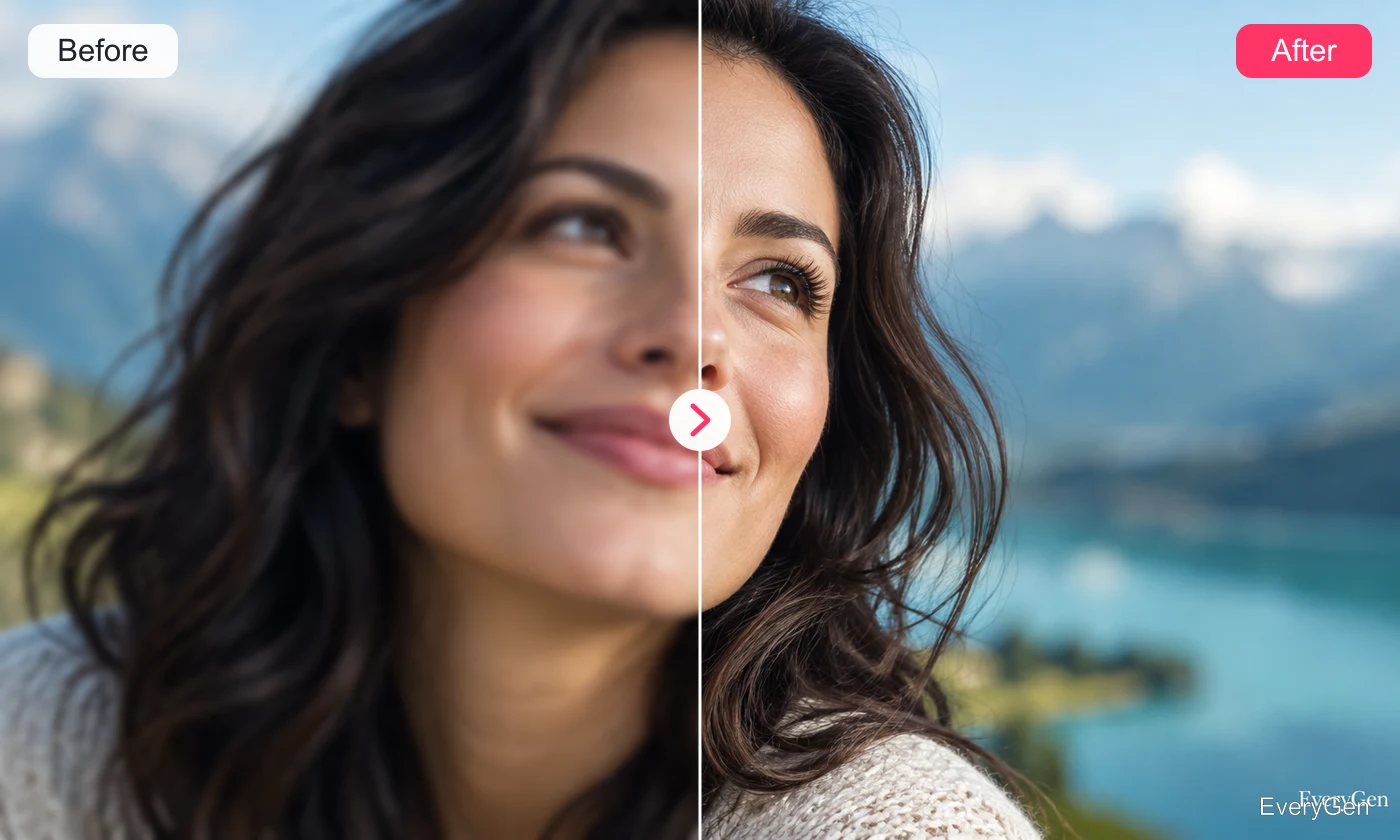
Improve detail in an existing video.
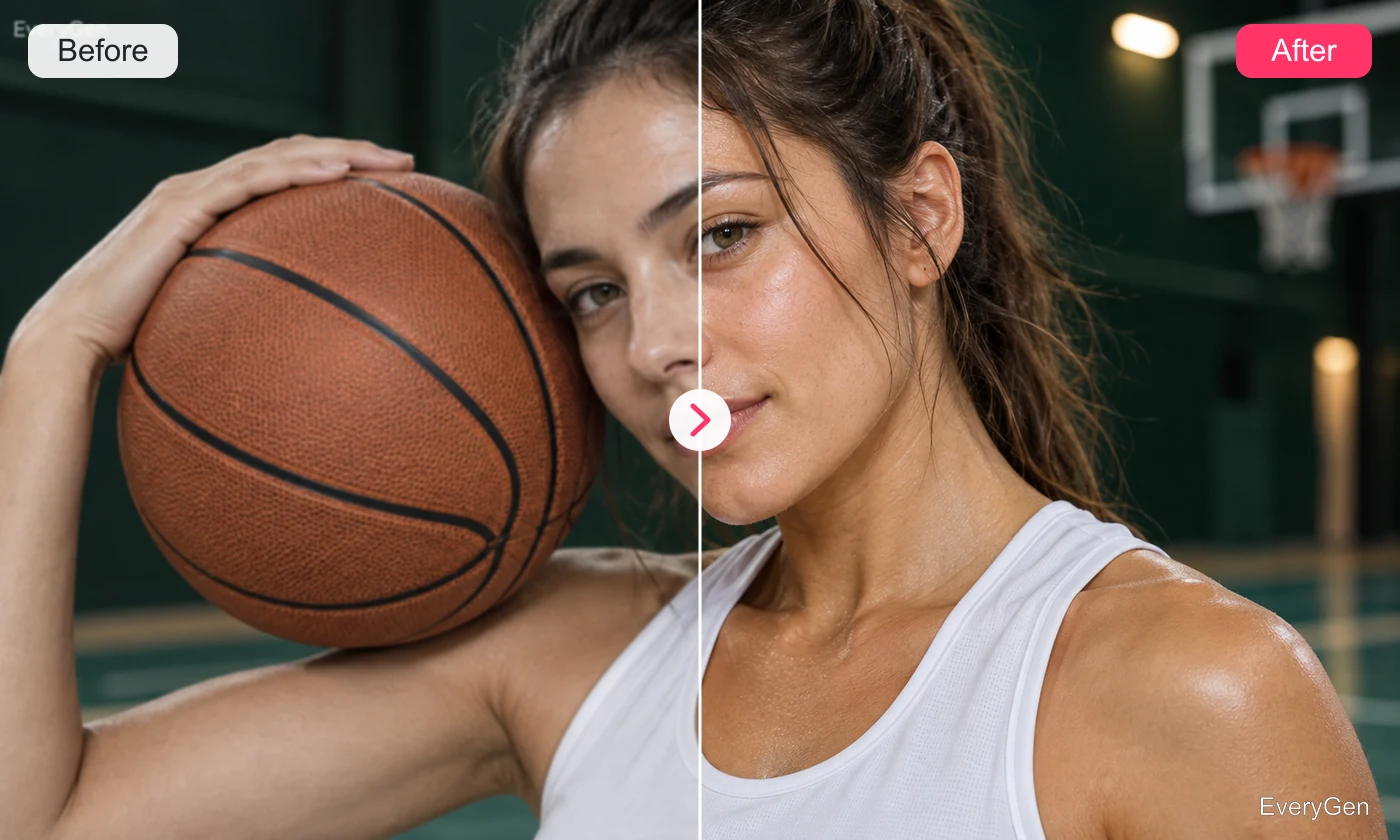
Recover portrait details with a natural finish.
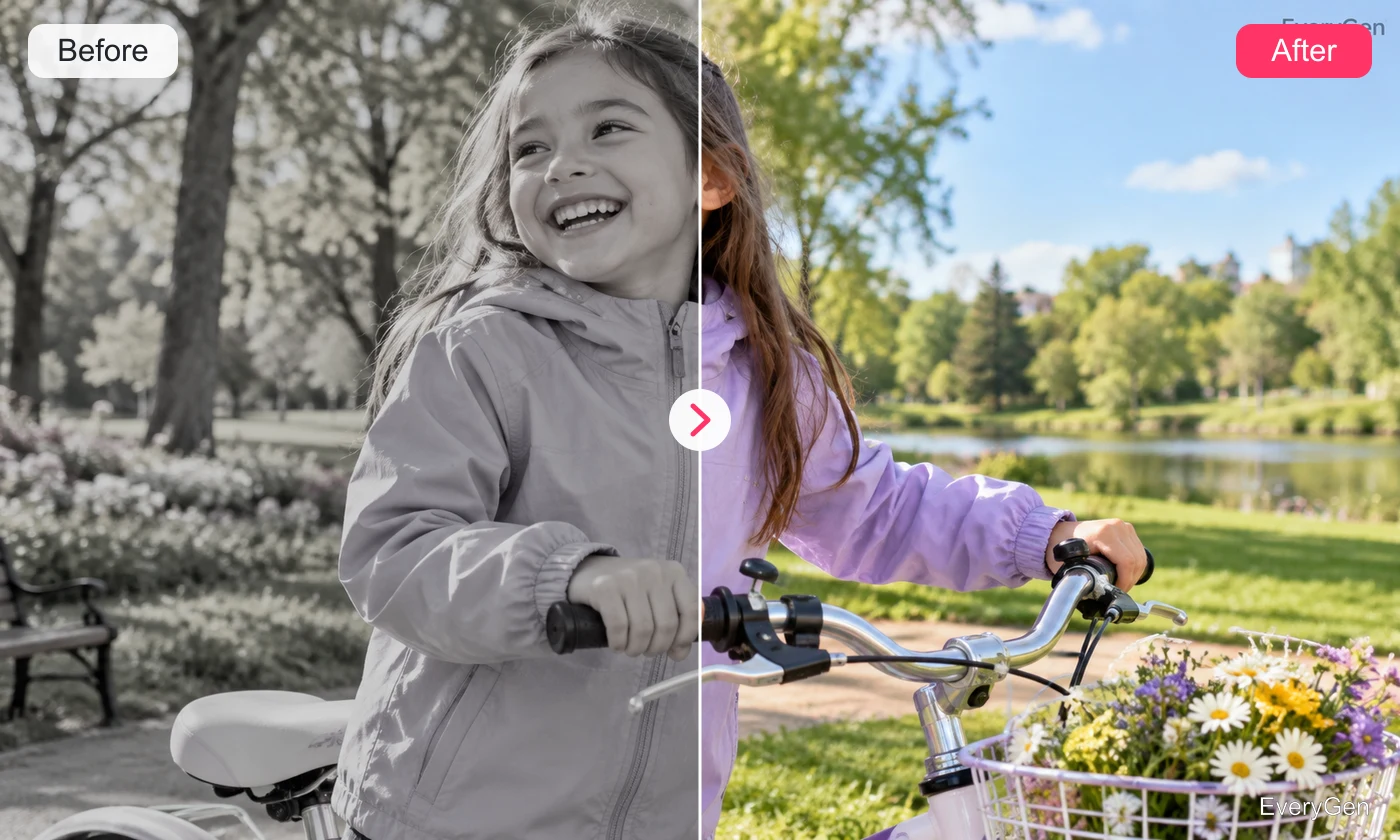
Balance exposure and color in your video.
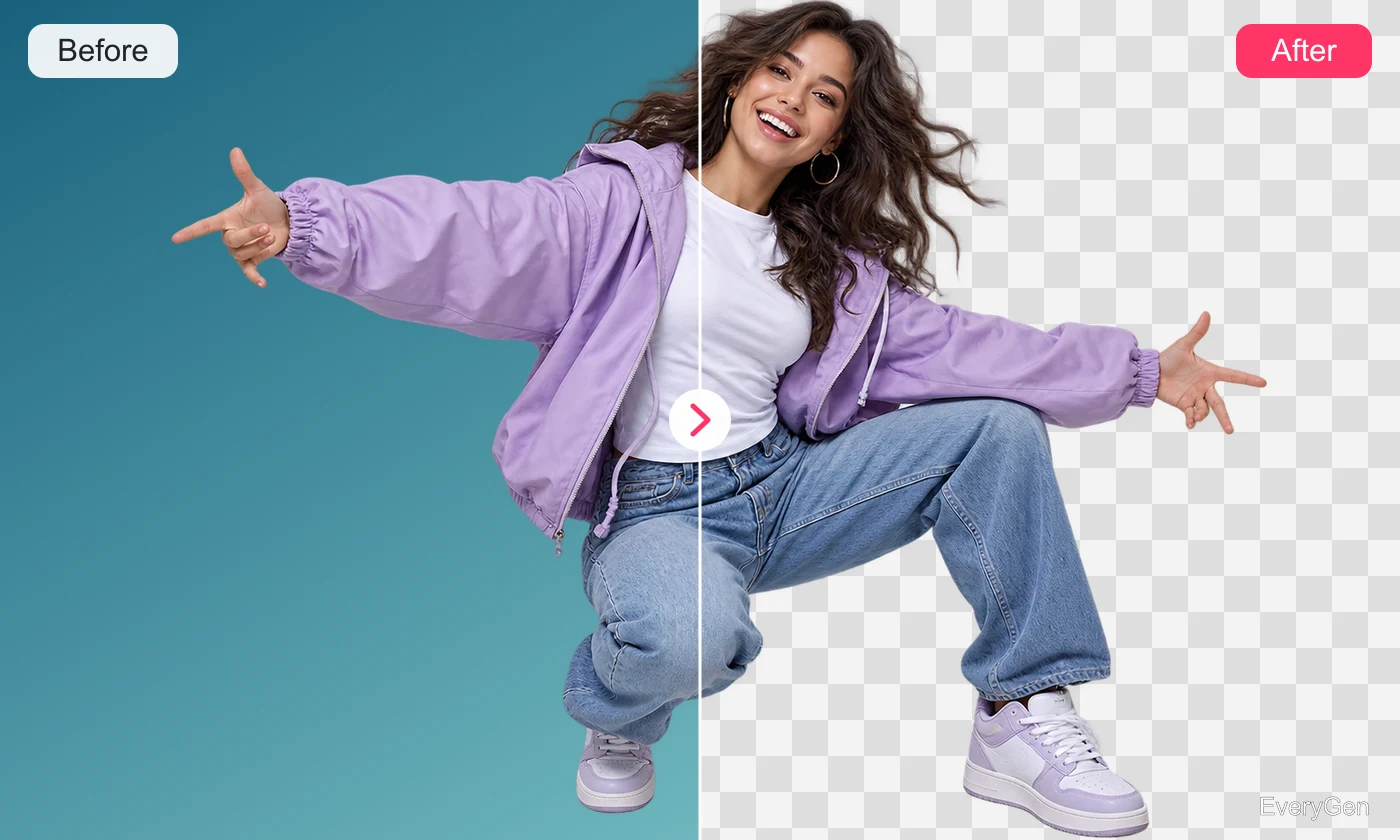
Keep the subject and remove the video background.
Record a screen or window directly in your browser.
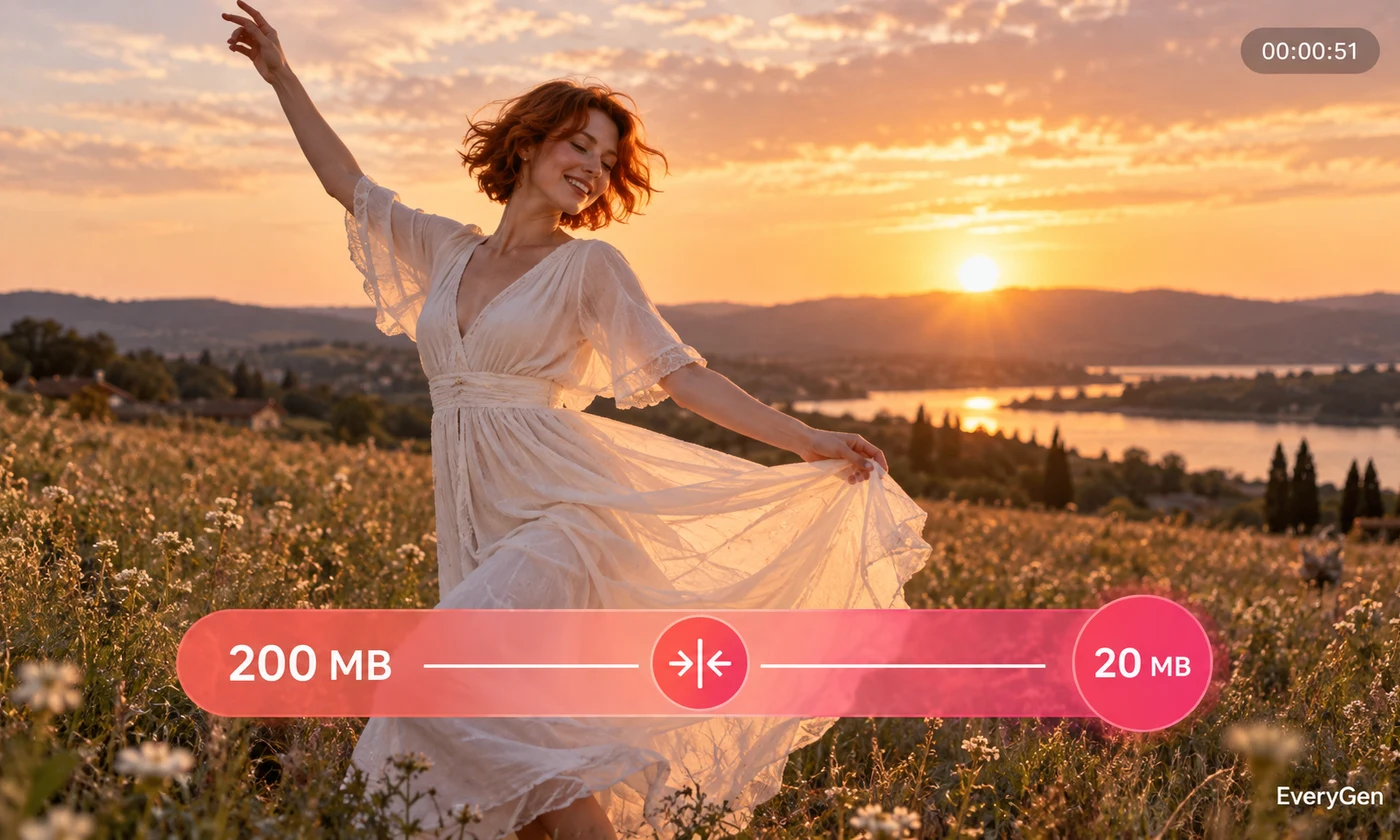
Reduce image, video or audio file size.
Convert media into a format that fits your workflow.
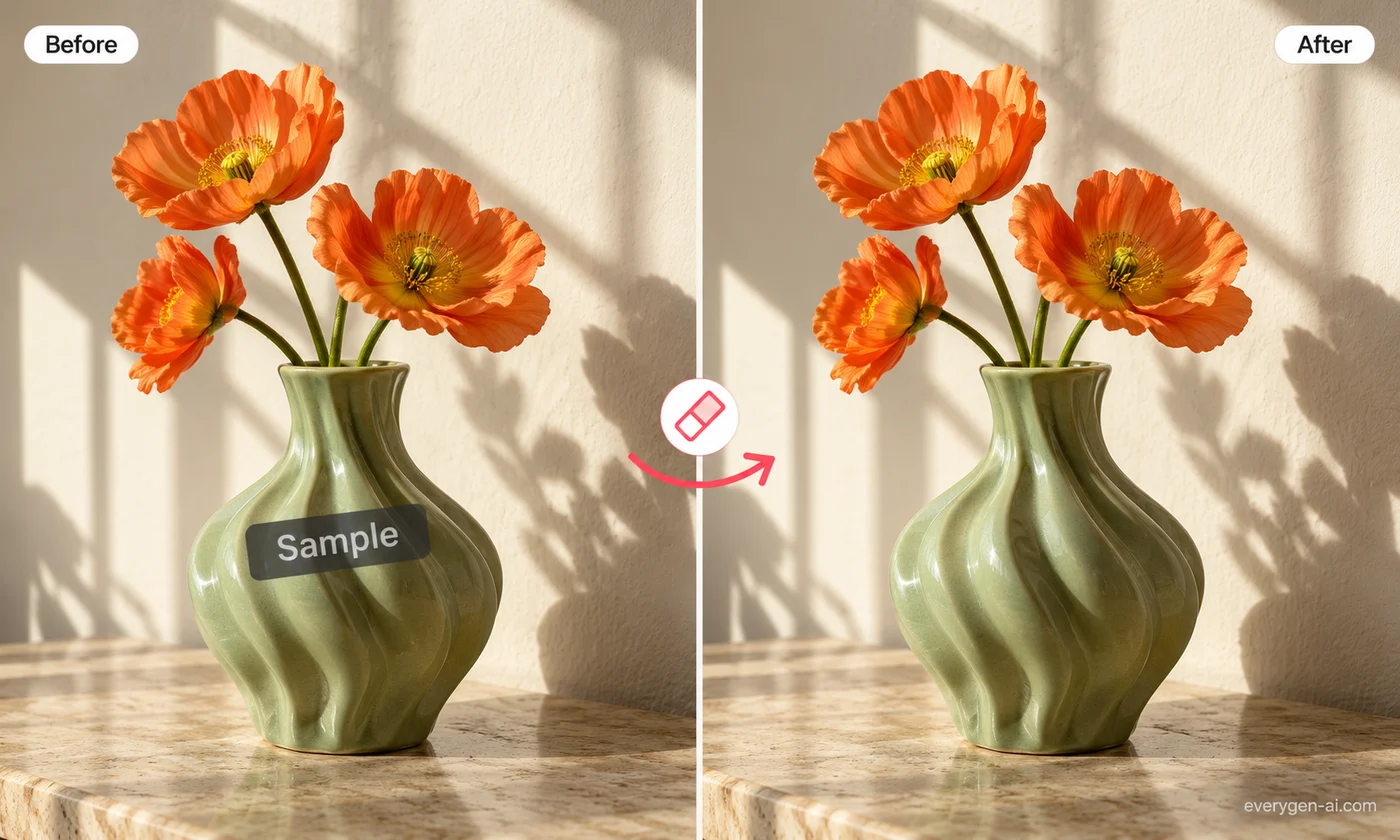
Remove text and logo overlays from images and short videos you own.

Upload a saved Reel and turn its speech into text or timed captions.
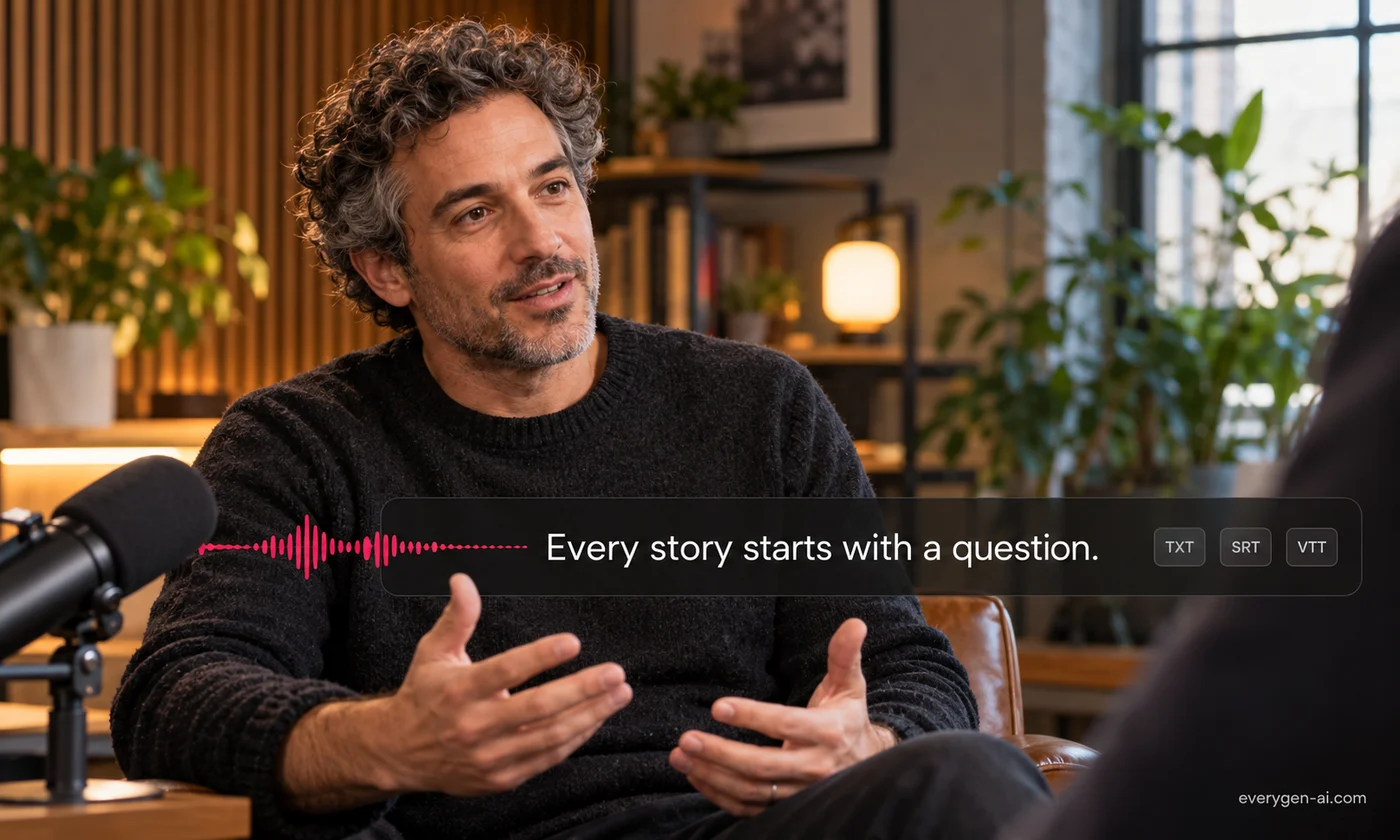
Turn recorded speech into an editable transcript, SRT or VTT captions.
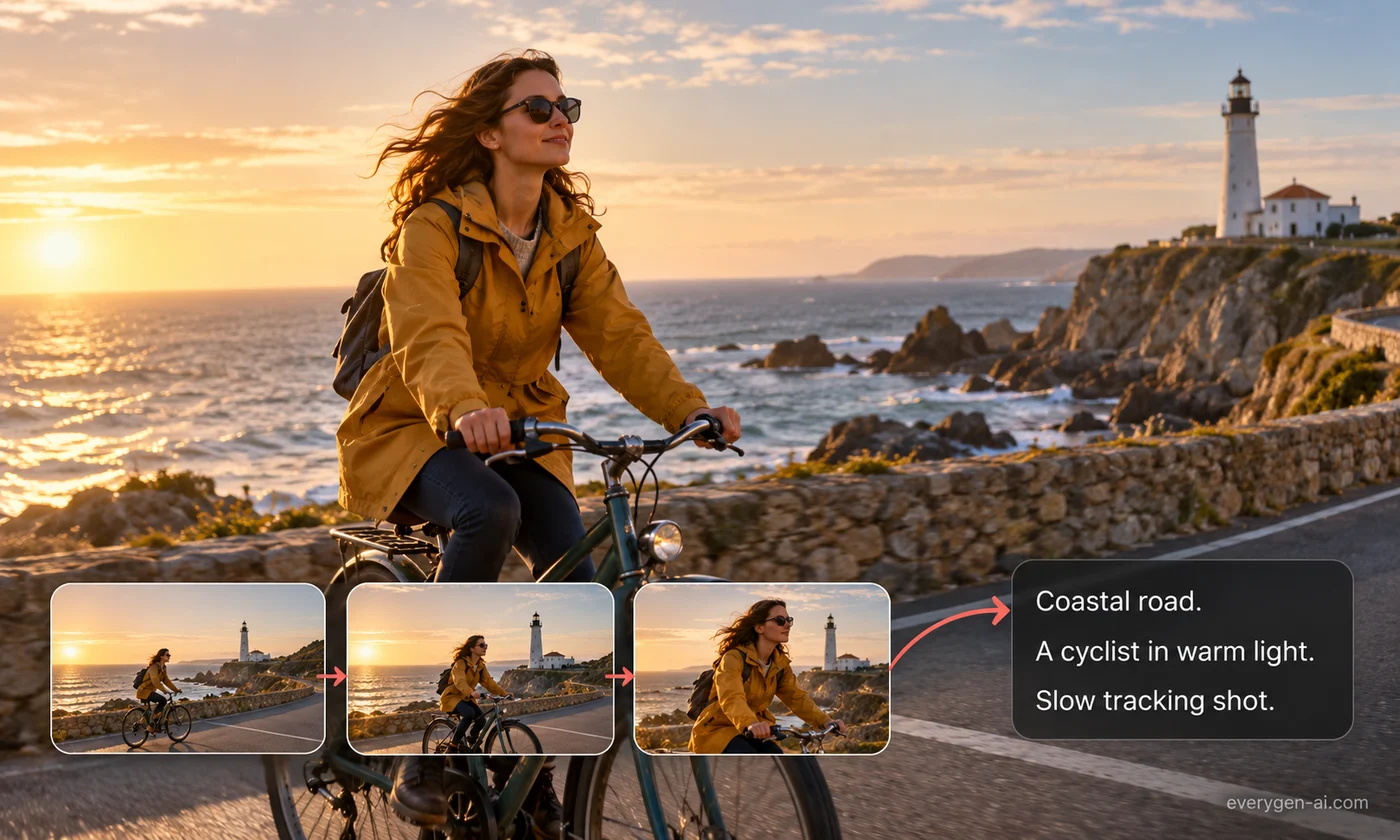
Describe a reference clip’s subject, camera and style in one reusable prompt.
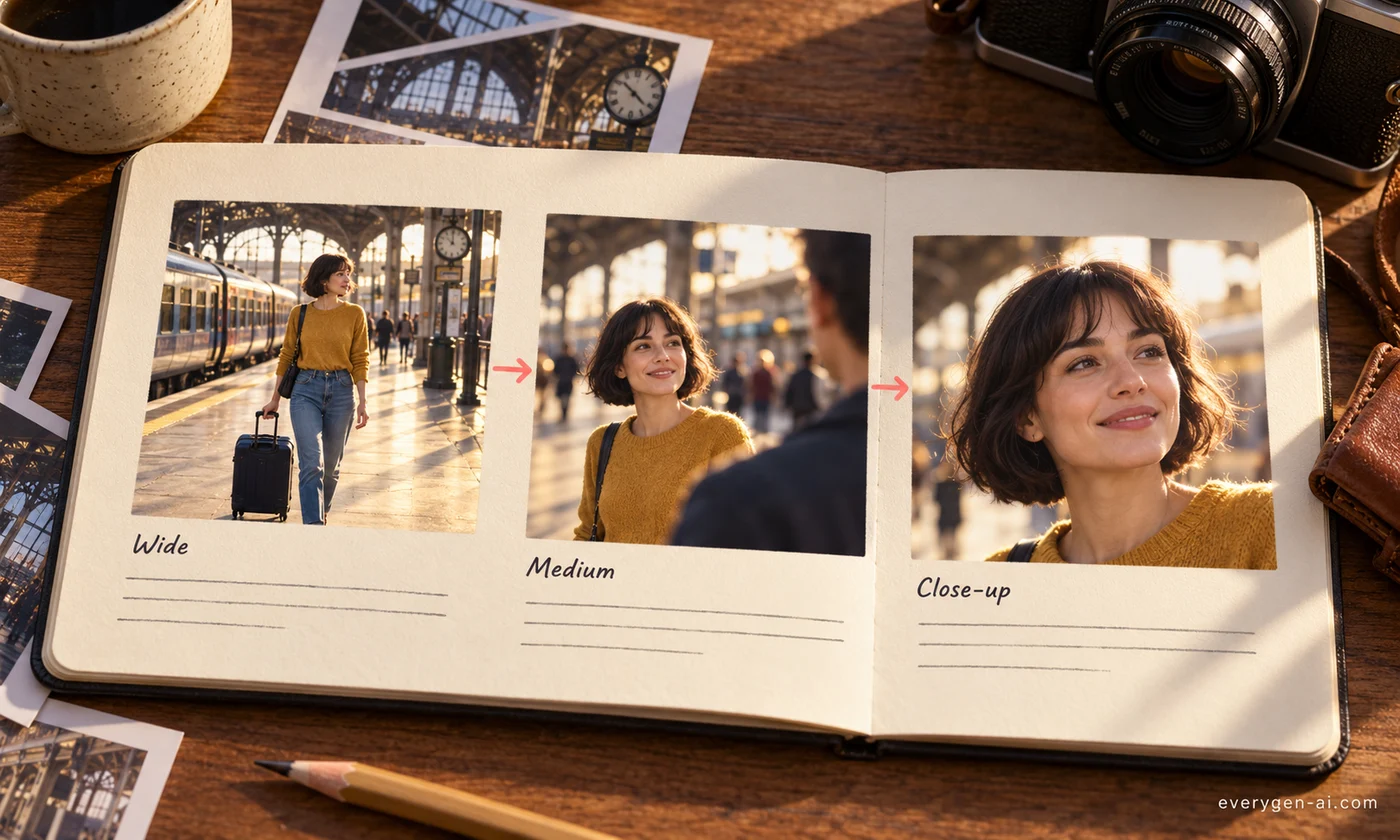
Plan 4–12 shots with timing, camera direction and a prompt for each scene.
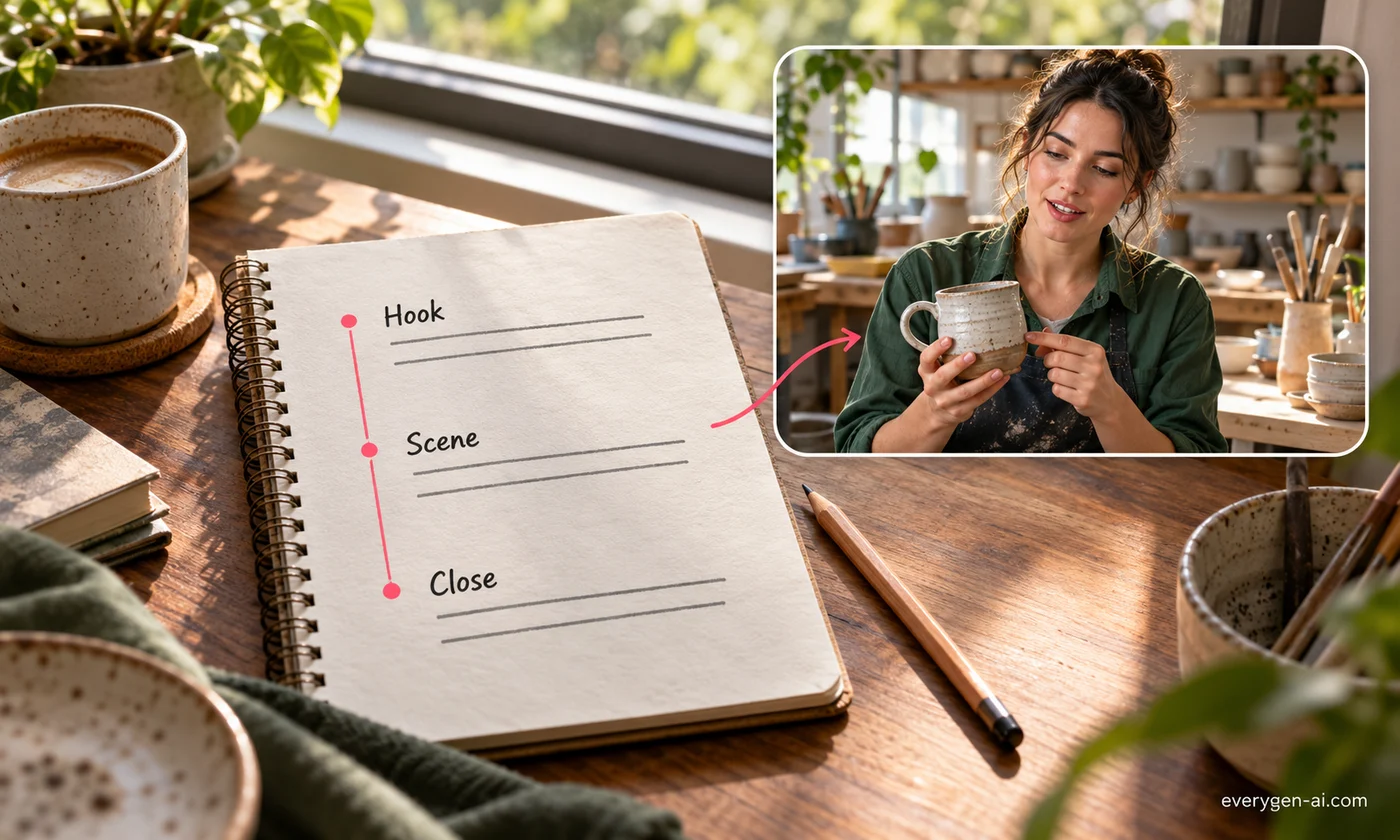
Turn your brief into a timed video script with a hook, scenes and a closing action.

Explore ready-to-use effects for your next creation.
Upscale video online with Cut AI to create a clearer, larger version of your footage. Review fine detail and motion before downloading your improved clip.
