

Choose a Reference Worth Studying
Use the creative gallery or add your own reference clip. Identify the composition, movement or pacing that makes it useful for your idea.
- Start from a reference clip
- Identify one useful mechanism
Create a new version of a reference clip with Cut AI Viral Remix. Add your subject or creative direction and compare the generated sequence before sharing.

Use the source and controls that match the shot you want to create.
Use the creative gallery or add your own reference clip. Identify the composition, movement or pacing that makes it useful for your idea.

Describe the new direction and add reference imagery when supported. Make the intended change clear rather than relying on the source alone.

Compare the result with your intended idea and check the full sequence. Keep the visual decisions that work for your audience and project.
Prepare a focused brief, generate a version and review the complete clip.
Choose a gallery reference or upload a clip you have permission to use.
Add your subject reference where supported and describe the changes you want.
Generate and review a new version, then download a result that fits your project.
Start with one clear purpose for the finished clip.
Explore alternatives to one reference-led video idea.
Adapt a useful shot structure to your own product or subject.
Study a reference mechanism while developing your own visual direction.
Practical answers about inputs, model settings and generated results.
Create a new version of a reference clip with Cut AI Viral Remix. Add your subject or creative direction and compare the generated sequence before sharing.
Choose a gallery reference or upload a clip you have permission to use.
No. The tool helps create a new reference-guided video version; audience response depends on the idea, relevance and how the finished video is shared.
Available controls depend on the selected model and mode. Choose from the options shown in the editor; some reference modes inherit properties from the source.
Review the credit estimate shown in the editor before generating. The selected model, media inputs and output settings can change the required credits.
Wait for the task to finish, play the result and use its download action. Review the whole clip before sharing or using it in a larger project.
Bring your own idea or source to the editor above and review a new version.
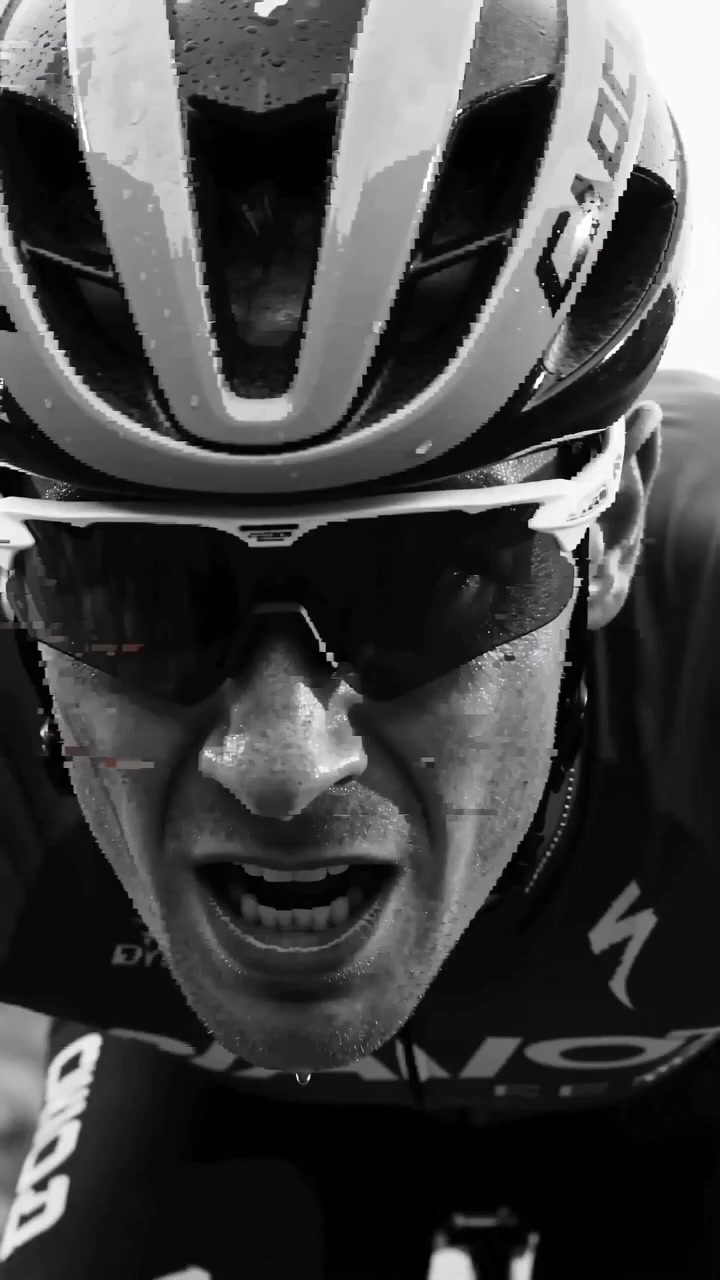
bike-cindy

skincare- Cindy

perfume- Cindy

耳饰广告-xp
