Only upload photos of yourself or of people who agreed to take part.
One photo, a sea of pink coats, your character in the middle.
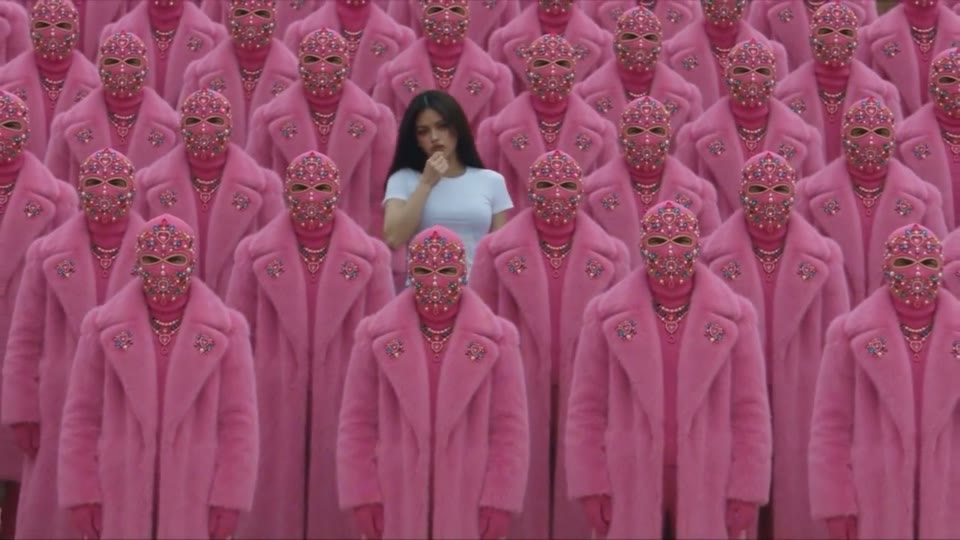
Make a STORM II AI video from one photo and put your main character at the heart of the STORM trend. The set piece is striking: a vast, ordered crowd in oversized pink faux-fur coats and jeweled masks, with one person who still looks like themselves walking through it. The template builds the whole moment around your upload, with no choreography, filming or editing. Your clip arrives with the beat already included.
Whether you call it a crowd-dance clip or search for STORM 2 dance, the idea is simple: one hero, a uniform crowd and a synchronized wave on the beat. this template creates a new video starring the person in your photo, inspired by the trend. It is an AI dance video from photo input alone: pick the frame, quality and length, and your finished clip is usually ready in one to three minutes.
How it works
A crowd-dance clip takes four steps and one photo; the template handles the crowd, camera and music.
Start your finished clip with one clear photo of yourself, a willing friend, or an original character or mascot with a readable face. The template works best with good light and simple clothes that stand out against pink.
Keep the default 16:9 to show the full STORM trend crowd, switch to 9:16 for vertical feeds, or choose 1:1 for square posts. Every format keeps the same set piece and camera move in your finished clip.
Choose 5, 10 or 15 seconds (10 by default). Choose 16:9 (default), 9:16 or 1:1. Each generation costs 200 credits, shown next to Generate before you start.
Click Generate and your finished clip is usually ready in one to three minutes. Check the face, hair and outfit, then download the MP4 or run another take; each new the template take uses credits again.
The STORM trend works on contrast: one recognizable person in a perfectly uniform crowd, and the template builds it around your photo.
Each new clip starts with a single upload, and that photo decides who the story is about. Use yourself, someone who agreed to take part, or an original character or mascot with a readable face. The generated clip keeps the main character's face, hair, skin tone and outfit consistent from first frame to last, while everyone around them vanishes behind identical pink coats and masks. Because the template works from a still image, nobody has to film a performance or dance on camera. That contrast is why a crowd-dance clip reads instantly: one real-looking lead in a crowd where every other face is hidden.
The crowd is the second star of each new clip. Rows of identical figures in oversized pink faux-fur coats, heads hidden under ornate jeweled pink masks, stand shoulder to shoulder and fill the frame. Your character weaves between the rows, glances back at the camera, stops at the center and strikes a confident pose. On the beat, the whole pink crowd sways in unison, then bows forward in one synchronized wave around them. That bow is the STORM II dance moment, and the template stages it with no choreography, extras or rehearsal. You bring the lead; the generated clip brings a crowd that never misses a count.
A crowd-dance clip is shot like a music-video scene, not a slideshow. A slow cinematic tracking shot follows your character through the rows, then rises into a high wide angle that reveals how far the crowd stretches. Soft overcast daylight keeps the rich pink palette even and the faux fur detailed. Underneath runs an original dark, pulsing electronic pop beat: The template generates picture and audio together, so your finished clip arrives as one MP4 with music in the mix. It never reuses an existing song, lyrics or a real artist's voice, so each new clip is your own take on the STORM trend.
Choose 5, 10 or 15 seconds (10 by default). Choose 16:9 (default), 9:16 or 1:1. Each generation costs 200 credits, shown next to Generate before you start.
a template clip can be a joke, a character reveal or a fresh post; here is where the STORM trend fits best.
Camera-shy? A crowd-dance clip lets you join the STORM trend without dancing on camera. Upload a favorite photo of yourself and let the pink crowd do the moving while you walk to the center. The template turns one still picture into a dance moment worth sharing.
Introduce an original character or mascot with an entrance instead of a static image. If the design has a readable face, the generated clip keeps its look consistent as it crosses the crowd, a playful way to debut a persona, a club mascot or a comic hero with the template.
Break up a feed of photos with a 9:16 crowd-dance video. The moody pink set piece can tease a new look, a playlist or an event, and the original beat makes it ready to post. Label your finished clip as an AI remix so followers know how it was made.
Invite friends to make their own crowd-dance video, each from a photo of themselves they chose to share. Everyone uses the same the template, yet each character brings a different outfit and attitude. Post the results side by side and vote on the best walk to the center.
Six ways to post the STORM trend, each with a caption idea and one photo in the template.
Upload a photo of yourself in work clothes and let the pink crowd bow as you arrive. Post the 9:16 crowd-dance video with a deadpan caption like "walking into the Monday meeting" and let the contrast land the joke.
With the birthday person's permission, make a crowd-dance clip starring them and drop it in the group chat on the day. A caption like "the main character has arrived" lands just as the template crowd bows around them.
Give a club, team or comic mascot a dramatic entrance: upload a clean image where its face reads clearly, and the template builds a 1:1 crowd-dance video around it. Caption it as the mascot's big arrival.
Post the source photo as slide one and the finished crowd-dance video as slide two. The carousel explains the template at a glance; caption it "one photo in, one storm out" and add an AI remix label.
Wear a light outfit that pops against pink, take a full-length photo and turn it into a 9:16 crowd-dance video. List each piece in the caption; the template crowd frames the look like a runway.
Each friend makes a crowd-dance clip from their own photo; post the clips as a numbered series. Tag the next person in every caption so the STORM 2 dance relay keeps moving, and mark each clip as an AI remix.
A clear main character makes your finished clip stronger.
Try another trending effect with the same photos.
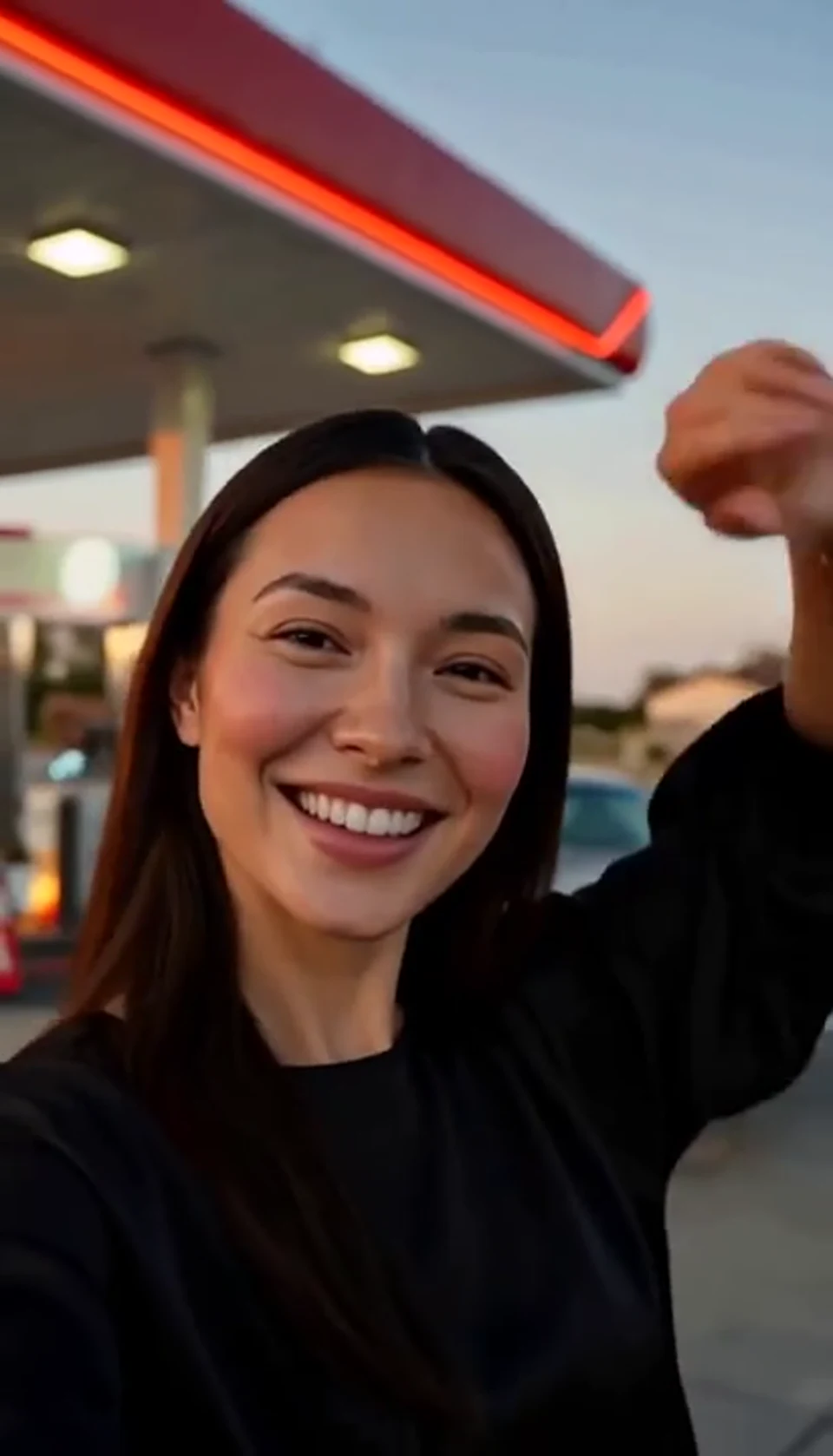
A sunset dance, a selfie and a cinematic car exit.
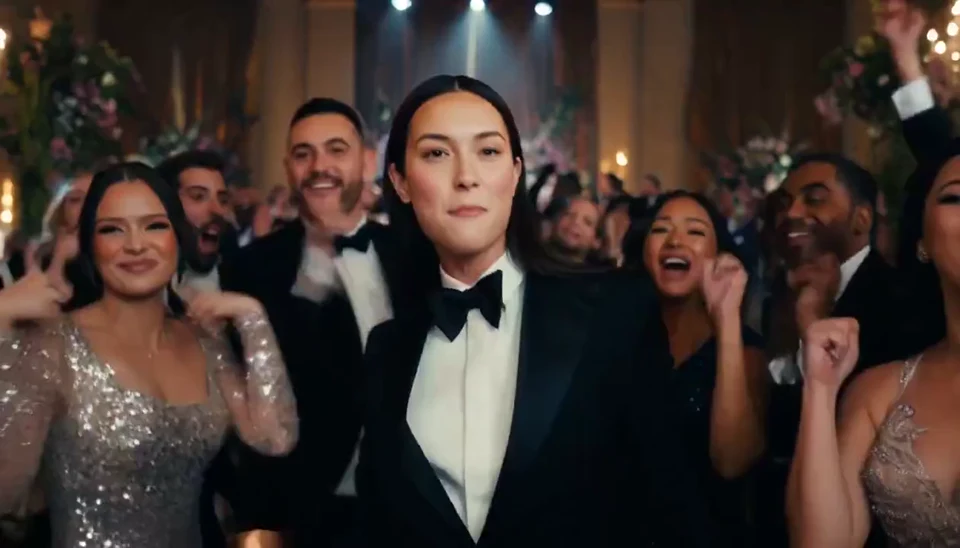
A portrait joins a lively ballroom party.
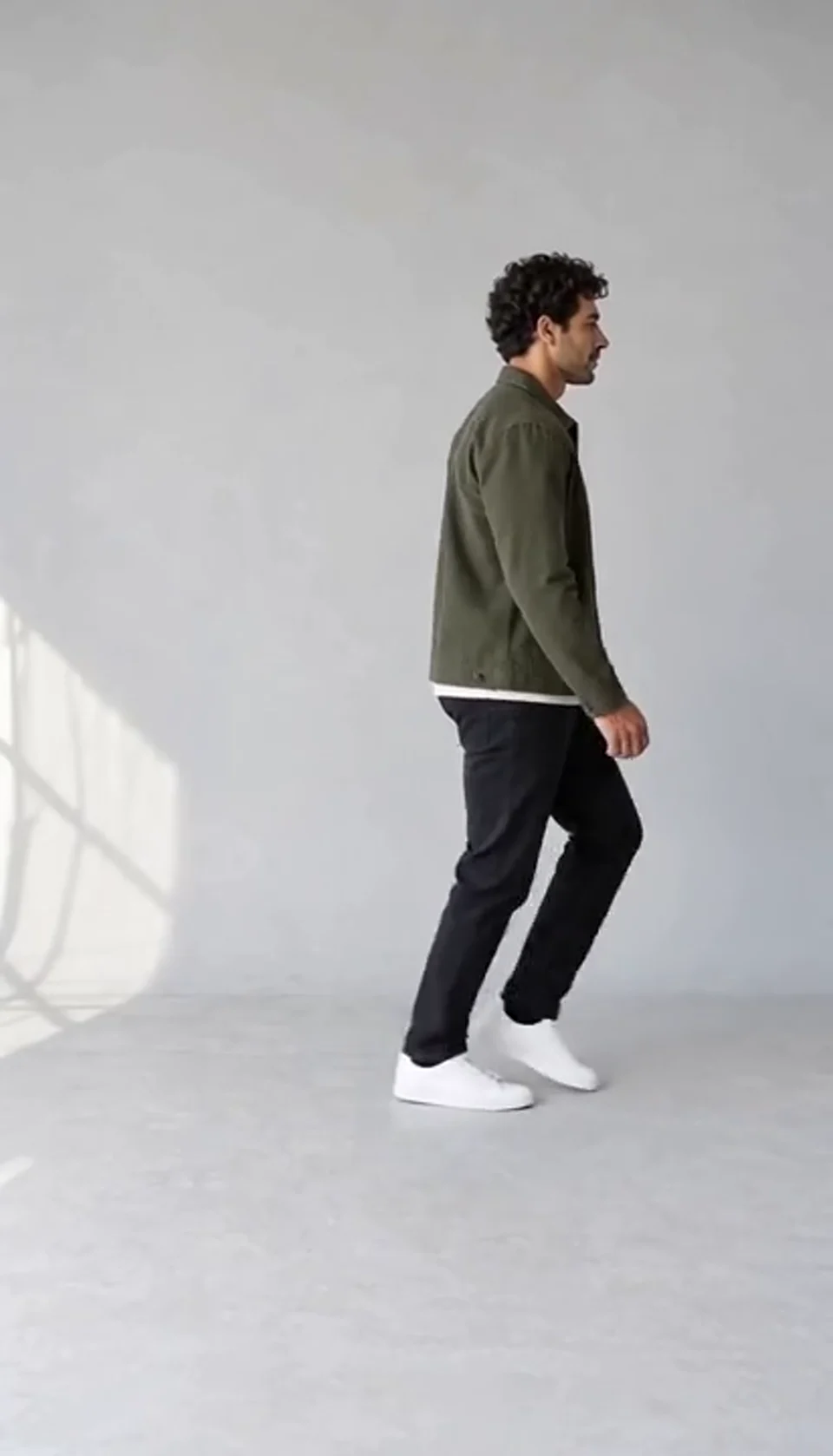
Turn one full-body photo into a short moonwalk dance. A steady side view keeps the sliding steps and your recognizable outfit in focus.
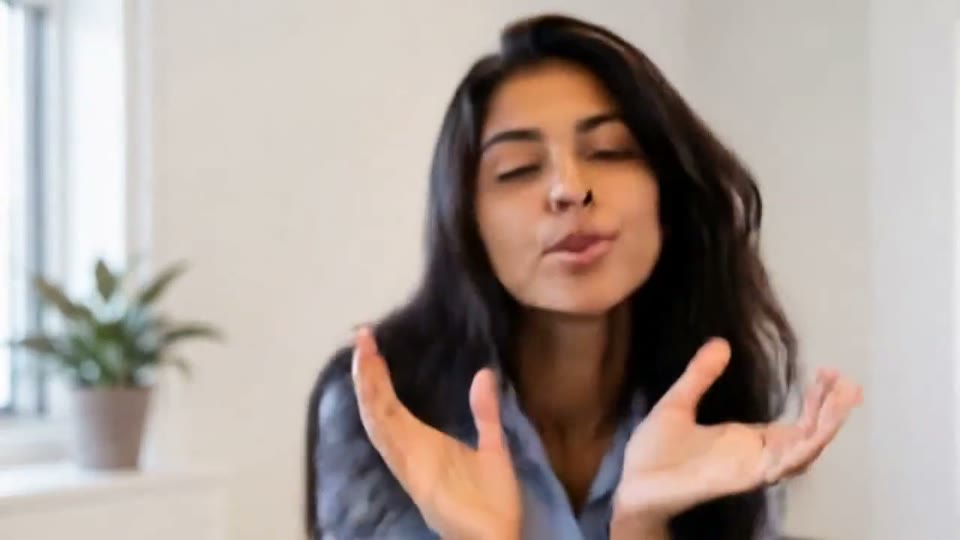
A portrait comes alive with a playful face-and-hands dance.
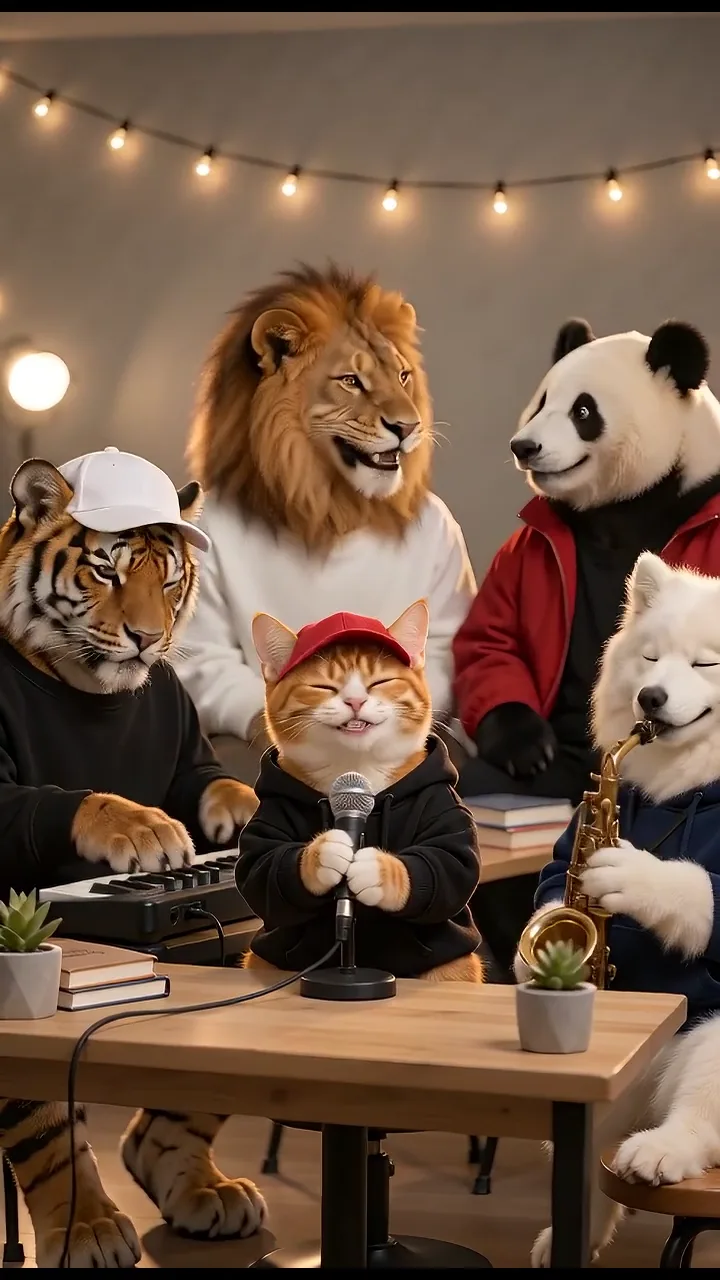
Turn your photos into a 15-second band performance. Choose a style, add a short chorus and create your video with music.
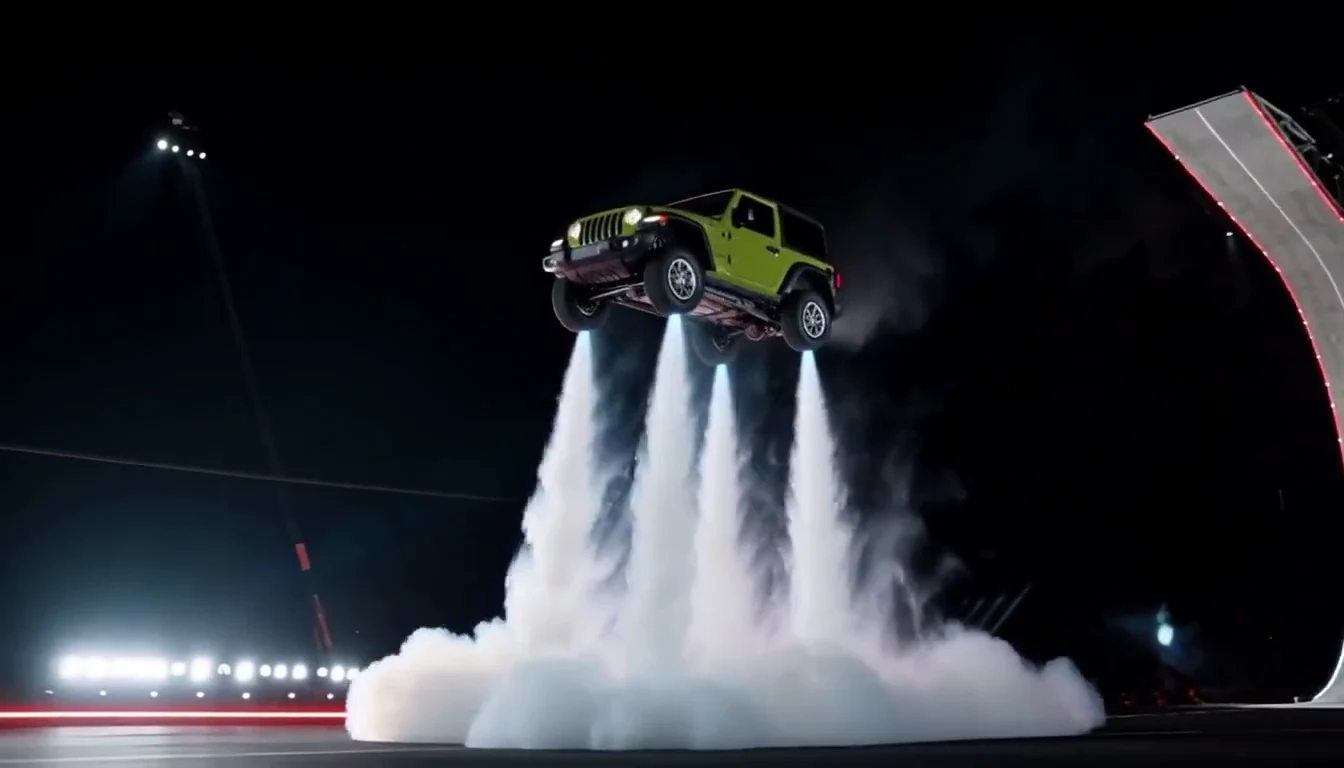
Turn your car photo into a Tesla Roadster-inspired ramp launch, kickflip or thruster landing. Explore nine flying car scenes, including traffic escape and tunnel walls.
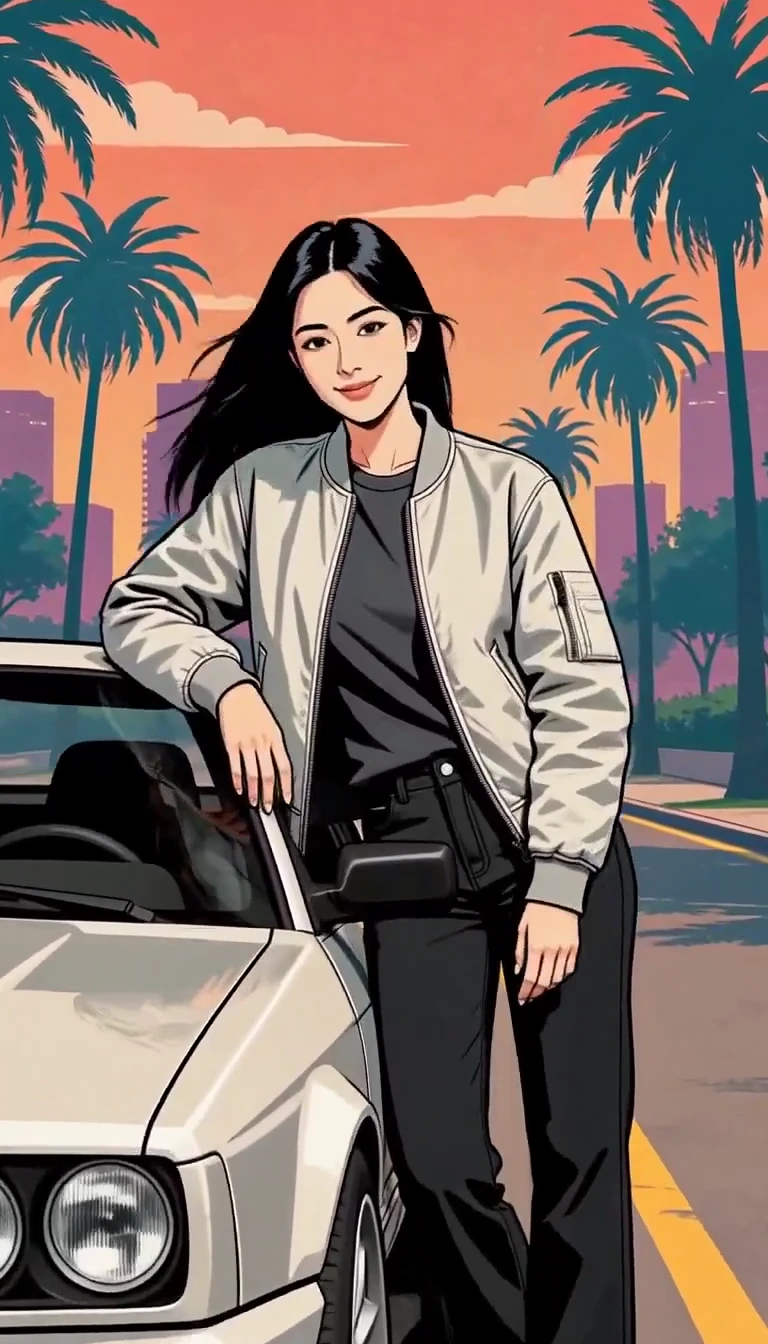
Turn one photo into an illustrated city character reveal.
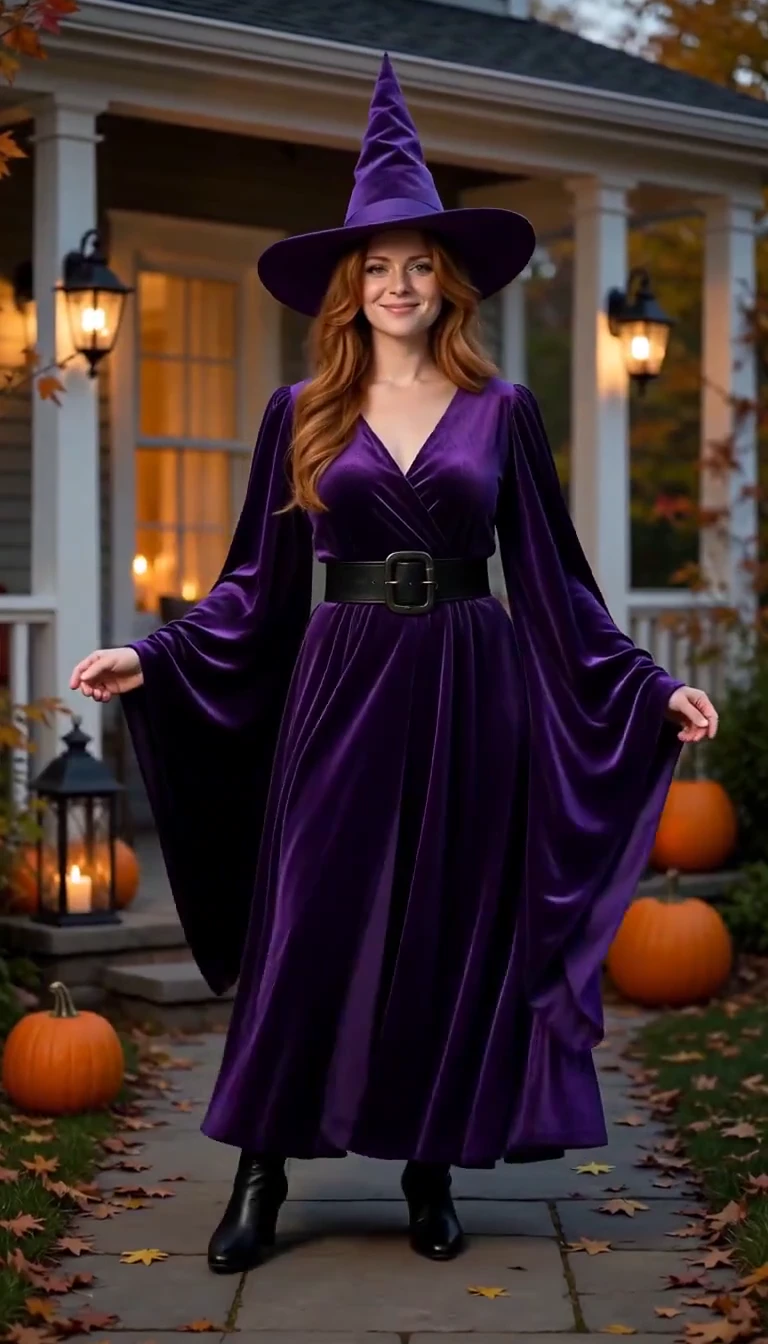
Reveal a witch costume with a turn, violet smoke and a final pose.
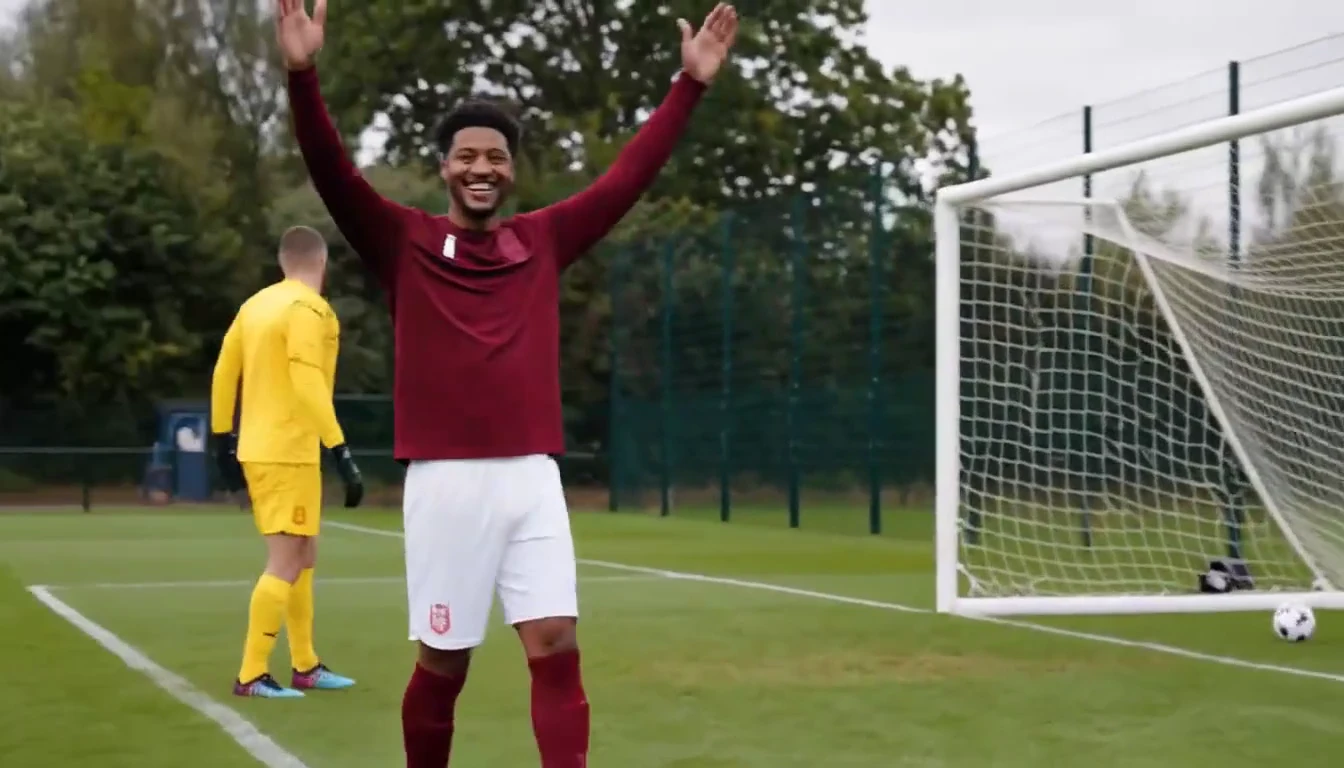
Put a new hero into a chip, dribble and empty-goal finish.
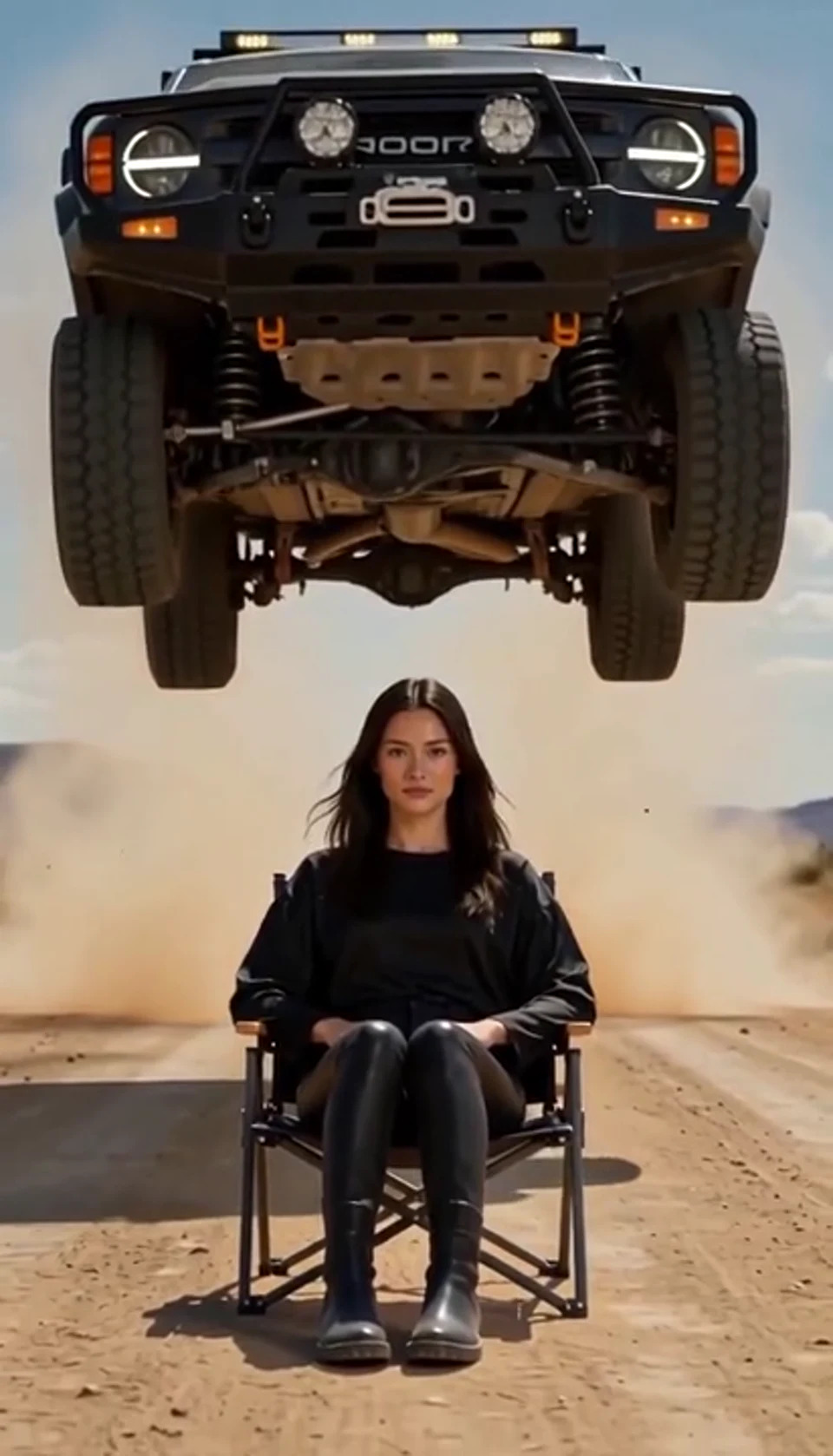
A calm portrait becomes a dramatic desert stunt.
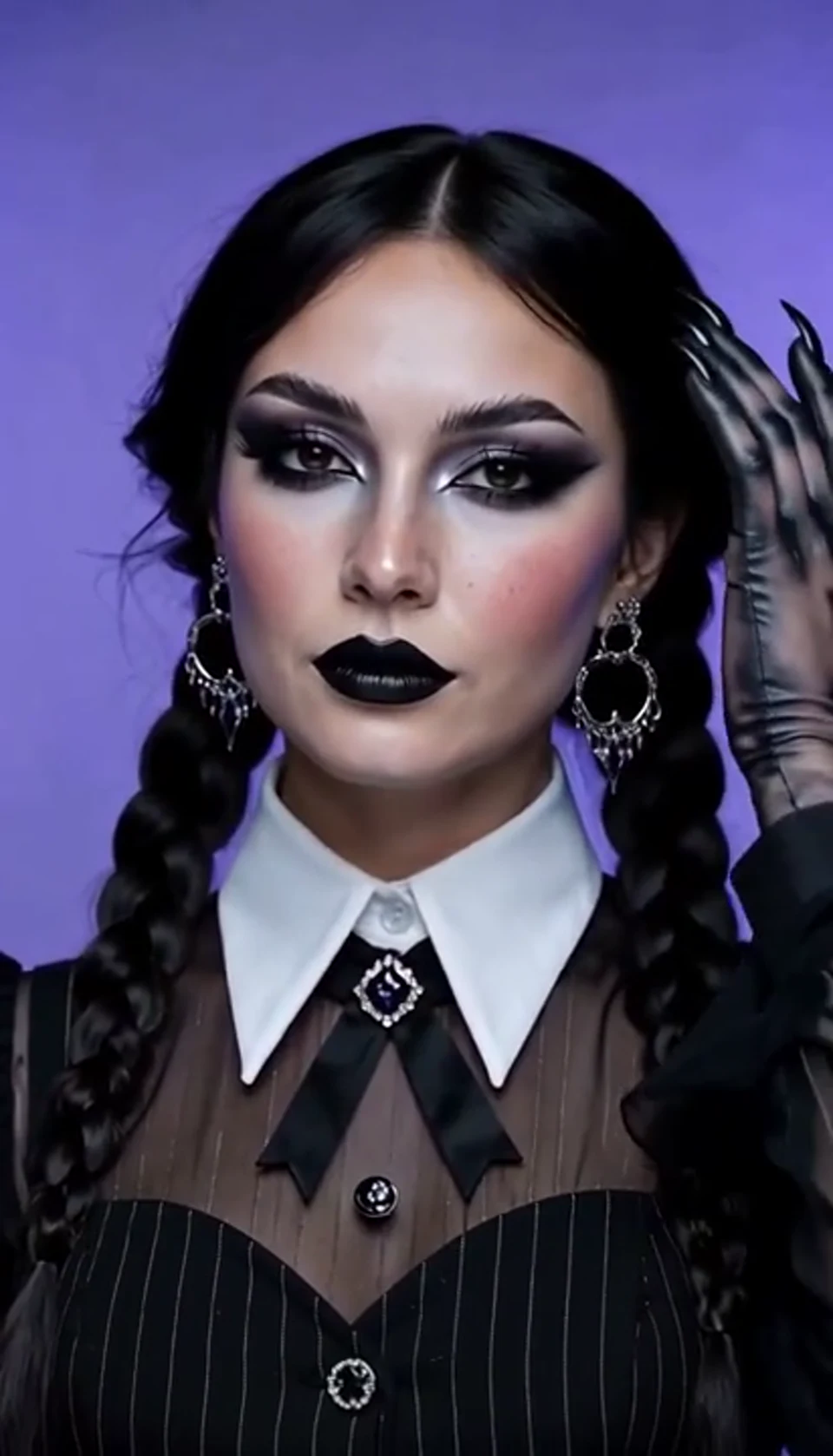
A theatrical hand swipe reveals a gothic costume.
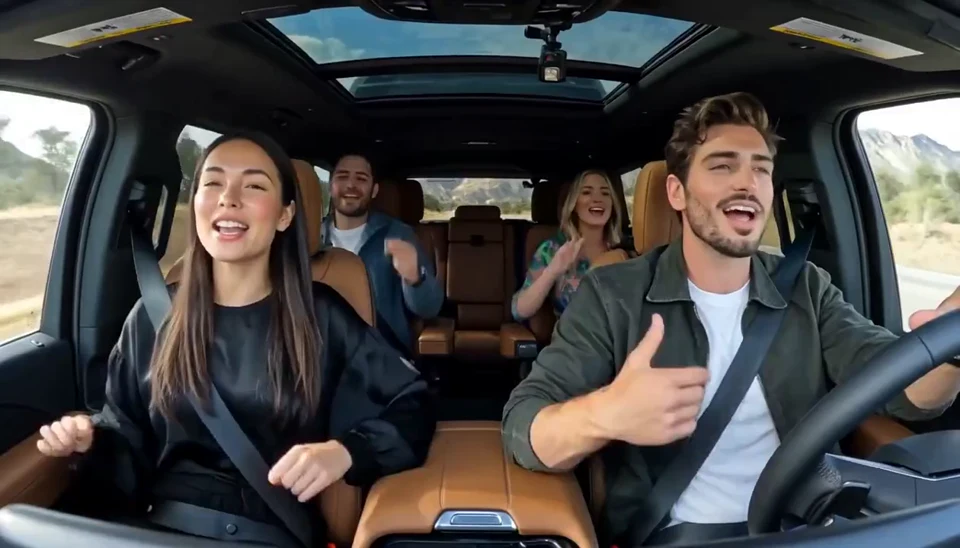
Two photos become one lively dashboard singalong.
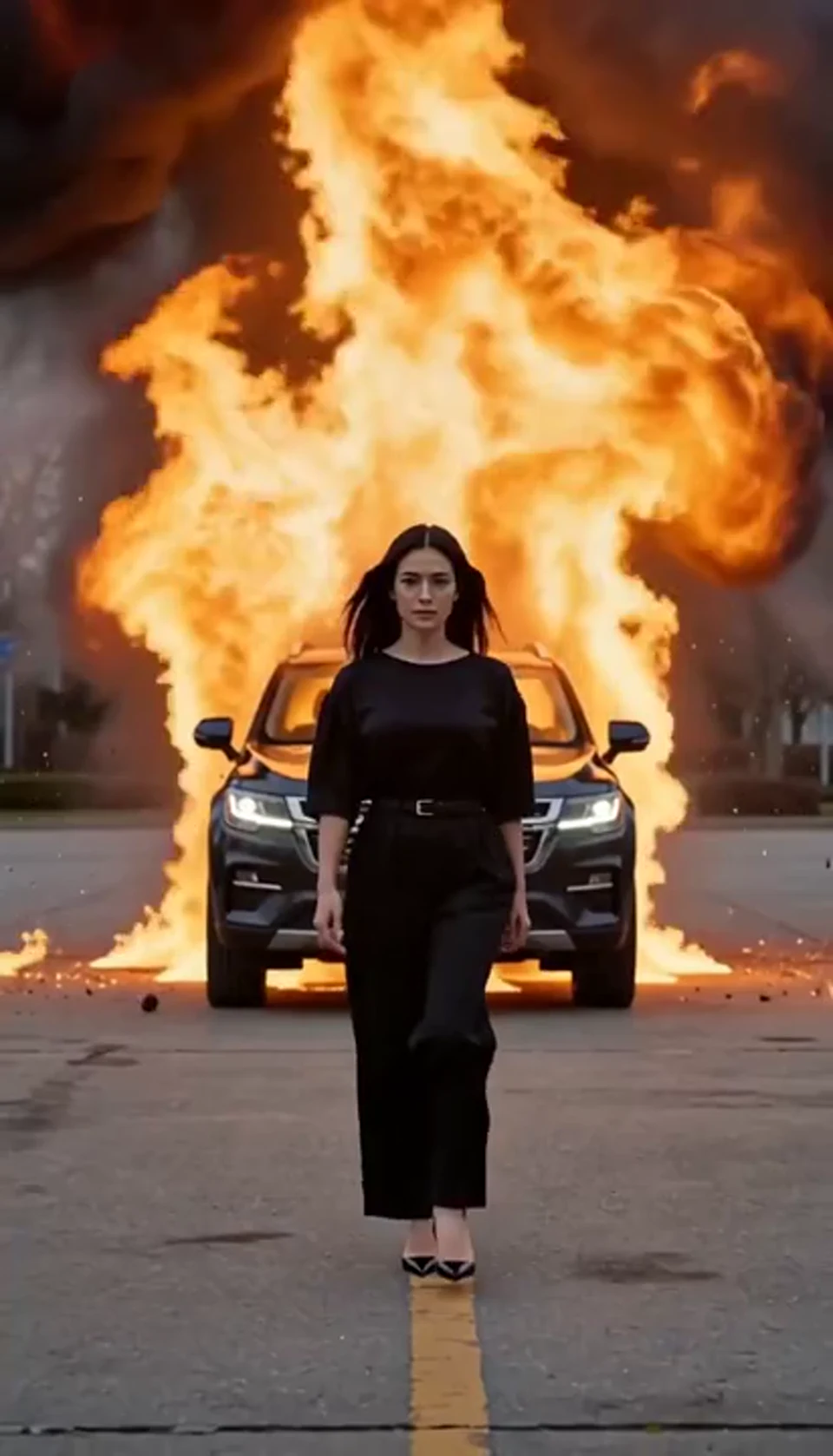
Walk toward the camera as the SUV erupts behind you.
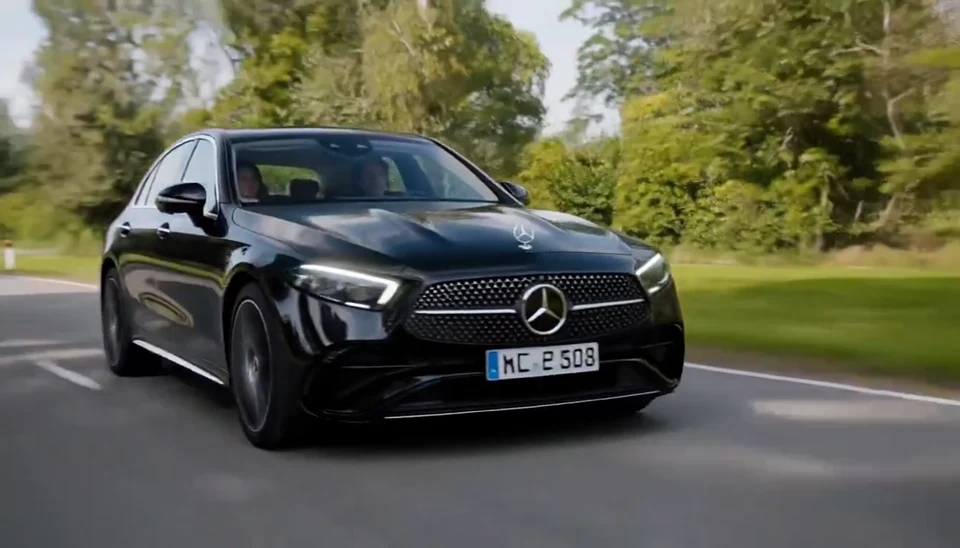
Your car photo becomes a cinematic driving shot.
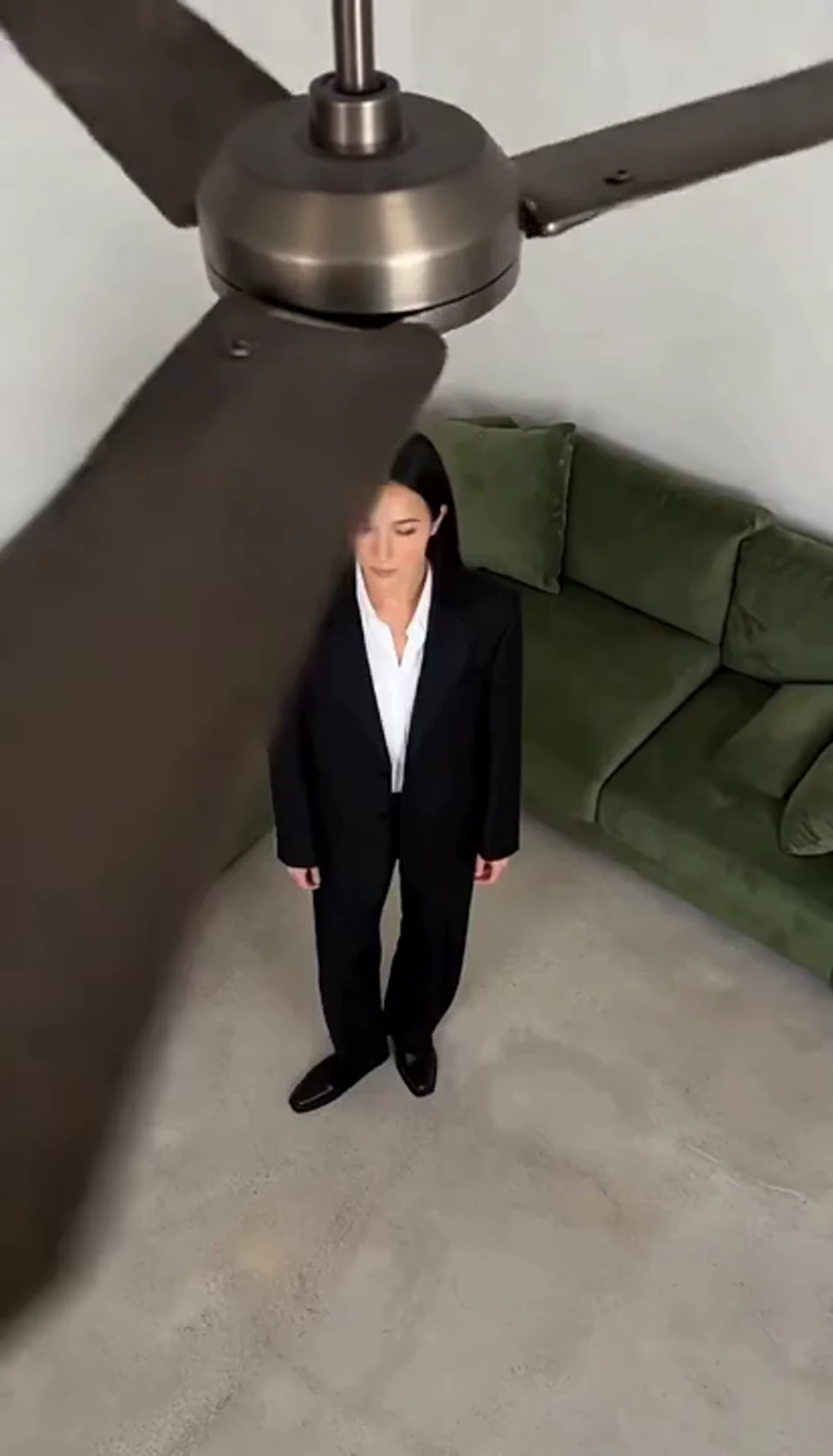
One fan-blade wipe reveals your next outfit.
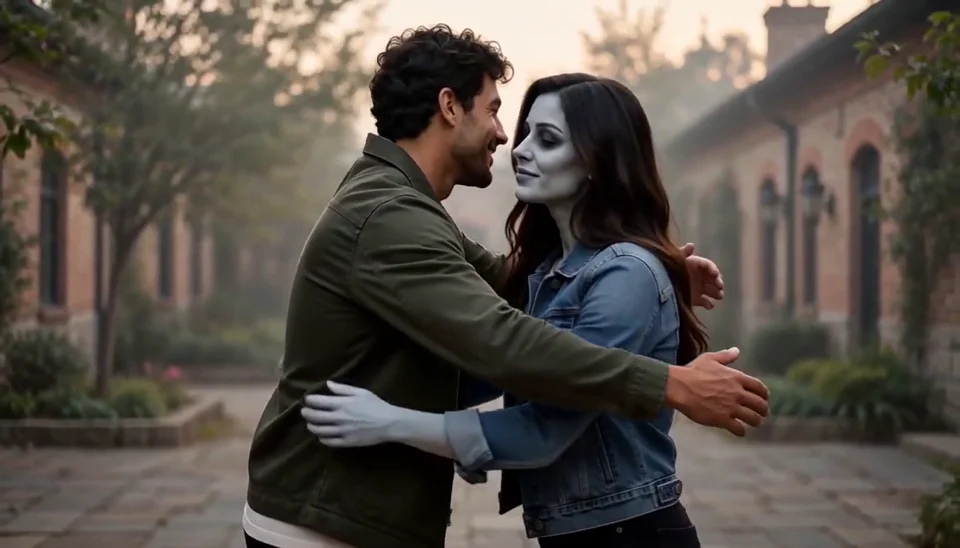
Bring two portraits into a tender fictional reunion: a human survivor recognizes their zombie partner, embraces them and remembers a warmer moment together.
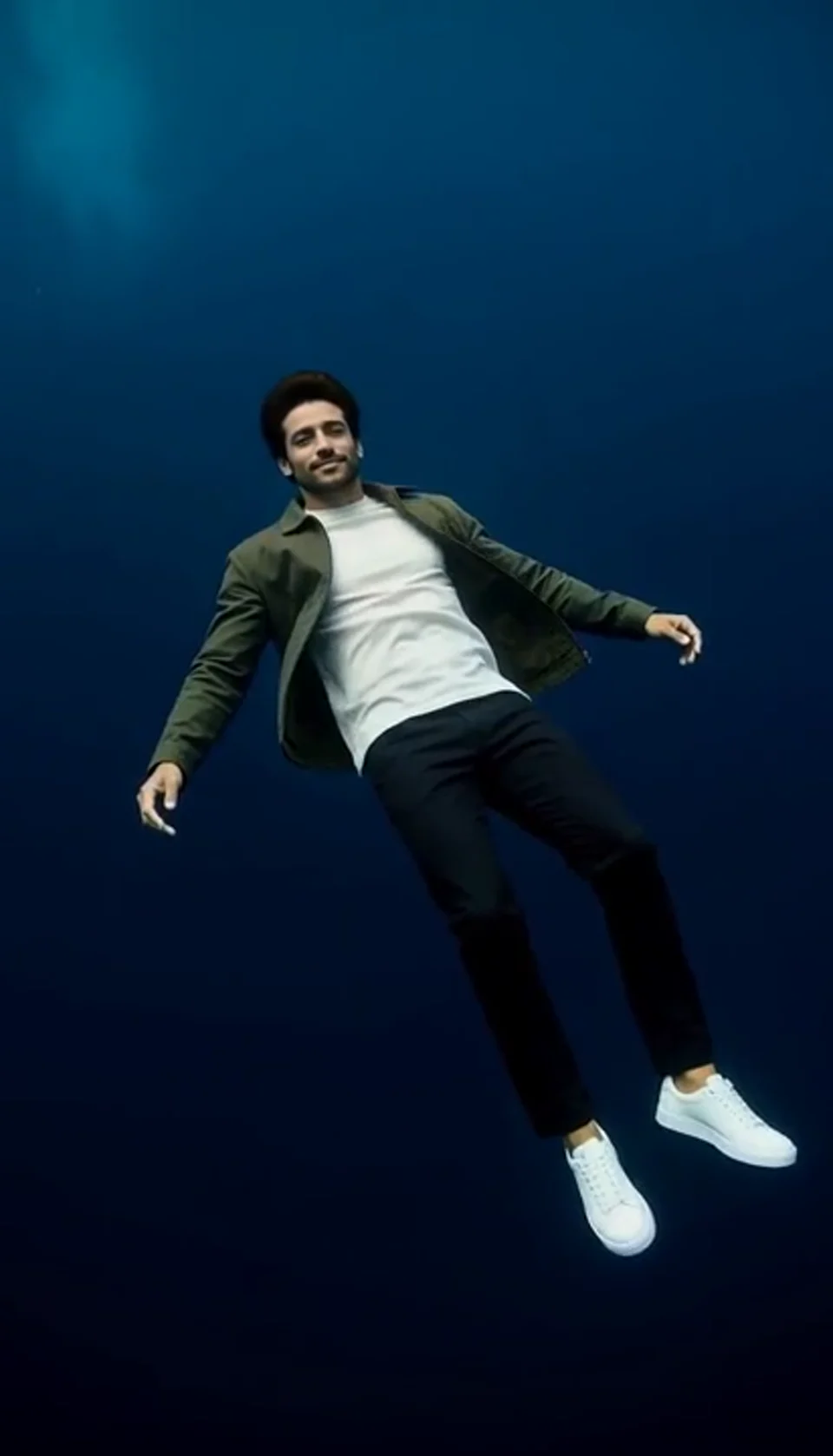
Turn one portrait into a dreamlike underwater scene. Drift through dark blue water with gently moving clothing, soft light and one calm camera move.
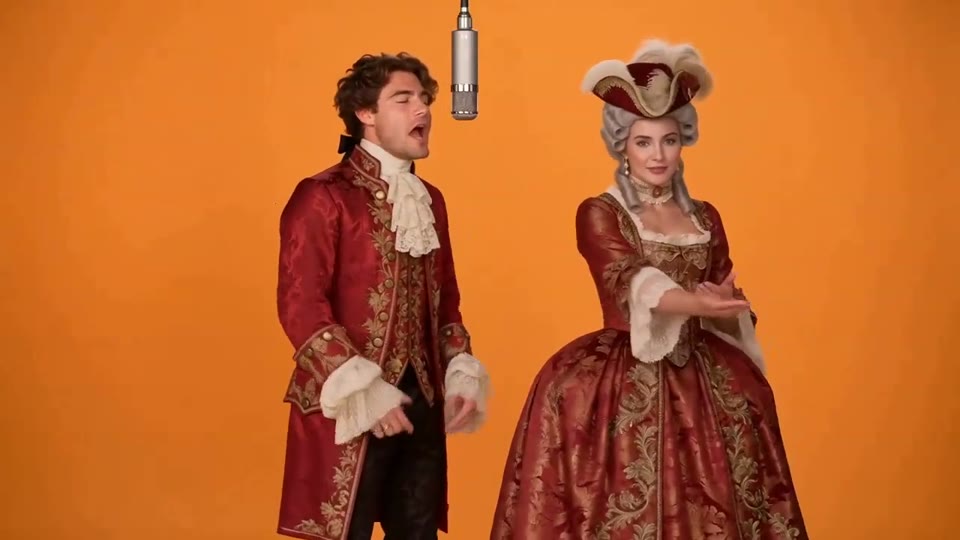
Two photos become a baroque rap duet on an orange stage.
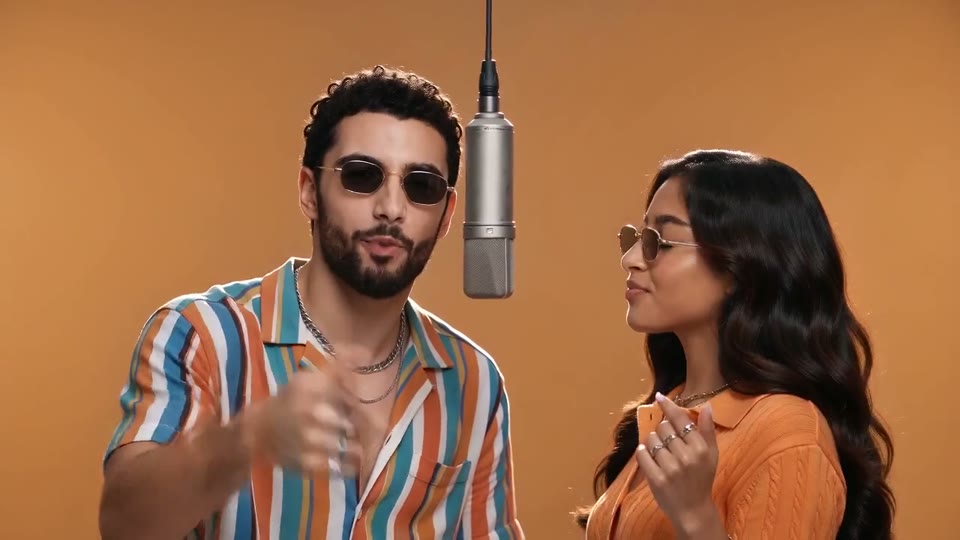
You and a friend trade verses in bold streetwear.
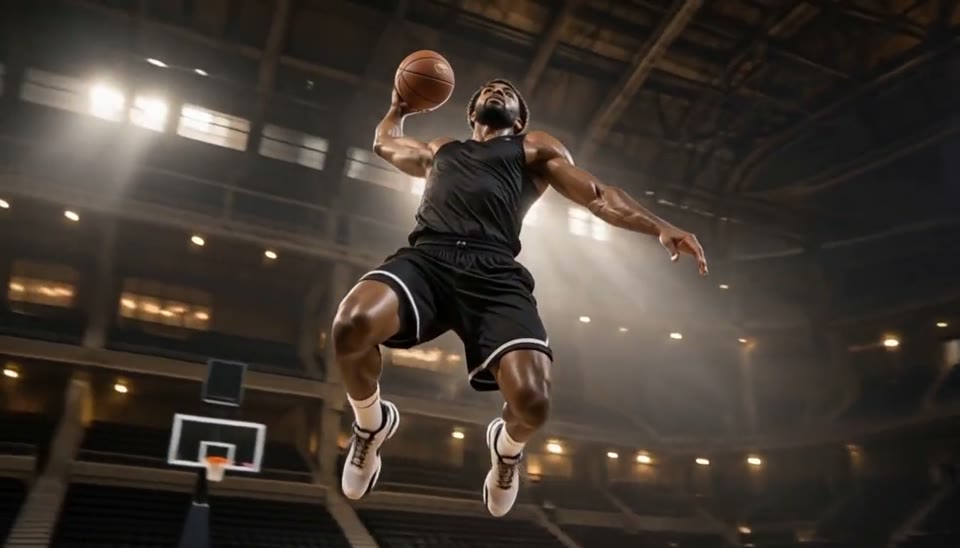
Freeze an action pose while the camera orbits around it.
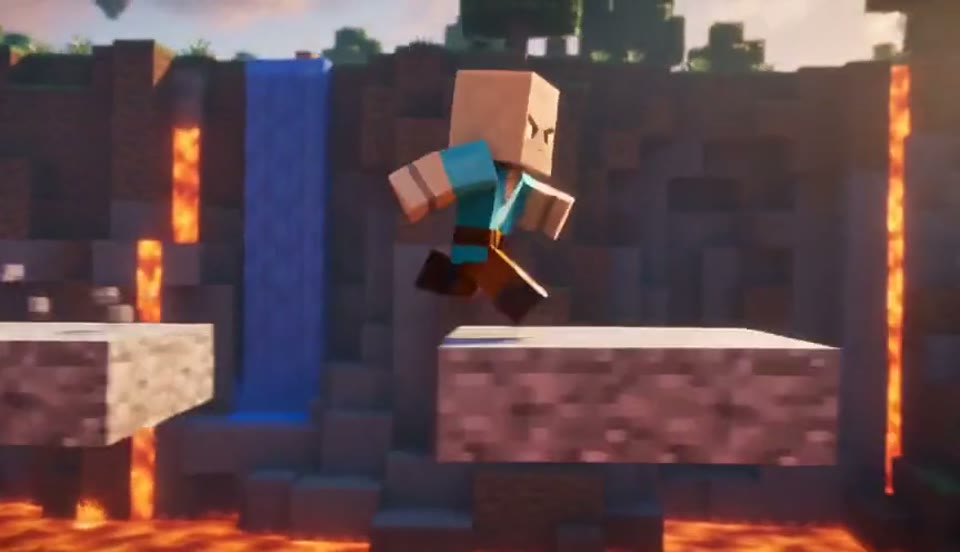
Create a Minecraft-style AI video from one photo. Make voxel characters, block-world parkour and adventure clips with original sound on Cut AI.
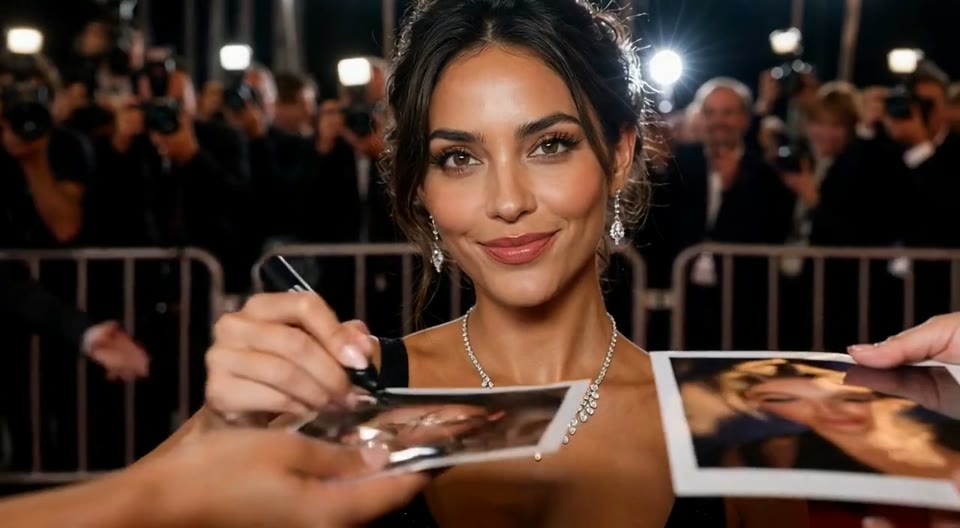
Create an AI red carpet video from one portrait. Add elegant eveningwear, paparazzi flashes and a gala entrance with the Cut AI video template.
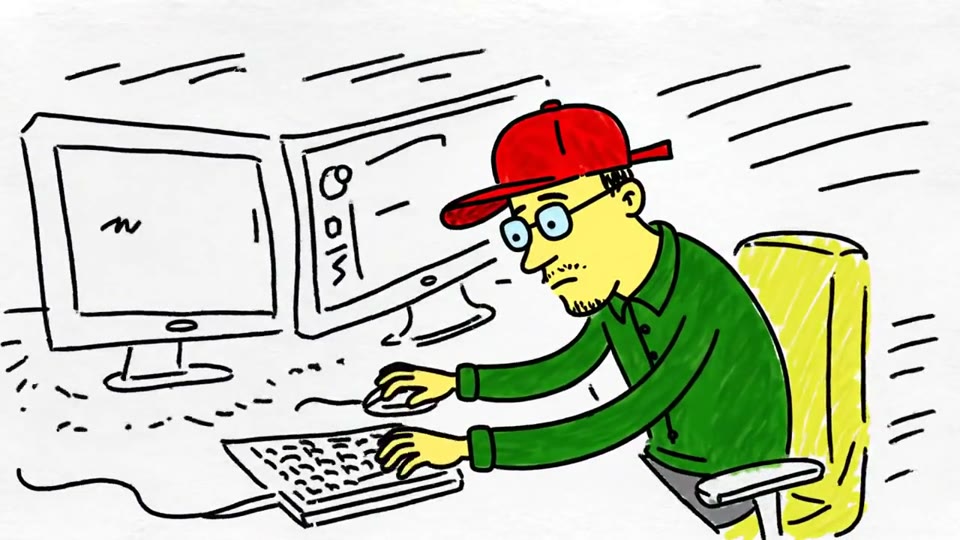
Turn a sketch, drawing or line-art image into an animated video with Cut AI. Preserve the composition and art style with gentle motion and original sound.
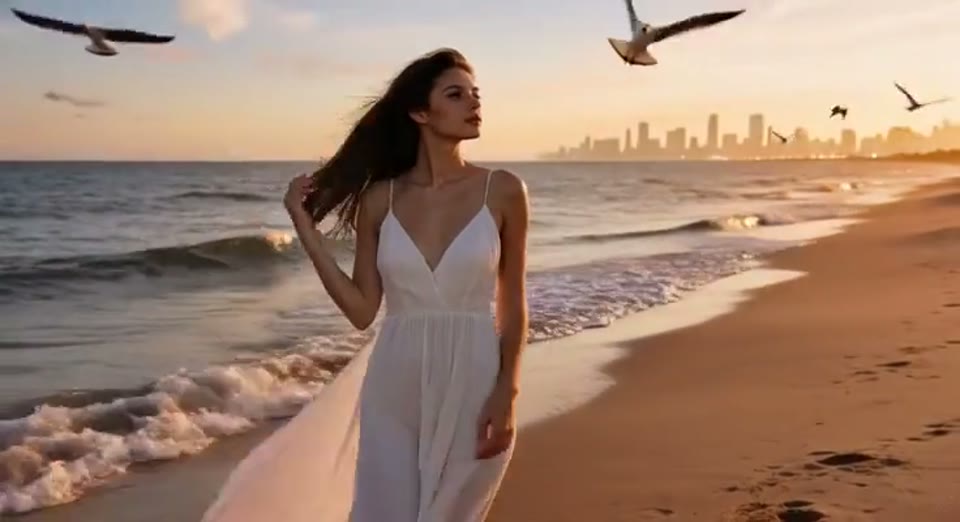
Create a day to night effect video from one photo on Cut AI. Animate golden hour, sunset and night lights while keeping the scene and framing consistent.
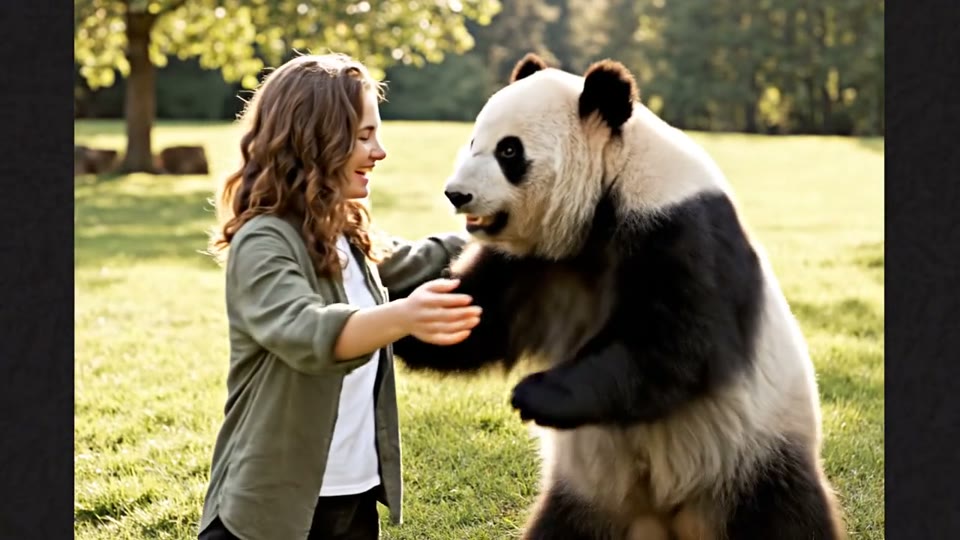
Create a heartwarming AI panda hug video from one photo on Cut AI. Add a gentle panda embrace, bamboo scenery and original sound in your chosen format.
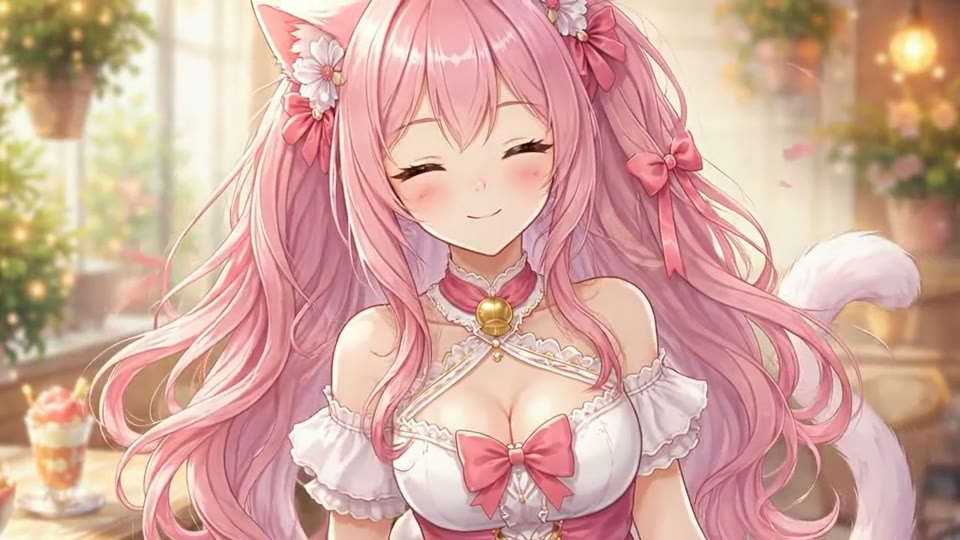
Create Live 2D-style animation from a portrait or character image with Cut AI. Add blinking, breathing and gentle head motion while preserving the visual style.
What to upload, what it costs and what to expect from the template.
A STORM II AI video puts the person in your photo inside a large crowd wearing pink faux-fur coats and jeweled masks. The main character walks through the rows as the crowd bows to an original beat. The effect is also known as STORM 2 dance.
Upload one photo of your main character, pick format, resolution and length, and click Generate. The template builds the crowd, camera move and music around that photo, generating picture and audio together. Your finished clip is usually ready in one to three minutes.
Use one person with a clearly visible face, good light and part of the outfit in view; an original character or mascot works if its face is readable. Avoid group shots, hidden faces and pink or furry clothing. Only upload photos of yourself or of people who agreed to appear in a template clip.
No. The STORM II dance moment is built in: no choreography, no filming, no editing. Your character walks, glances back and poses while the template crowd handles the synchronized sway and bow. That makes a crowd-dance clip open to anyone who would rather not dance on camera.
Each video generation costs 200 credits. Check the quote next to Generate before starting. Browsing templates and watching samples is free; each new generation uses another 200 credits.
Each clip carries an original dark, pulsing electronic pop beat, generated together with the picture. The template never reuses an existing song, lyrics or a real artist's voice, so the soundtrack of each new clip is new. You get one MP4 with sound in place, ready to watch or post.
Choose the supported duration for your template and check the quote before generating. Each generation costs 200 credits. The preset supplies the scene, movement and original sound.
No. The set piece stays the same, but each new clip is a new performance, so camera timing, crowd movement and the final pose vary. If a template take misses, generate a new one; it costs credits again. For a different look, try Hotel Lobby AI Video, AI Rap Duo Video, AI Face Dance Generator or Bullet Time Video.
One photo is all a crowd-dance clip needs: upload your main character and let the template put them in the eye of the storm.
Make my STORM II AI video