Only upload photos of yourself or of people who agreed to take part.
Two portraits in, one AI rap duo out.
Start an AI rap duo with any two people who are up for it: you and a best friend, a sibling, a partner or a fellow creator. Upload two separate face photos and this template creates a new clip starring both of you, inspired by the rap-duo trend. The first photo becomes the rapper on the left, the second the rapper on the right, and nobody needs to have been photographed together.
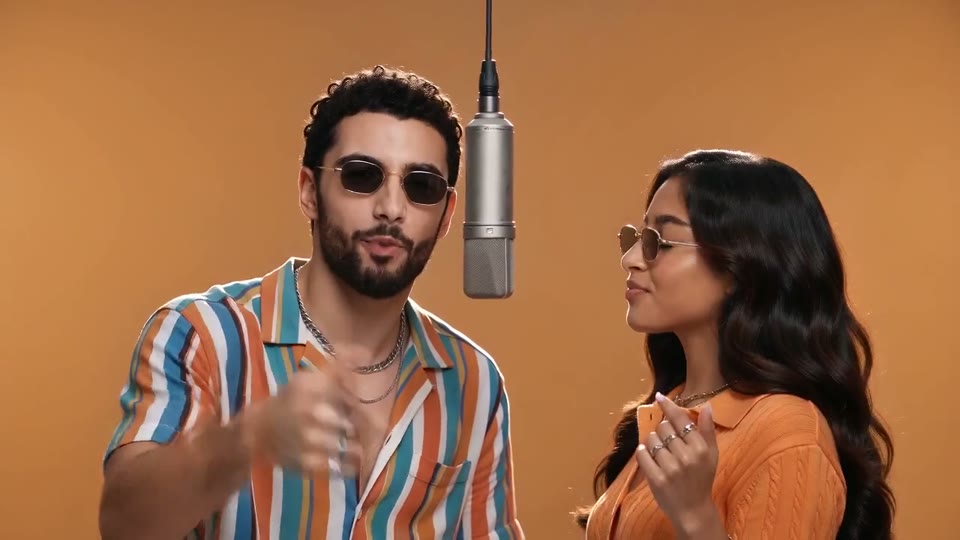
The look is what makes the rap-duo trend recognizable: bold streetwear, a seamless bright orange studio wall and a silver condenser mic hanging between the two rappers, who take turns on the verse in one continuous take. The template generates picture and sound together, so each new clip arrives as an MP4 with an original trap beat and short rap vocals. Most duet clips are ready in one to three minutes.
How it works
Going from two photos to rap video takes minutes, since the scene, outfits, camera and music of the rap-duo trend are already built in.
Pick two people with a shared story who have both said yes. Friends, siblings, couples and creator partners all make a good two rapper video AI pairing, and the rap-duo trend is funniest when the match is unexpected.
Add one clear portrait per person: the first becomes the rapper on the left, the second the rapper on the right. They need not be photographed together, so a friend in another city can still join your two rapper video AI clip.
Choose the supported duration for your template and check the quote before generating. Each generation costs 200 credits. The preset supplies the scene, movement and original sound.
Most clips are ready in one to three minutes. Watch both rappers through the whole take, then download the MP4. For a different performance, generate your finished duet trend clip again; each new run costs credits again.
A believable AI rap duo needs recognizable faces, a strong look and real back-and-forth, and this template handles all three.
Each portrait guides one performer, and the template brings both into a single studio shot. The first photo becomes the rapper on the left and the second the rapper on the right, so you decide who stands where. Because nobody needs to be photographed together, friends on different continents and creators who have never met can still share one mic in a two rapper video AI clip. That is the heart of the rap-duo trend: two familiar faces in a place neither has ever stood. Clear, evenly lit portraits give this template the most to work with, and the result is a new video starring the people in your photos.
The setting reads at a glance. Your duo stands close together in front of a seamless bright orange studio wall, the signature of the rap-duo trend, with a silver condenser microphone hanging between them at head height. Both wear bold contemporary streetwear that suits each person: a vivid striped short-sleeve shirt, an orange knit shirt, layered chains, rings and sunglasses. Warm, punchy studio light and an eye-level medium two-shot keep both faces bright and large in frame. You never design a set or pick outfits, so each new clip from this template starts from the same strong look, and viewers get the joke before the first bar lands.
Two people standing still beside a mic are not a duo, so the performance is written as an exchange. One rapper delivers the verse to camera with animated hand gestures and head nods while the other hypes along, then they switch. The camera holds an eye-level medium two-shot with subtle handheld energy, and the clip runs as one continuous take with no cuts, so your finished duet is never chopped up by edits. At 10 or 15 seconds there is room for a proper handover; a 5-second clip works as a quick rap-duo trend teaser. Results vary, and a second two rapper video AI run can bring a different rhythm.
Sound is generated together with the picture, not added afterwards. The template creates a hard-hitting trap beat and short original rap vocals timed to each rapper's lip movements, delivered as a single MP4. As a video template, it never reuses an existing song, lyrics or a real artist's voice, so every rap-duo trend clip gets its own music. The words and flow change from one generation to the next, which means another generation also brings a fresh verse. Add your own caption when you share, and label the post as an AI remix.
The best duet clips start with a pairing that has a story, and these four suit the rap-duo trend well.
Every friend group has a running joke about who would win a rap battle. Settle it with a rap-duo video starring the two of you. Separate portraits are enough, so this two rapper video AI idea works even when one of you has moved away. Post it in the group chat first.
Skip another matching selfie and post the two of you as a rap duo for an anniversary or a Valentine's Day surprise. Couples fit the rap-duo trend because the humor comes from two familiar people acting like seasoned performers. Upload one portrait of each partner to the template.
Pair the birthday person with their closest friend and open a party montage with a rap-duo video trend clip. At 15 seconds, the template gives both people a full turn at the mic. Put the greeting in your caption, since the template writes its own verses.
Two creators planning a joint video can use the rap-duo trend to preview how they look together, or post the two rapper video AI clip as a teaser before the real collaboration. Label it clearly as an AI remix so followers know it was generated, not filmed in a studio.
Six concrete concepts for this template, each with a way to caption or post it.
Pair the calmest person you know with the loudest, with both on board. Caption the two rapper video AI clip "nobody asked for this collab" and post the 9:16 version where your friends scroll most.
Put two siblings on the same mic and let the family decide who carried the verse. Share the rap-duo trend clip in the family chat with a poll asking who won, then post the winner to a story.
Friends in different time zones can finally share a stage. Use one recent portrait of each, generate a 10-second two rapper video AI clip and caption it with both cities, such as "Berlin x Toronto, first show."
With both colleagues' consent, turn a project wrap-up into a short two rapper video AI celebration. Play it at the end of a team call or post it in a farewell channel with a thank-you caption.
Post a real karaoke clip of you and a friend next to your finished duet trend take, labelled "how it sounded" and "how it felt." The gap is the joke, and a carousel keeps both in one post.
Stay the rapper on the left and bring a different friend into the right-hand spot each week, with their okay. Number each two rapper video AI post, like "duo #3," and try Hotel Lobby AI Video between episodes.
Clear source photos are the difference between "that's us" and "who is that?" in a two rapper video AI clip.
Try another trending effect with the same photos.
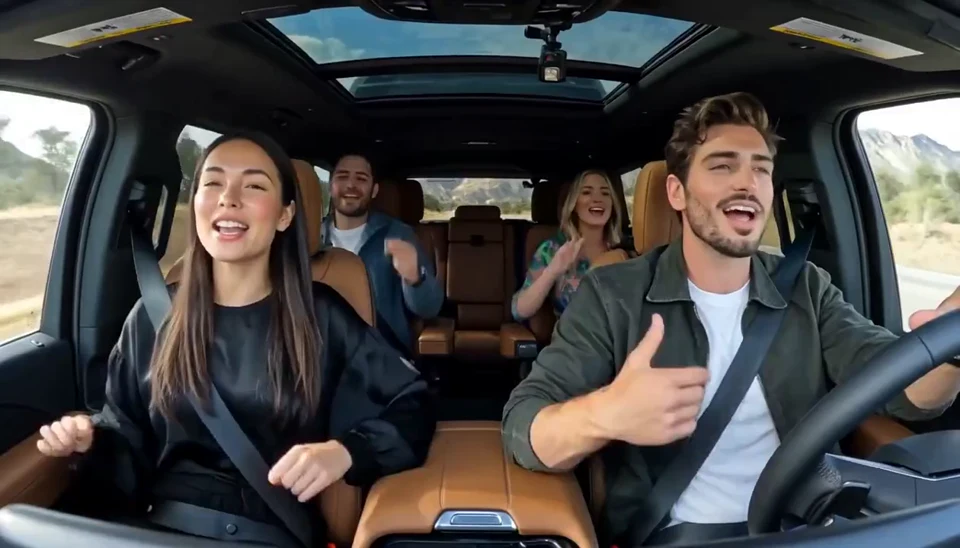
Two photos become one lively dashboard singalong.
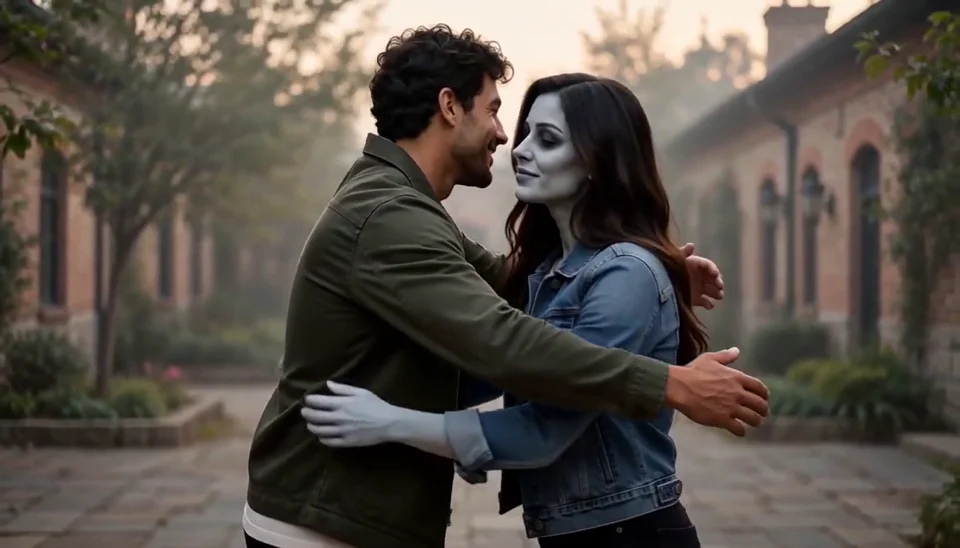
Bring two portraits into a tender fictional reunion: a human survivor recognizes their zombie partner, embraces them and remembers a warmer moment together.
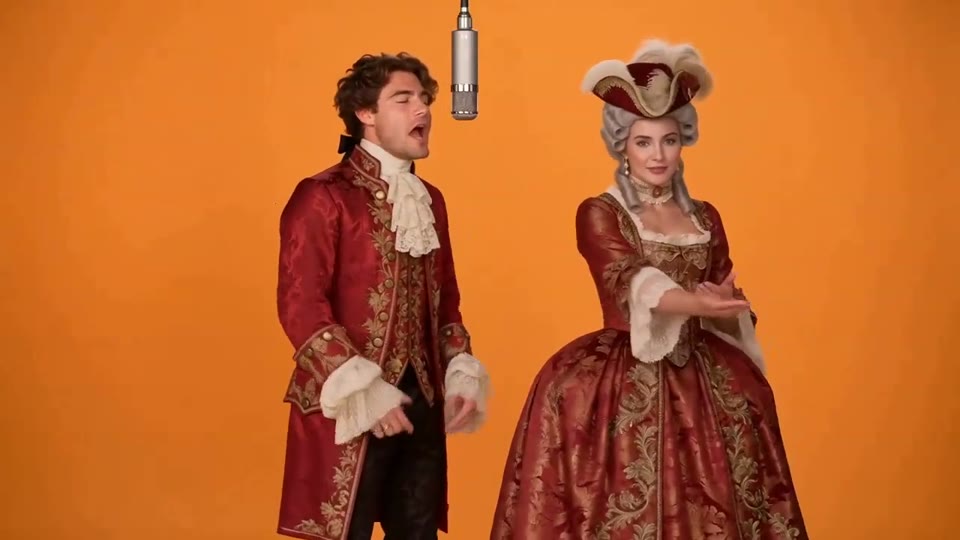
Two photos become a baroque rap duet on an orange stage.
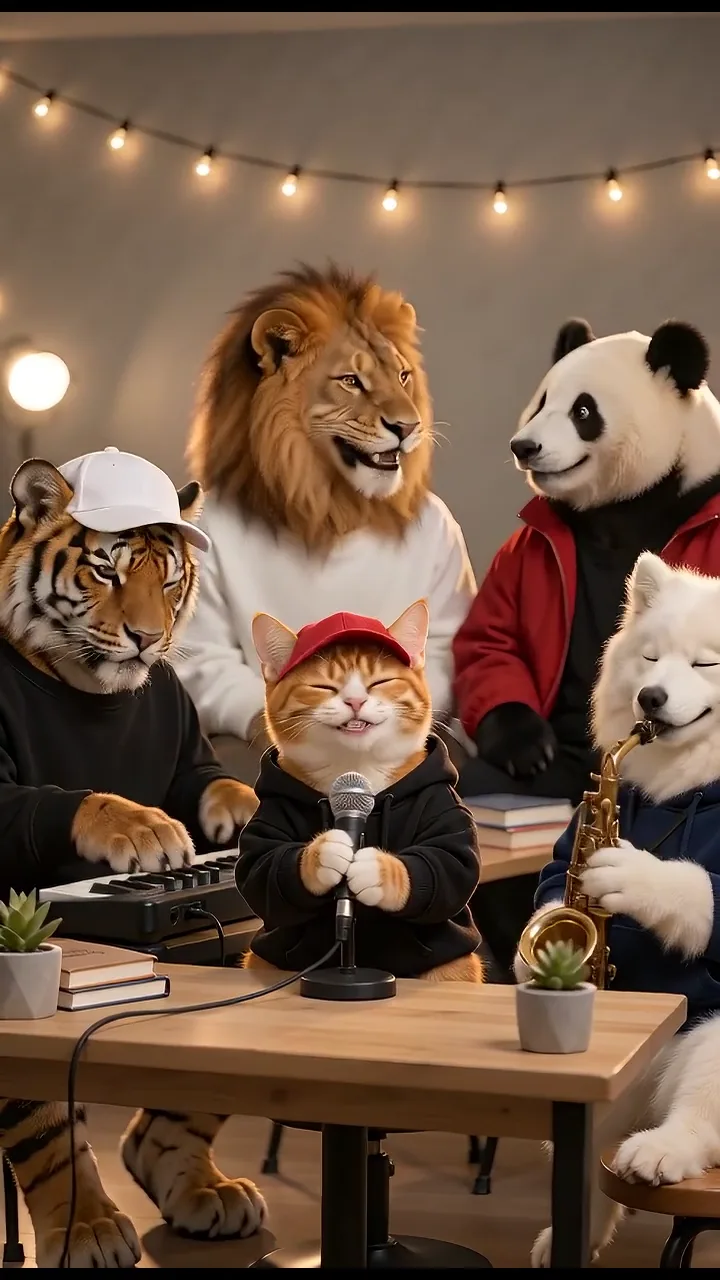
Turn your photos into a 15-second band performance. Choose a style, add a short chorus and create your video with music.
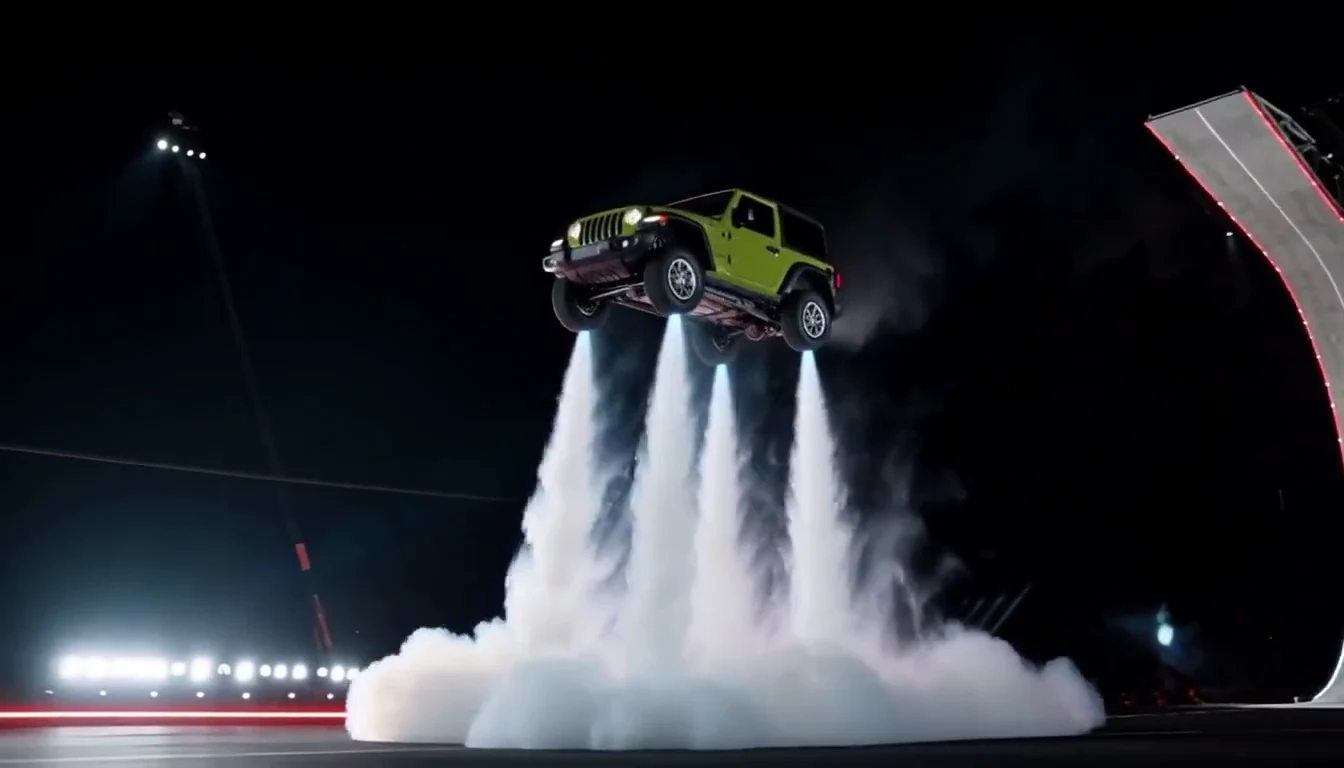
Turn your car photo into a Tesla Roadster-inspired ramp launch, kickflip or thruster landing. Explore nine flying car scenes, including traffic escape and tunnel walls.
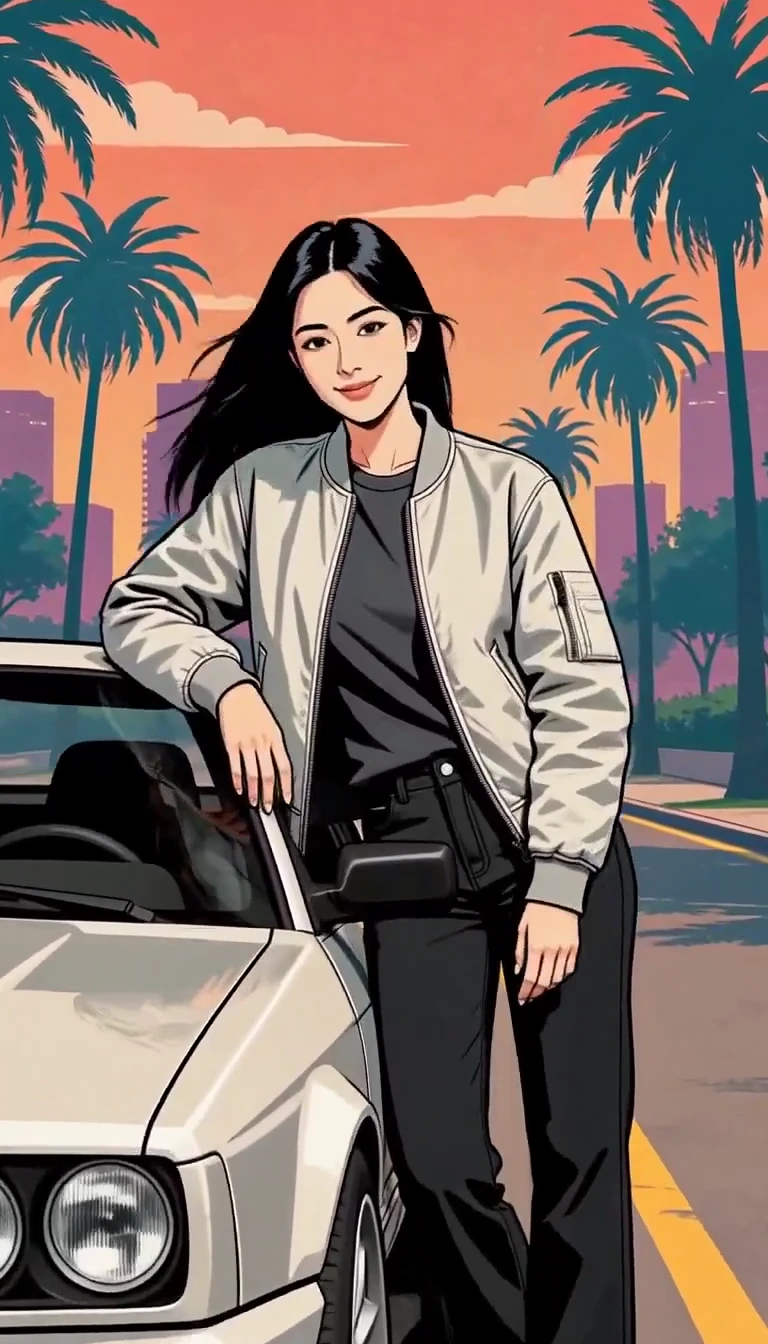
Turn one photo into an illustrated city character reveal.
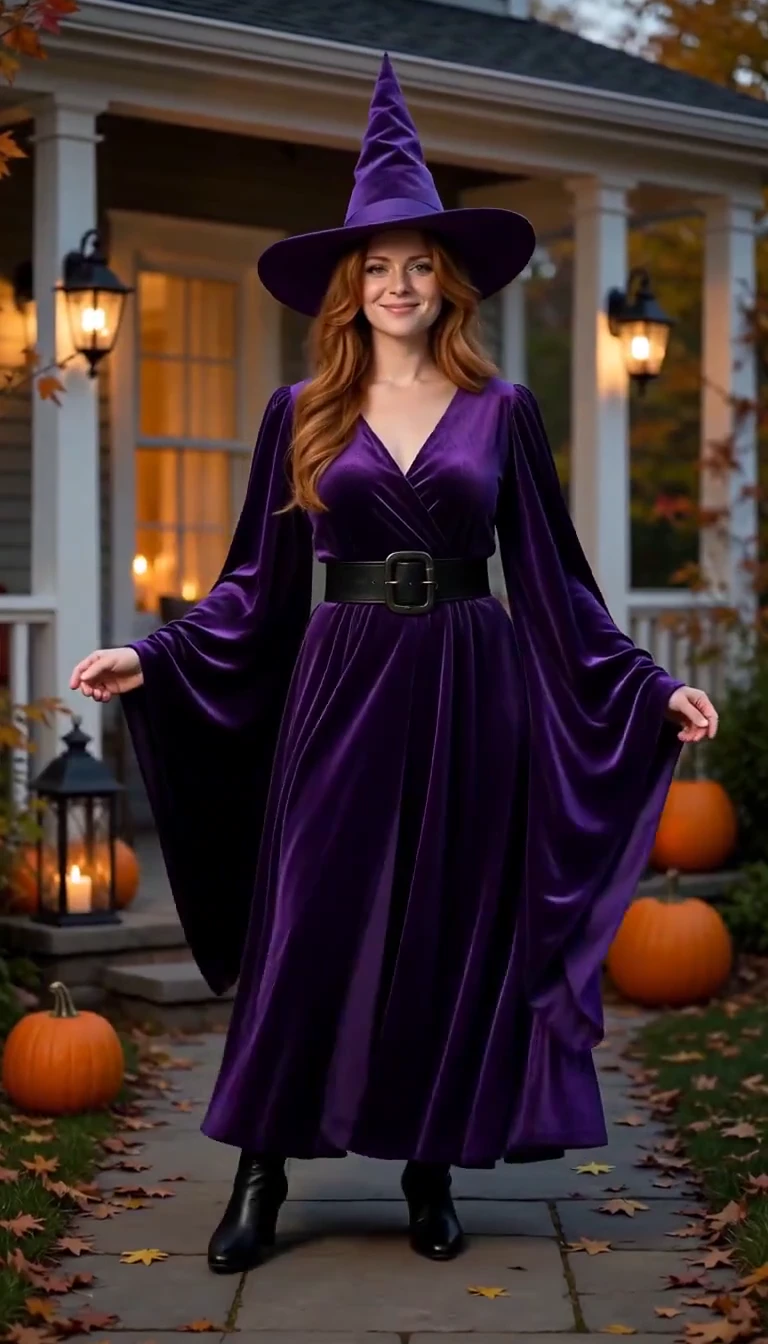
Reveal a witch costume with a turn, violet smoke and a final pose.
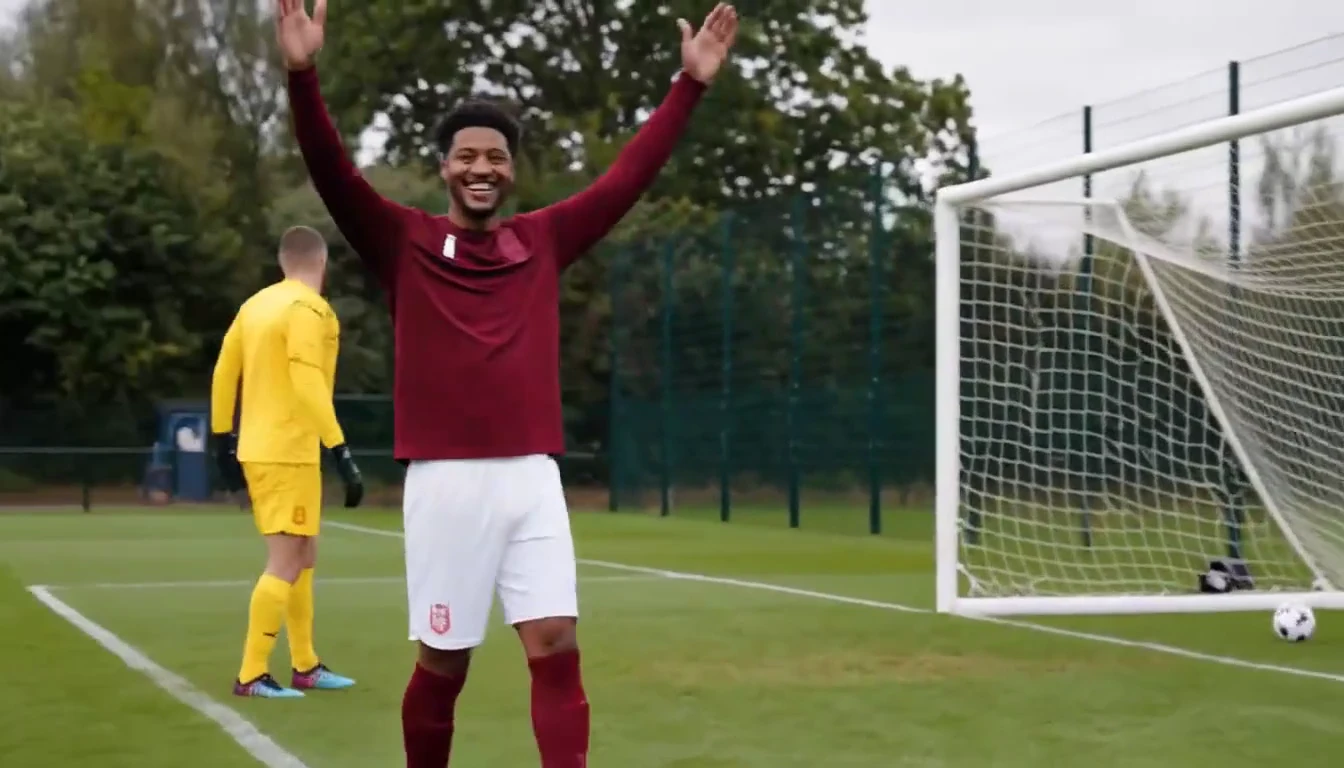
Put a new hero into a chip, dribble and empty-goal finish.
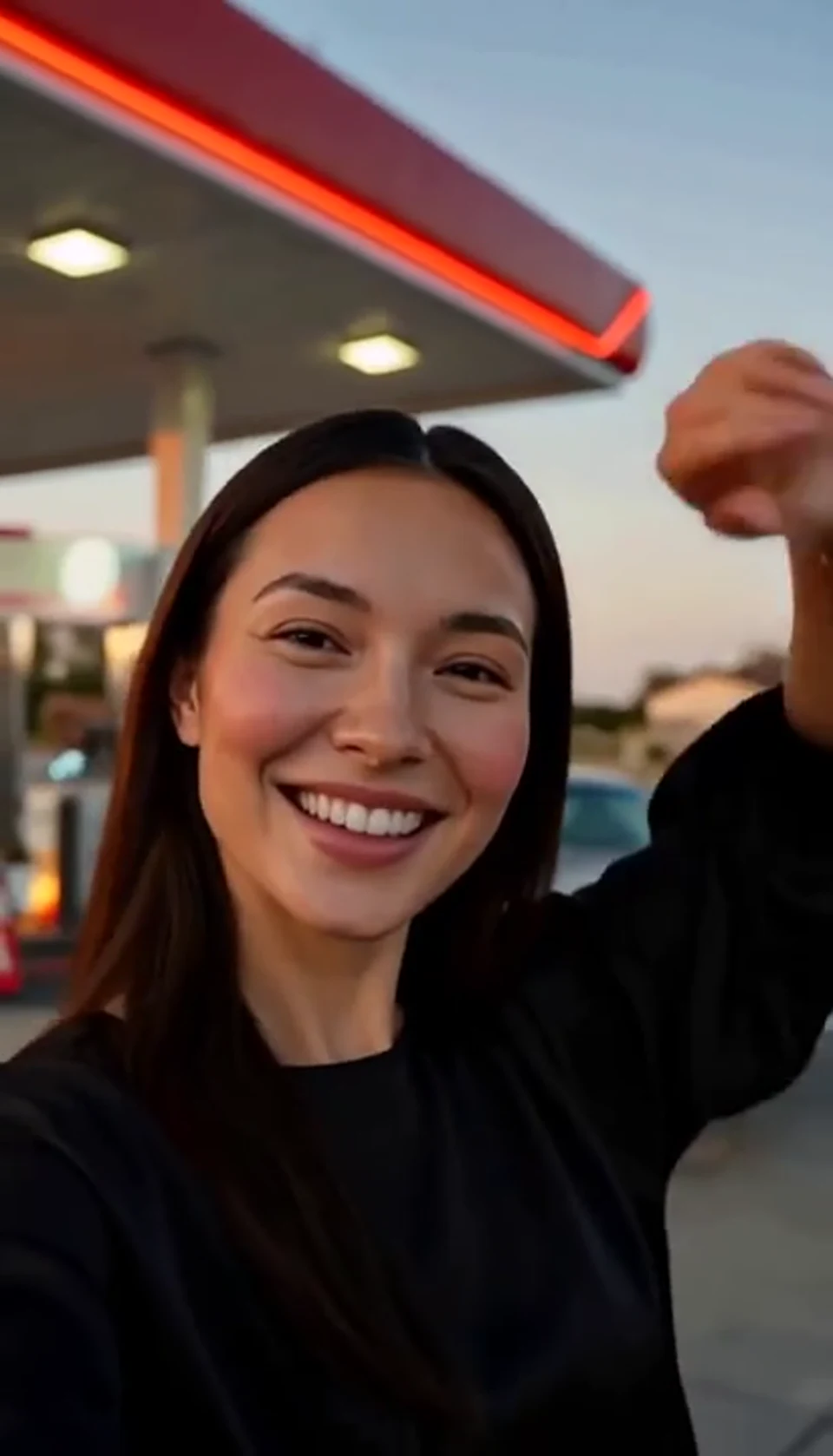
A sunset dance, a selfie and a cinematic car exit.
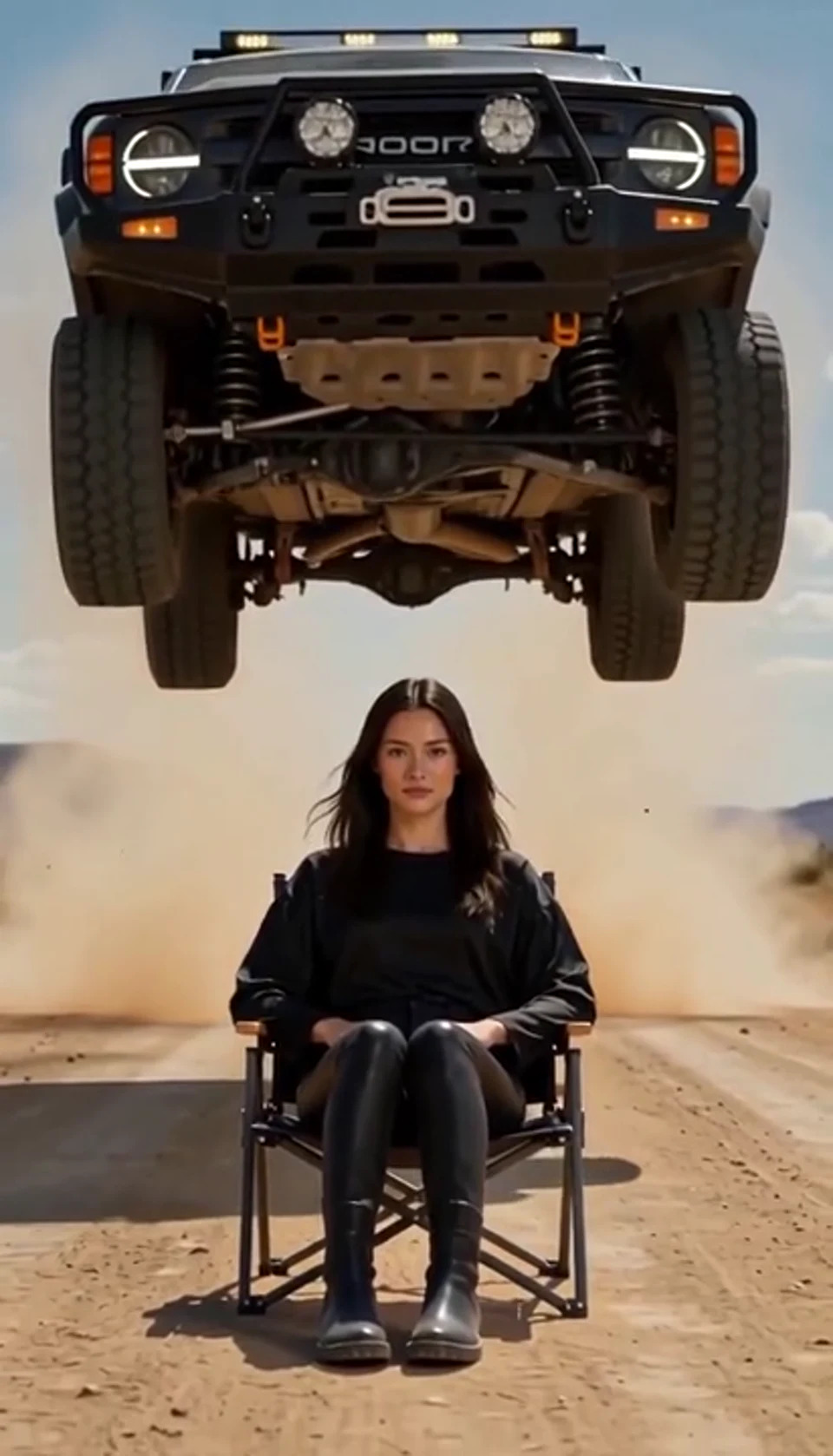
A calm portrait becomes a dramatic desert stunt.
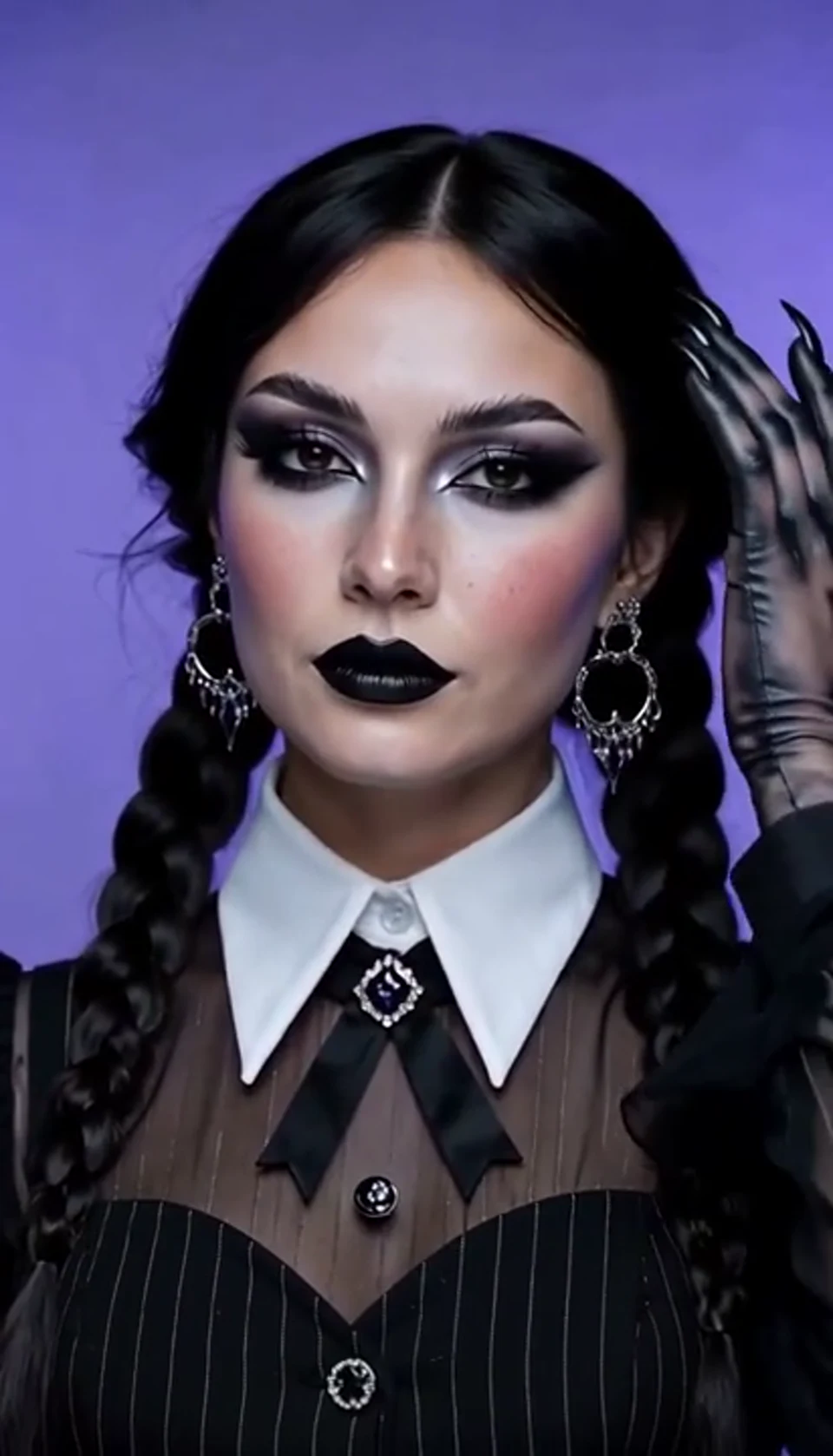
A theatrical hand swipe reveals a gothic costume.
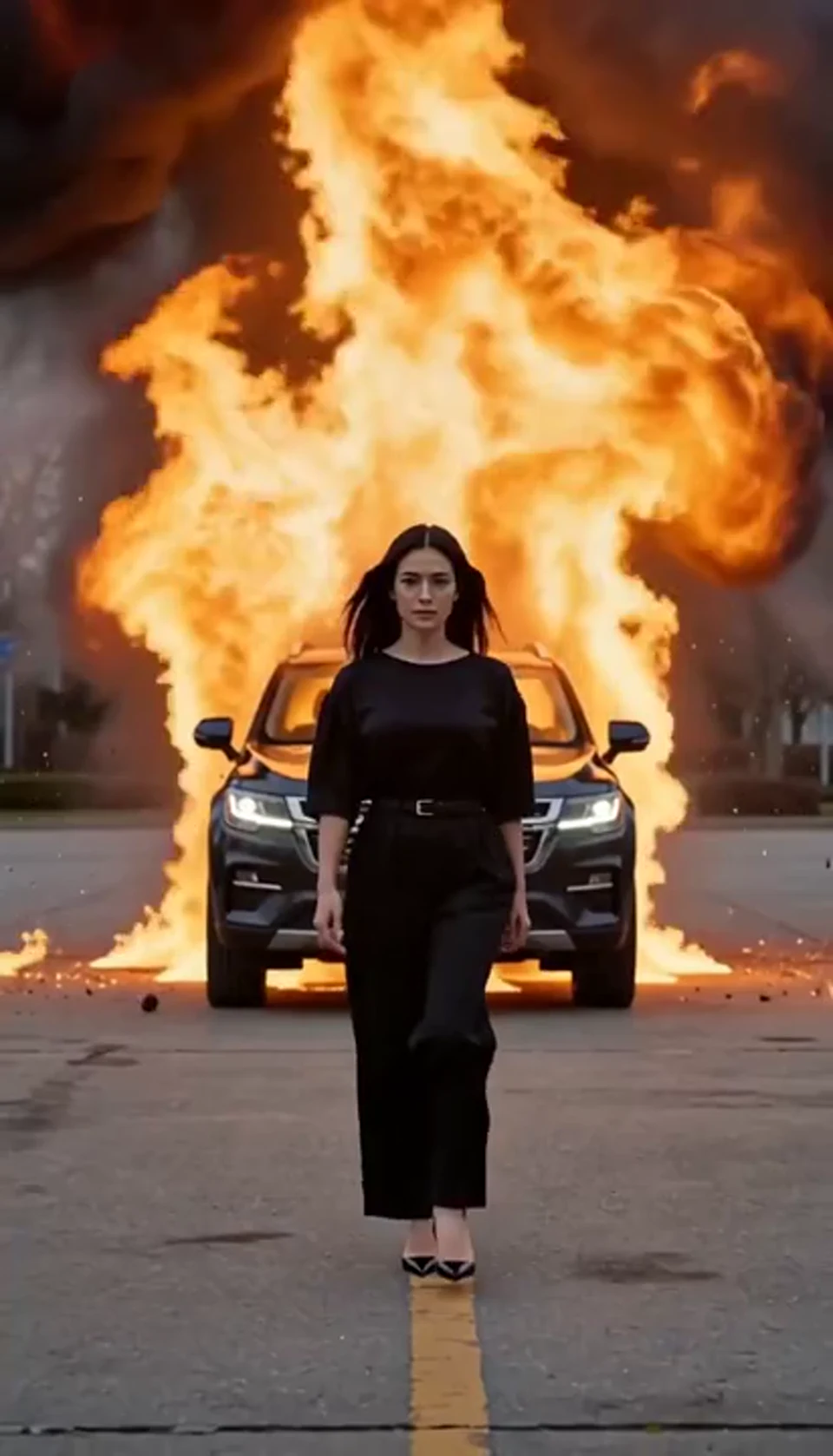
Walk toward the camera as the SUV erupts behind you.
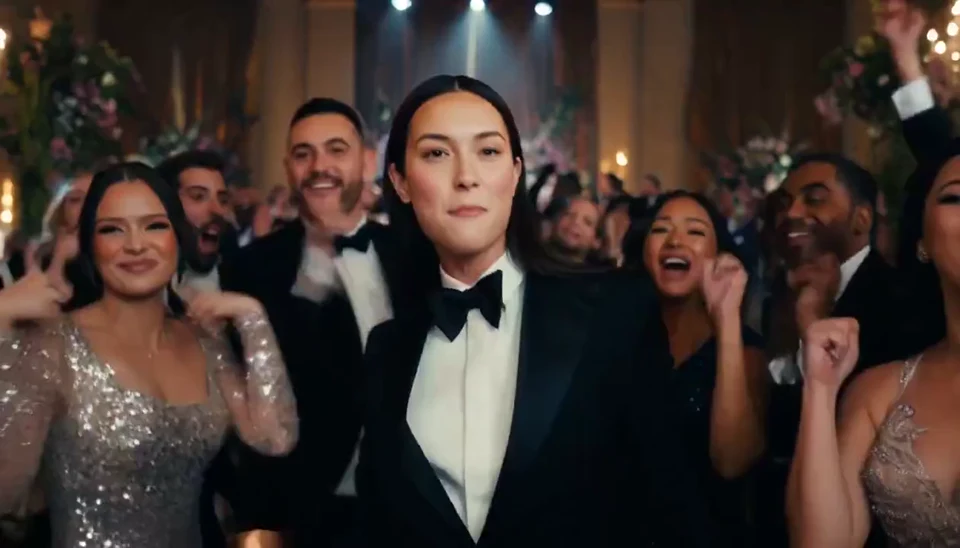
A portrait joins a lively ballroom party.
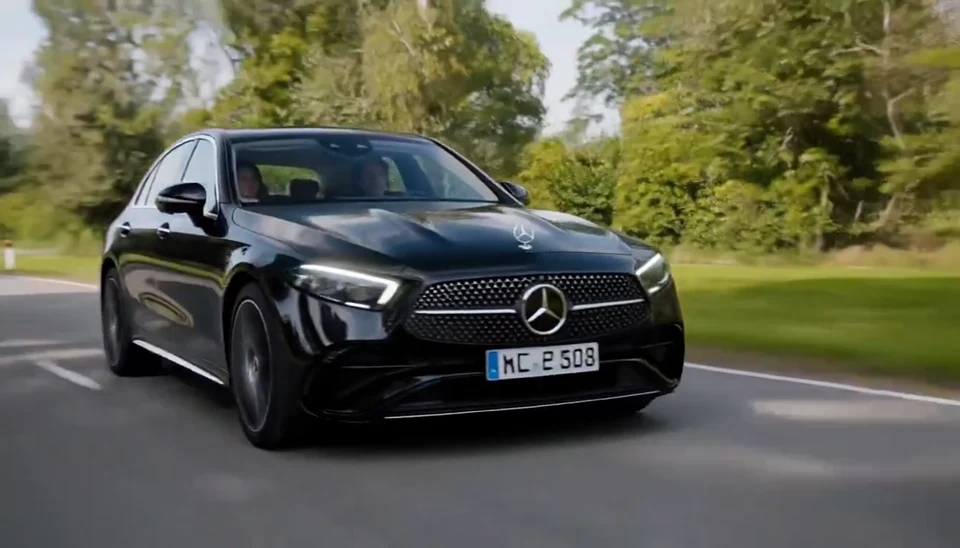
Your car photo becomes a cinematic driving shot.
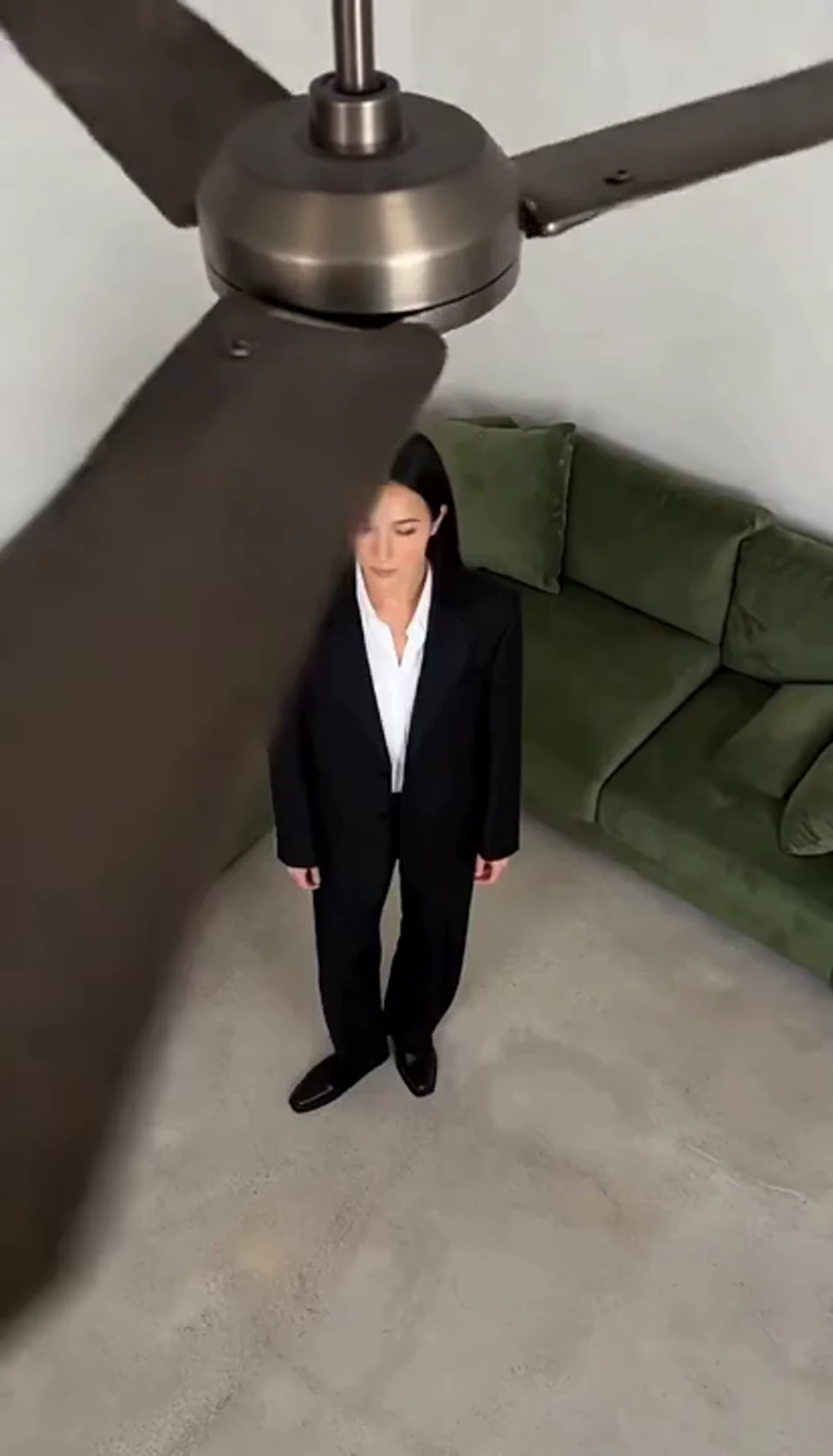
One fan-blade wipe reveals your next outfit.
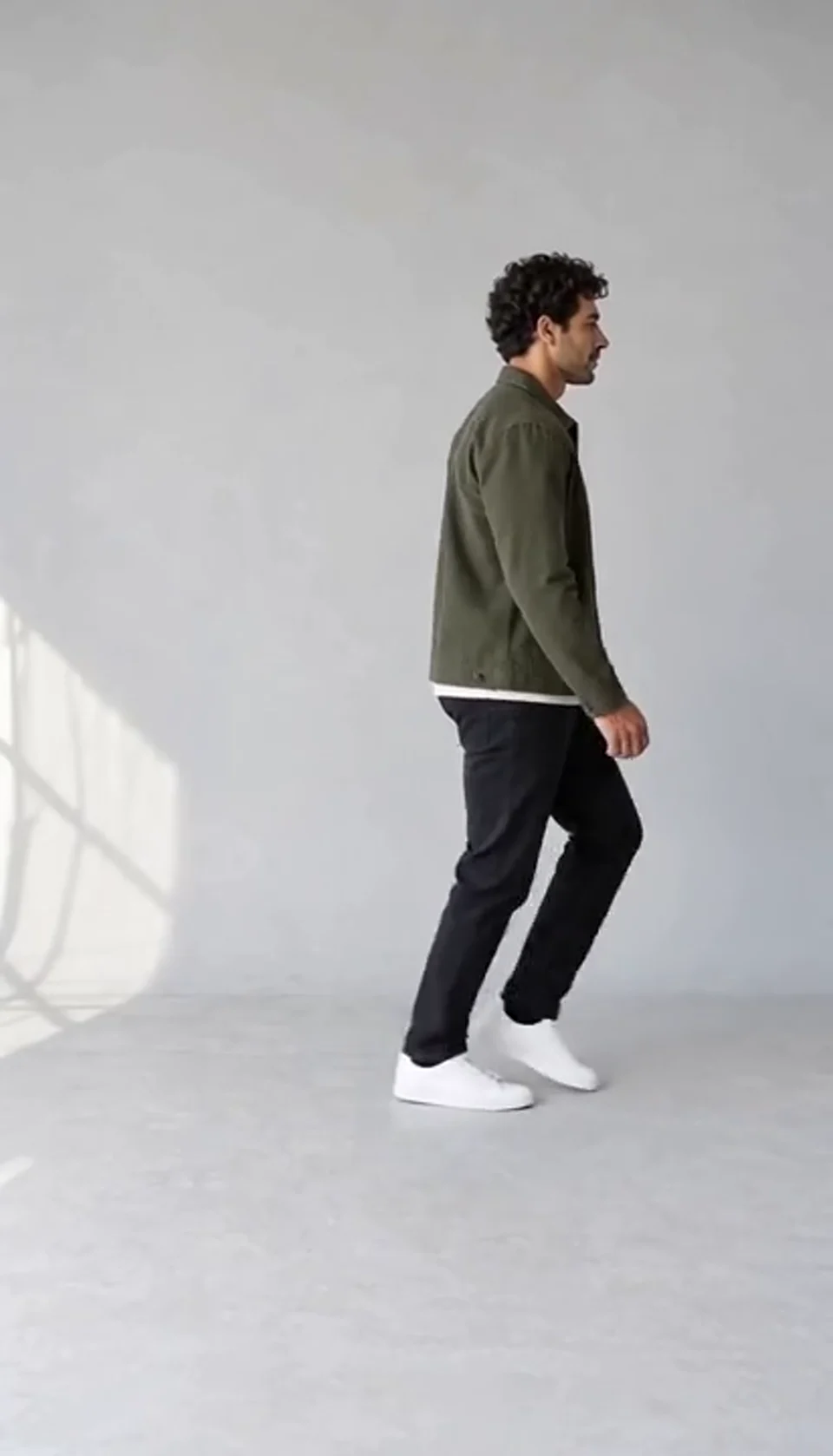
Turn one full-body photo into a short moonwalk dance. A steady side view keeps the sliding steps and your recognizable outfit in focus.
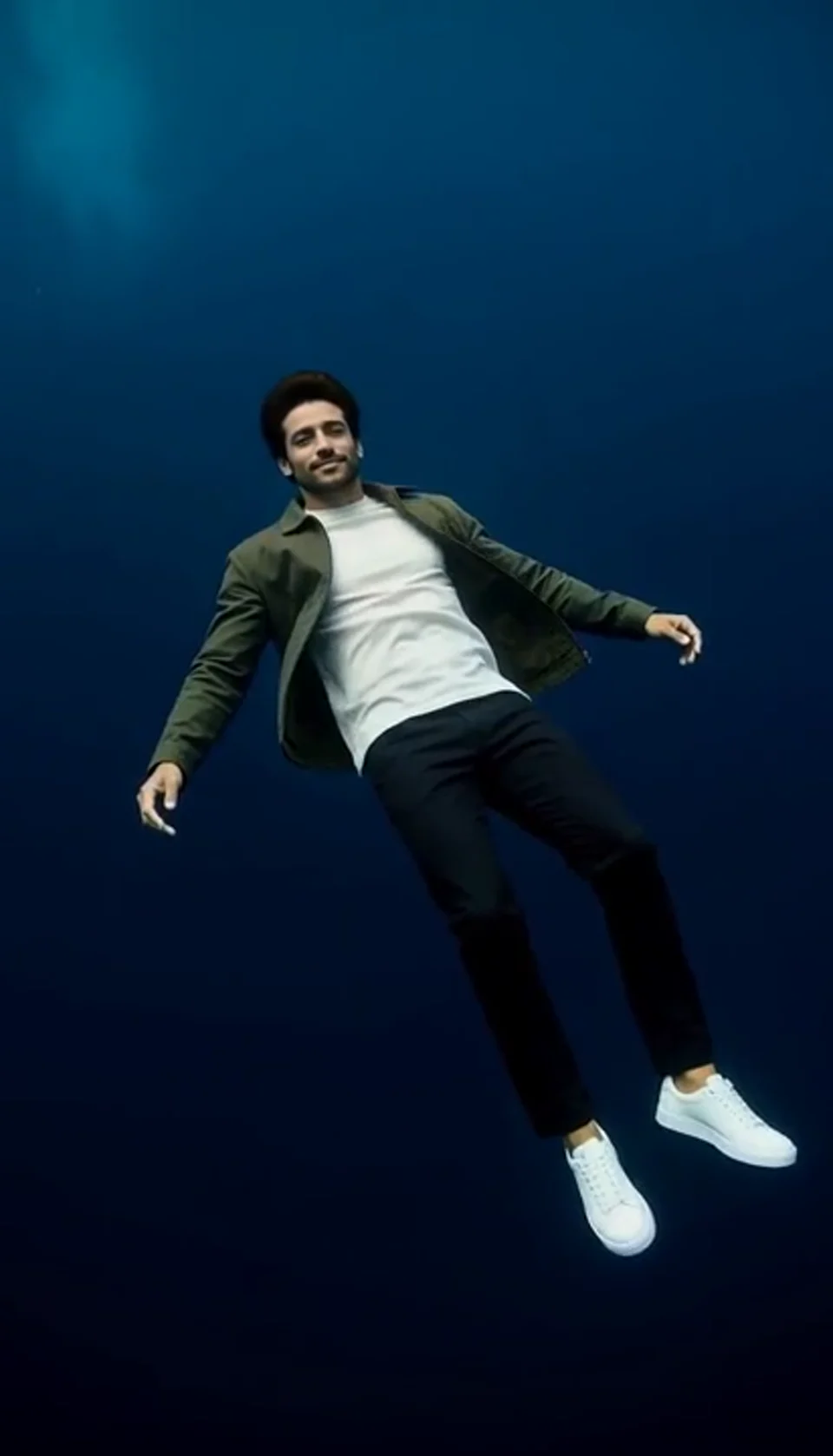
Turn one portrait into a dreamlike underwater scene. Drift through dark blue water with gently moving clothing, soft light and one calm camera move.
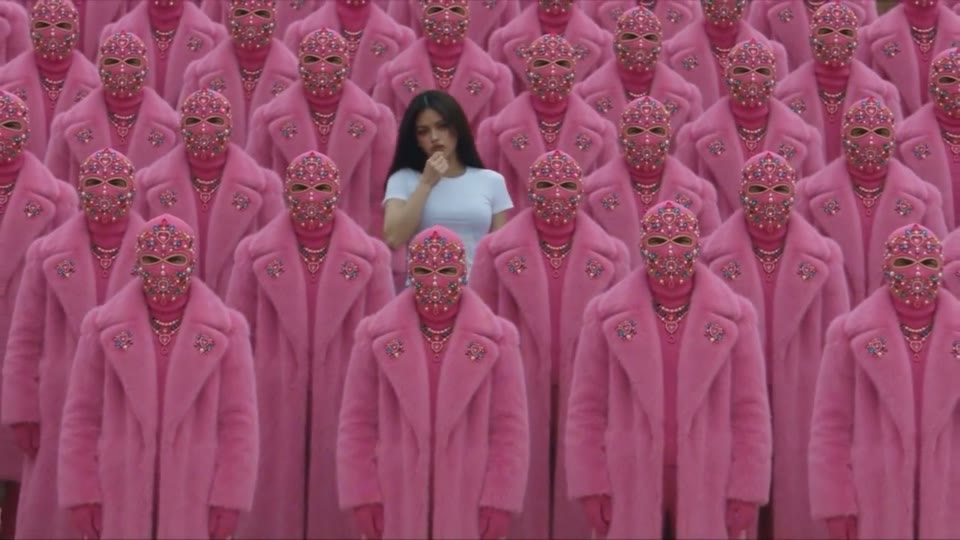
Your character leads a surreal pink-crowd dance.
A portrait comes alive with a playful face-and-hands dance.
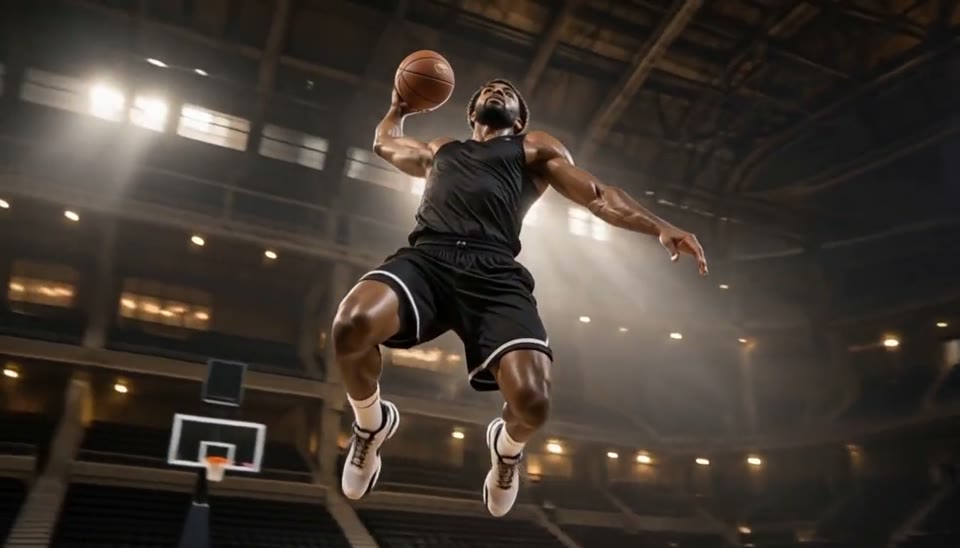
Freeze an action pose while the camera orbits around it.
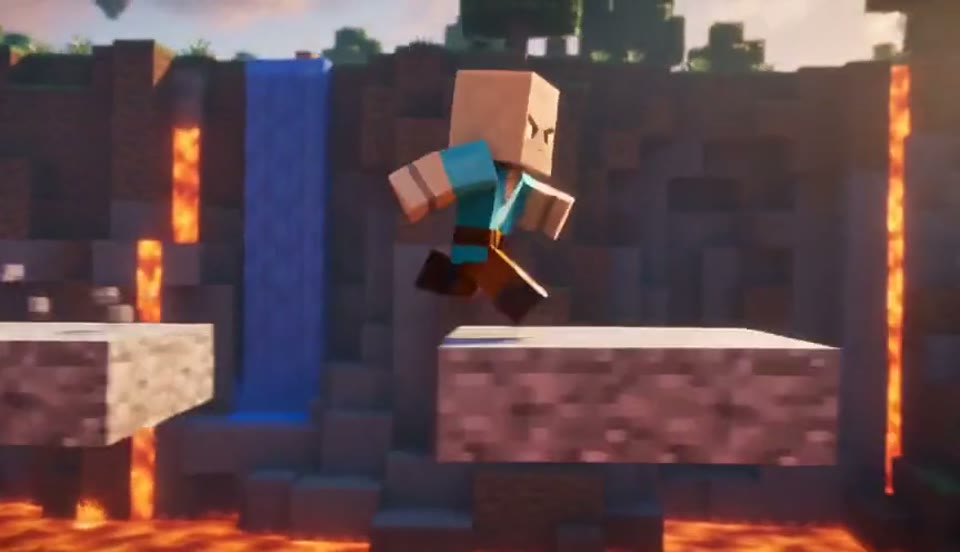
Create a Minecraft-style AI video from one photo. Make voxel characters, block-world parkour and adventure clips with original sound on Cut AI.
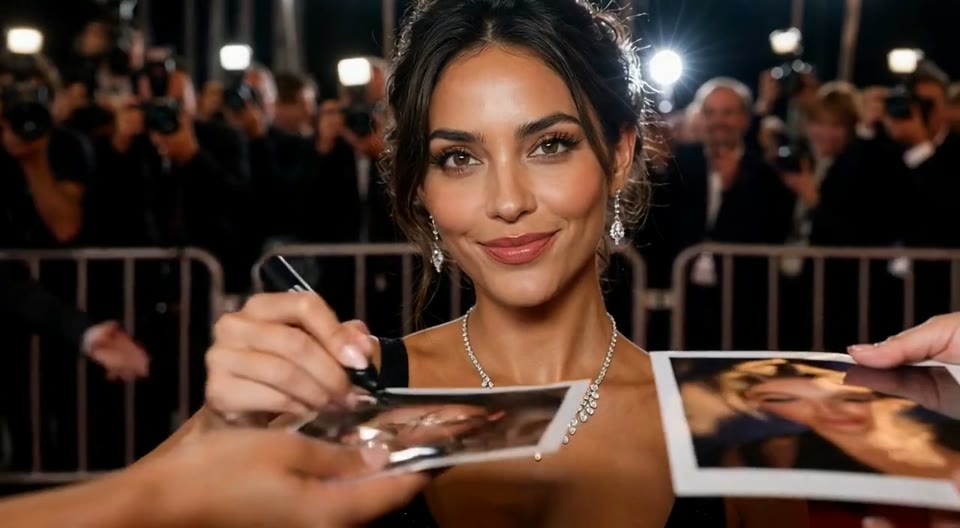
Create an AI red carpet video from one portrait. Add elegant eveningwear, paparazzi flashes and a gala entrance with the Cut AI video template.
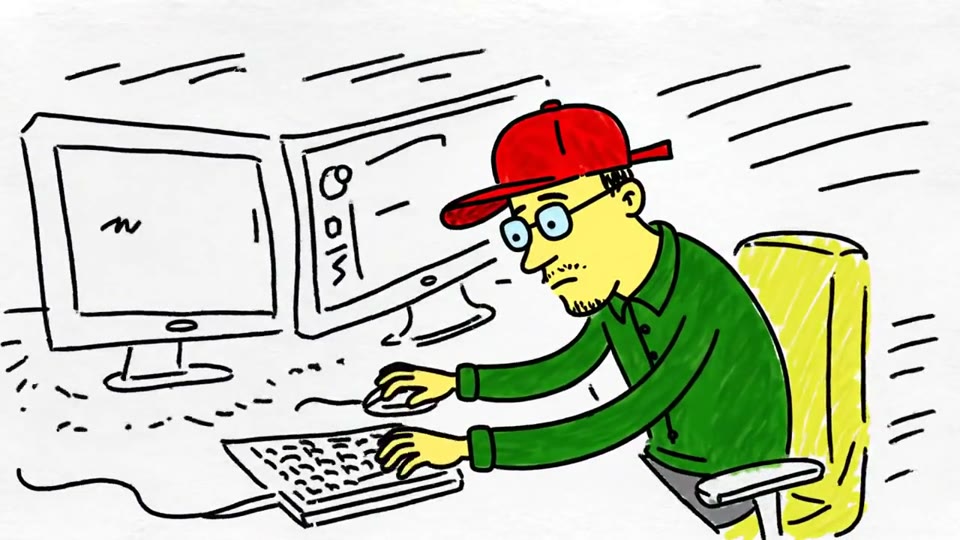
Turn a sketch, drawing or line-art image into an animated video with Cut AI. Preserve the composition and art style with gentle motion and original sound.
Create a day to night effect video from one photo on Cut AI. Animate golden hour, sunset and night lights while keeping the scene and framing consistent.
Create a heartwarming AI panda hug video from one photo on Cut AI. Add a gentle panda embrace, bamboo scenery and original sound in your chosen format.
Create Live 2D-style animation from a portrait or character image with Cut AI. Add blinking, breathing and gentle head motion while preserving the visual style.
What to know about photos, pricing and results before you start your finished duet trend clip.
The AI rap duo trend features two performers trading verses in front of an orange studio wall, with one hanging microphone between them. This template creates a new clip starring the two people in your uploaded photos.
Exactly two separate photos, one person in each. The first becomes the rapper on the left and the second the rapper on the right; they need not have been photographed together. Only upload photos of yourself or of people who have agreed to be part of your finished duet.
No. The scene, streetwear, orange wall, microphone, camera framing, performance and music of the rap-duo trend are all built in. You only upload the two photos and pick the aspect ratio, resolution and length, so this template keeps you focused on choosing the right pairing.
The template generates picture and audio together and returns your finished duet as an MP4 with an original trap beat and short rap vocals, never an existing song, lyrics or a real artist's voice. A two rapper video AI clip is usually ready in one to three minutes.
Each video generation costs 200 credits. Check the quote next to Generate before starting. Browsing templates and watching samples is free; each new generation uses another 200 credits.
Each video generation costs 200 credits. Check the quote next to Generate before starting. Browsing templates and watching samples is free; each new generation uses another 200 credits.
Choose the supported duration for your template and check the quote before generating. Each generation costs 200 credits. The preset supplies the scene, movement and original sound.
Use sharp, evenly lit portraits with the whole face visible, framed alike. Watch the full two rapper video AI clip, and if one face looks off, try a clearer photo and generate again; each run costs credits again. The sample on this page was made by Cut AI with this exact rap-duo trend template from two portraits of fictional people.
Choose two clear portraits of people who agreed to take part. Upload them, preview the sample and check the credit quote before generating your duet.
Create my AI rap duo