Only upload photos of yourself or of people who agreed to take part.
One photo. One very fluffy new friend.
An AI panda hug video imagines a gentle encounter with a friendly giant panda. Upload your photo, and the template places your subject in a quiet bamboo setting as the panda approaches, sits beside them and leans into a warm embrace. Natural expressions, detailed fur and restrained camera movement shape a playful clip for animal lovers and personal greetings.
Choose the supported duration for your template and check the quote before generating. Each generation costs 200 credits. The preset supplies the scene, movement and original sound.
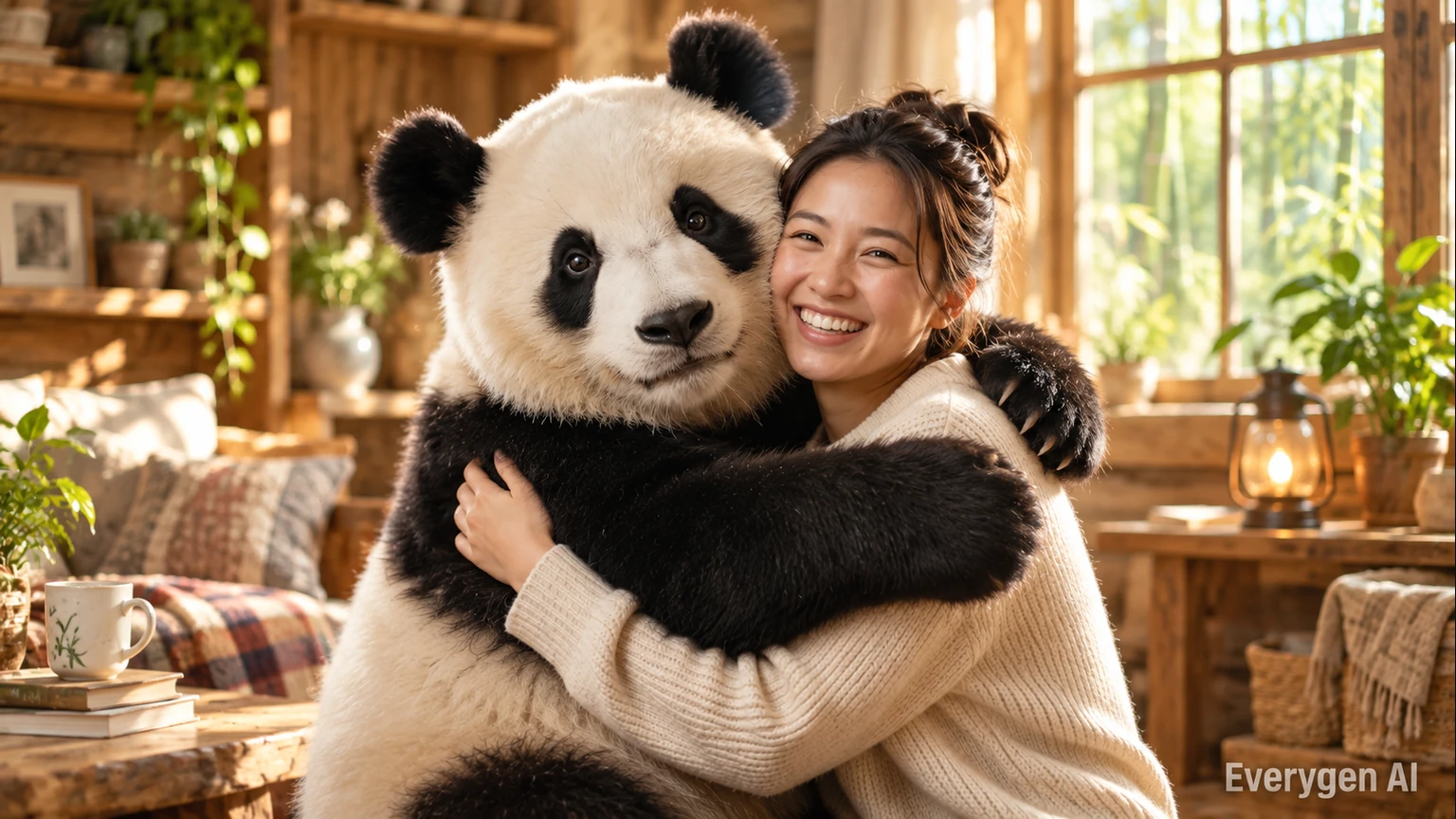
How it works
Go from a still image to an AI video in four simple steps.
Use a clear photo with the face, upper body and arms visible, leaving room for the panda.
Choose the supported duration for your template and check the quote before generating. Each generation costs 200 credits. The preset supplies the scene, movement and original sound.
Review the credit quote next to Generate. The preset directs the scene, motion, camera and original audio; you can follow progress in the workbench.
Review the subject and motion, then download the finished MP4. Regenerating creates another take and uses credits again.
Explore the visual details and workflow behind the AI Panda Hug Video template.
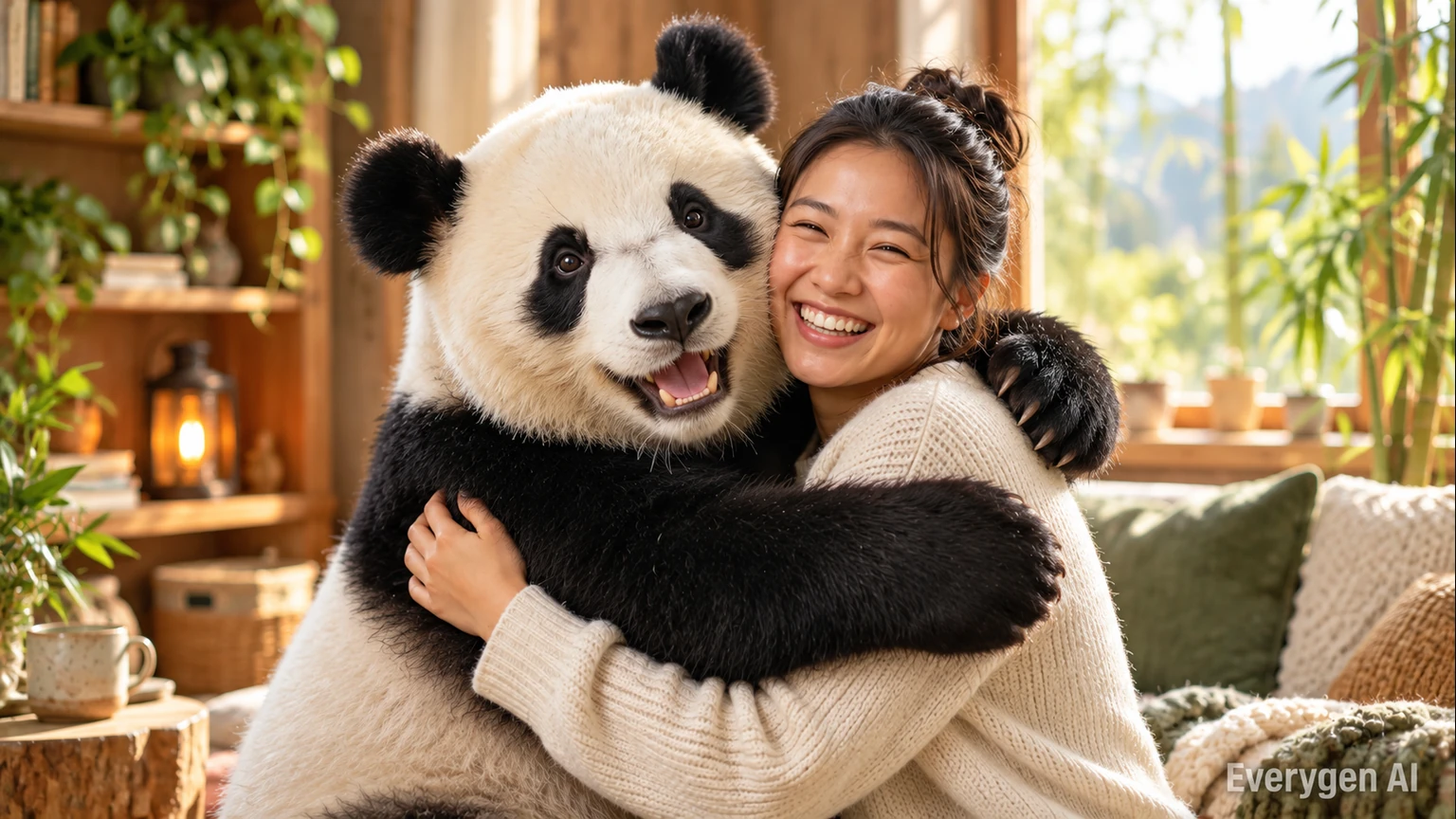
The template directs a slow approach and a soft embrace, with recognizable facial features, coherent arms and detailed fur. The goal is a warm fictional moment that feels visually consistent from start to finish.
Choose a relaxed photograph that shows the face, upper body and arms, with enough room beside the person for the panda. A clean pose gives the generated embrace a clearer starting point than crossed arms, overlapping people or a very tight facial crop.
The interaction is directed as a slow, friendly approach rather than a dramatic action sequence. Soft daylight, a bamboo background and a steady medium shot keep the scene focused on the expression and the hug. The result is intended as a warm creative moment that you can use in a greeting or a playful personal edit.
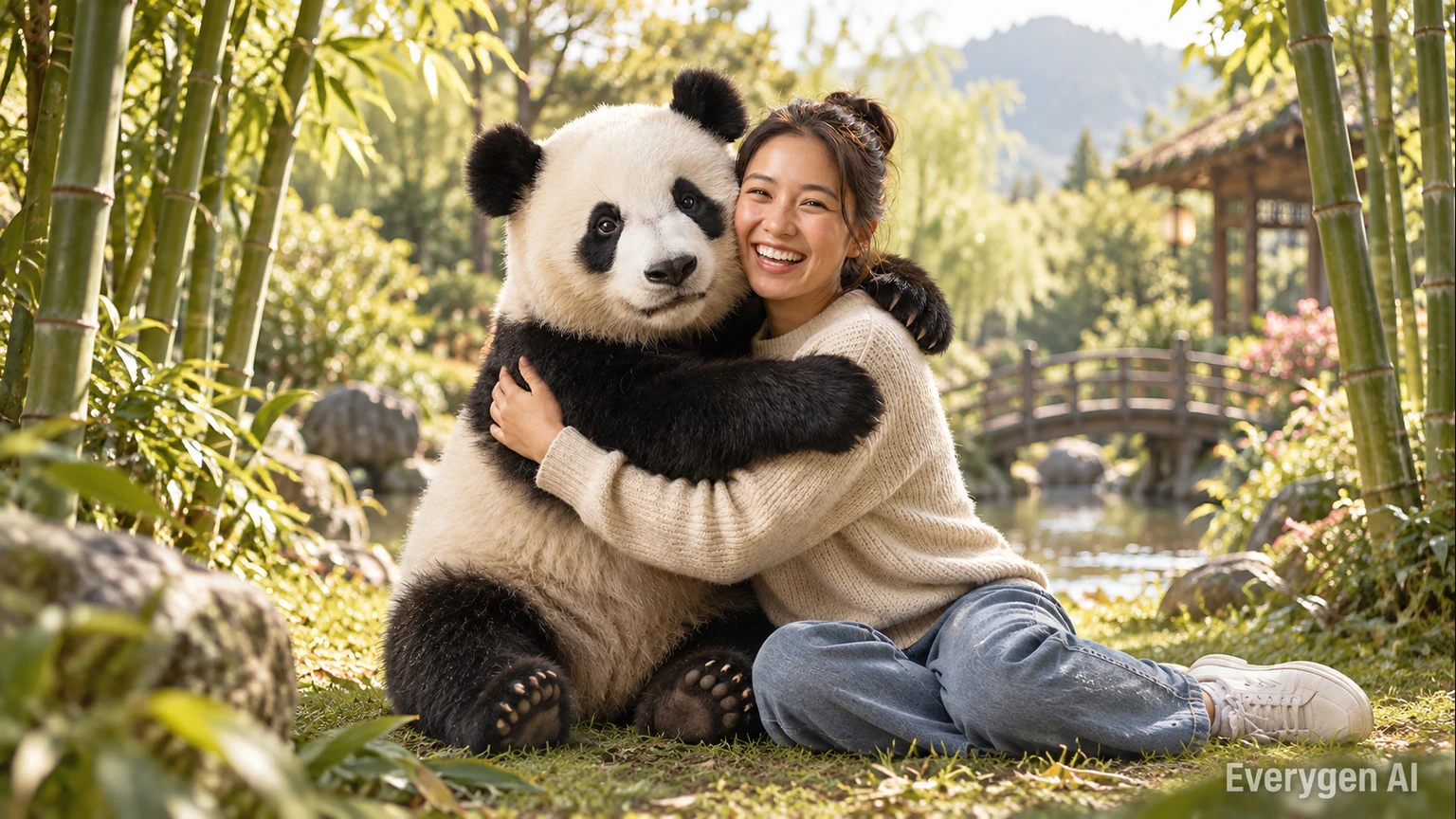
Choose 9:16 for a vertical feed, 16:9 for a wider edit or 1:1 for a square post. A reference with room around the arms gives the AI more space to compose the interaction.
Think about the space needed for two subjects when choosing a format. A wider frame can show more of the bamboo setting and the approach, while a vertical take places more emphasis on the person and the panda together.
The template uses your photo as a reference when building the new scene, so the chosen ratio is available as a separate control. Resolution and duration can be adjusted alongside it. Keeping the main subject fully visible in the input gives the AI useful body and clothing cues even when you choose an output format that differs from the original photograph.
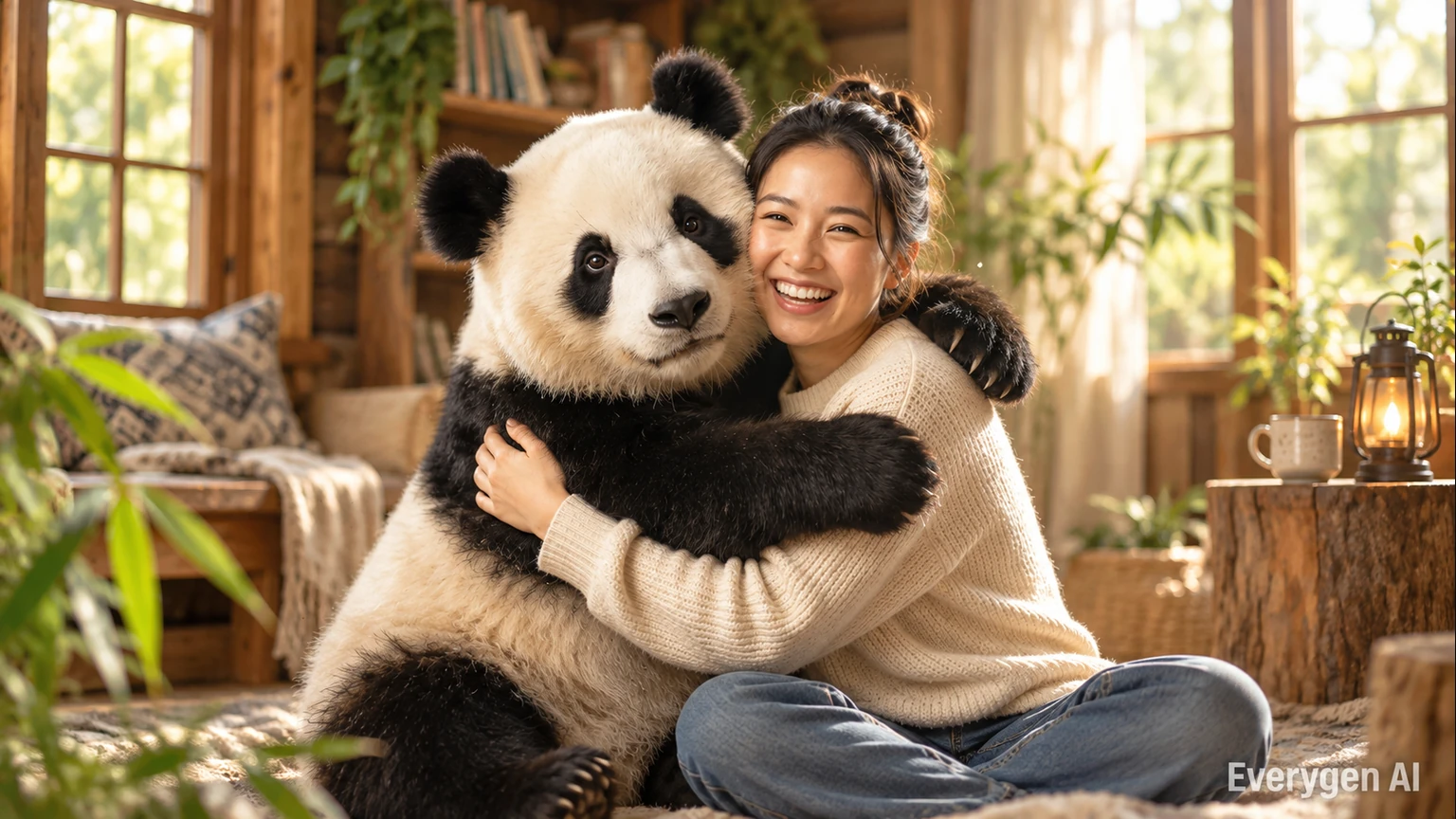
The scene, motion and original sound are already directed. Upload one photo, choose supported settings and review the credit cost before generating. Keep a finished take for a greeting, montage or playful art post.
A short clip can communicate the entire idea without complicated editing: the panda approaches, the subject responds and the embrace becomes the final moment. The original nature ambience and gentle music support that simple arc.
Use the finished take as a standalone greeting or place it between other moments in a personal montage. A clear source image is still the most useful way to guide the person’s appearance. Preview the sample to understand the framing and interaction, then compare your own result with the source photo before selecting the version you want to share.
Find a setting for the effect in your next post, story or creative project.
Create an imagined panda encounter from your own portrait.
Post a clearly labeled AI hug clip with a warm, playful tone.
Send a gentle panda-themed hello, thank-you or birthday greeting.
Make a playful fictional animal moment with photos used with permission.
Start with a clear source image and give each take one simple purpose.
Try this direction with your own image and the AI Panda Hug Video preset. Compare the source and generated motion in a short post or edit.
Try this direction with your own image and the AI Panda Hug Video preset. Compare the source and generated motion in a short post or edit.
Try this direction with your own image and the AI Panda Hug Video preset. Compare the source and generated motion in a short post or edit.
Try this direction with your own image and the AI Panda Hug Video preset. Compare the source and generated motion in a short post or edit.
Try this direction with your own image and the AI Panda Hug Video preset. Compare the source and generated motion in a short post or edit.
Try this direction with your own image and the AI Panda Hug Video preset. Compare the source and generated motion in a short post or edit.
A readable subject and a clean image give the template better visual guidance.
Try another trending effect with the same photos.
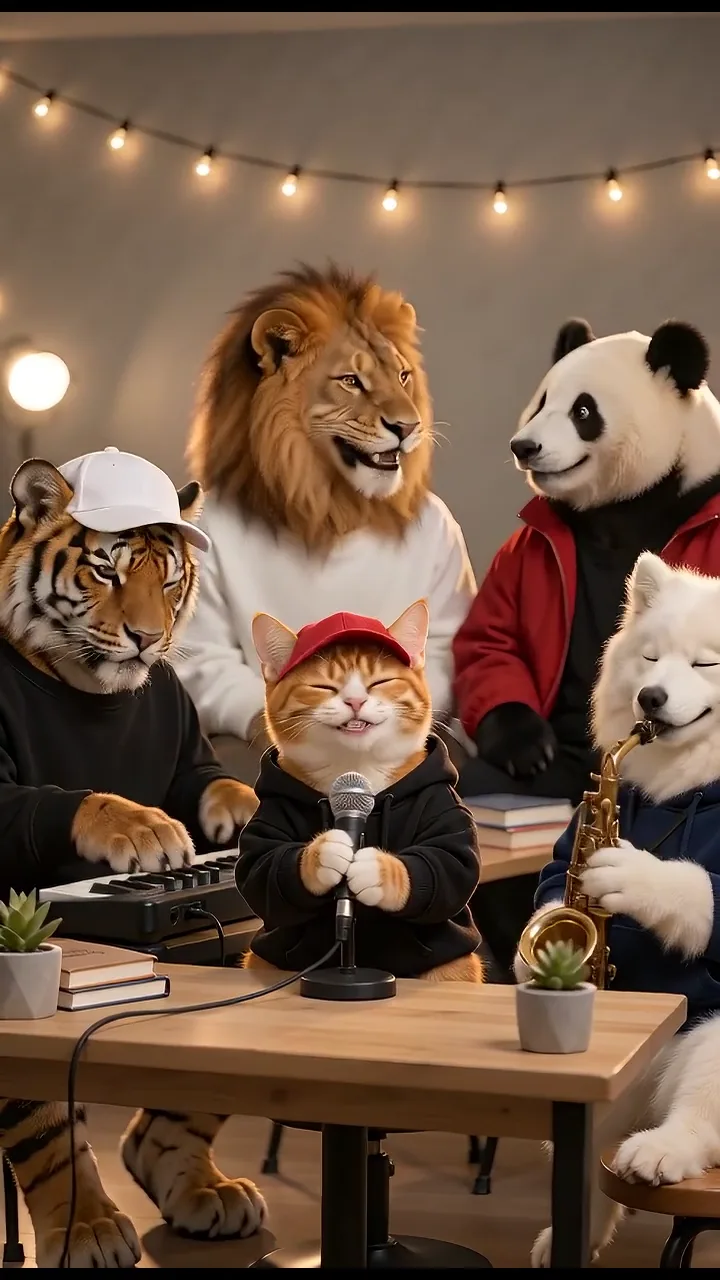
Turn your photos into a 15-second band performance. Choose a style, add a short chorus and create your video with music.
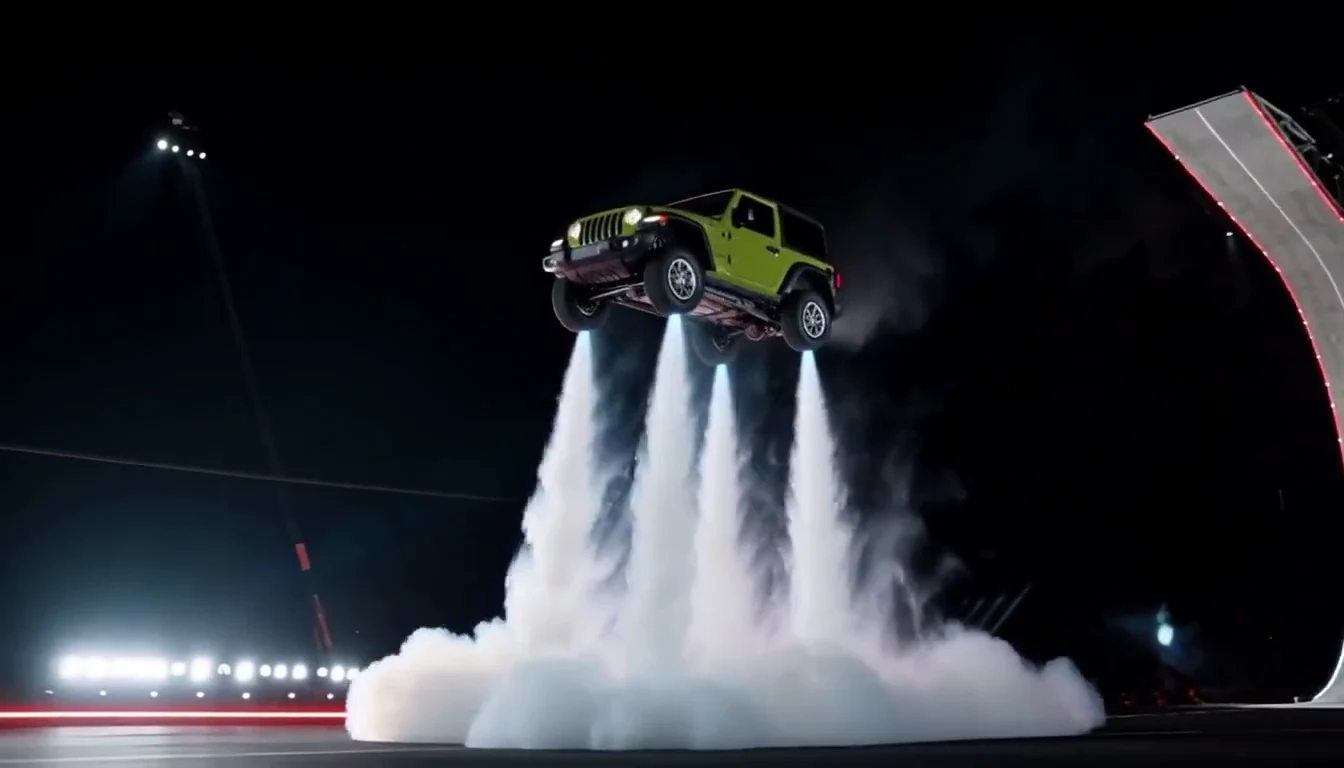
Turn your car photo into a Tesla Roadster-inspired ramp launch, kickflip or thruster landing. Explore nine flying car scenes, including traffic escape and tunnel walls.
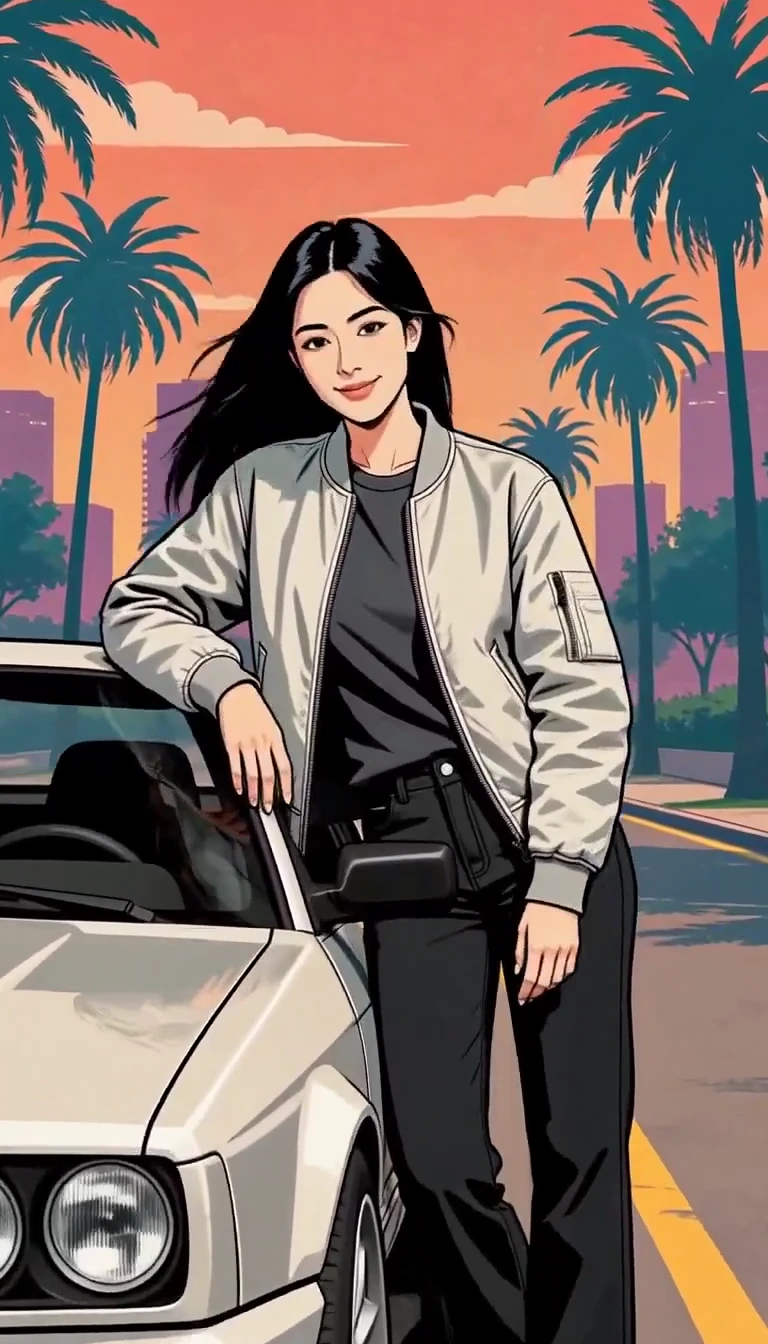
Turn one photo into an illustrated city character reveal.
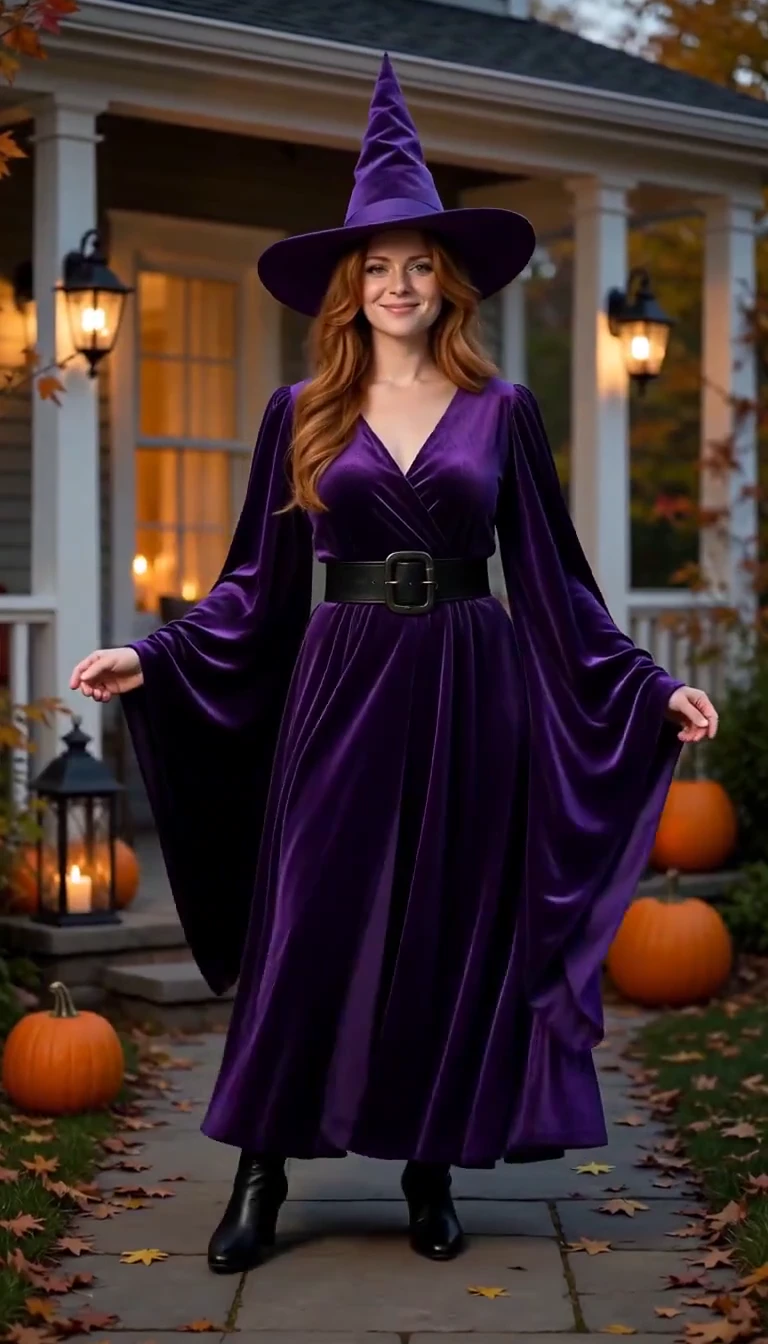
Reveal a witch costume with a turn, violet smoke and a final pose.
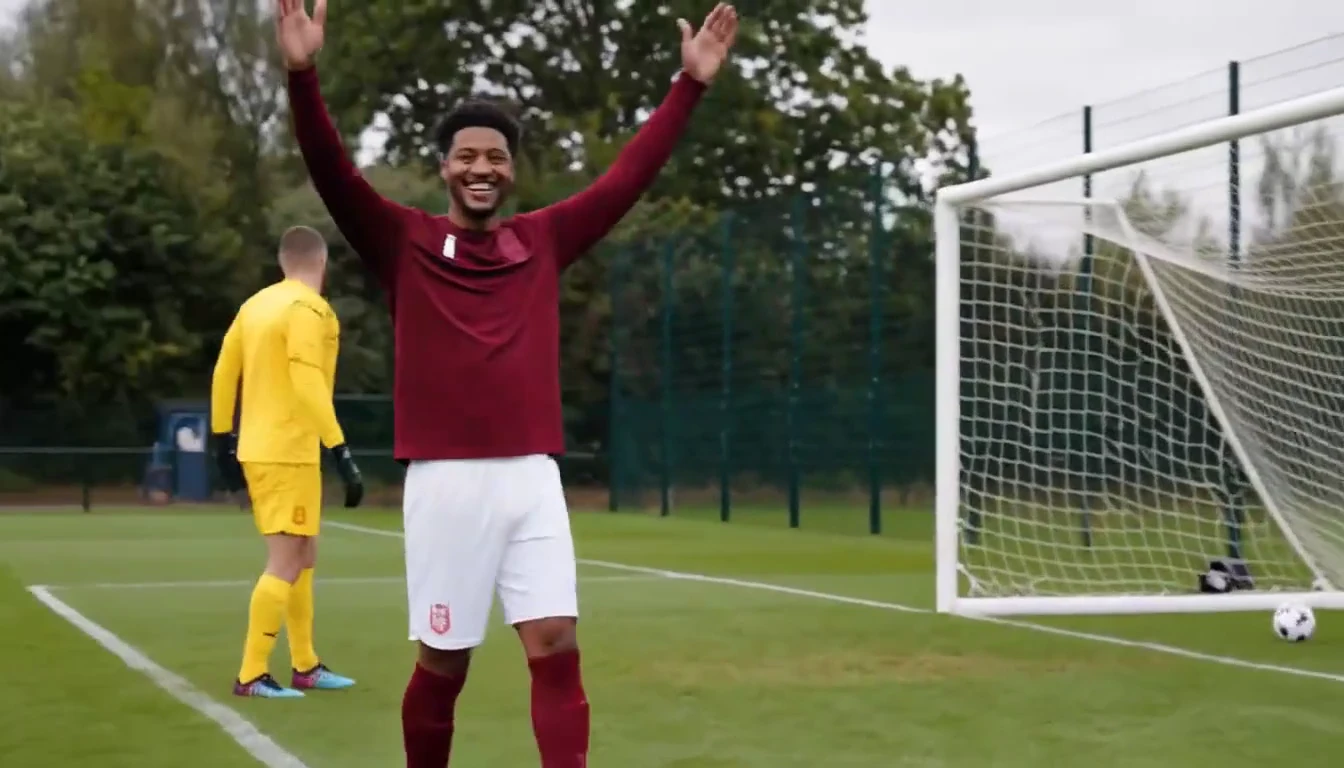
Put a new hero into a chip, dribble and empty-goal finish.
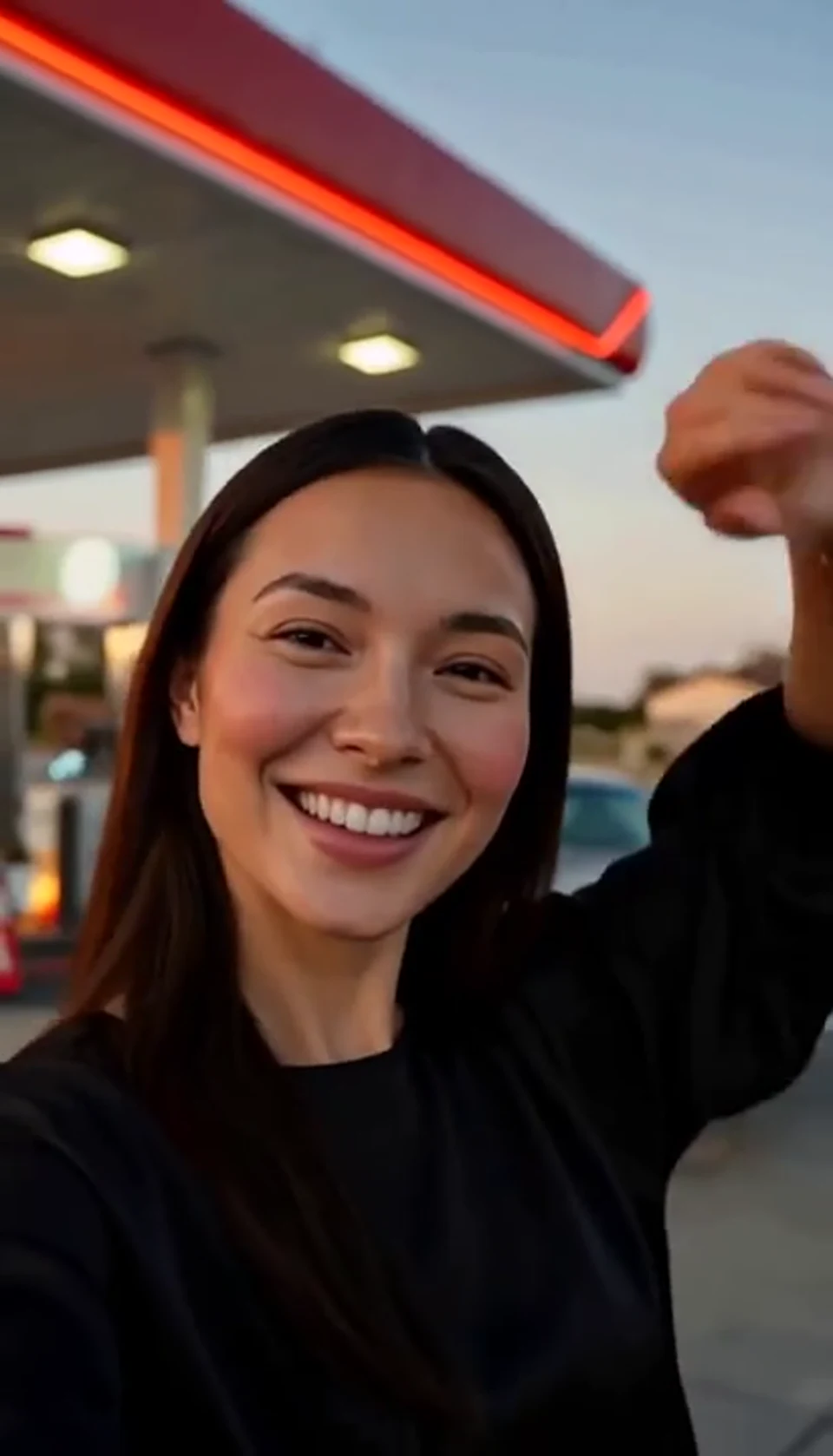
A sunset dance, a selfie and a cinematic car exit.
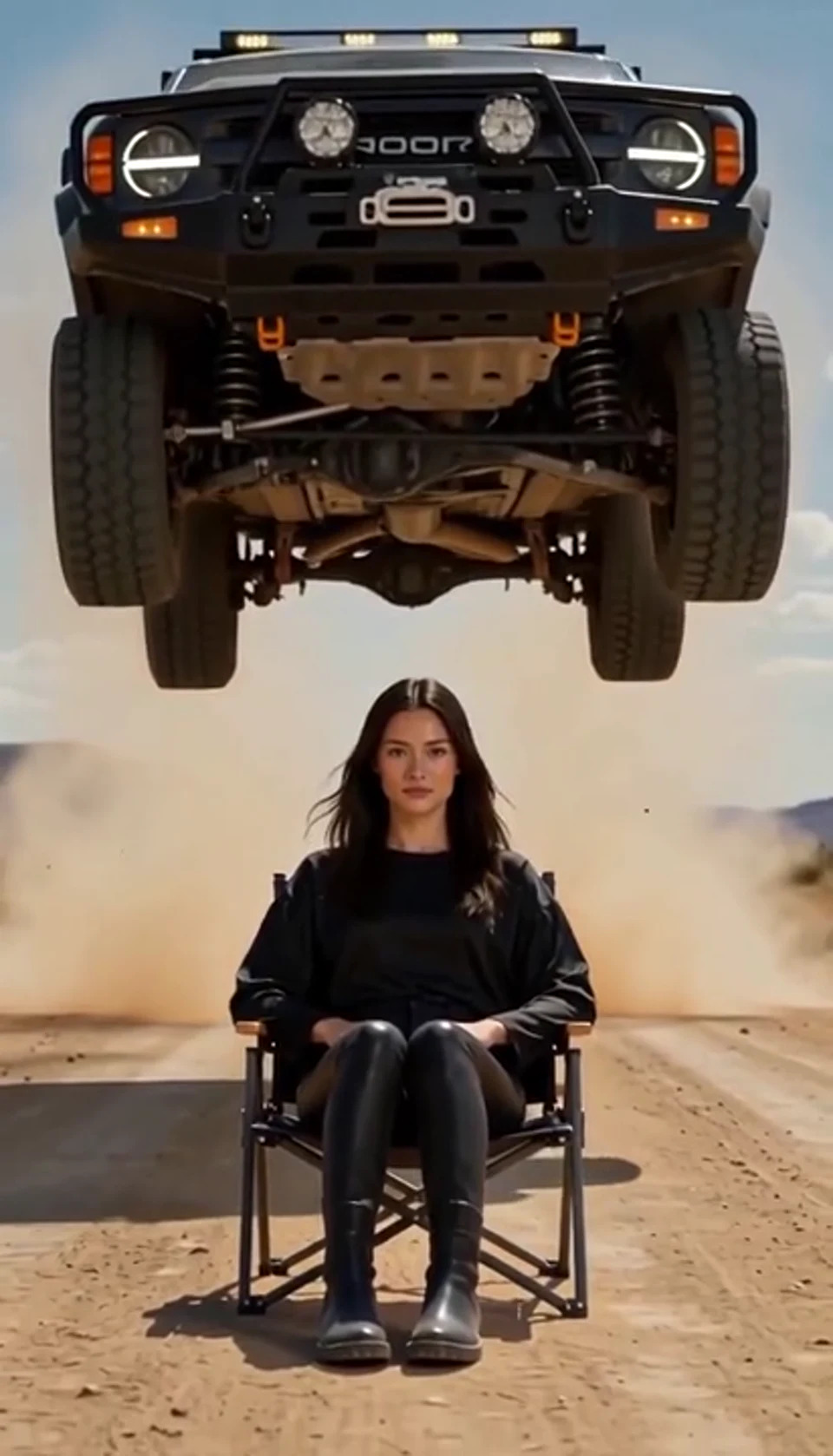
A calm portrait becomes a dramatic desert stunt.
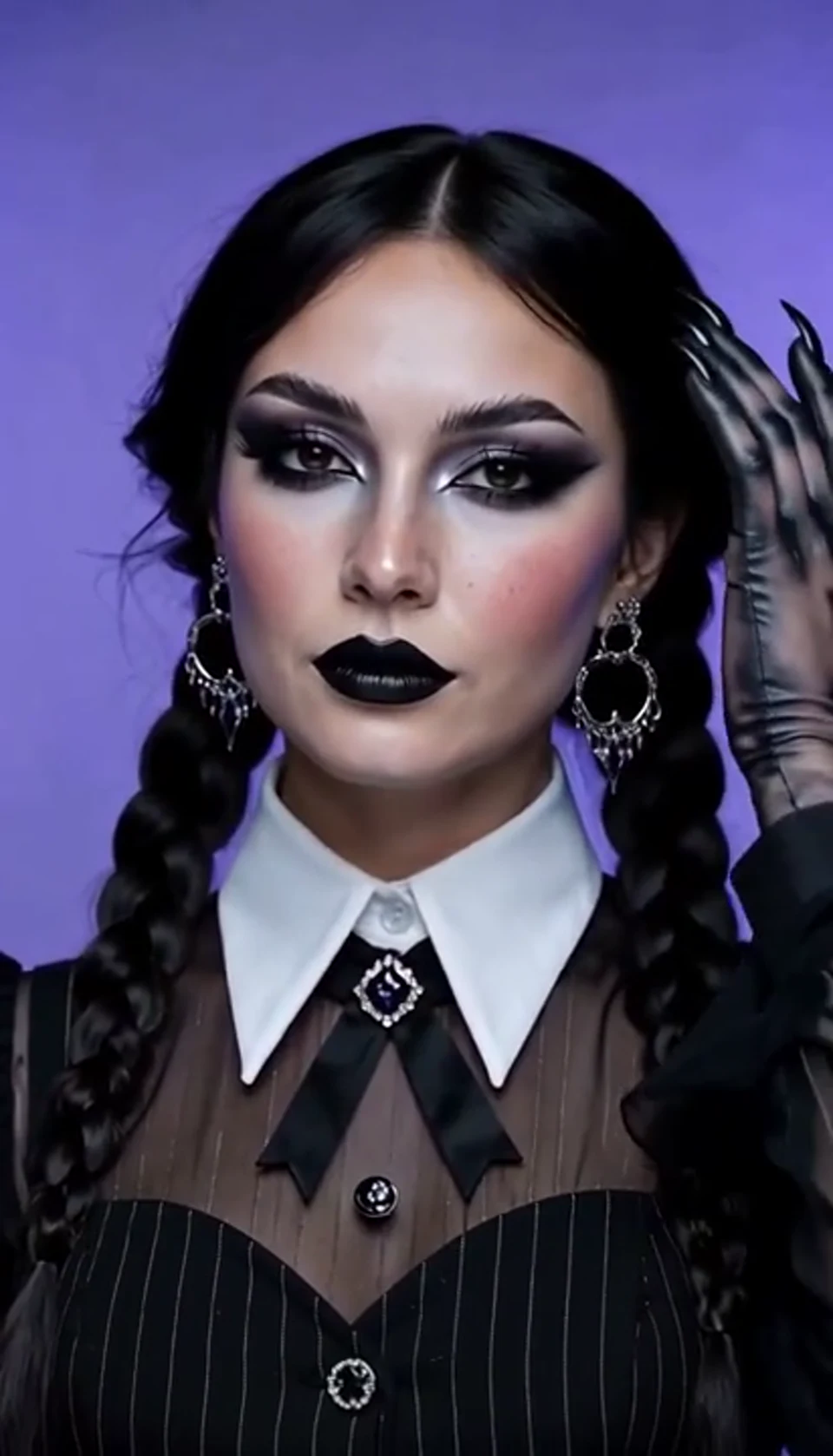
A theatrical hand swipe reveals a gothic costume.
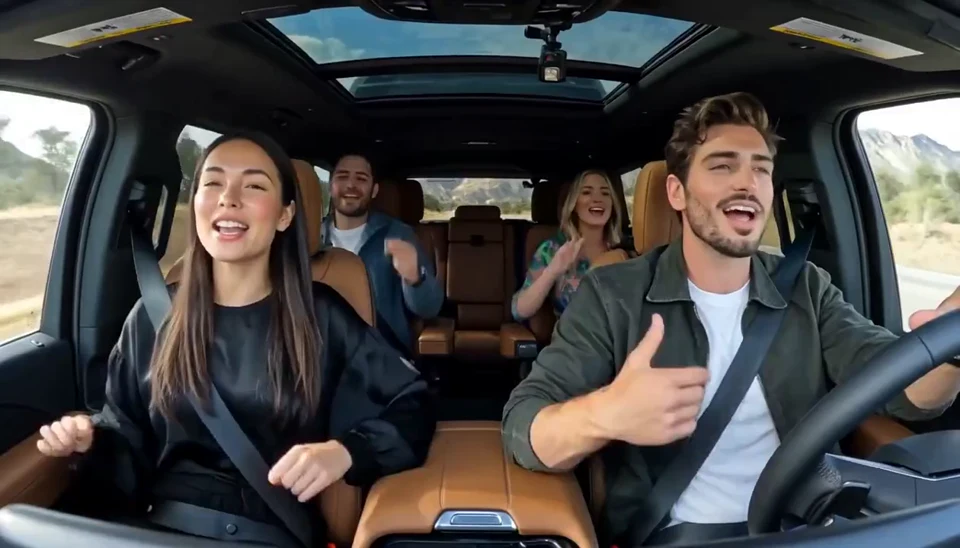
Two photos become one lively dashboard singalong.
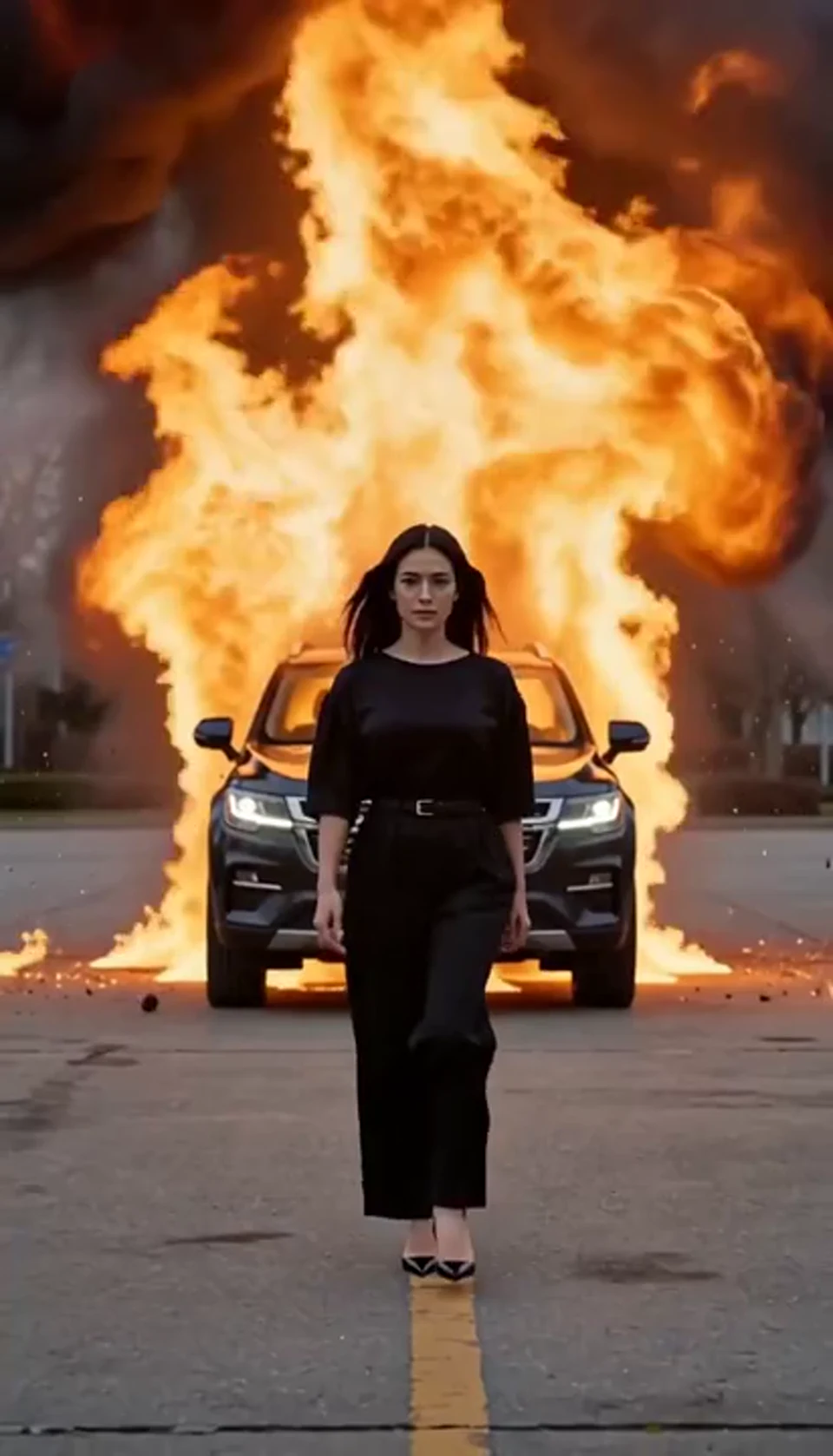
Walk toward the camera as the SUV erupts behind you.
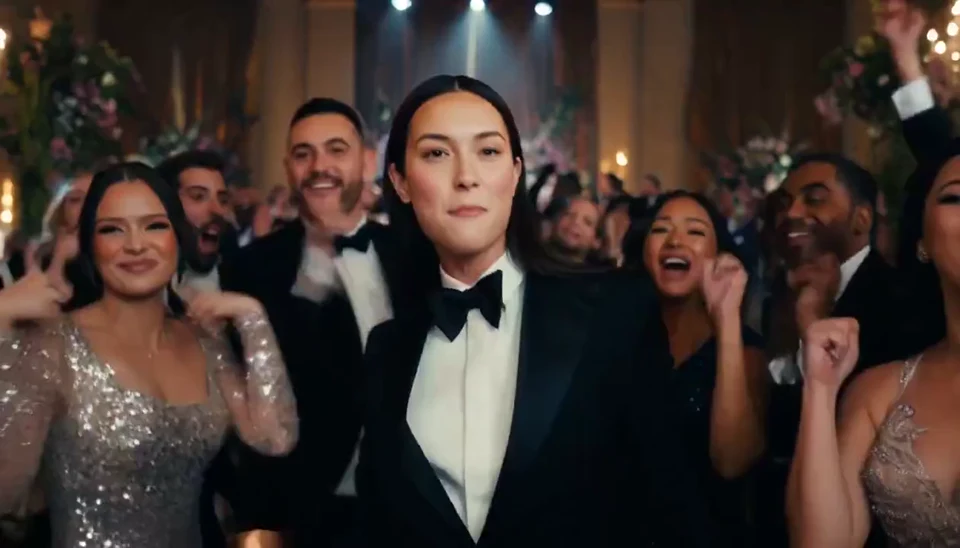
A portrait joins a lively ballroom party.
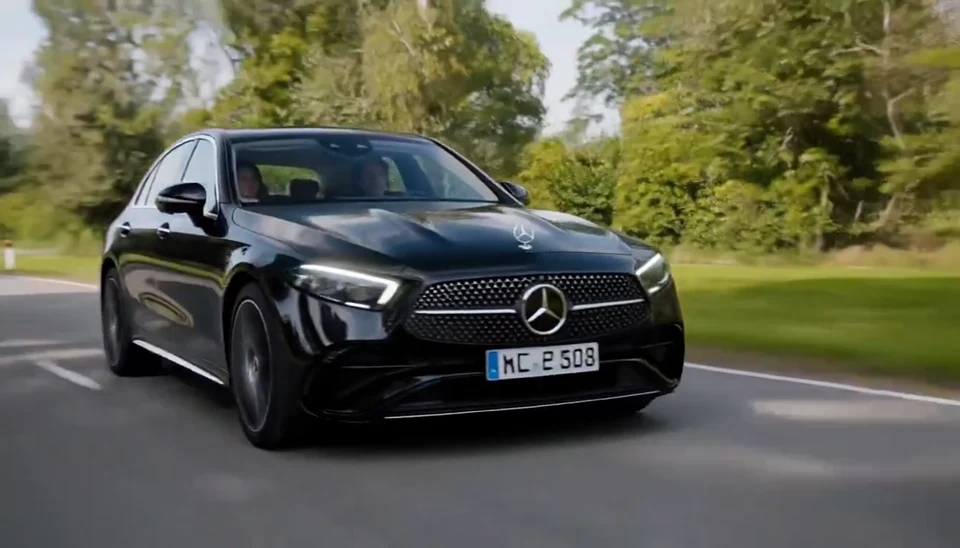
Your car photo becomes a cinematic driving shot.
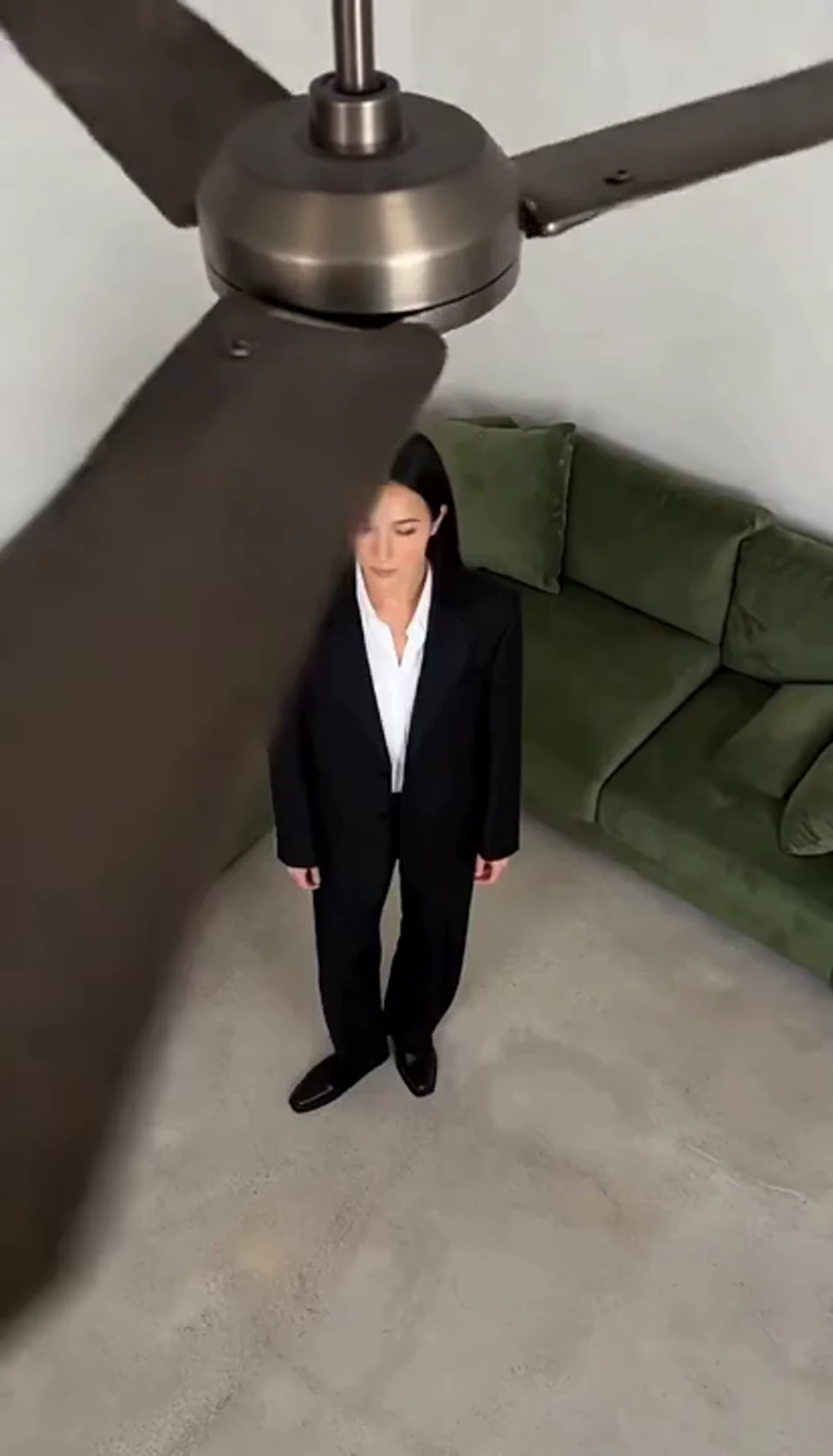
One fan-blade wipe reveals your next outfit.
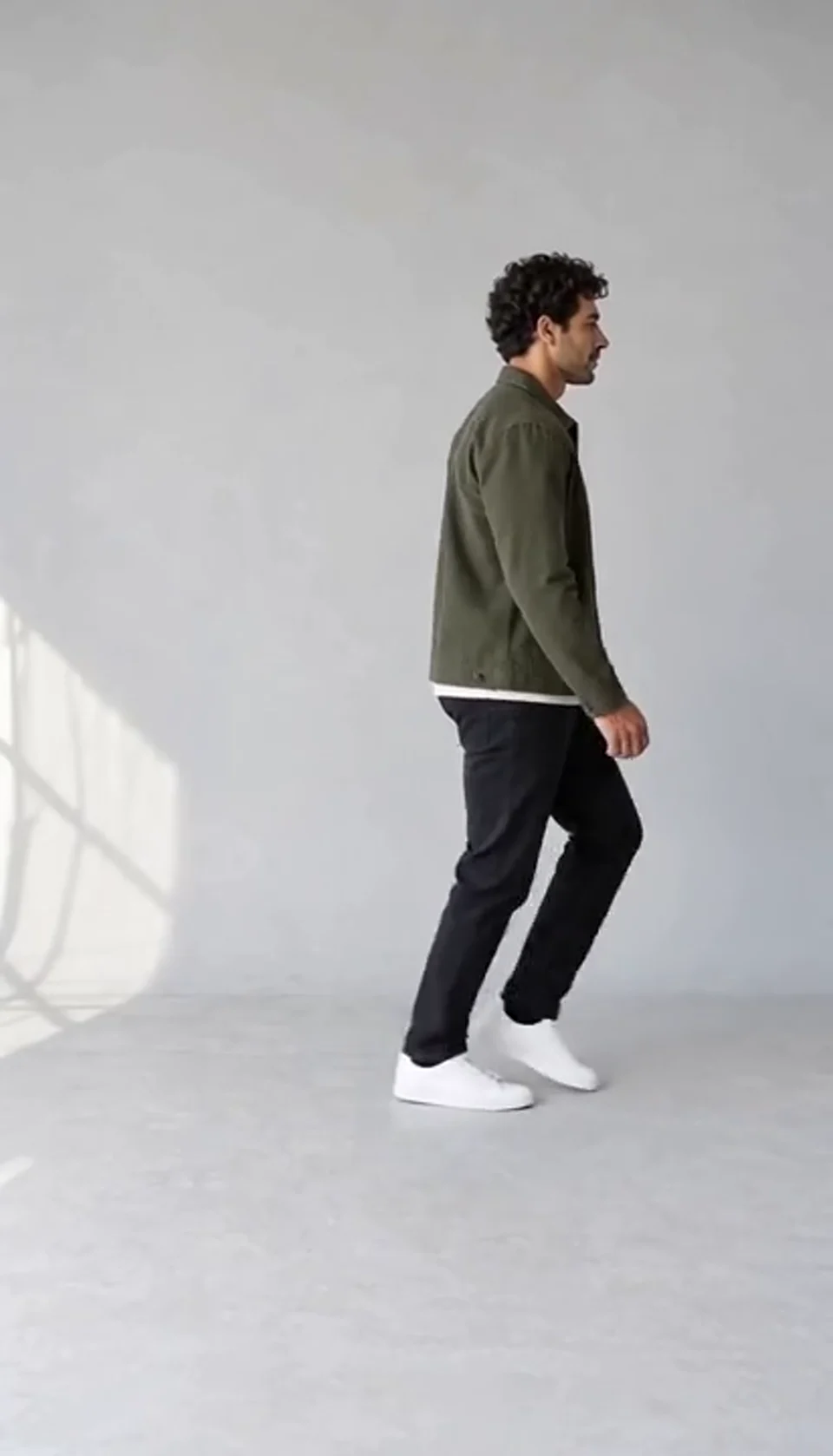
Turn one full-body photo into a short moonwalk dance. A steady side view keeps the sliding steps and your recognizable outfit in focus.
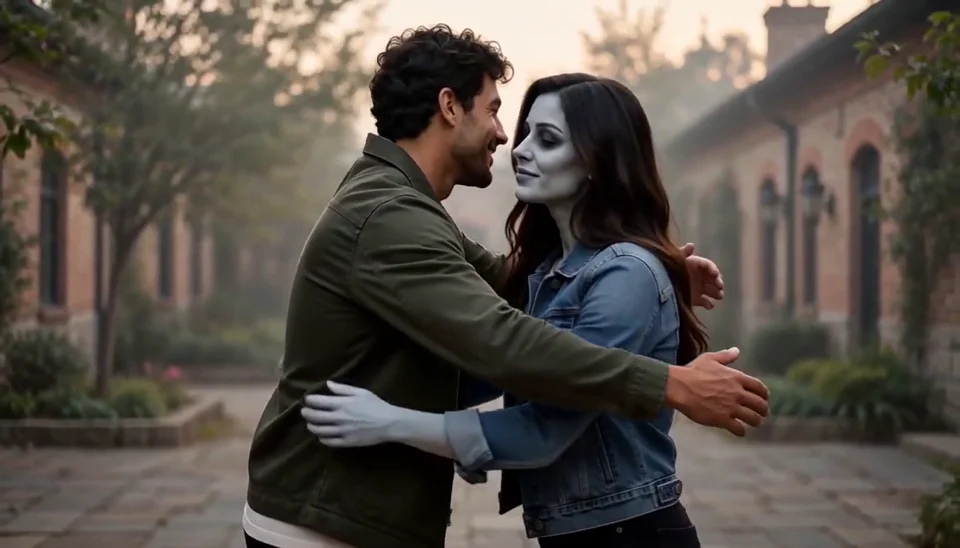
Bring two portraits into a tender fictional reunion: a human survivor recognizes their zombie partner, embraces them and remembers a warmer moment together.
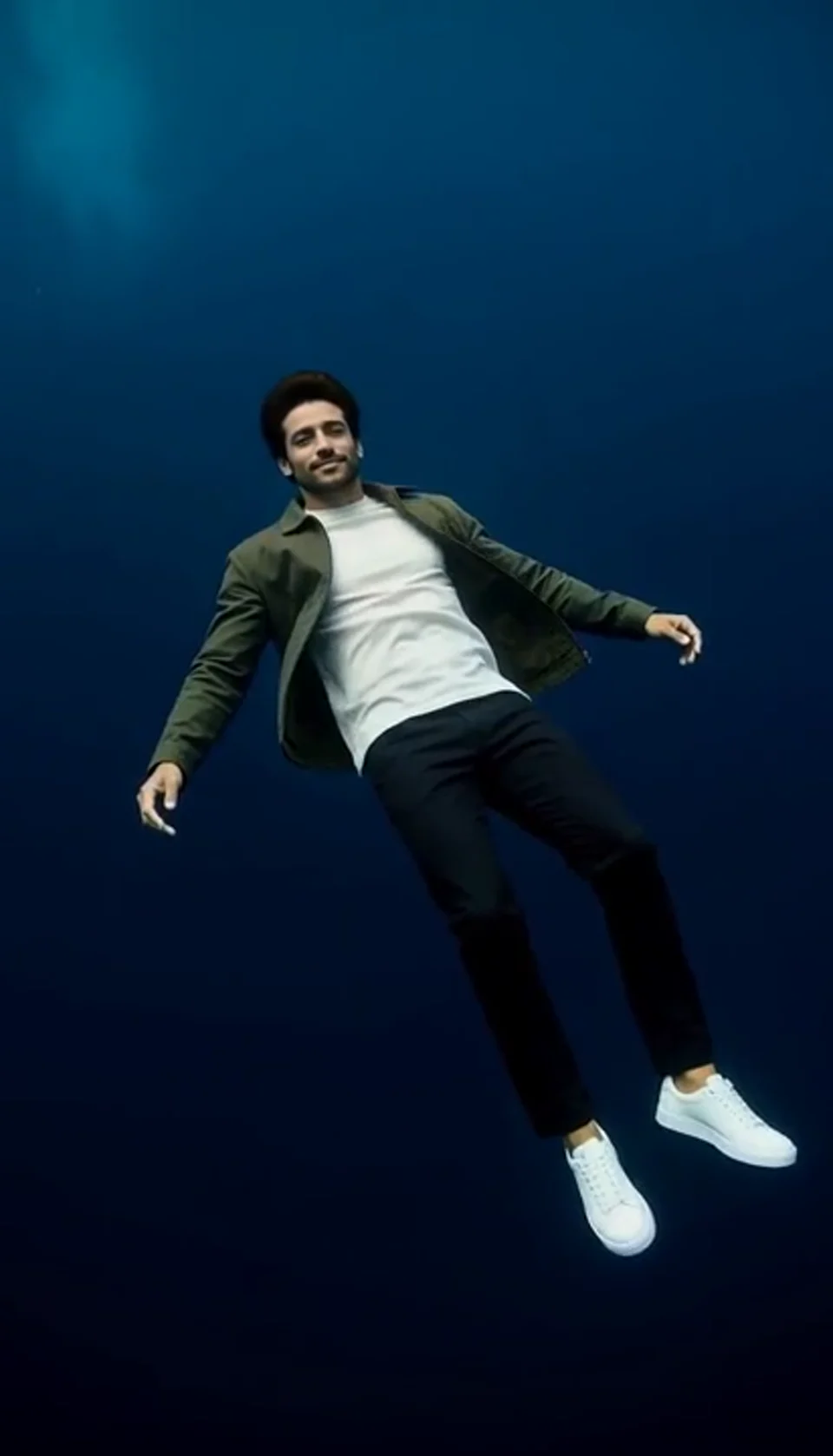
Turn one portrait into a dreamlike underwater scene. Drift through dark blue water with gently moving clothing, soft light and one calm camera move.
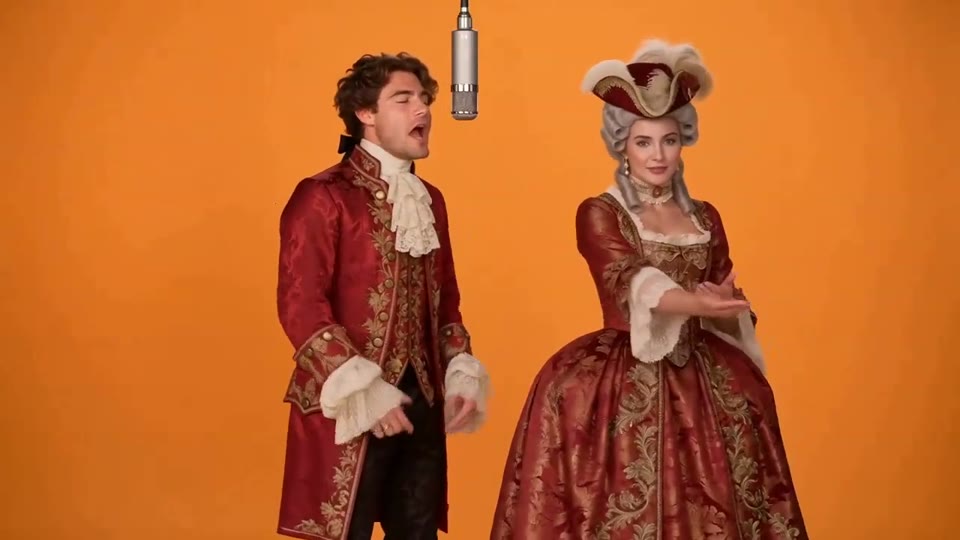
Two photos become a baroque rap duet on an orange stage.
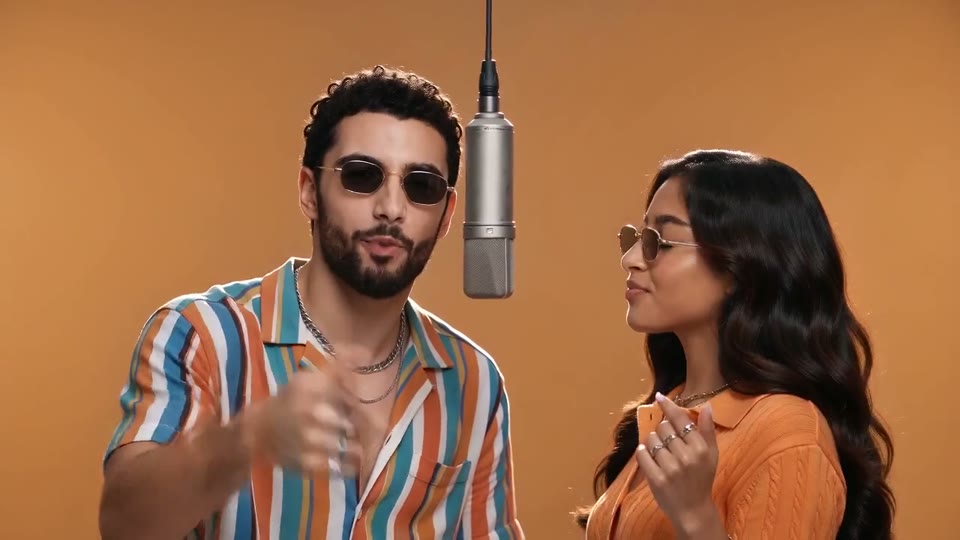
You and a friend trade verses in bold streetwear.
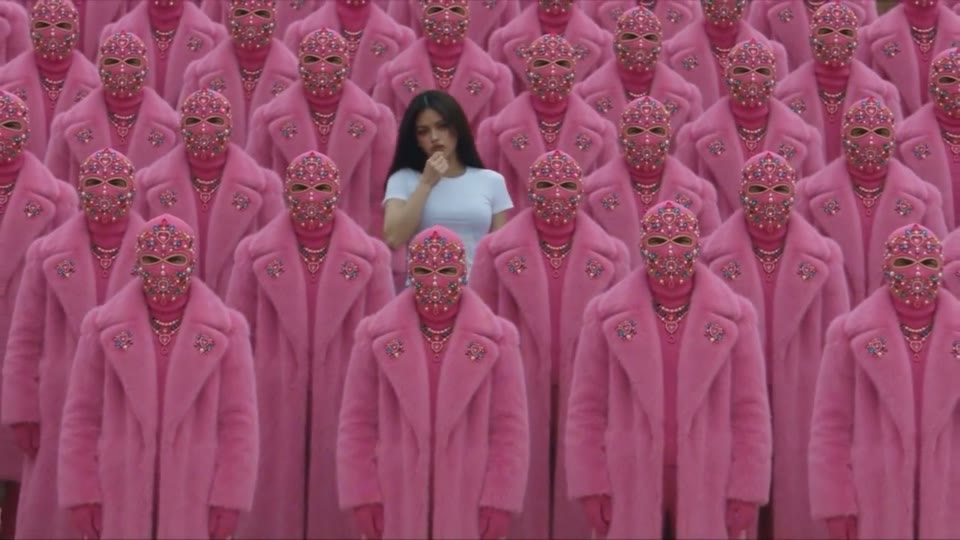
Your character leads a surreal pink-crowd dance.
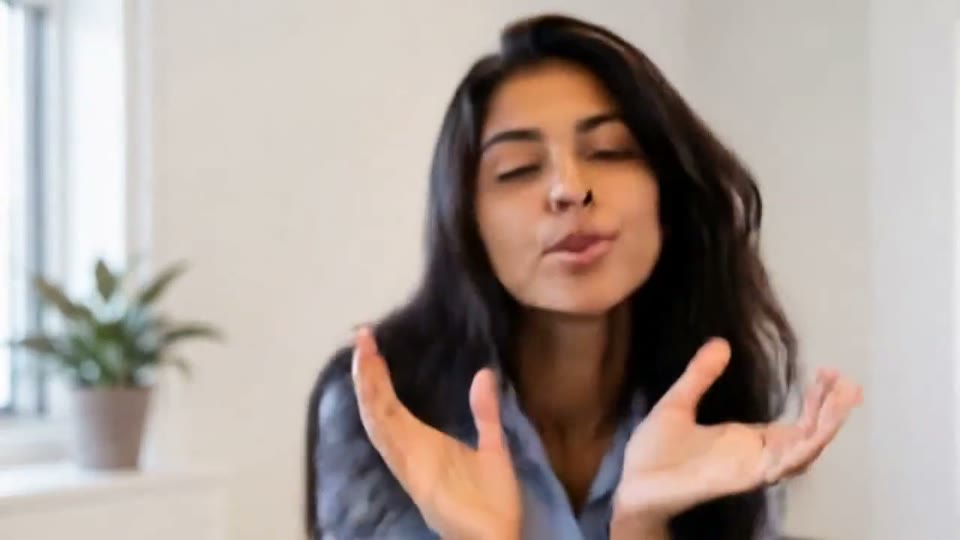
A portrait comes alive with a playful face-and-hands dance.
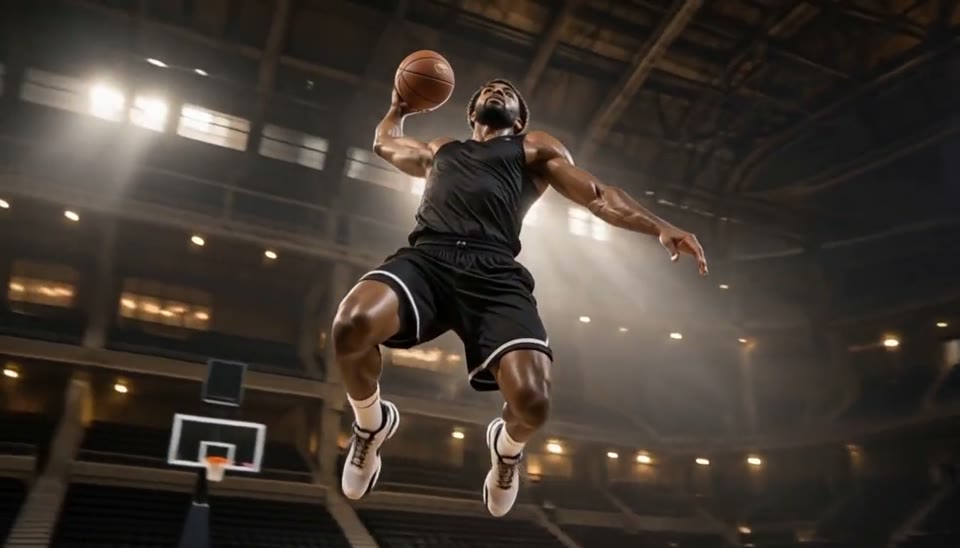
Freeze an action pose while the camera orbits around it.
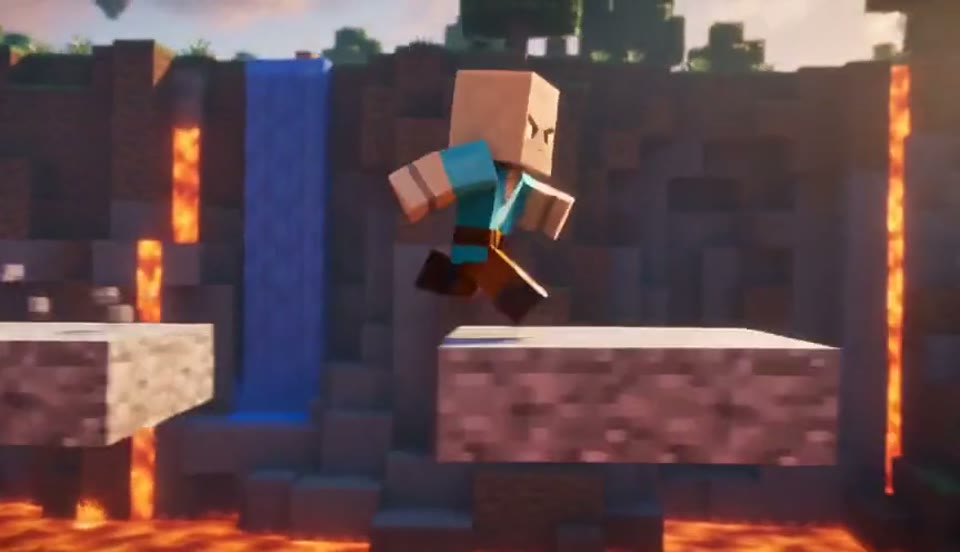
Create a Minecraft-style AI video from one photo. Make voxel characters, block-world parkour and adventure clips with original sound on Cut AI.
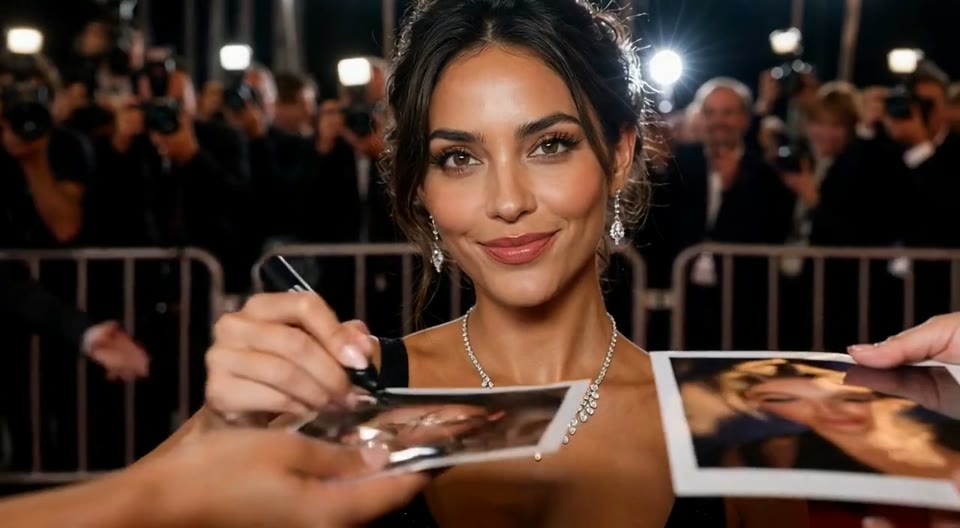
Create an AI red carpet video from one portrait. Add elegant eveningwear, paparazzi flashes and a gala entrance with the Cut AI video template.
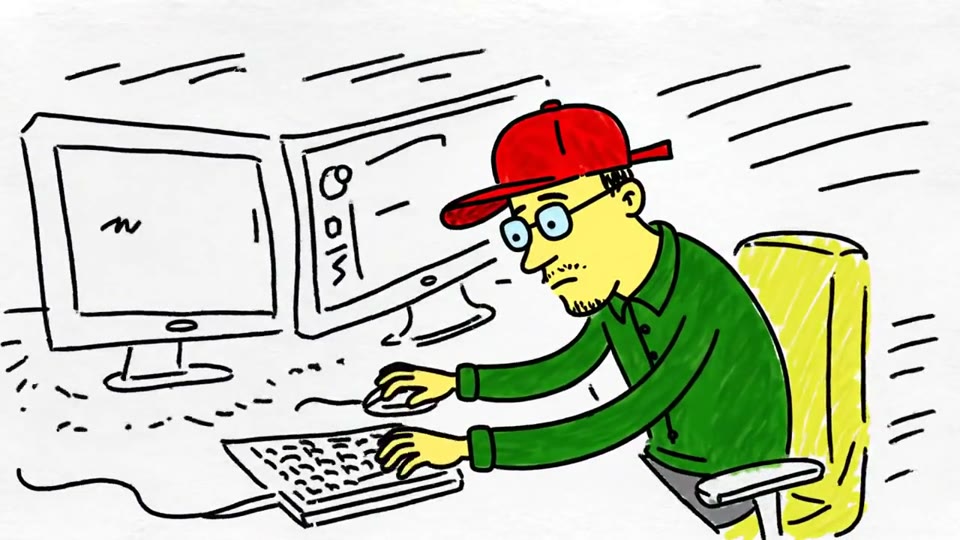
Turn a sketch, drawing or line-art image into an animated video with Cut AI. Preserve the composition and art style with gentle motion and original sound.
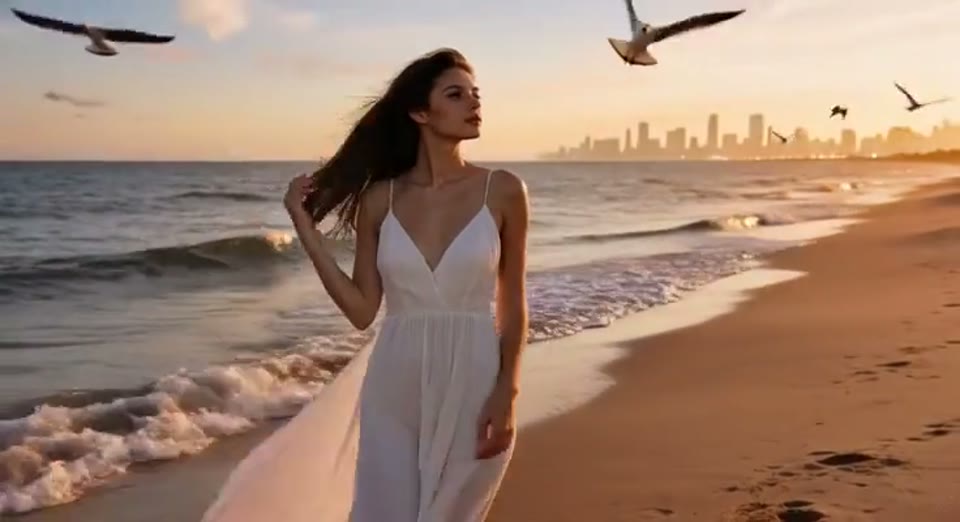
Create a day to night effect video from one photo on Cut AI. Animate golden hour, sunset and night lights while keeping the scene and framing consistent.
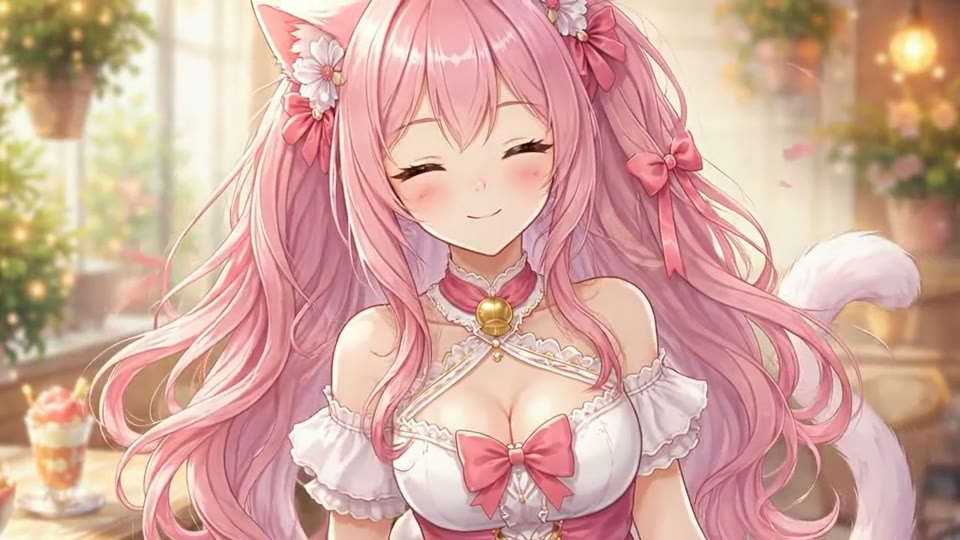
Create Live 2D-style animation from a portrait or character image with Cut AI. Add blinking, breathing and gentle head motion while preserving the visual style.
Learn about source images, output settings, credits and sharing.
Upload one clear person photo, select a supported ratio, resolution and duration, check the credit quote and generate. The template handles the bamboo setting, panda interaction and original sound.
Choose the supported duration for your template and check the quote before generating. Each generation costs 200 credits. The preset supplies the scene, movement and original sound.
No. The clip is an AI-generated fictional encounter. Share it as an AI creation, and review the person’s hands, the panda’s paws and the face for visual consistency.
No. This is a preset template with scene, motion, camera and sound direction already included. Upload the required image and choose the settings available in the workbench.
Each video generation costs 200 credits. Check the quote next to Generate before starting. Browsing templates and watching samples is free; each new generation uses another 200 credits.
Choose the supported duration for your template and check the quote before generating. Each generation costs 200 credits. The preset supplies the scene, movement and original sound.
Timing varies with current demand and your chosen duration. Follow progress in the workbench, and find finished videos in My Creations. A generation failure is handled by the existing credit refund flow.
Yes. Download the completed MP4 for a post or edit. Use images you own or have permission to use, obtain consent for personal photos and label fictional transformations as AI creations when sharing.
Choose a clear image, preview the effect and make a short video with original sound. The workbench shows the exact credit cost before you generate.
Create AI Panda Hug Video