Only upload photos of yourself or of people who agreed to take part.
A little motion. The same familiar character.
Live 2D-style animation gives a portrait or character illustration soft, expressive motion. Upload one image, and the template adds natural blinks, breathing, a small head tilt and delicate hair movement while aiming to retain the same face, outfit, palette and background. It is a simple way to explore an animated profile or character moment without assembling a rig.
Choose the supported duration for your template and check the quote before generating. Each generation costs 200 credits. The preset supplies the scene, movement and original sound.
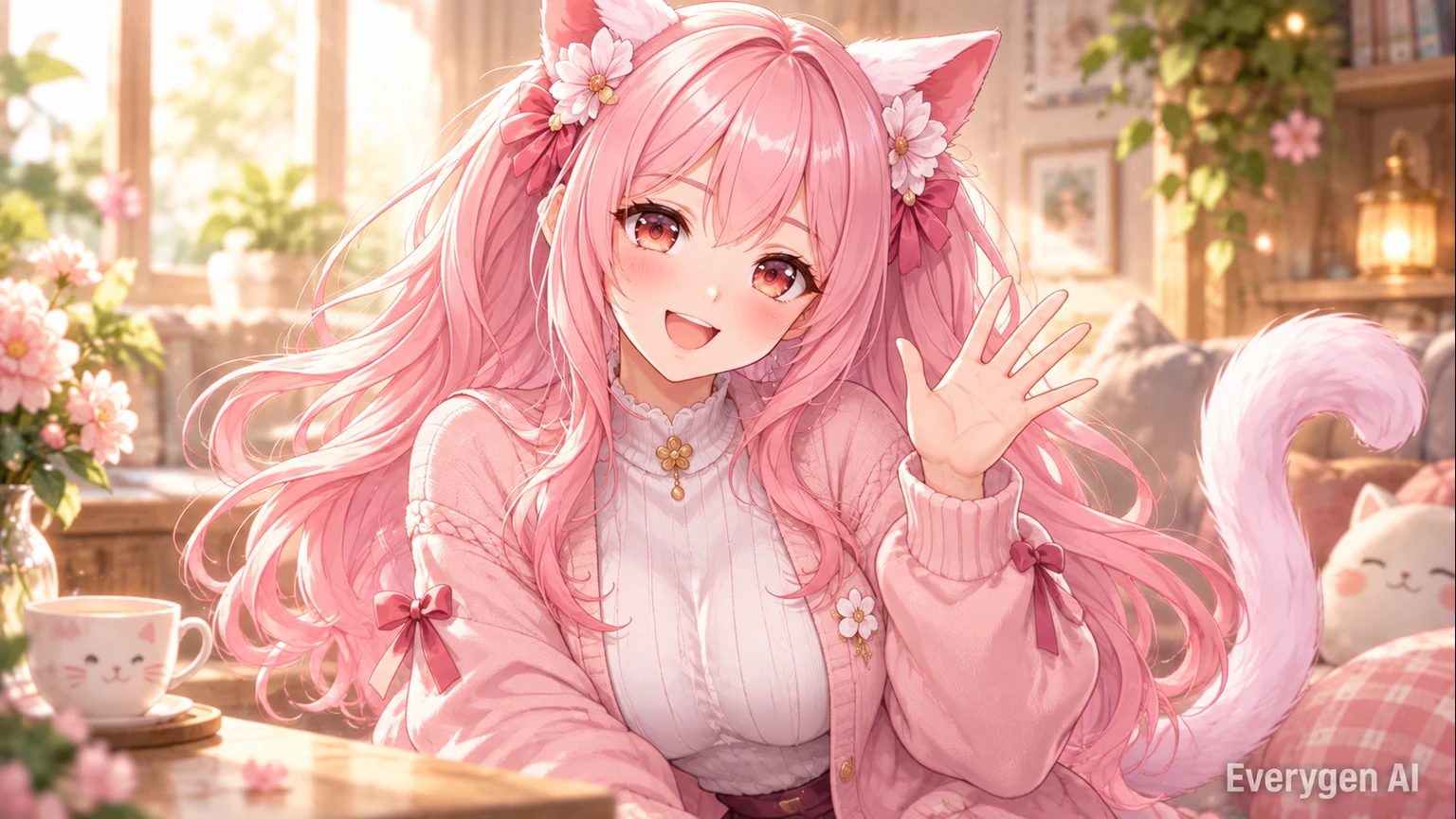
How it works
Go from a still image to an AI video in four simple steps.
Choose a sharp front-facing portrait or original character illustration with clear eyes and hair.
Choose the supported duration for your template and check the quote before generating. Each generation costs 200 credits. The preset supplies the scene, movement and original sound.
Review the credit quote next to Generate. The preset directs the scene, motion, camera and original audio; you can follow progress in the workbench.
Review the subject and motion, then download the finished MP4. Regenerating creates another take and uses credits again.
Explore the visual details and workflow behind the Live 2D Animations template.
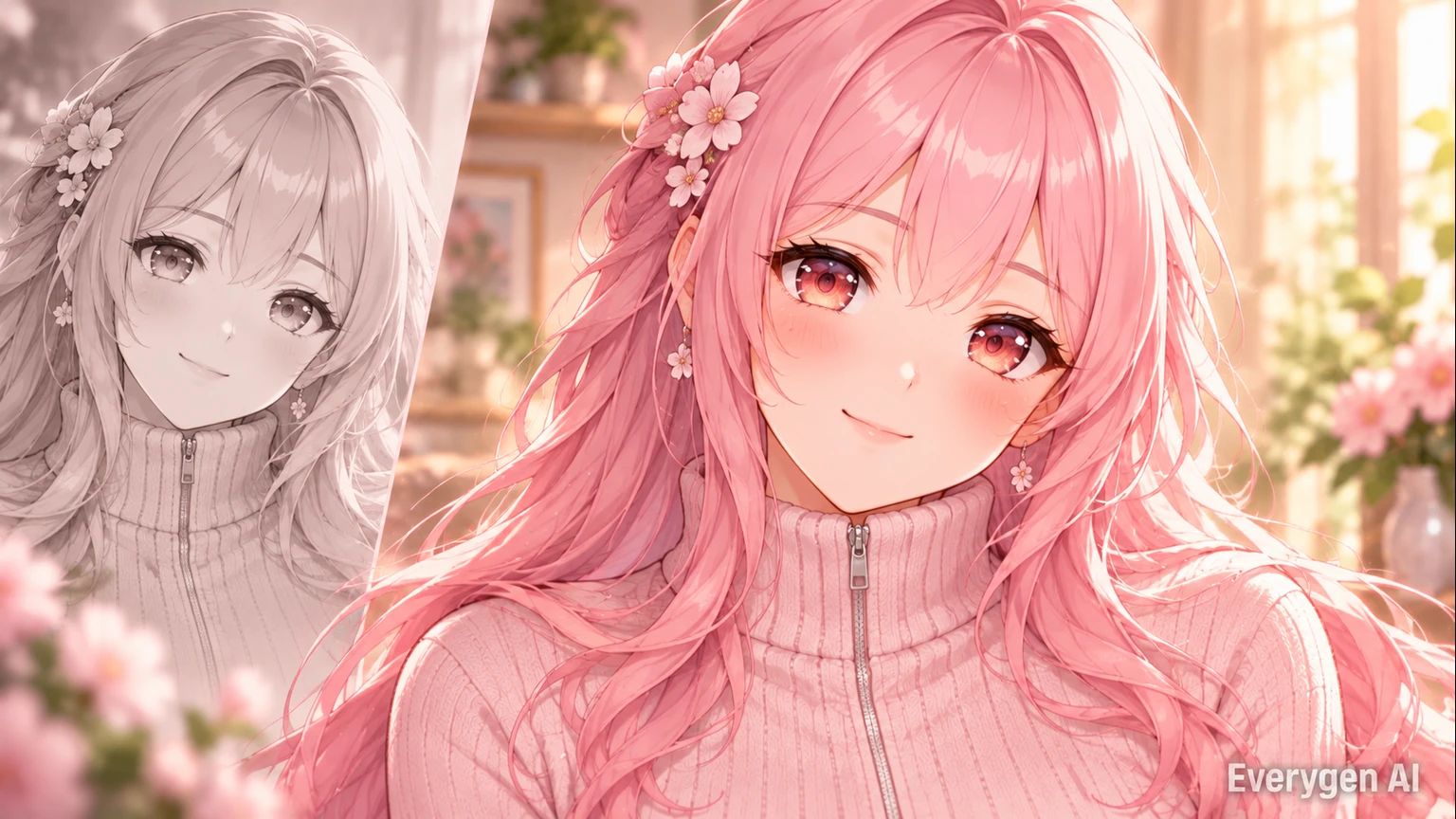
Start from a selfie, portrait or original illustrated character. The image anchors the opening frame and supplies the style reference, with motion already directed by the template.
A front-facing image with visible eyes, clear hair edges and a simple background makes a strong starting point. Original character art can work alongside portrait photography, provided the main design is readable and the face is not hidden by large accessories.
The preset keeps the camera steady and uses the original composition as its anchor. You do not need to separate image layers or specify individual joints to explore the look. The goal is a small expressive moment that fits the character, rather than a large change of pose or a new scene.
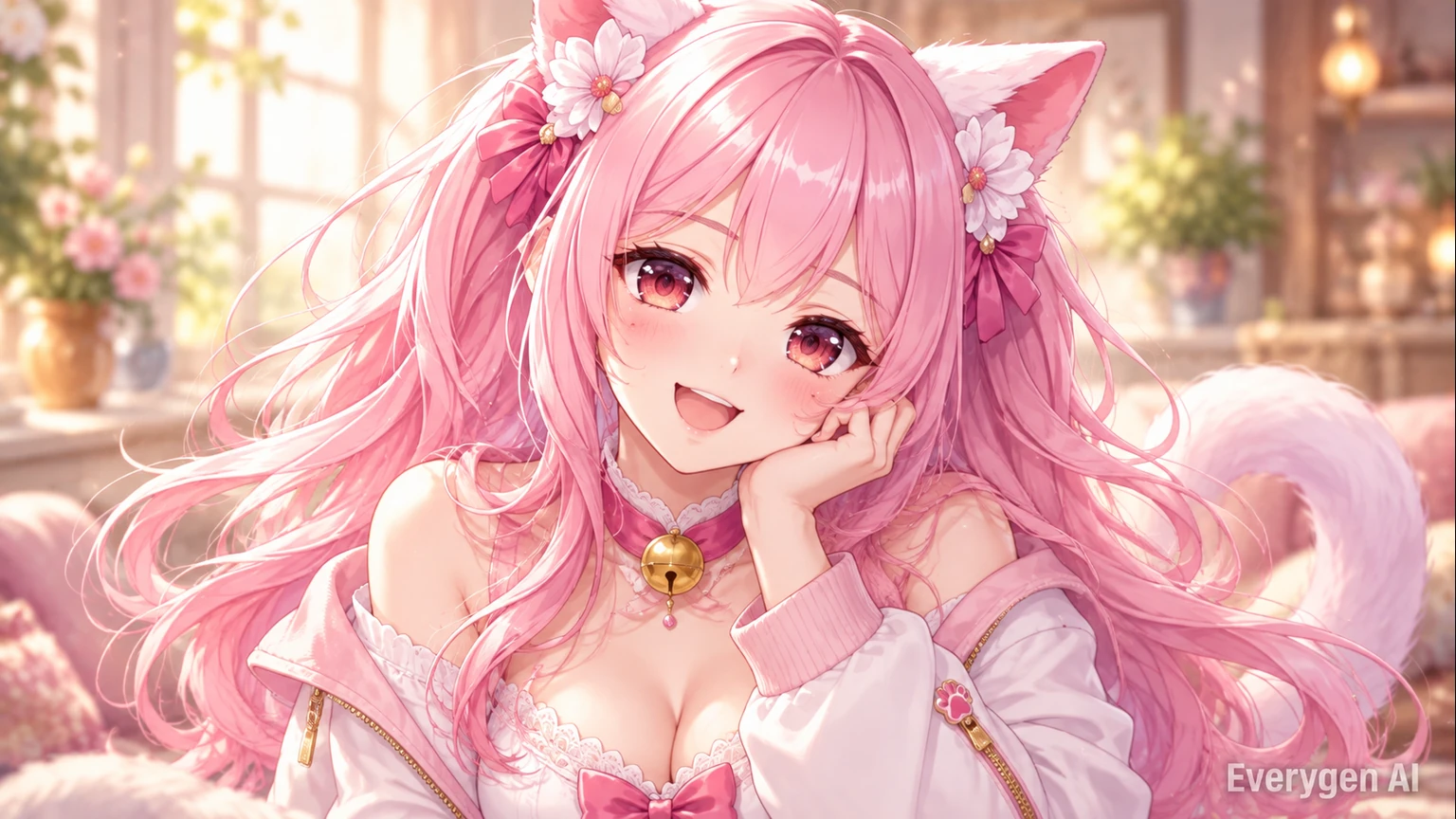
The preset keeps movements small: blinking, breathing, a subtle smile and a restrained head tilt. A fixed camera lets facial expression and fine hair motion carry the scene.
Small movements are often enough to make a still character feel present. A blink can change the expression, gentle breathing can soften a rigid pose, and a slight hair movement can give the portrait a sense of atmosphere.
Keeping the motion restrained helps the design remain readable when the clip is used at profile-picture scale or beside other content. The preset directs these movements together instead of asking you to choreograph them separately. Choose a reference whose expression and pose already match the mood you want, so the animation can build on what is visible in the image.
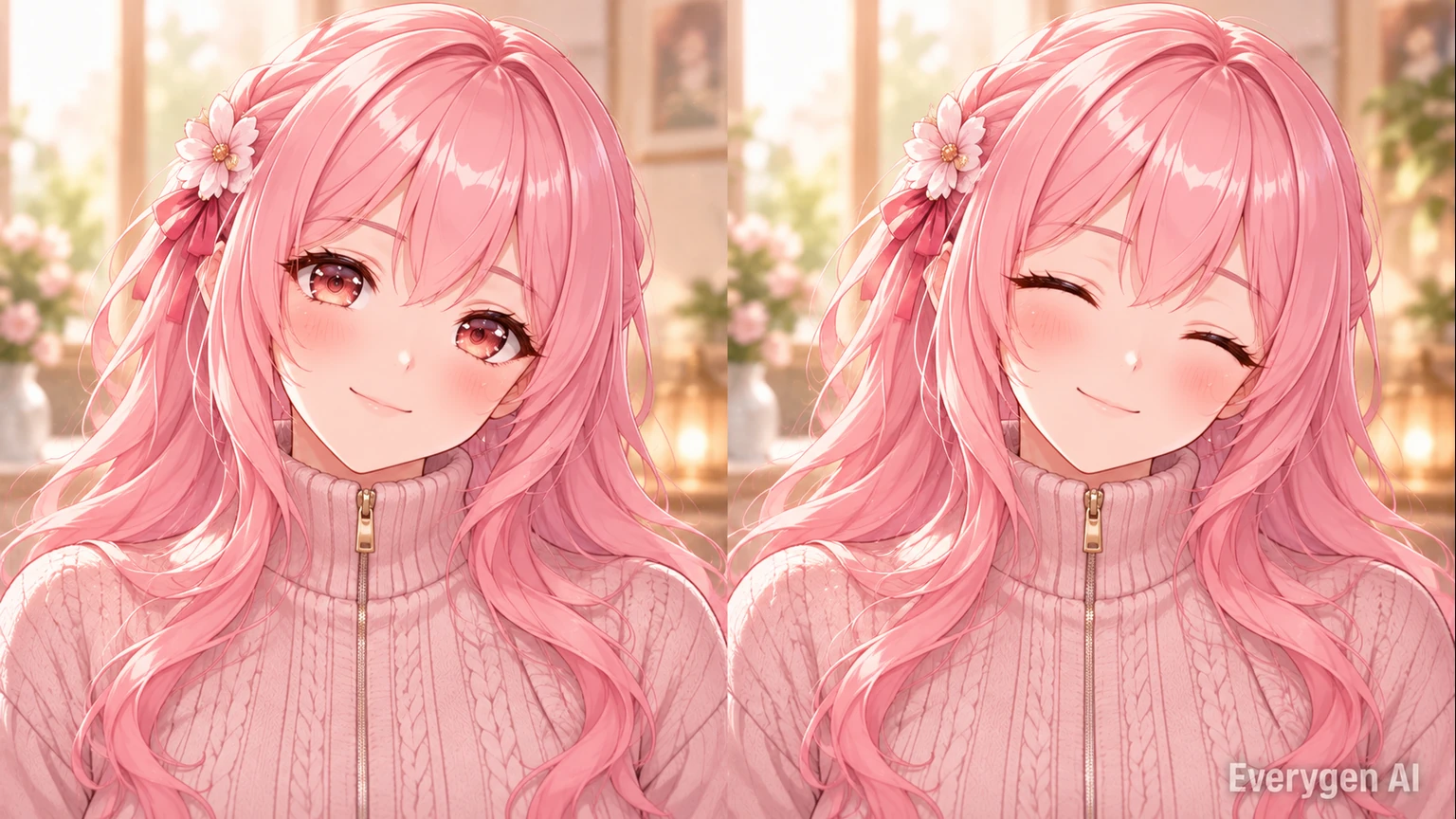
The direction asks for the same face, hair, clothing and background. Clean character art and unobstructed eyes give the template clearer guidance; inspect small details in the result before using the clip.
The image remains the source of the character’s visual identity. Distinctive colors, a consistent facial angle and well-defined clothing shapes give the template useful guidance throughout the movement. A clean background also makes it easier to focus attention on the face.
For a set of character presentations, keep the input framing and lighting similar across your references. This helps separate clips sit together in a collection or an introduction. Select the take whose eye movement, hair outline and expression feel most connected to the original design, then use it as a video asset in the wider creative project.
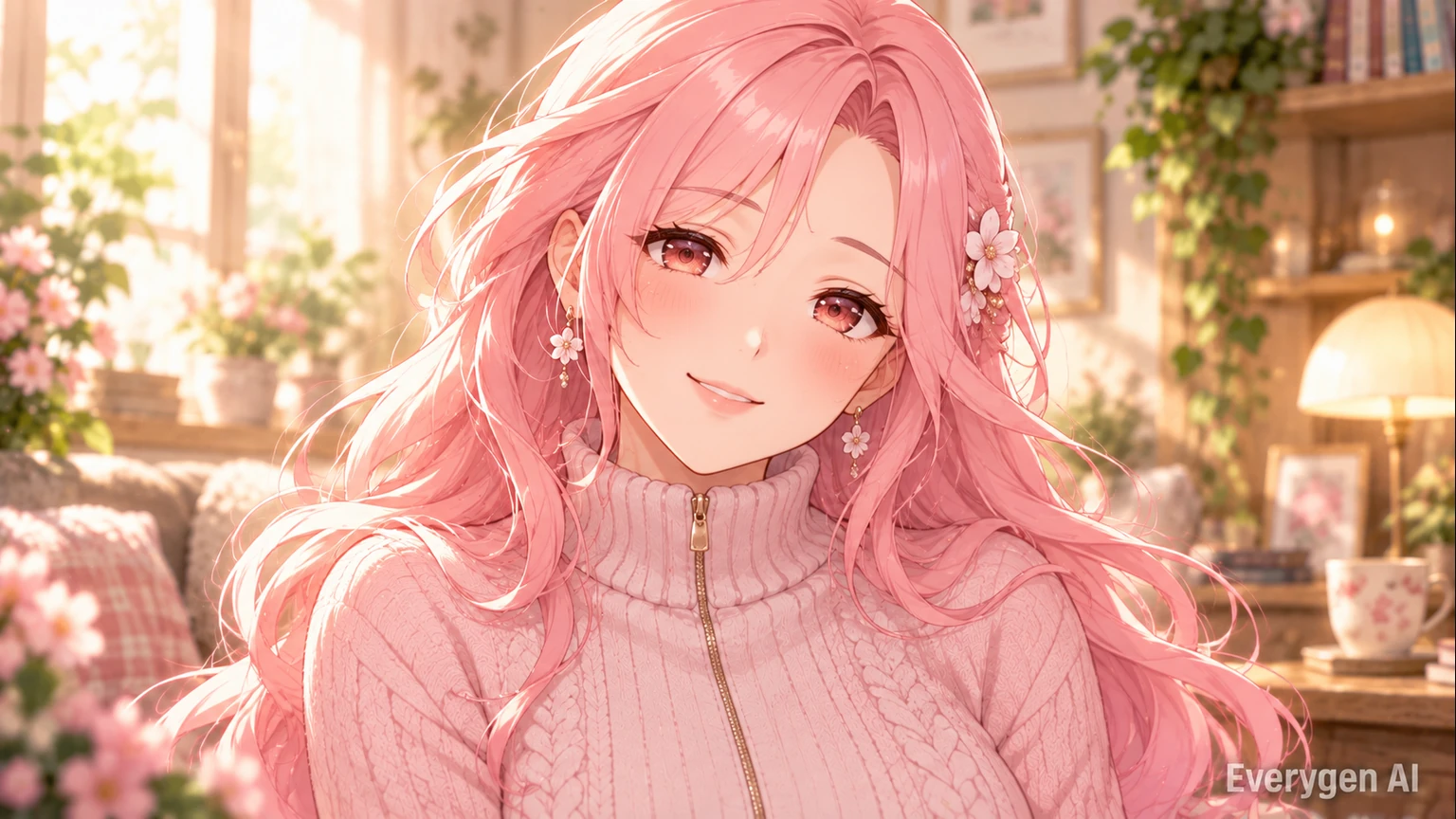
Download an MP4 for a profile intro, character presentation or a stream scene. The closing movement aims toward the initial pose, but a seamless loop may need trimming in your editor. No editable rig is exported.
The short animation can sit inside an introduction, an artwork reveal or a stream scene that supports video playback. Because the result is an MP4, it can be trimmed and combined with other footage using your usual editor.
The preset asks the closing motion to move toward the opening pose, which can be useful when you want to repeat a clip. Review the first and last frames together and trim the transition if needed. Original quiet music accompanies the take, while the visual direction keeps the character and background stable enough for a gentle portrait presentation.
Find a setting for the effect in your next post, story or creative project.
Bring a familiar selfie to life with subtle expression and motion.
Explore an original character’s expression before a larger animation project.
Use a short portrait animation as an introduction or art reveal.
Place a finished clip into an edit or stream scene that accepts video.
Start with a clear source image and give each take one simple purpose.
Try this direction with your own image and the Live 2D Animations preset. Compare the source and generated motion in a short post or edit.
Try this direction with your own image and the Live 2D Animations preset. Compare the source and generated motion in a short post or edit.
Try this direction with your own image and the Live 2D Animations preset. Compare the source and generated motion in a short post or edit.
Try this direction with your own image and the Live 2D Animations preset. Compare the source and generated motion in a short post or edit.
Try this direction with your own image and the Live 2D Animations preset. Compare the source and generated motion in a short post or edit.
Try this direction with your own image and the Live 2D Animations preset. Compare the source and generated motion in a short post or edit.
A readable subject and a clean image give the template better visual guidance.
Try another trending effect with the same photos.
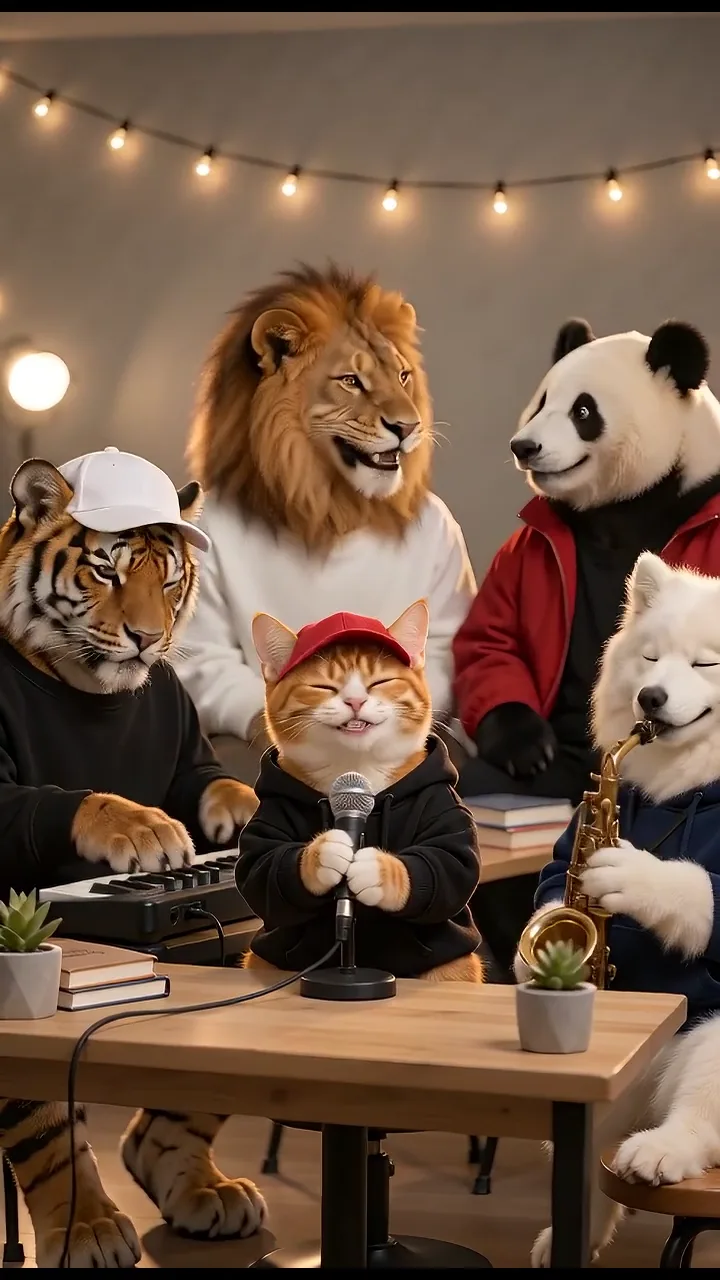
Turn your photos into a 15-second band performance. Choose a style, add a short chorus and create your video with music.
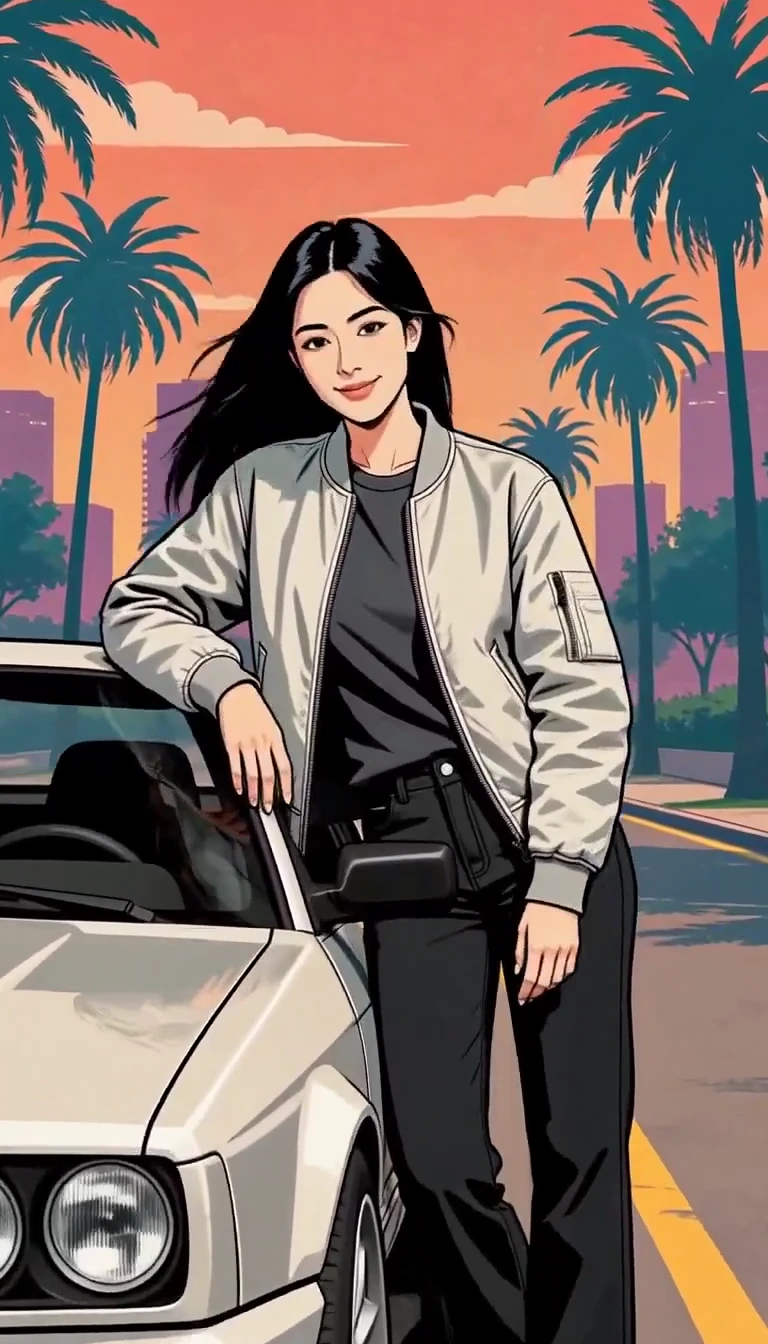
Turn one photo into an illustrated city character reveal.
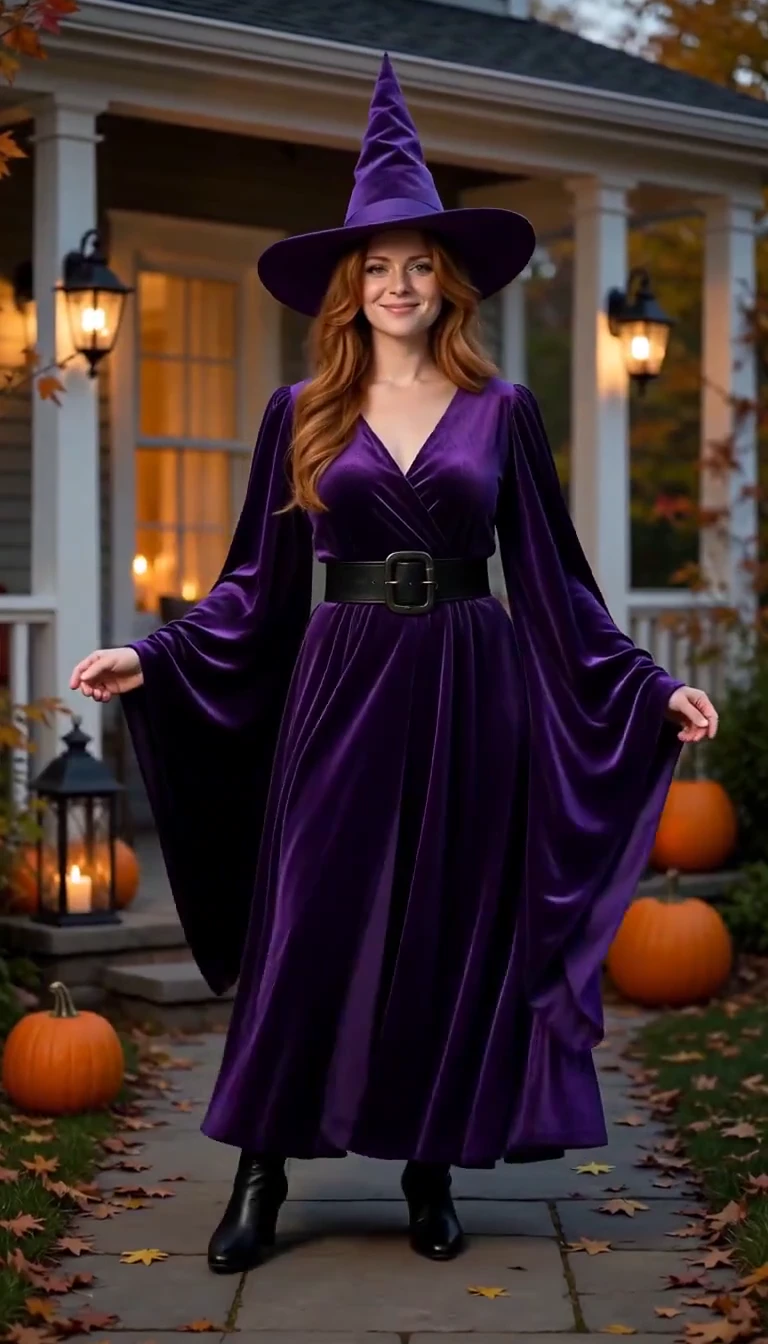
Reveal a witch costume with a turn, violet smoke and a final pose.
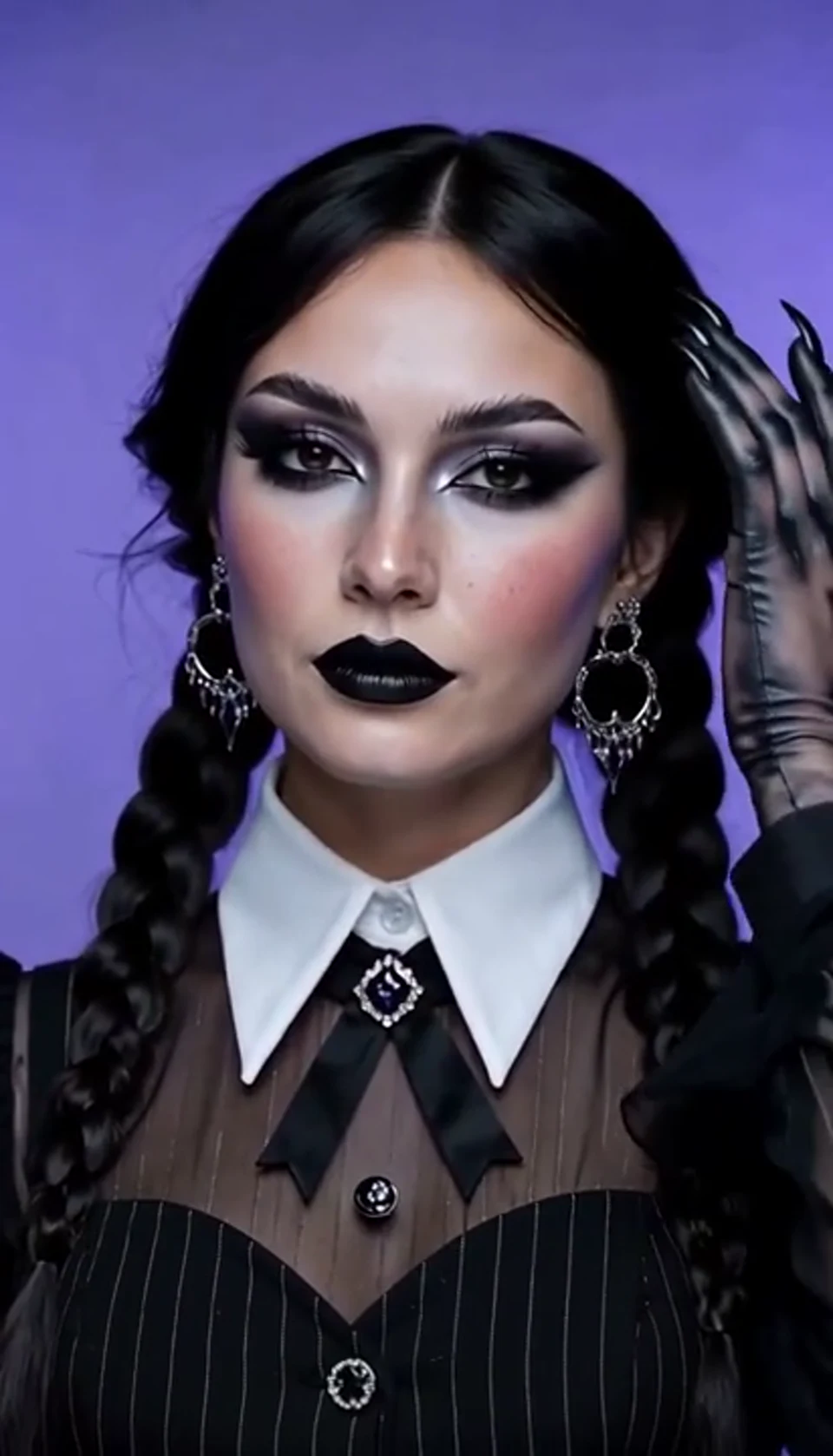
A theatrical hand swipe reveals a gothic costume.
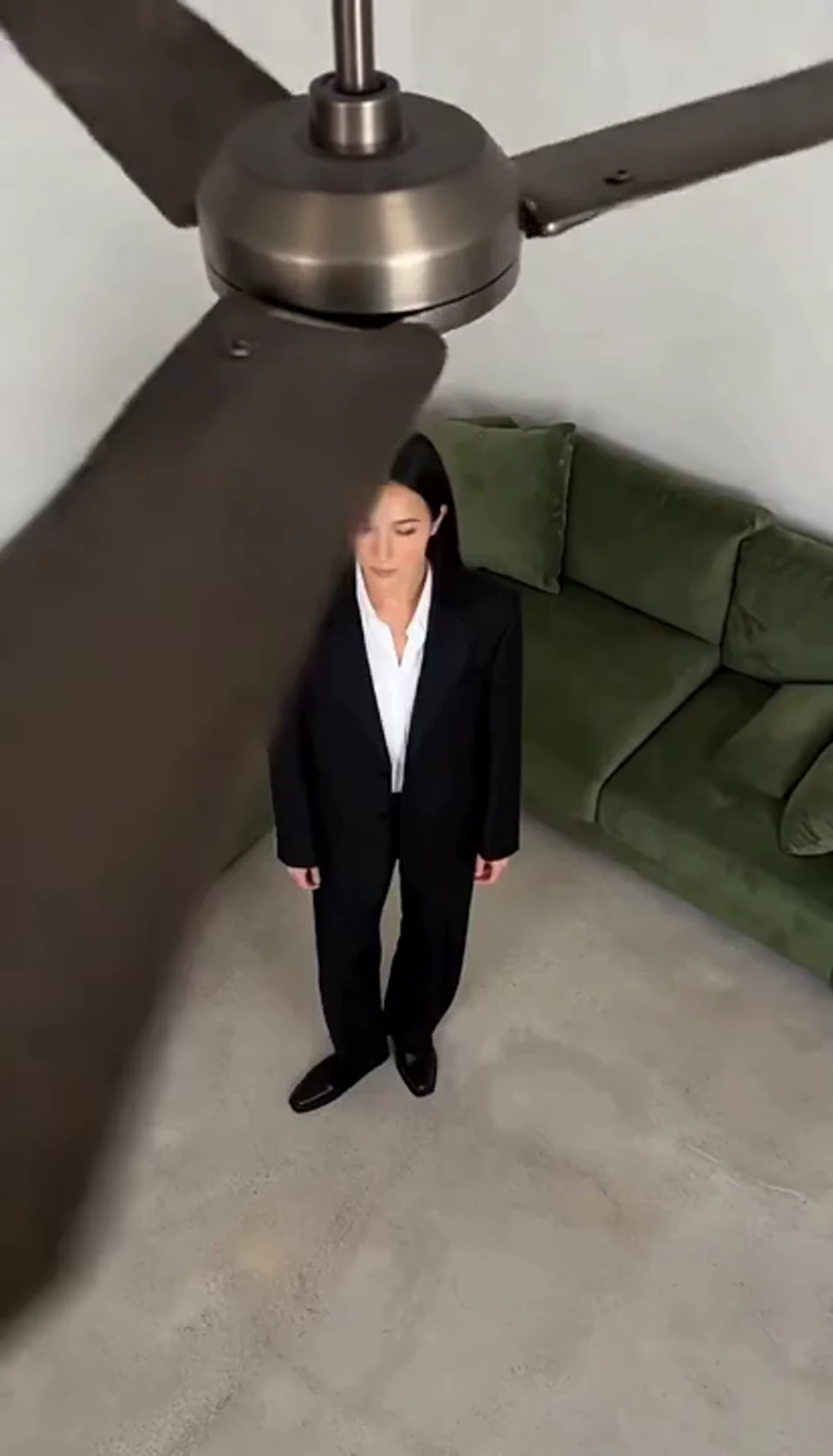
One fan-blade wipe reveals your next outfit.
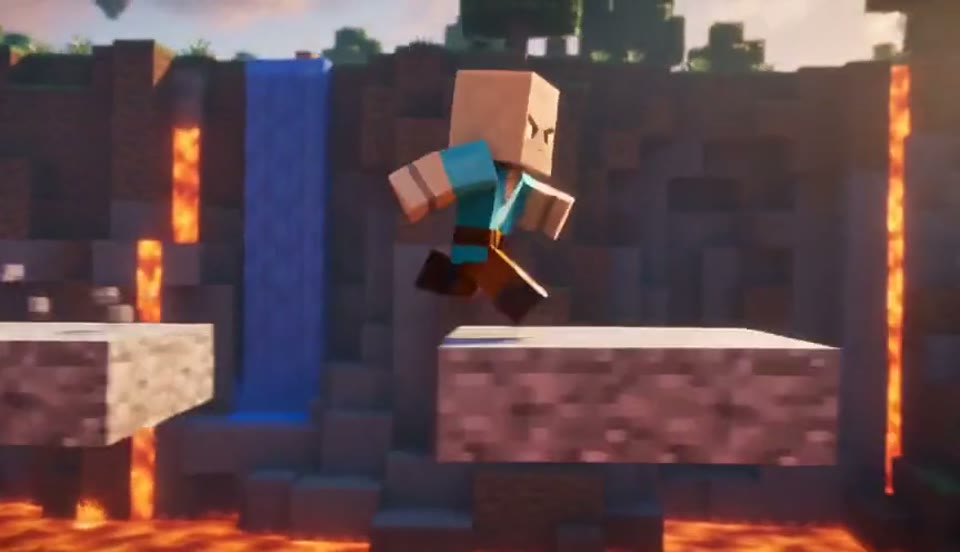
Create a Minecraft-style AI video from one photo. Make voxel characters, block-world parkour and adventure clips with original sound on Cut AI.
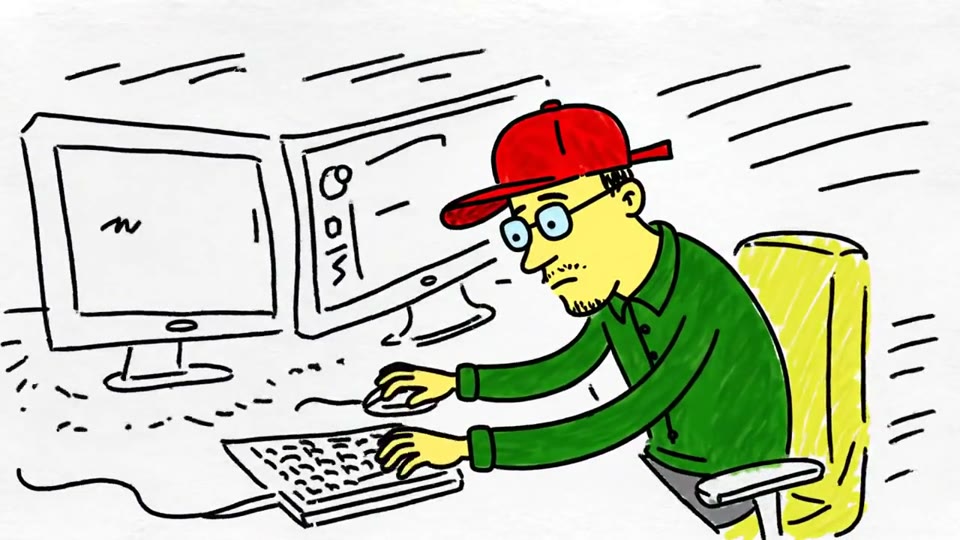
Turn a sketch, drawing or line-art image into an animated video with Cut AI. Preserve the composition and art style with gentle motion and original sound.
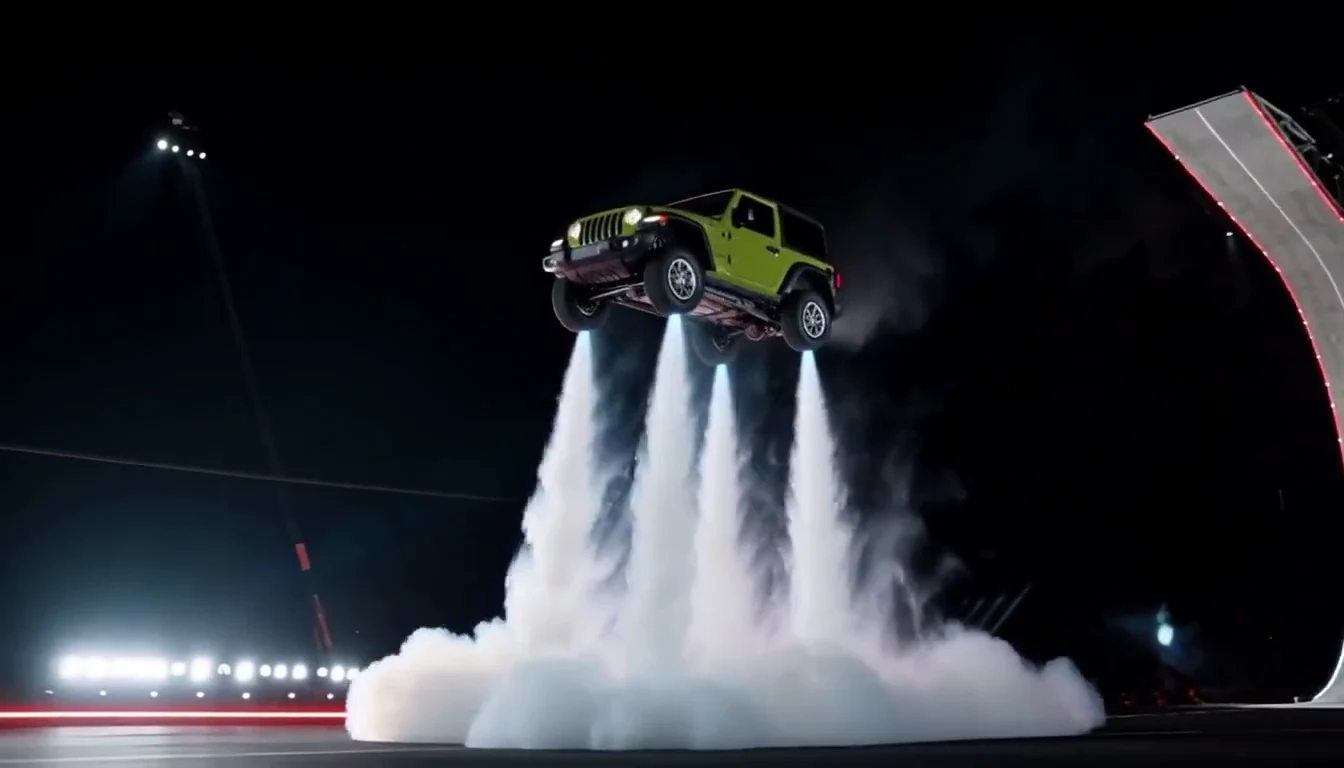
Turn your car photo into a Tesla Roadster-inspired ramp launch, kickflip or thruster landing. Explore nine flying car scenes, including traffic escape and tunnel walls.
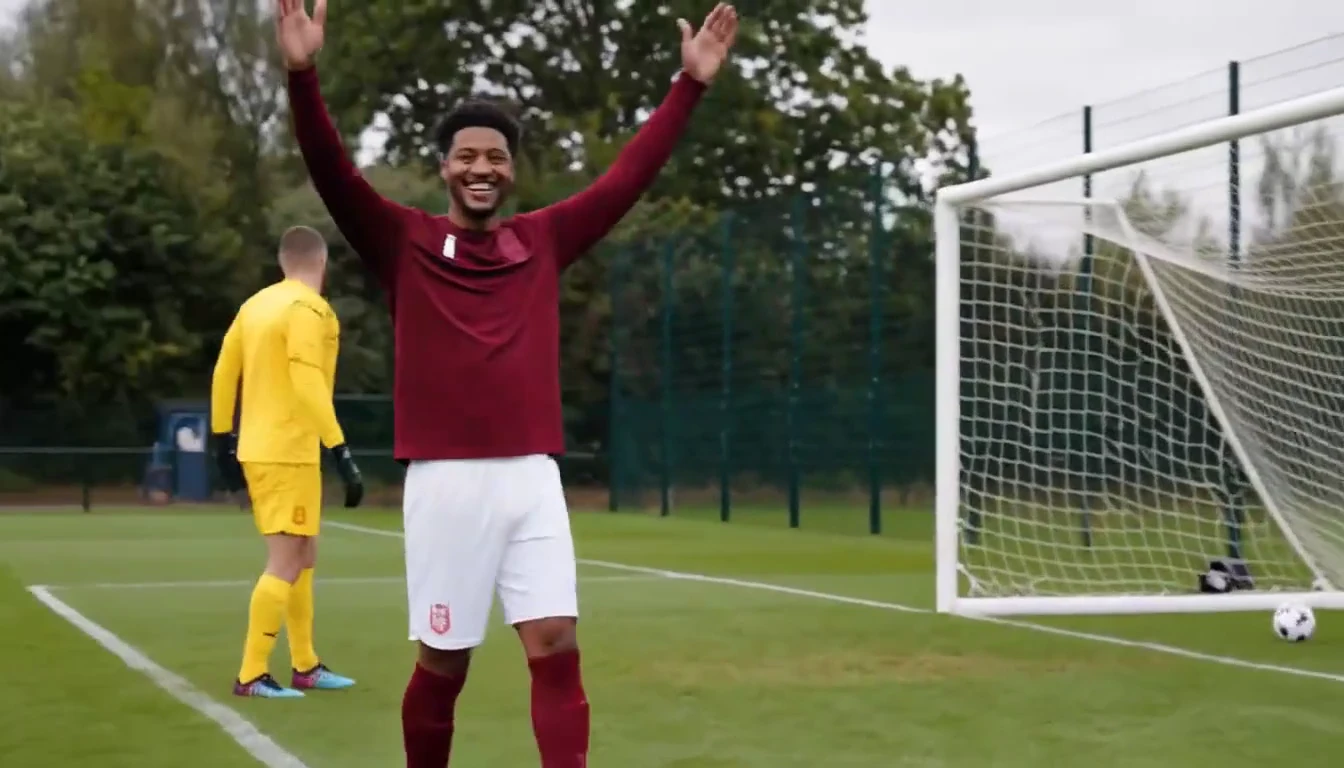
Put a new hero into a chip, dribble and empty-goal finish.
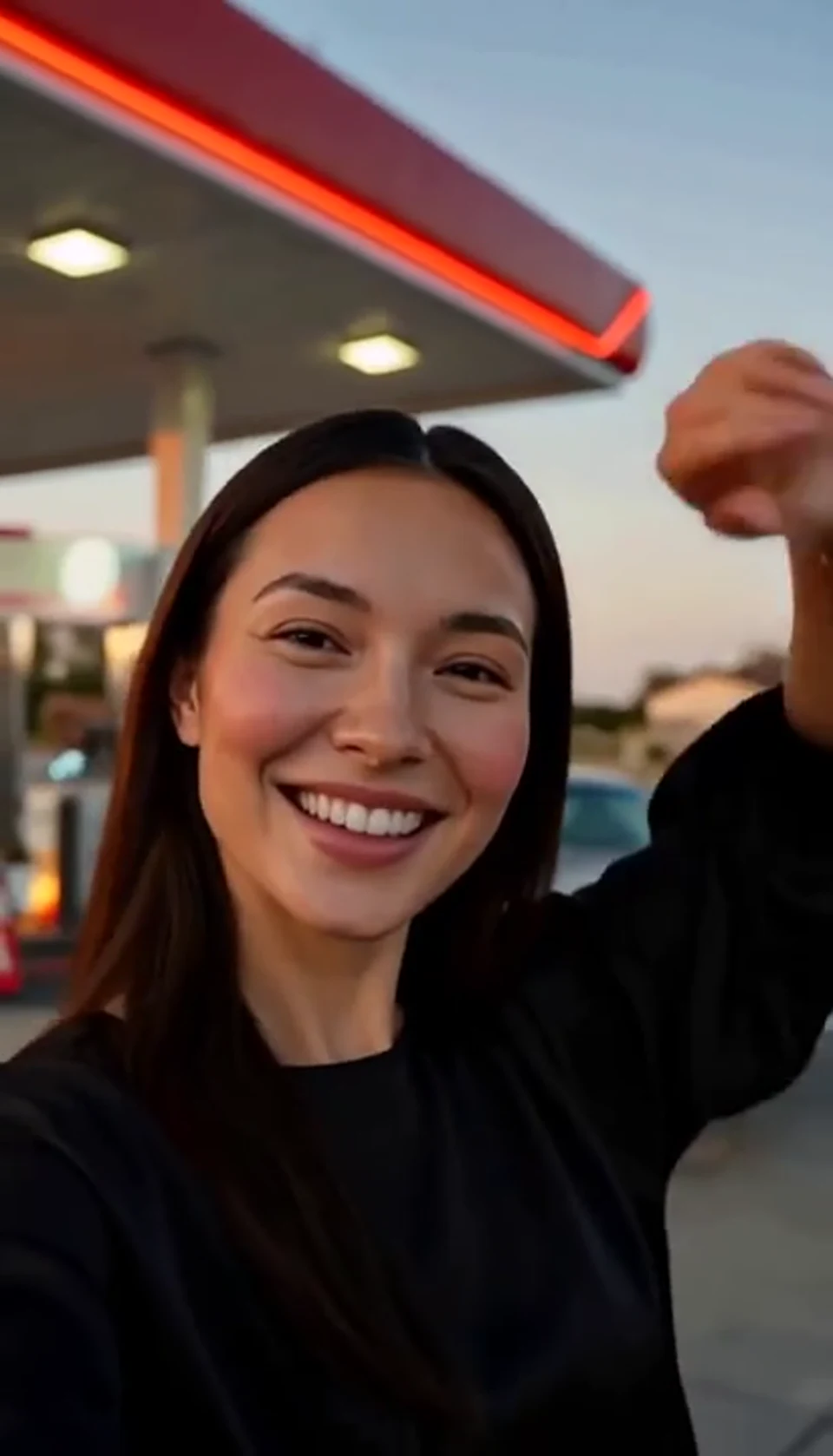
A sunset dance, a selfie and a cinematic car exit.
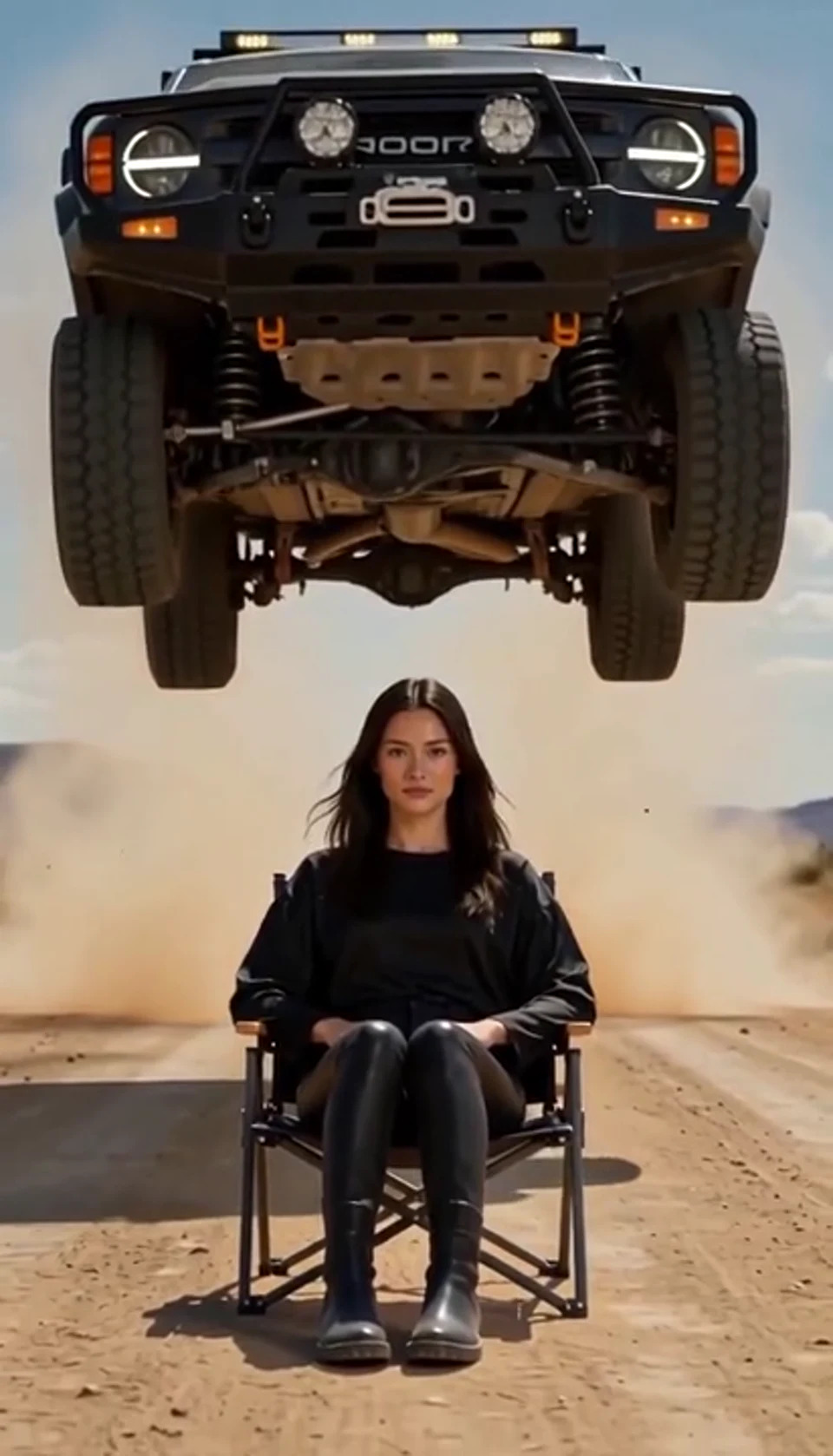
A calm portrait becomes a dramatic desert stunt.
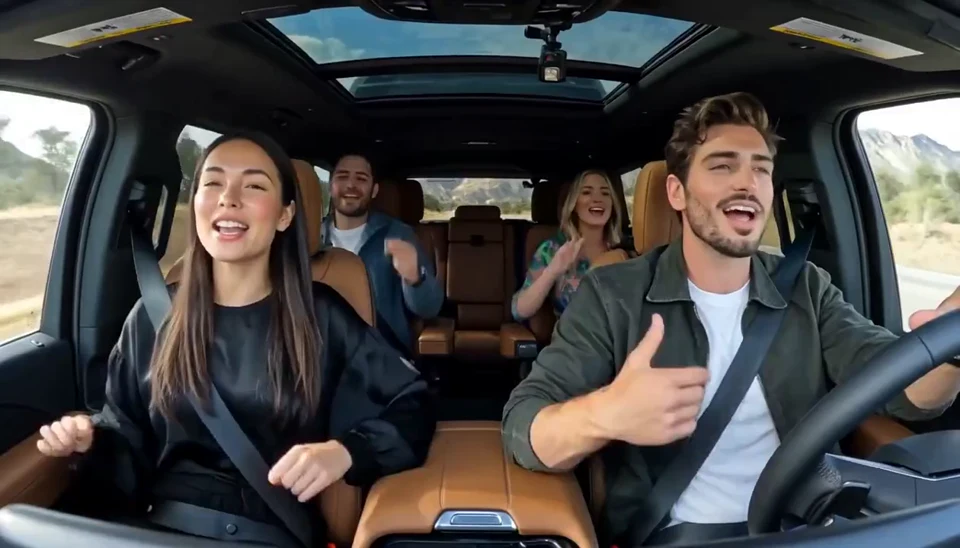
Two photos become one lively dashboard singalong.
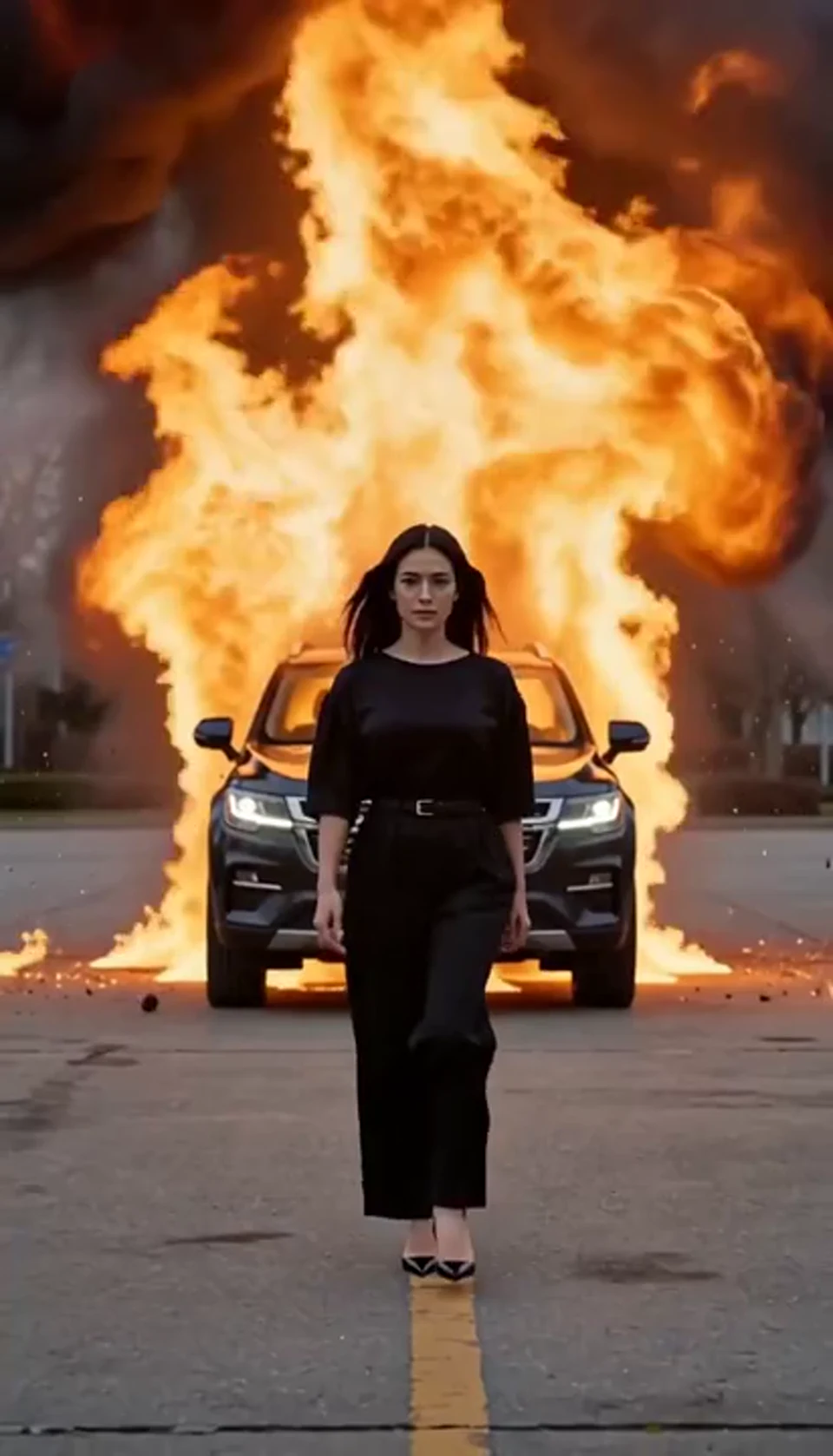
Walk toward the camera as the SUV erupts behind you.
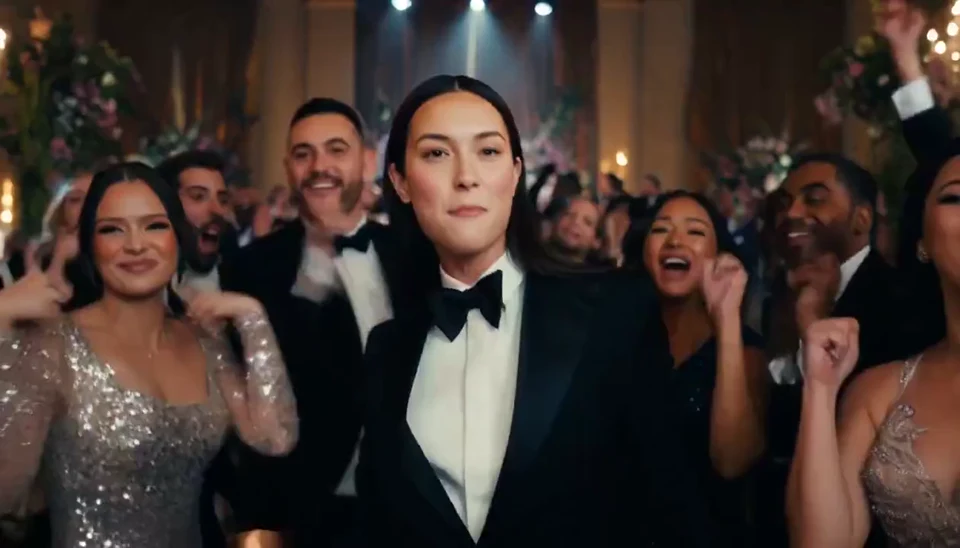
A portrait joins a lively ballroom party.
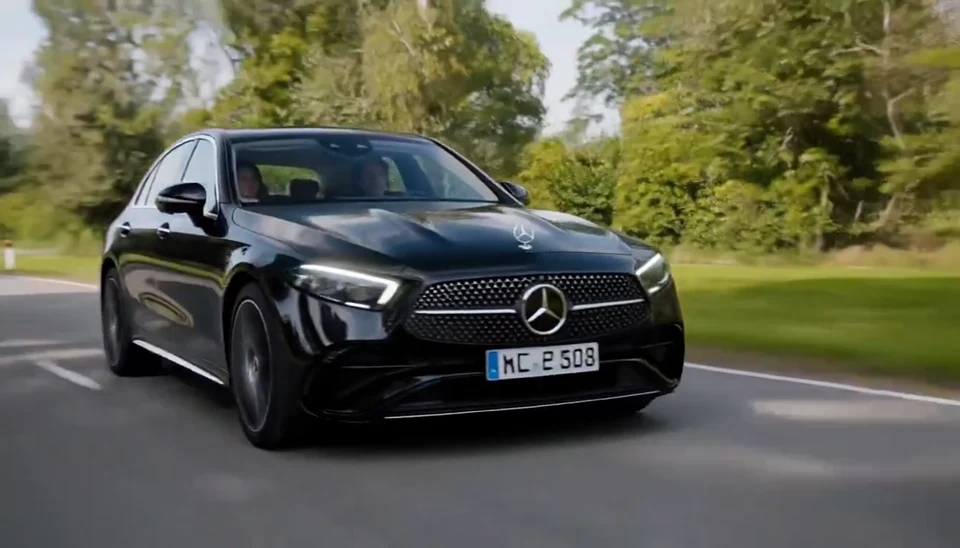
Your car photo becomes a cinematic driving shot.
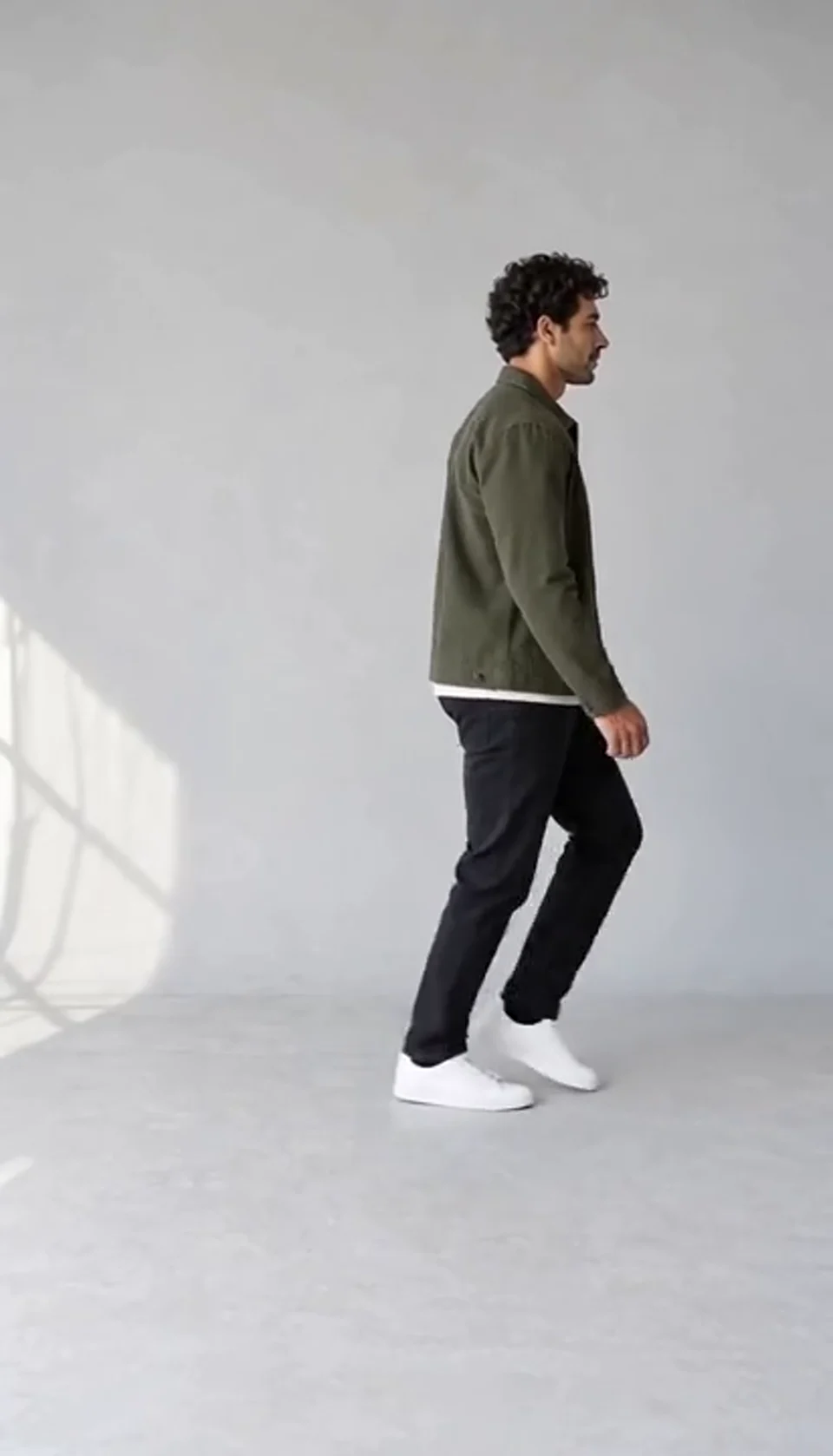
Turn one full-body photo into a short moonwalk dance. A steady side view keeps the sliding steps and your recognizable outfit in focus.
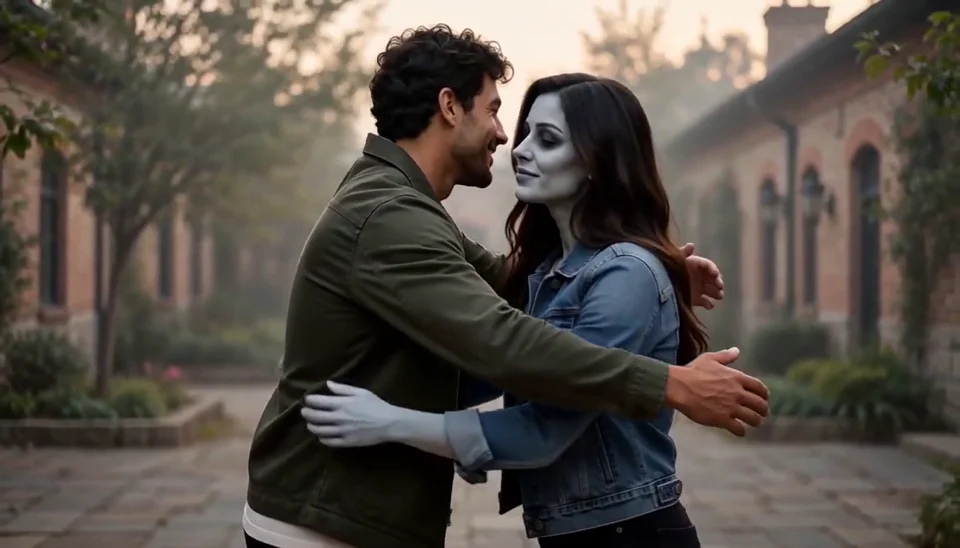
Bring two portraits into a tender fictional reunion: a human survivor recognizes their zombie partner, embraces them and remembers a warmer moment together.
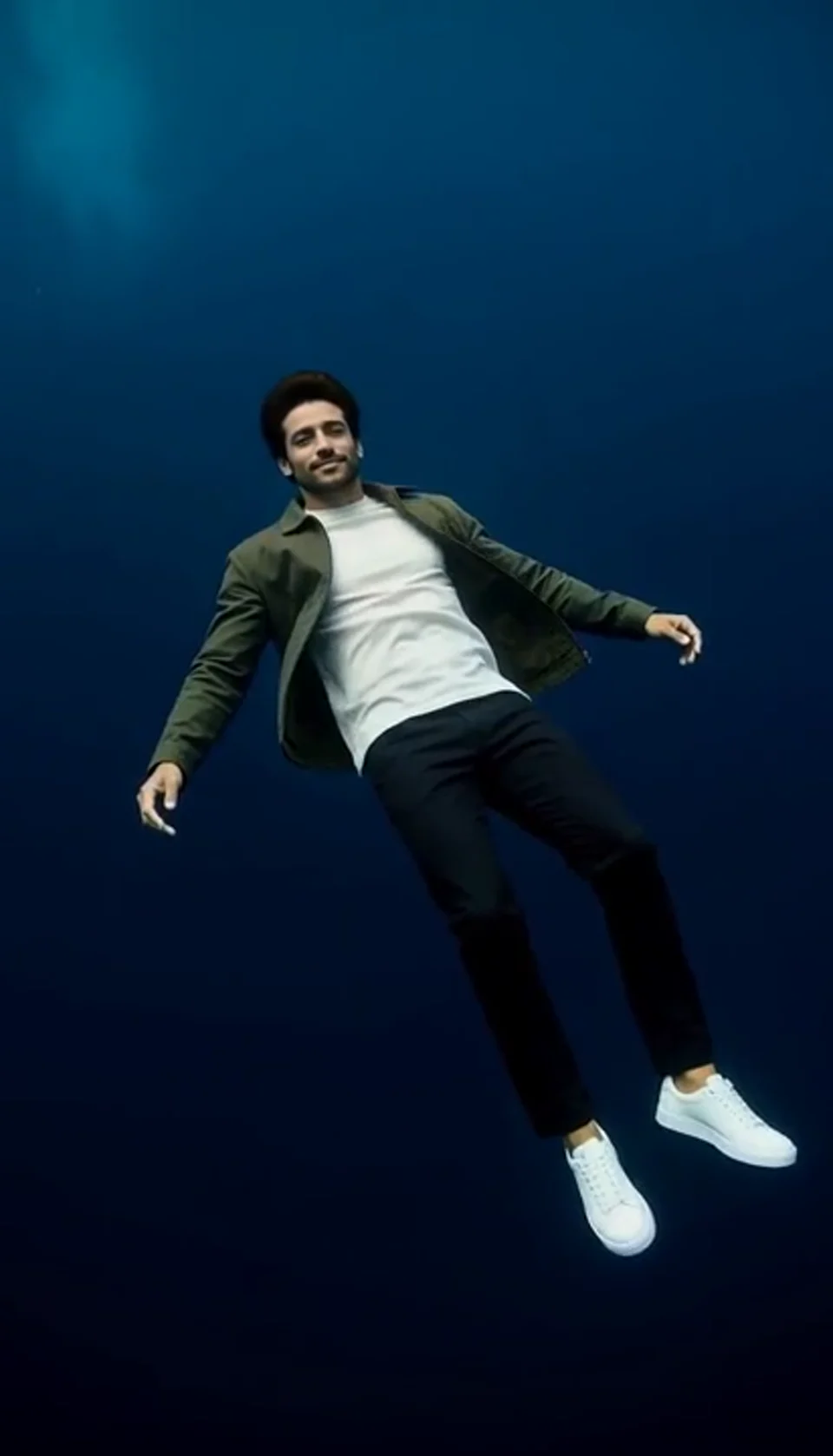
Turn one portrait into a dreamlike underwater scene. Drift through dark blue water with gently moving clothing, soft light and one calm camera move.
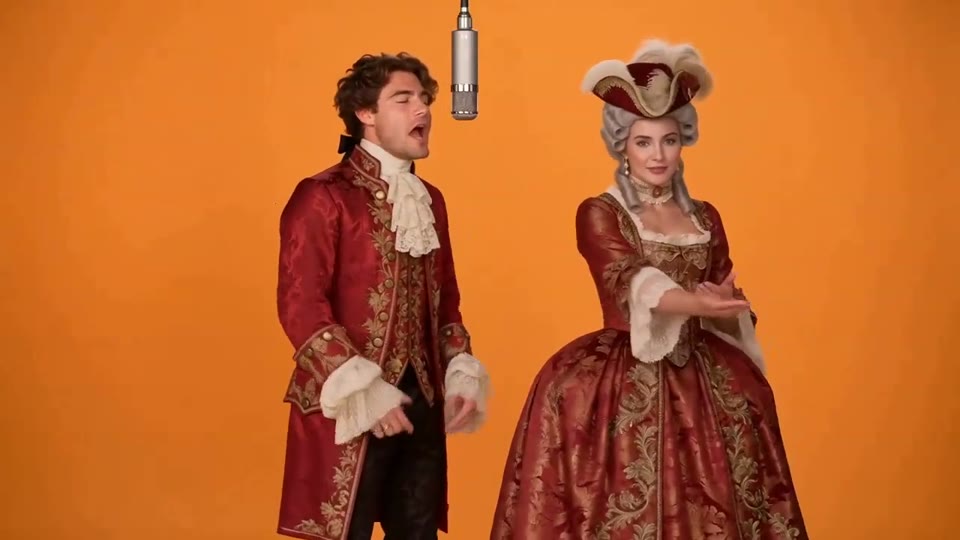
Two photos become a baroque rap duet on an orange stage.
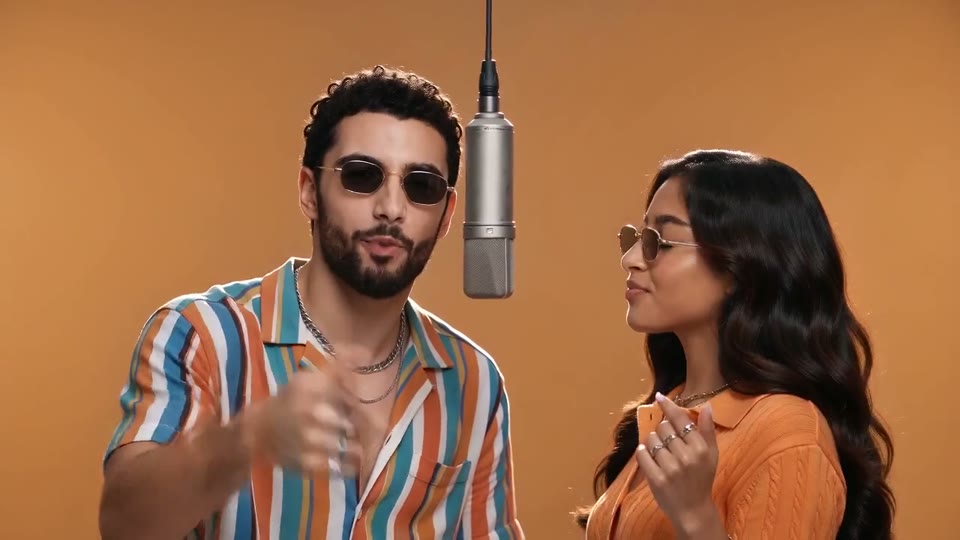
You and a friend trade verses in bold streetwear.
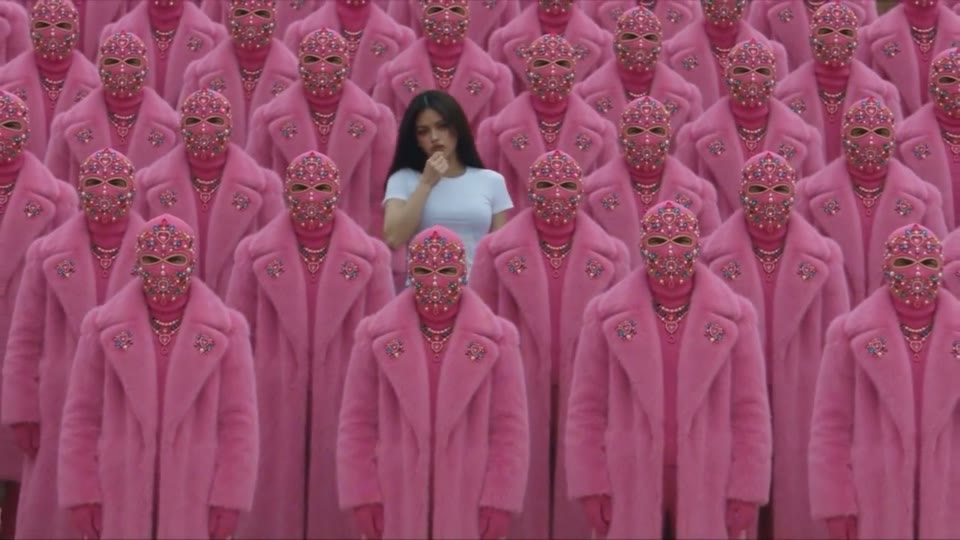
Your character leads a surreal pink-crowd dance.
A portrait comes alive with a playful face-and-hands dance.
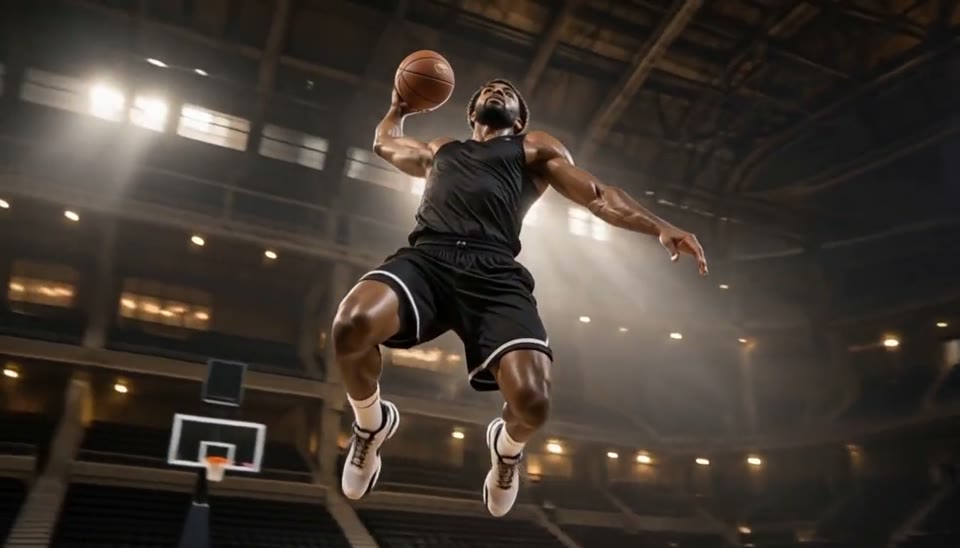
Freeze an action pose while the camera orbits around it.
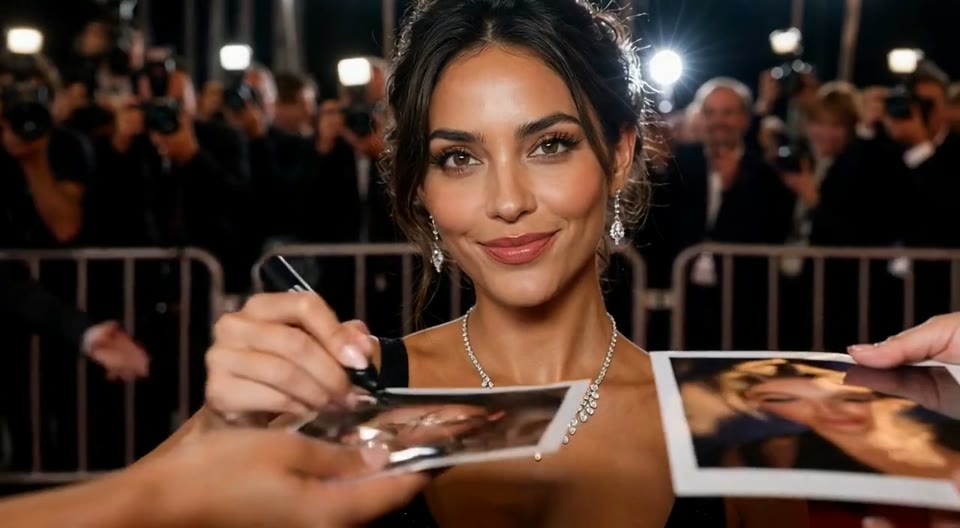
Create an AI red carpet video from one portrait. Add elegant eveningwear, paparazzi flashes and a gala entrance with the Cut AI video template.
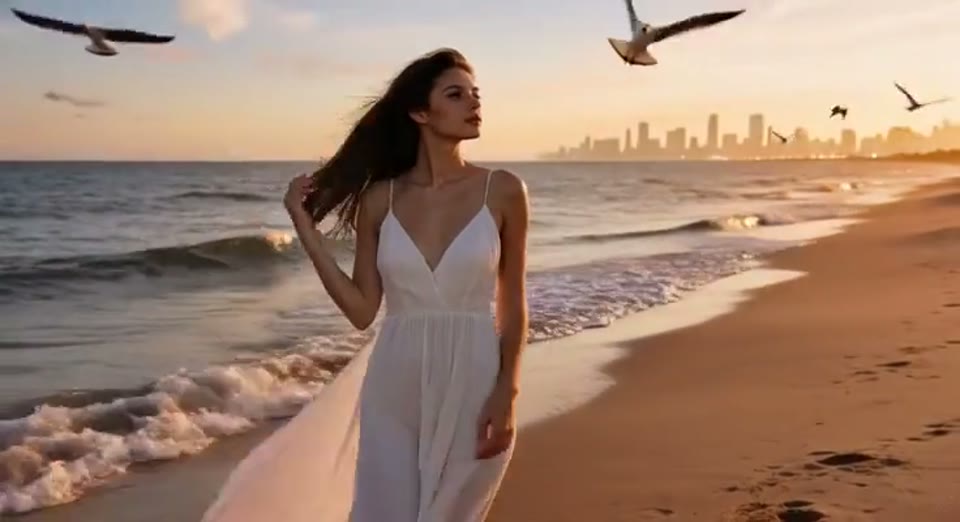
Create a day to night effect video from one photo on Cut AI. Animate golden hour, sunset and night lights while keeping the scene and framing consistent.
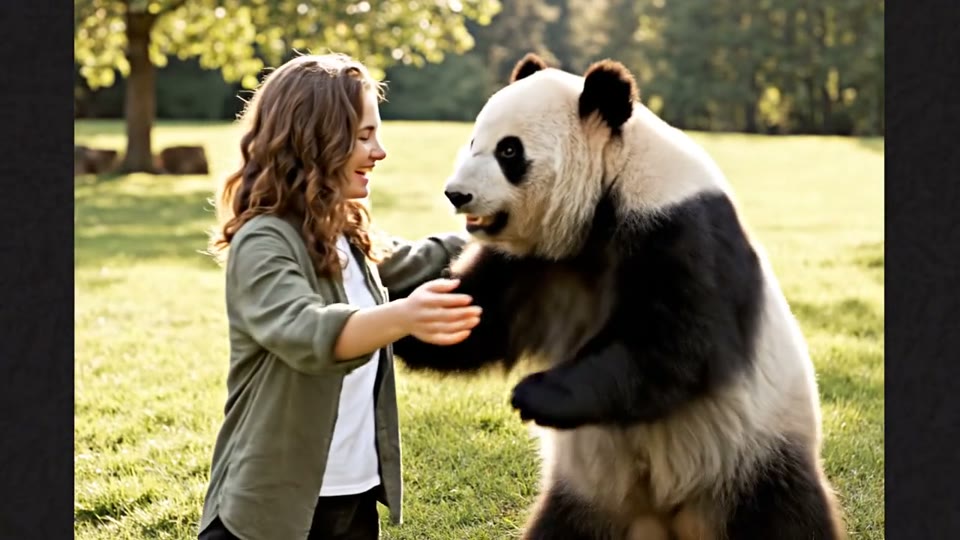
Create a heartwarming AI panda hug video from one photo on Cut AI. Add a gentle panda embrace, bamboo scenery and original sound in your chosen format.
Learn about source images, output settings, credits and sharing.
This template generates a short MP4 with Live 2D-style portrait motion from one image. It creates an AI video, rather than an editable rig or a tracking-ready avatar template.
Yes. Use a clear selfie, portrait or original character illustration. Visible eyes, clean hair edges and a simple background help the template preserve a readable subject.
The template asks for these details to stay consistent, but generated takes can vary. Review eyes, hair edges and clothing before sharing. A seamless loop is a goal, rather than a guaranteed output.
No. This is a preset template with scene, motion, camera and sound direction already included. Upload the required image and choose the settings available in the workbench.
Each video generation costs 200 credits. Check the quote next to Generate before starting. Browsing templates and watching samples is free; each new generation uses another 200 credits.
Choose the supported duration for your template and check the quote before generating. Each generation costs 200 credits. The preset supplies the scene, movement and original sound.
Timing varies with current demand and your chosen duration. Follow progress in the workbench, and find finished videos in My Creations. A generation failure is handled by the existing credit refund flow.
Yes. Download the completed MP4 for a post or edit. Use images you own or have permission to use, obtain consent for personal photos and label fictional transformations as AI creations when sharing.
Choose a clear image, preview the effect and make a short video with original sound. The workbench shows the exact credit cost before you generate.
Create Live 2D Animations