Turn your animal portraits into an expressive five-member desk-concert band.
Words may vary. 0/200 characters.
15-second video with music
Example video. Your photos create a new performance.
Watch More ExamplesYour Photos, a New Small-Room Concert
Turn portraits, pet photos or original characters into a small-room concert. Choose one of seven styles and add a photo for each performer you want in the band. Cut AI creates a new 15-second video with music, a cozy stage and a performance built around your cast.
Most styles need one singer’s photo; duets need two. You can add up to five people or pets, choose a vertical or horizontal video and write a short chorus. Empty optional spots get new backing performers. You see the credit price before you start.
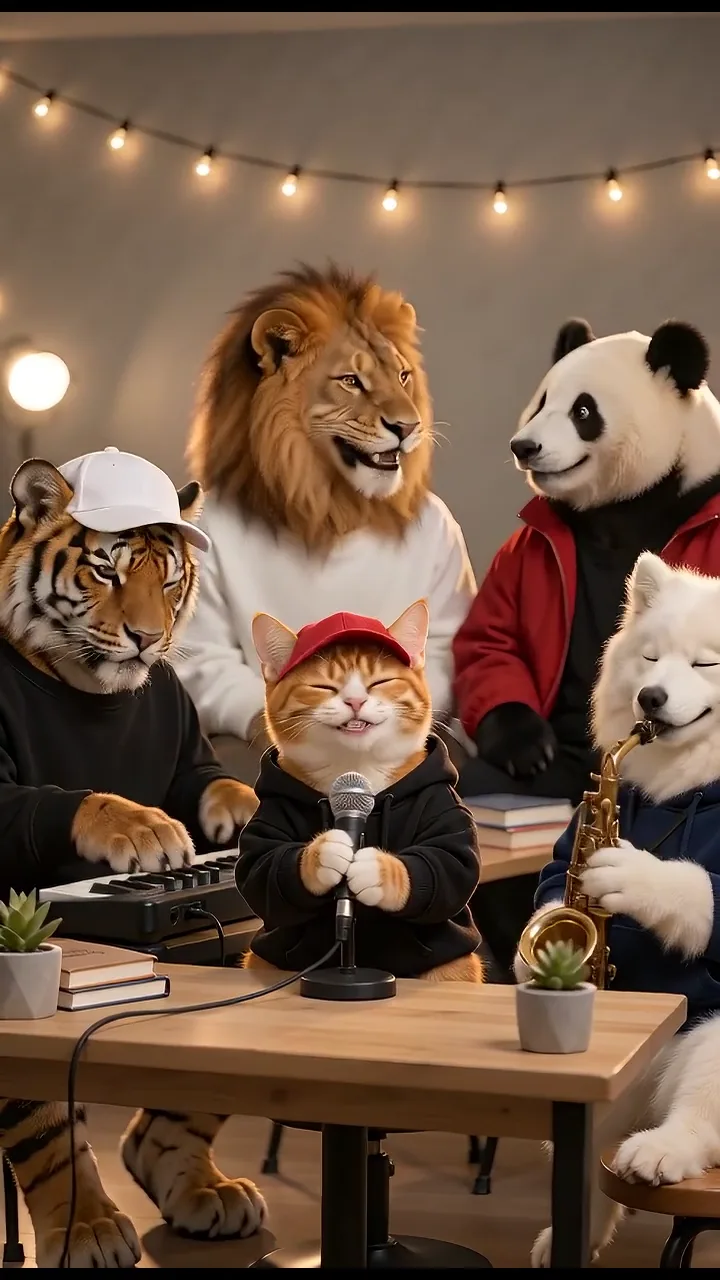
Watch a few different concert styles.
Create in Three Steps
Choose an arrangement, assign your own performers and create one original audiovisual performance.
Pick a soul band, indie band, pop duet, harmony circle, desk ensemble, soul duet or animal choir. Each preset displays its actual roles. Upload a clear photo for every required vocalist, then optionally fill the other visible slots. Matching role photos remain assigned when you change presets; photos for roles that disappear are removed from the request.
Leave Lyrics blank for newly generated music with a wordless hook, or enter a short chorus of up to four lines. Choose portrait for short-form feeds or landscape for a wider band view. Check the upload previews, replace or remove photos as needed, and review the displayed Cut AI credit cost before starting.
Watch the full 15-second result with sound. Check every performer, animal markings, hands or paws, instrument contact and the generated singing. Wording, timing, identity and fine movement can vary. Download your video when you are happy with the result; a new attempt is a separately quoted generation.
Create a fresh performance around your own cast, with clear role controls and newly generated sound.
Choose a quartet, a duet, a vocal group, a desk ensemble or an animal choir. The photo labels show the singer and instrument roles for your chosen style. Duets ask for two singers; most other styles start with one.
Give each person or pet a separate photo. Clear faces, visible animal markings and a readable outfit help your cast look recognizable. Pet bands keep their animal faces, fur and paws, while human-band styles keep people human.
Your concert comes with new music and singing. Leave Lyrics blank for a tune without words, or add a short chorus for the band to sing. Words and timing can vary, so listen to the result before sharing.
The performance uses a 15-second format with music. Select vertical or horizontal video and review the current credit quote before creating it. You see the credit price before you start.
Make fictional performances for creative projects, personal sharing and playful character ideas.
Bring together a cat singer, dog saxophonist, tiger keyboardist, lion and panda backing singers, or choose your own pet band. Add a separate photo for each animal.
Use portraits from people who have agreed to appear in a fictional concert. Choose a solo-led band or give two vocalists the spotlight in a duet arrangement.
Try a compact birthday line, team chant or playful two-line hook. Keep it short enough for the 15-second performance and listen for changes in generated wording before sharing.
Pick a clear idea, a suitable arrangement and one independent photo per performer.
Assign five different animals to the animal choir and add a short original lyric.
Use a lead portrait and optional acoustic guitar, keyboard and drum performers.
Upload two required vocalist photos for a pop or soul duet.
Give your cast a newly generated indie groove with bass, drums and keys.
Bring consenting family portraits together in a fictional small-room concert.
Leave Lyrics blank and let the model invent a short melodic hook for your original characters.
Clear individual photos and a short musical idea help your cast shine.
Try another trending effect with the same photos.
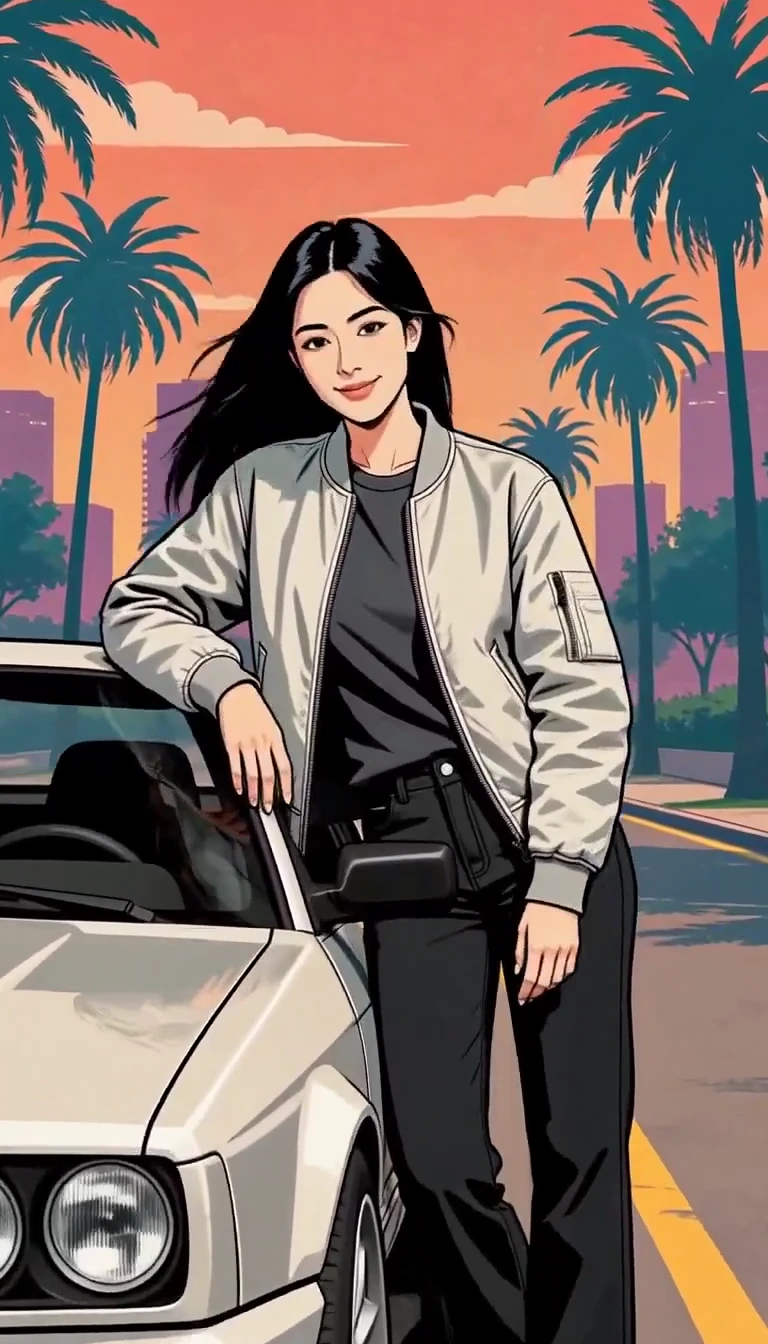
Turn one photo into an illustrated city character reveal.
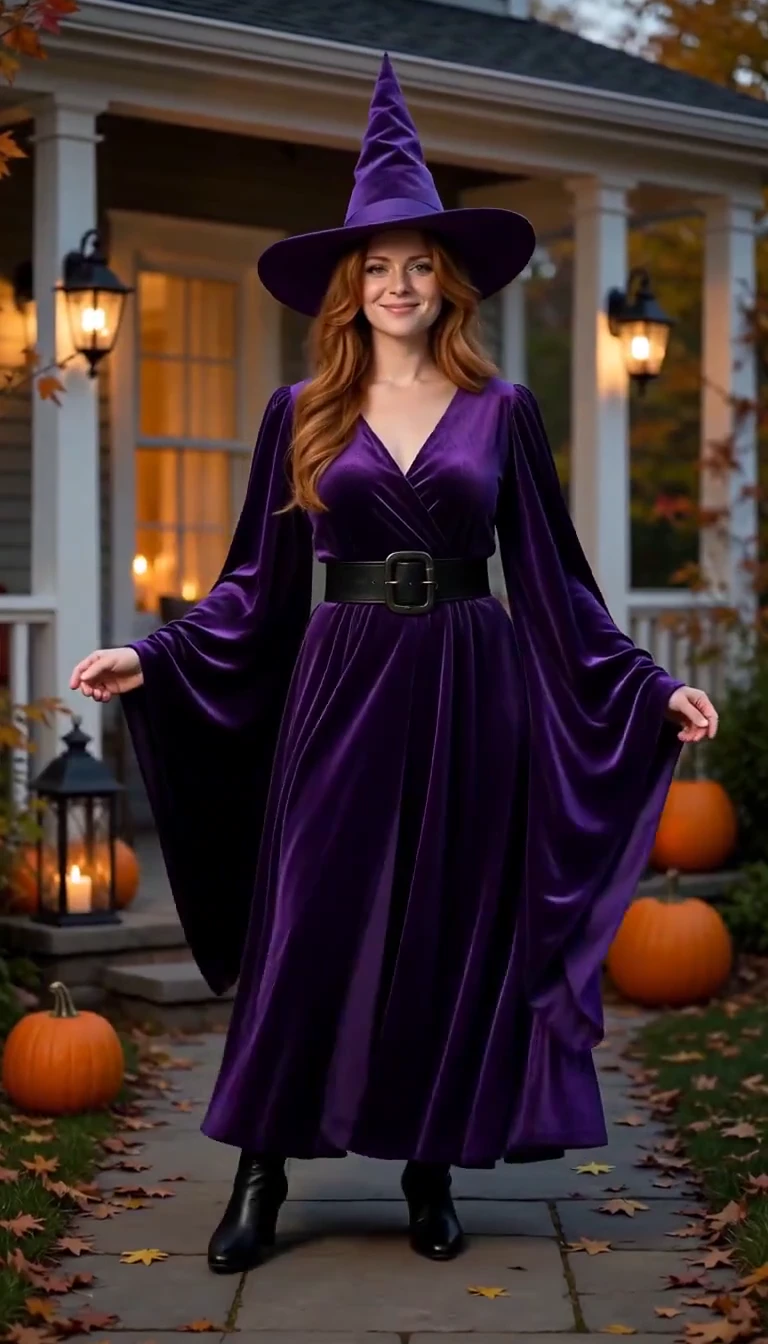
Reveal a witch costume with a turn, violet smoke and a final pose.
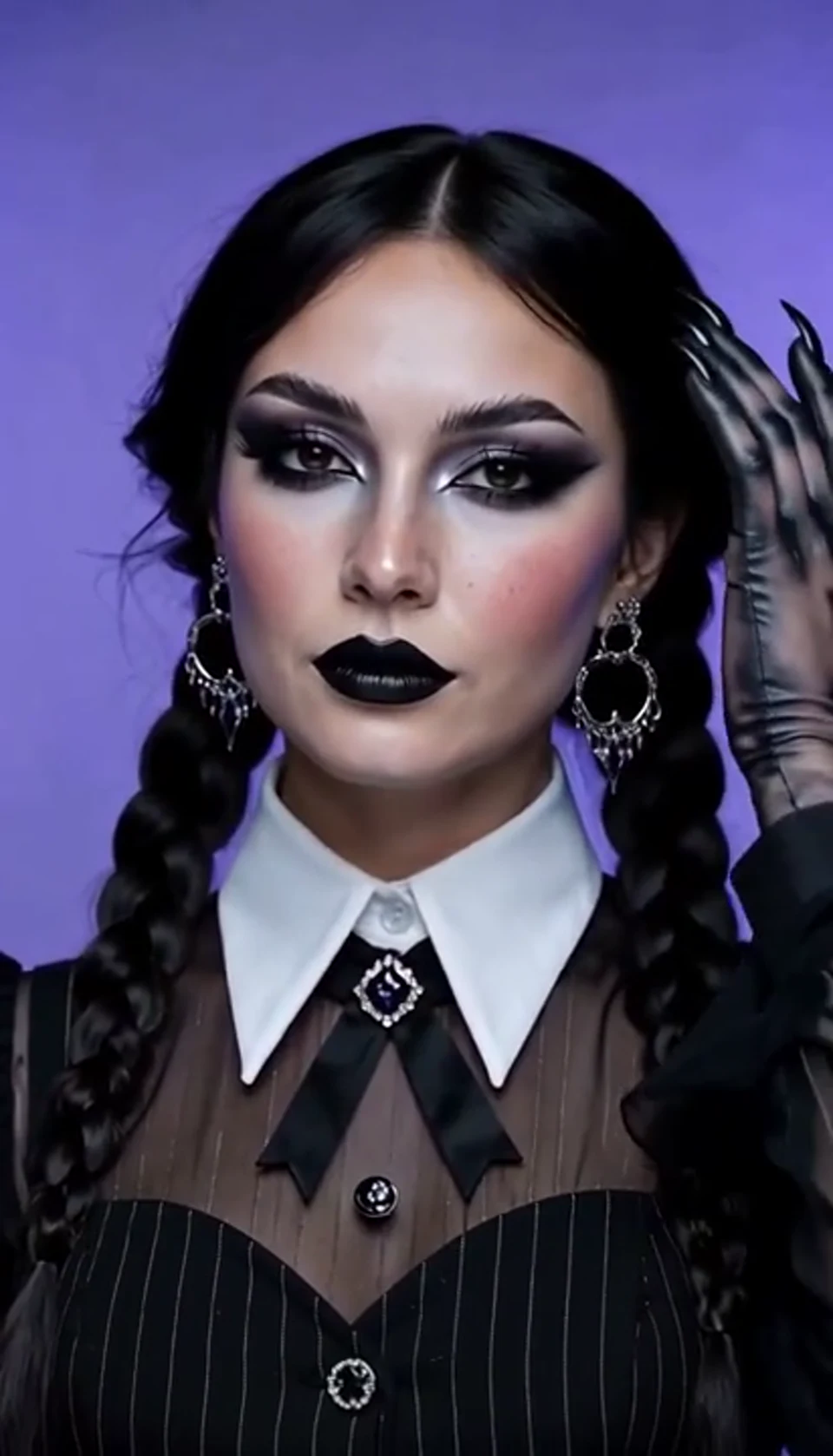
A theatrical hand swipe reveals a gothic costume.
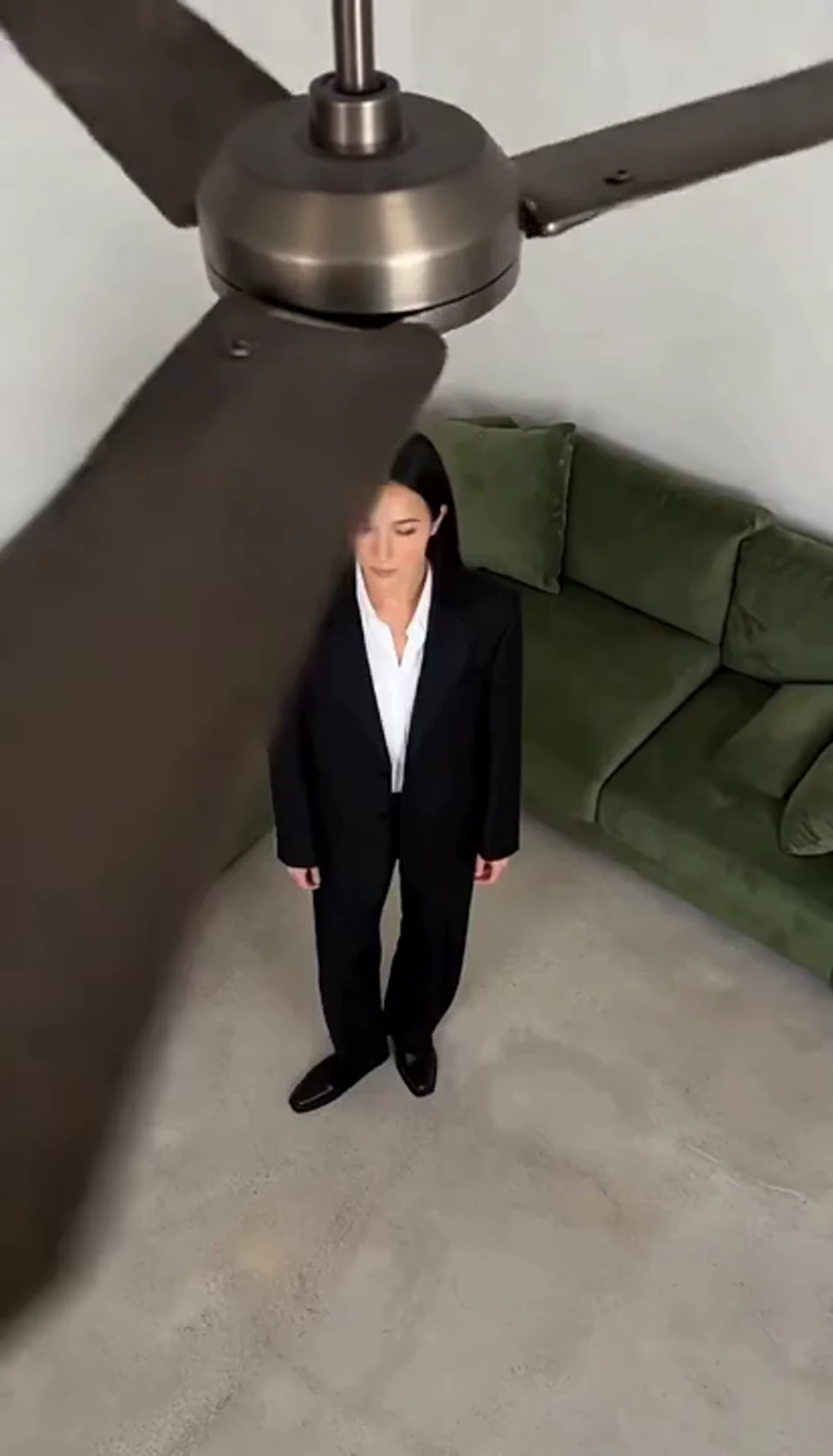
One fan-blade wipe reveals your next outfit.
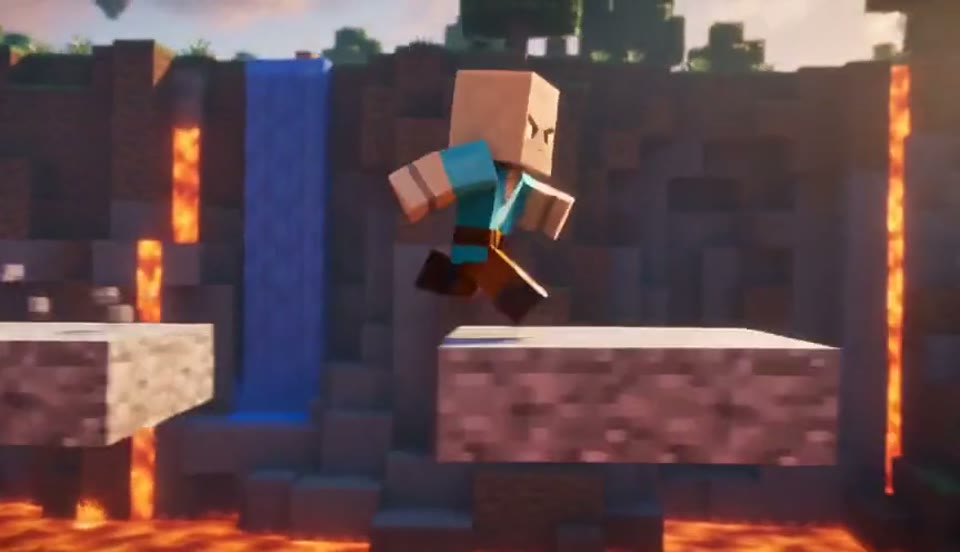
Create a Minecraft-style AI video from one photo. Make voxel characters, block-world parkour and adventure clips with original sound on Cut AI.
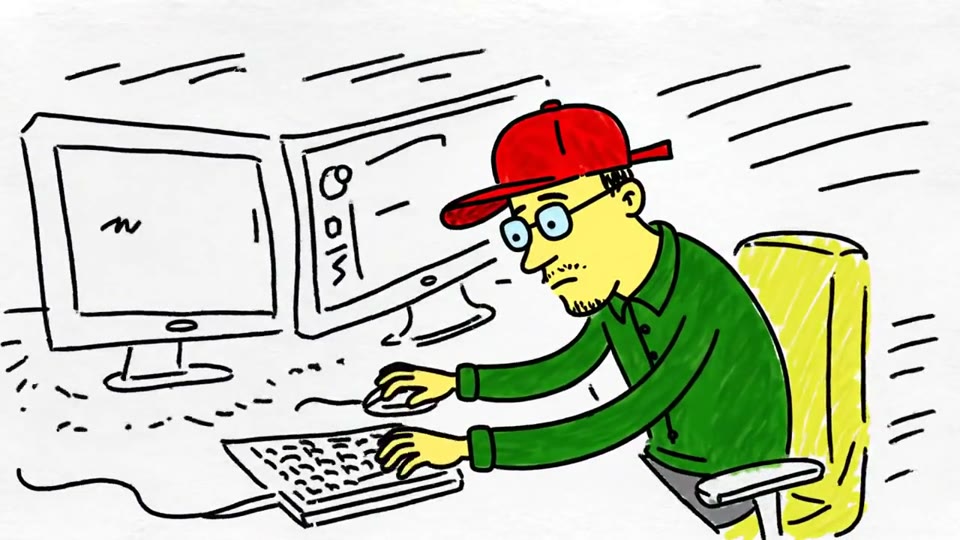
Turn a sketch, drawing or line-art image into an animated video with Cut AI. Preserve the composition and art style with gentle motion and original sound.
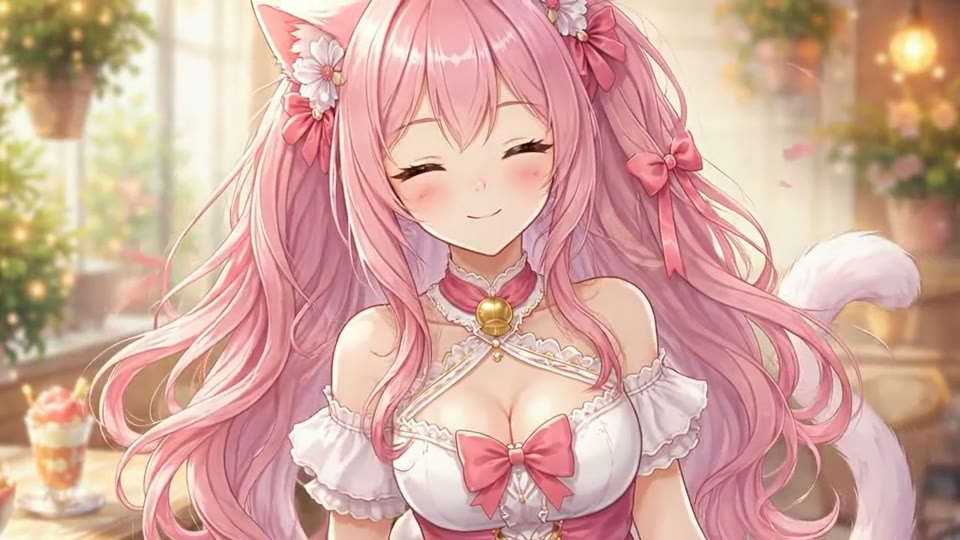
Create Live 2D-style animation from a portrait or character image with Cut AI. Add blinking, breathing and gentle head motion while preserving the visual style.
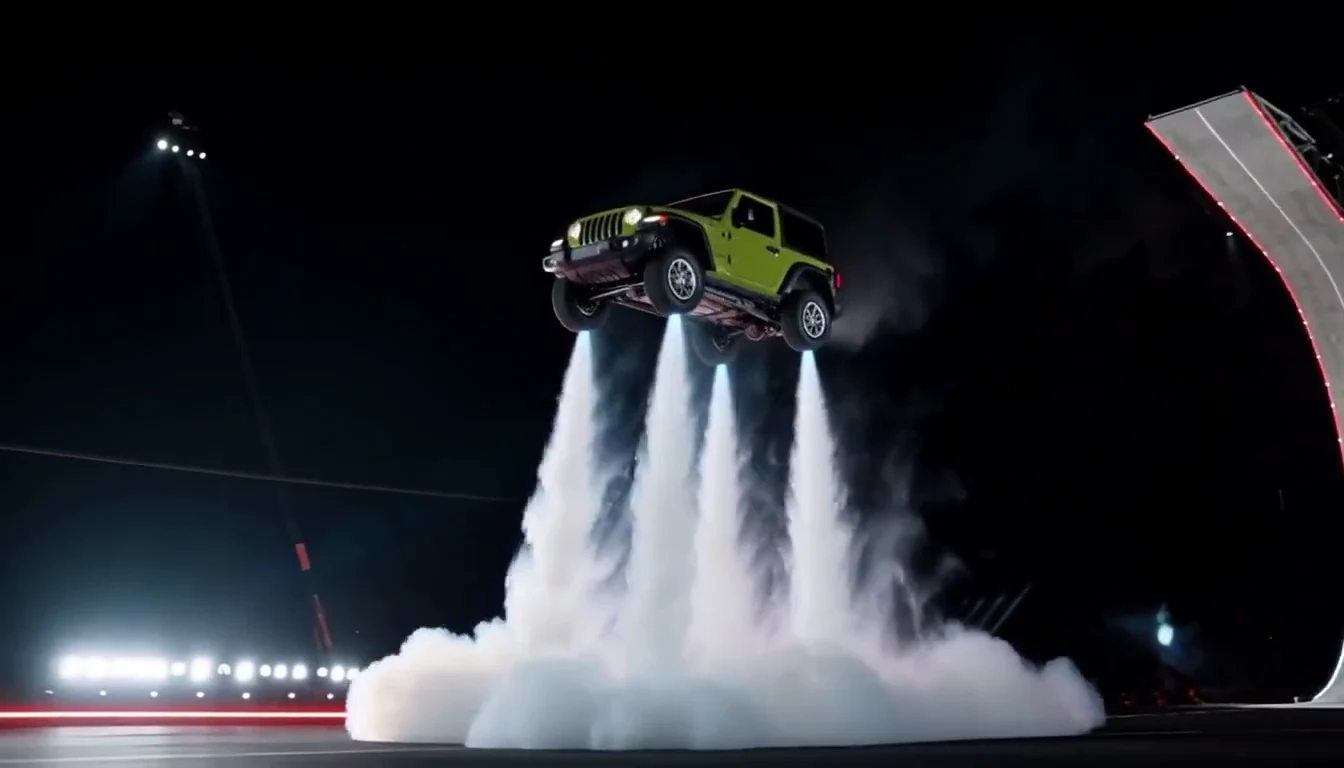
Turn your car photo into a Tesla Roadster-inspired ramp launch, kickflip or thruster landing. Explore nine flying car scenes, including traffic escape and tunnel walls.
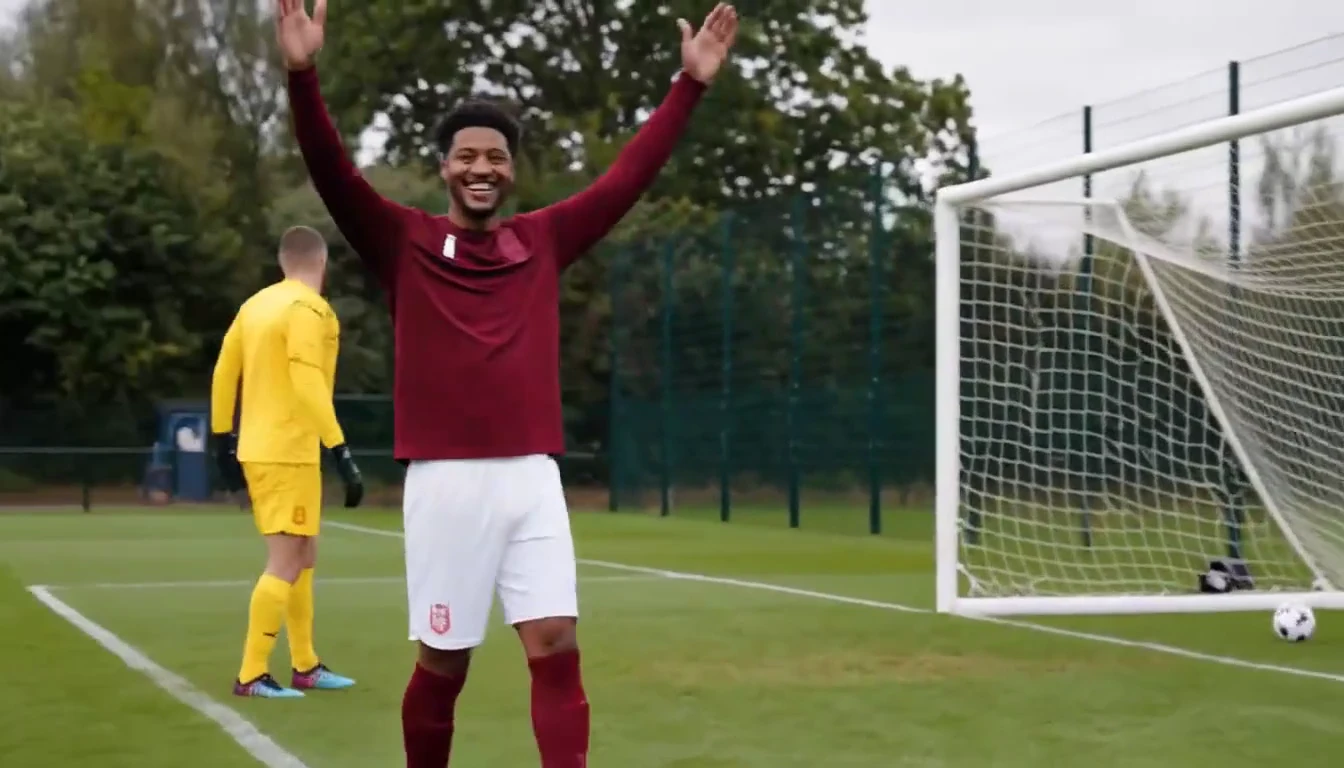
Put a new hero into a chip, dribble and empty-goal finish.
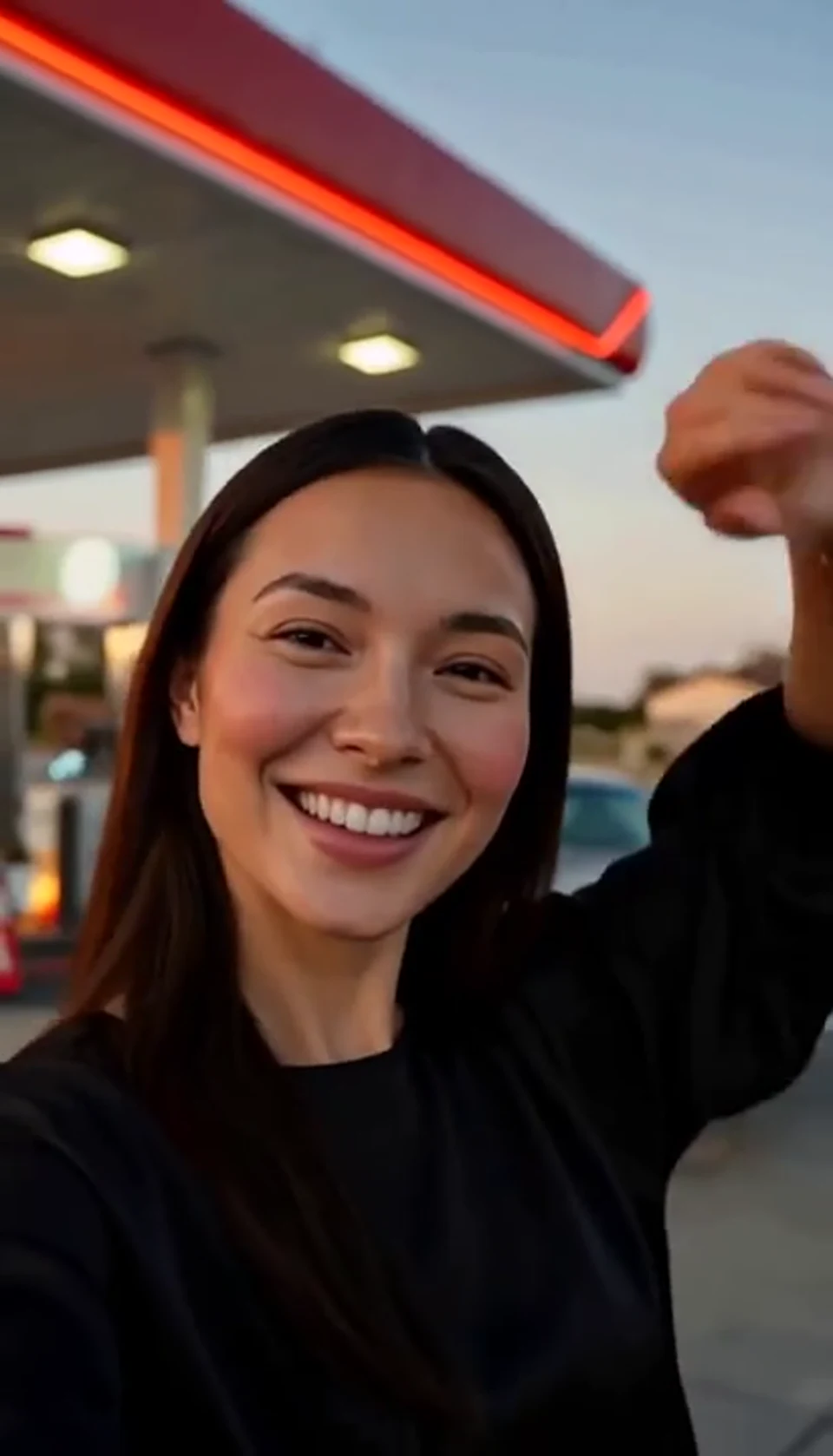
A sunset dance, a selfie and a cinematic car exit.
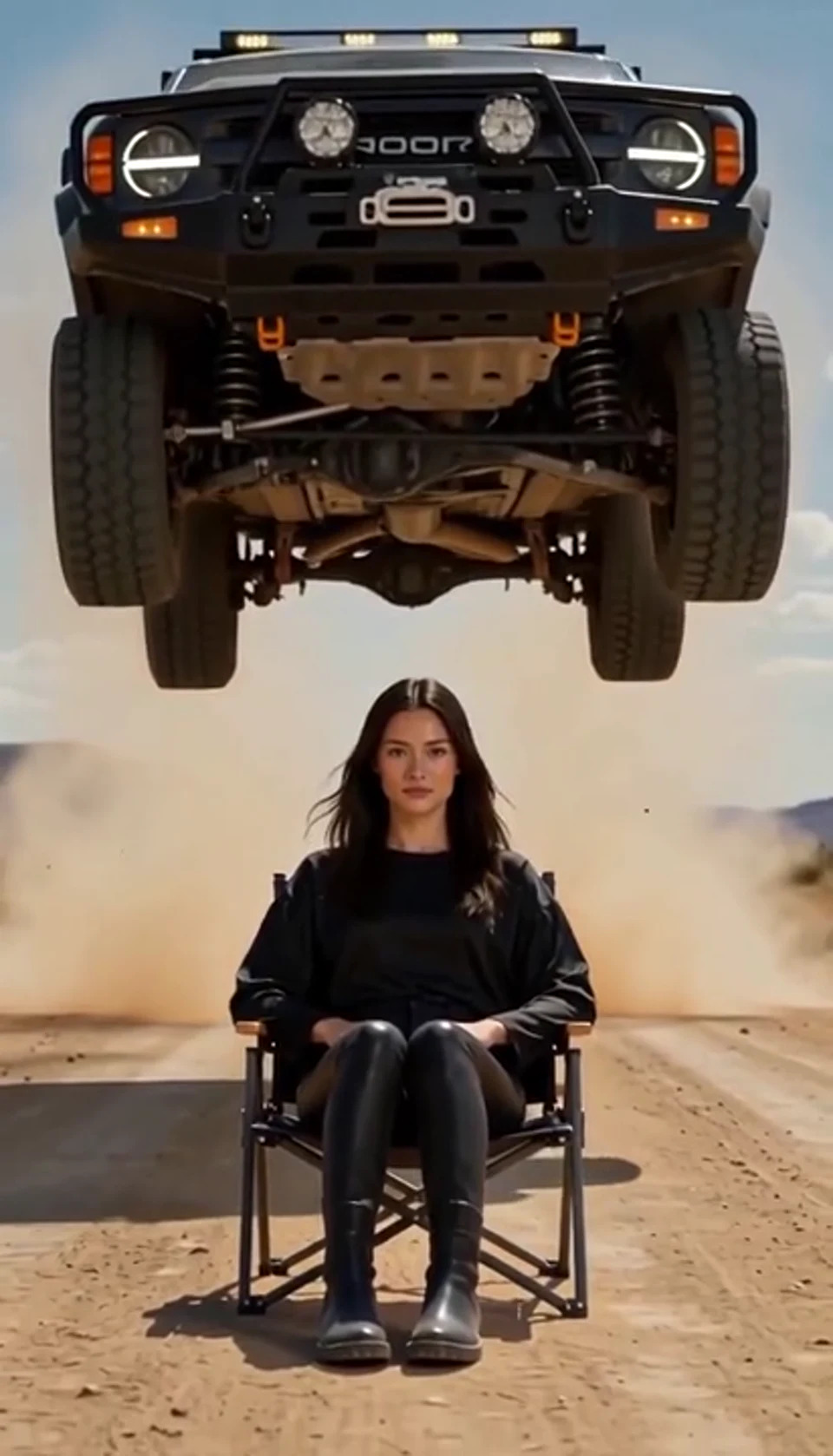
A calm portrait becomes a dramatic desert stunt.
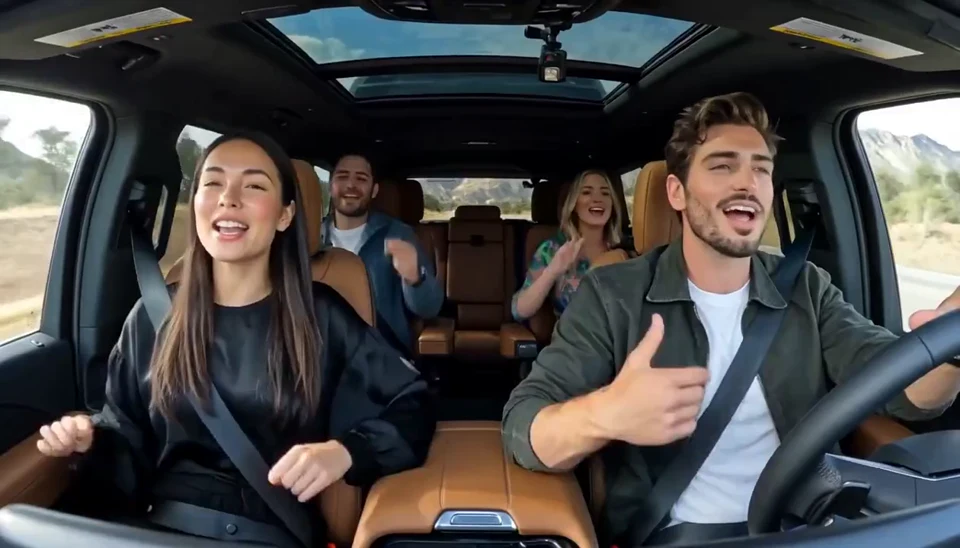
Two photos become one lively dashboard singalong.
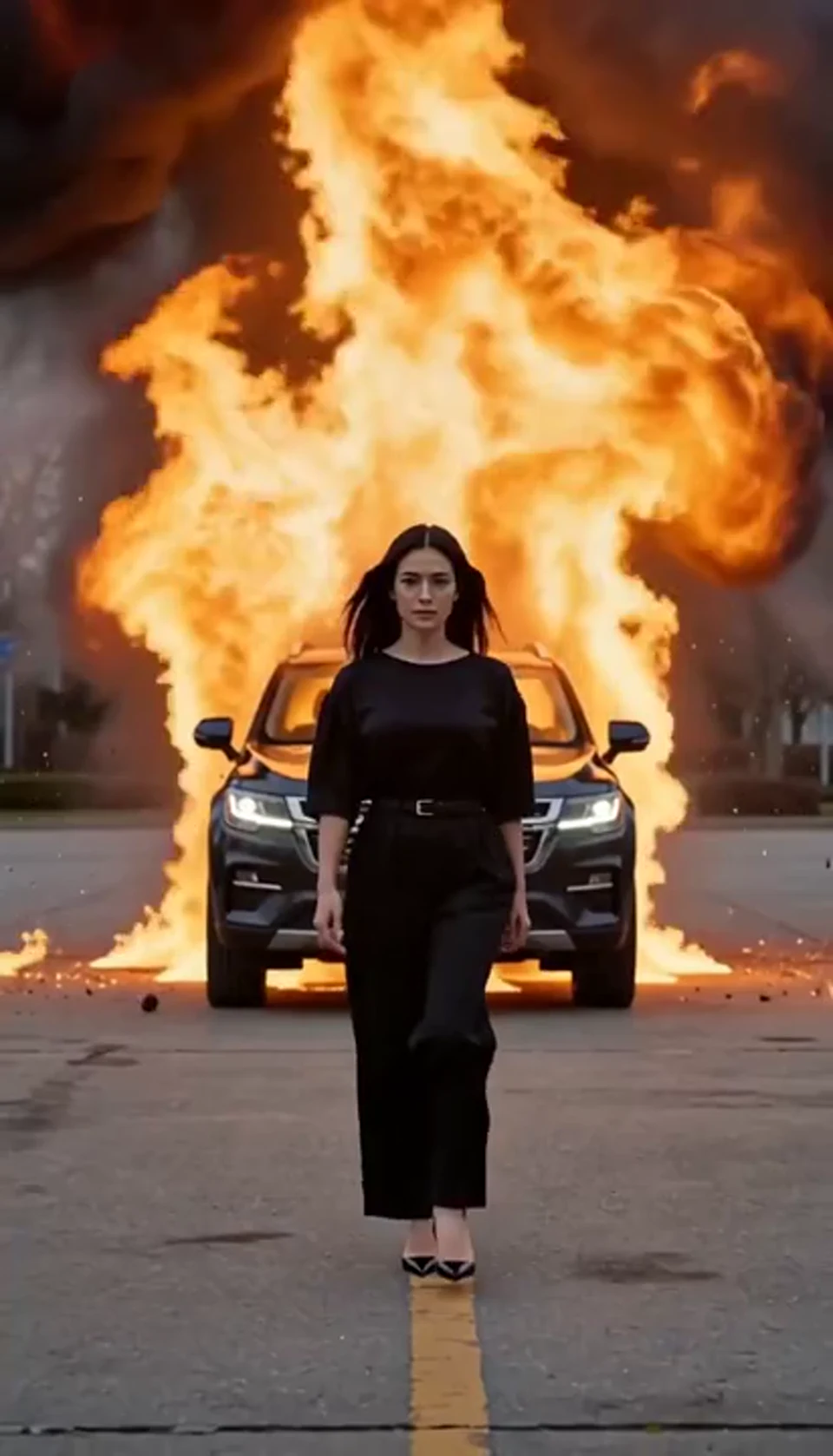
Walk toward the camera as the SUV erupts behind you.
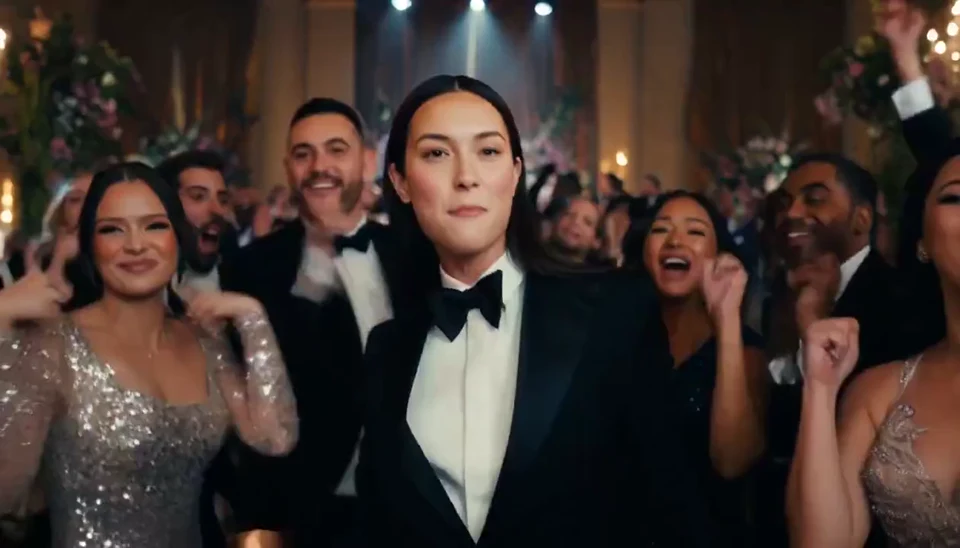
A portrait joins a lively ballroom party.
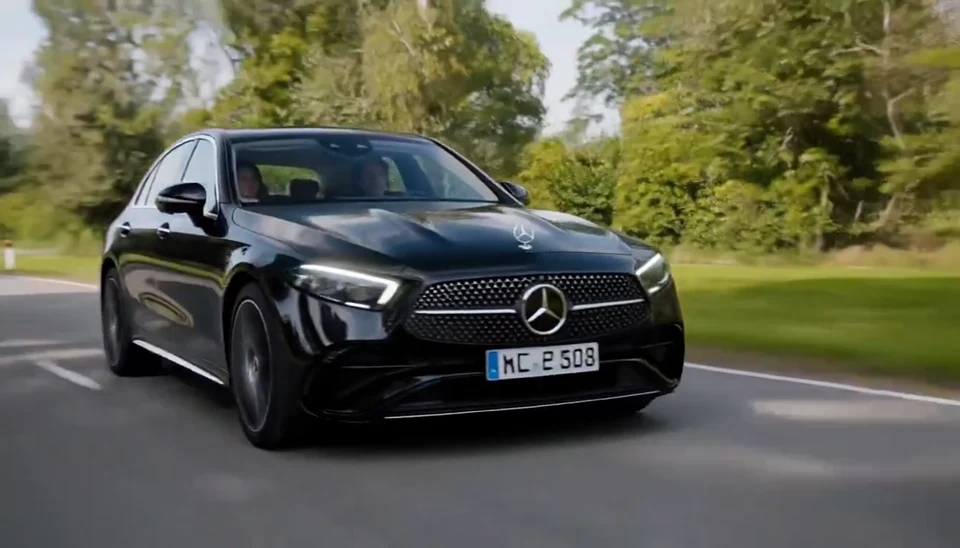
Your car photo becomes a cinematic driving shot.
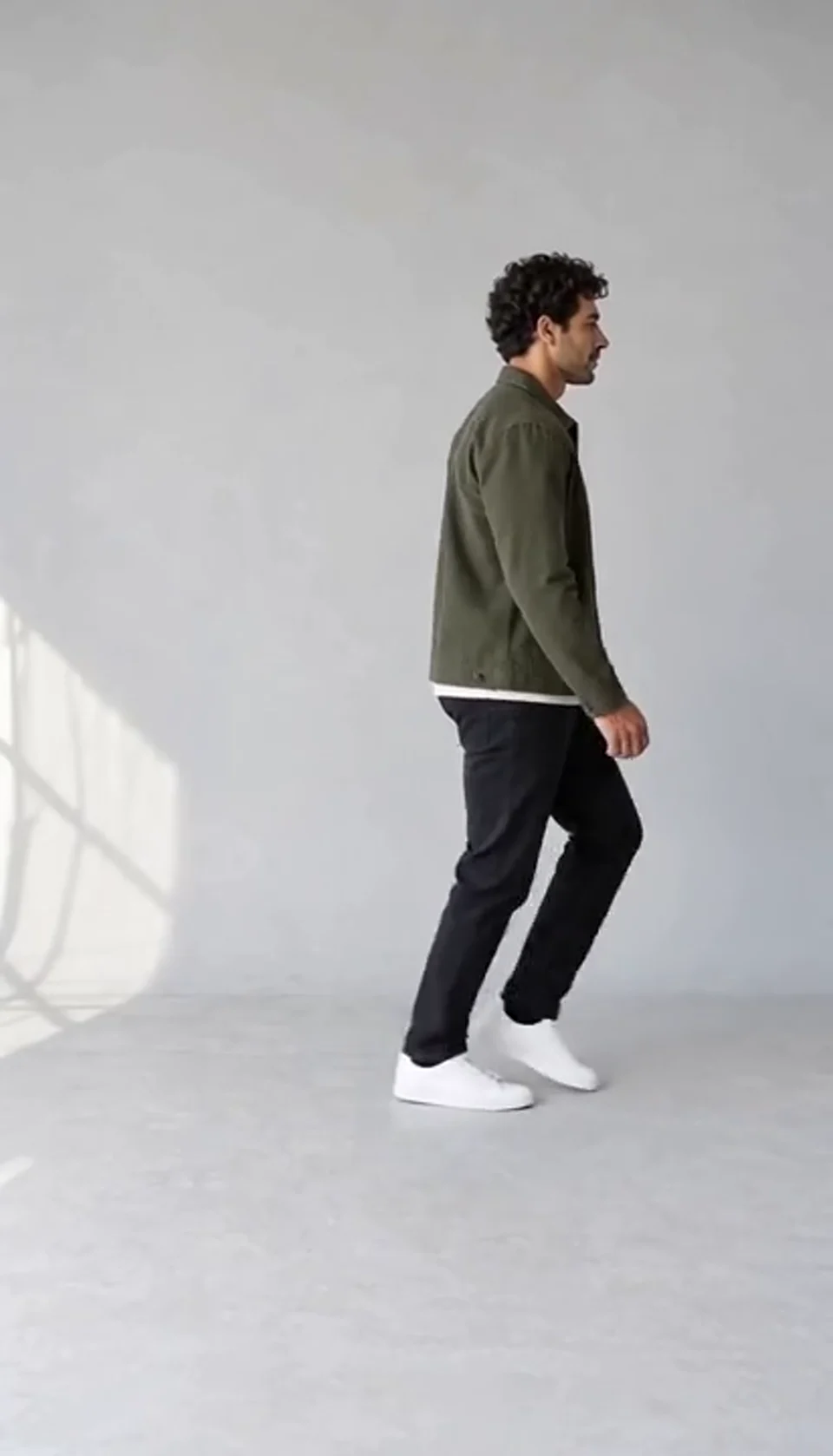
Turn one full-body photo into a short moonwalk dance. A steady side view keeps the sliding steps and your recognizable outfit in focus.
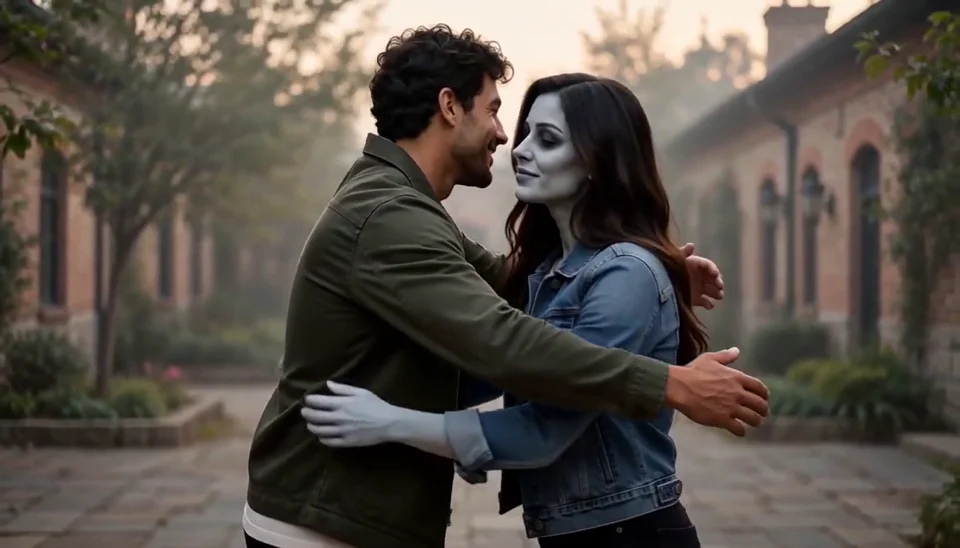
Bring two portraits into a tender fictional reunion: a human survivor recognizes their zombie partner, embraces them and remembers a warmer moment together.
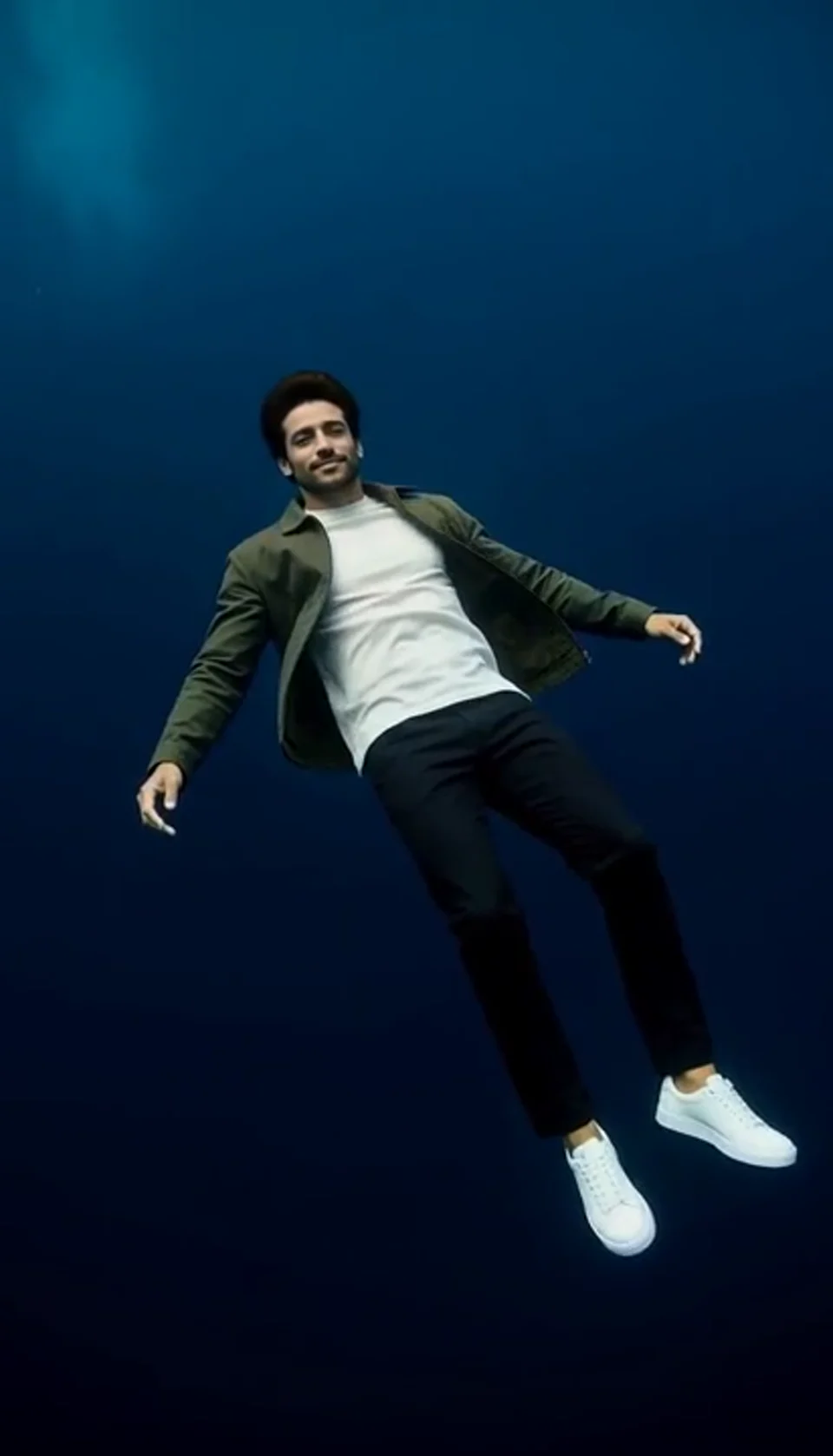
Turn one portrait into a dreamlike underwater scene. Drift through dark blue water with gently moving clothing, soft light and one calm camera move.
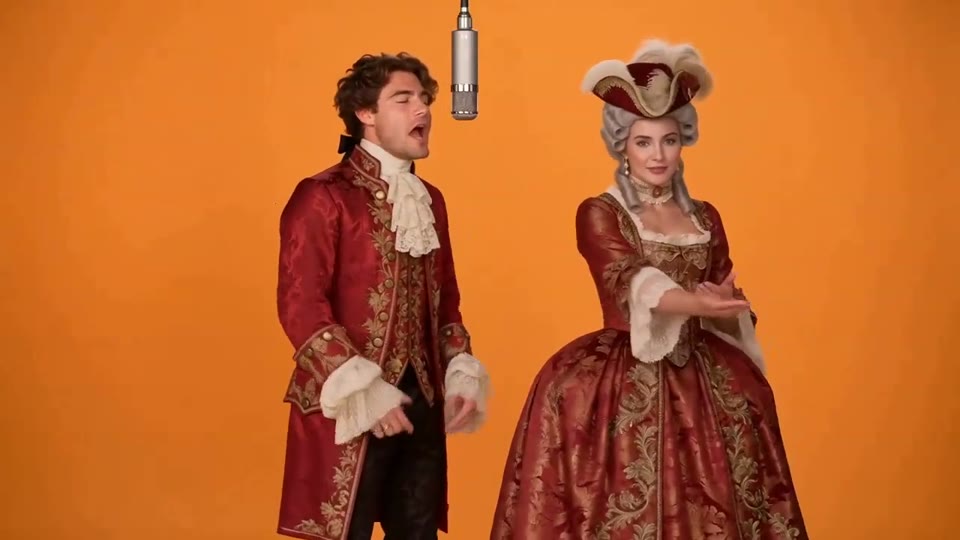
Two photos become a baroque rap duet on an orange stage.
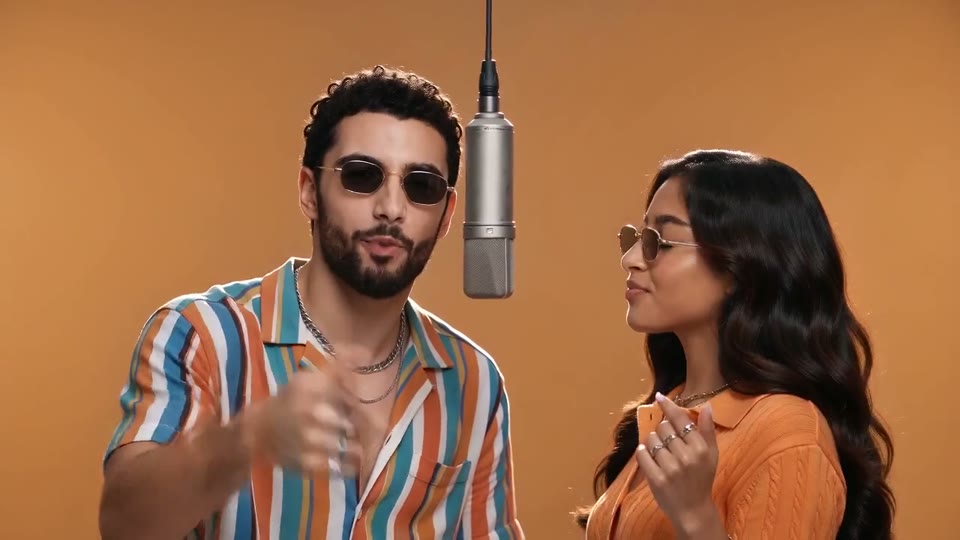
You and a friend trade verses in bold streetwear.
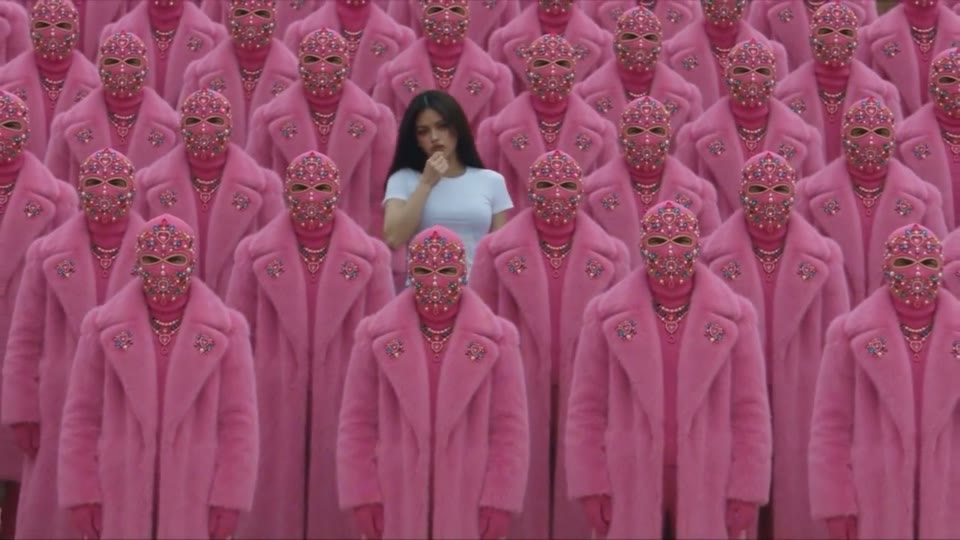
Your character leads a surreal pink-crowd dance.
A portrait comes alive with a playful face-and-hands dance.
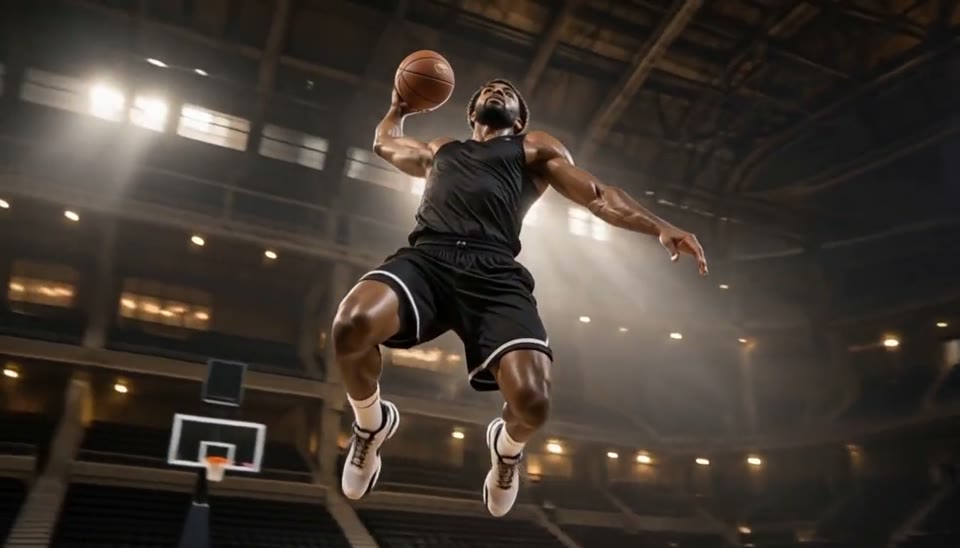
Freeze an action pose while the camera orbits around it.
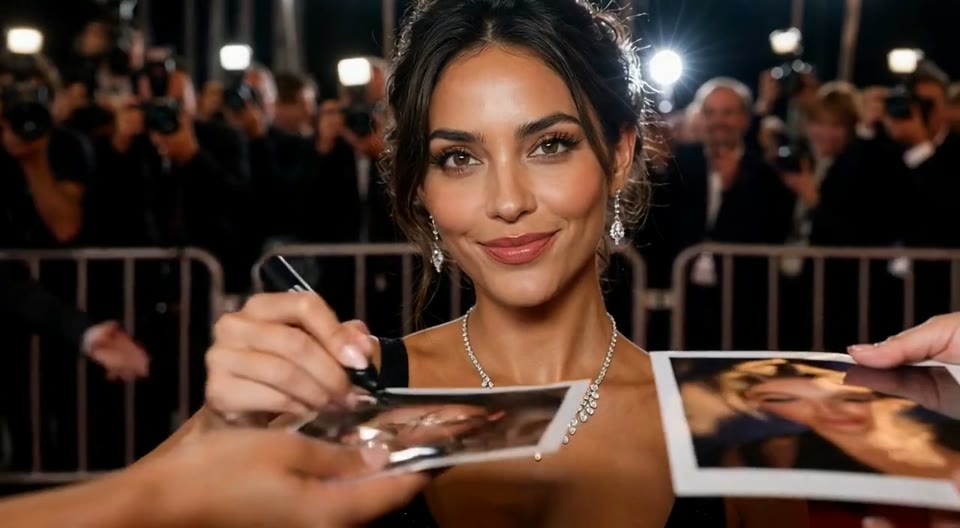
Create an AI red carpet video from one portrait. Add elegant eveningwear, paparazzi flashes and a gala entrance with the Cut AI video template.
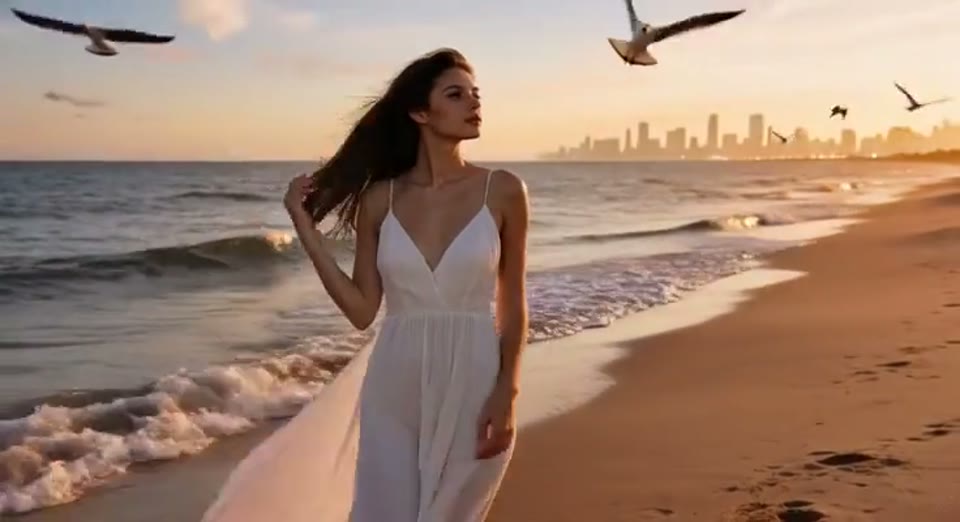
Create a day to night effect video from one photo on Cut AI. Animate golden hour, sunset and night lights while keeping the scene and framing consistent.
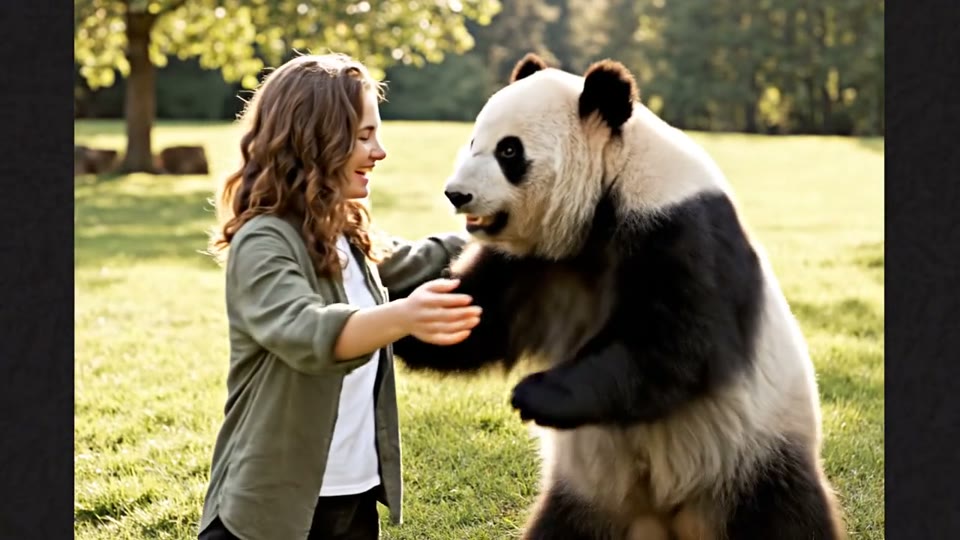
Create a heartwarming AI panda hug video from one photo on Cut AI. Add a gentle panda embrace, bamboo scenery and original sound in your chosen format.
Understand the cast, lyrics, sound and generation settings before you start.
It creates a new 15-second small-room concert from your photos and selected arrangement. The performance and music are created together for your request. The room, music and performance are newly created.
Most presets require one vocalist photo. Pop Duet and Soul Duet require two. Depending on the arrangement, you can upload four or five performers in total, one photo per labeled role. Optional empty roles become newly generated backing musicians.
Yes. Animal Choir includes a lead singer, saxophonist, keyboardist and two backing singers. Add separate animal photos with clear faces and markings, then check the finished video for paws, expressions and how the instruments are held.
Yes. Enter a short chorus of up to four lines, within 200 characters total. The words are treated as lyric content. The music and singing are created together, so wording and timing may vary. Leave Lyrics blank for an original wordless hook.
The band’s style, photo labels and required singers change. Matching roles keep their photos. The example shows one animal ensemble; your photos create a new performance in the style you choose.
The editor shows the current Cut AI credit quote before generation. The quote covers one 15-second video with music. Uploading more optional photos does not add a separate per-photo purchase. Review the displayed quote again if you change your request.
Yes. Choose vertical video for a feed or horizontal video for a wider performance. The generated result follows your selected shape; the example video keeps its own original shape.
Cut AI creates a new room, performance and melody for your request. Use photos and lyrics you have permission to use. The finished video should be reviewed before you share it.
No. AI can change facial details, animal markings, paws, gestures or lyric wording. Play through the full result with sound before downloading or sharing it. Use the example as an illustration of the format, not a promise of an identical performance.
Timing depends on the generation queue. The editor allows up to 30 minutes and prevents duplicate submissions while its request is active. If a request fails, check the displayed message and your photos. Each new generation is separately quoted.
No. Cut AI is an independent AI creation tool. This template creates fictional original performances using your authorized photos and selected settings; it is not affiliated with a broadcaster or recording artist.
Choose an arrangement, assign your performers and optionally write a short chorus. Review your credit quote, then generate your original concert.
Start with Your Photo